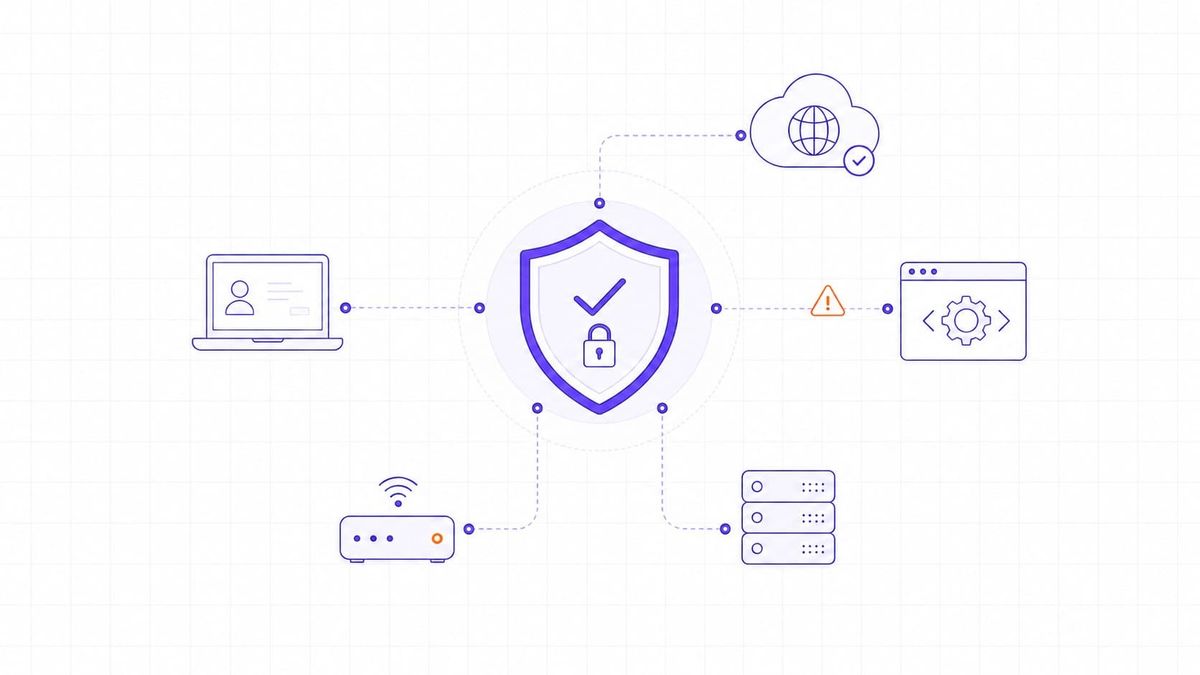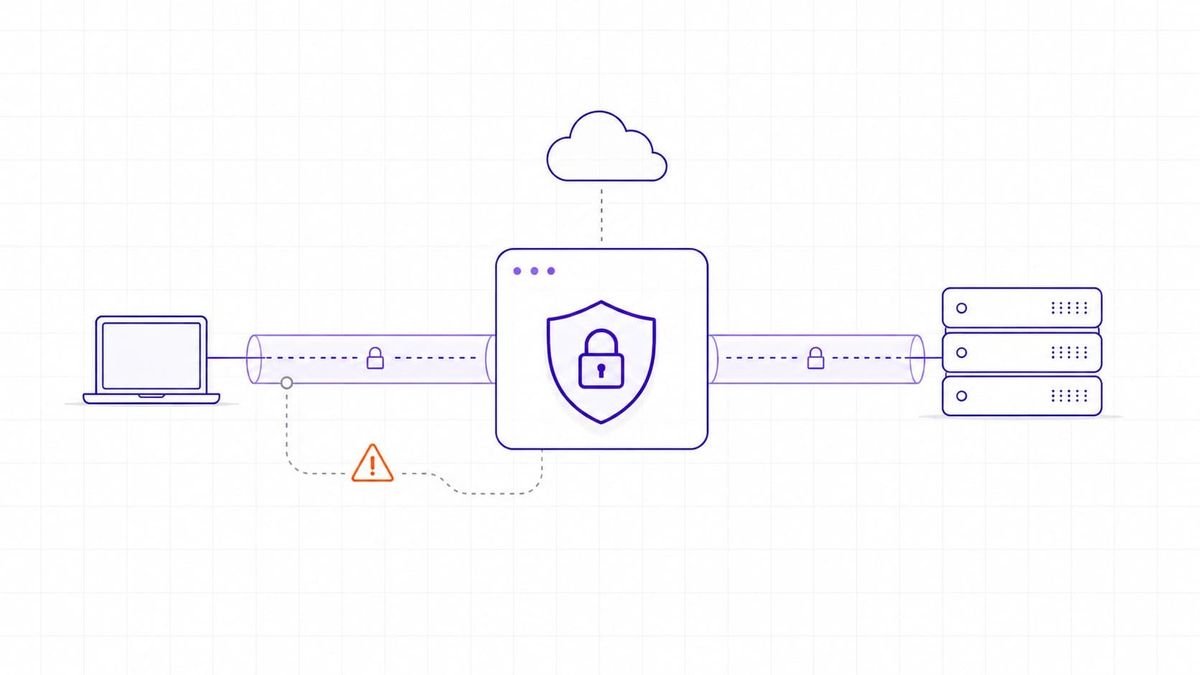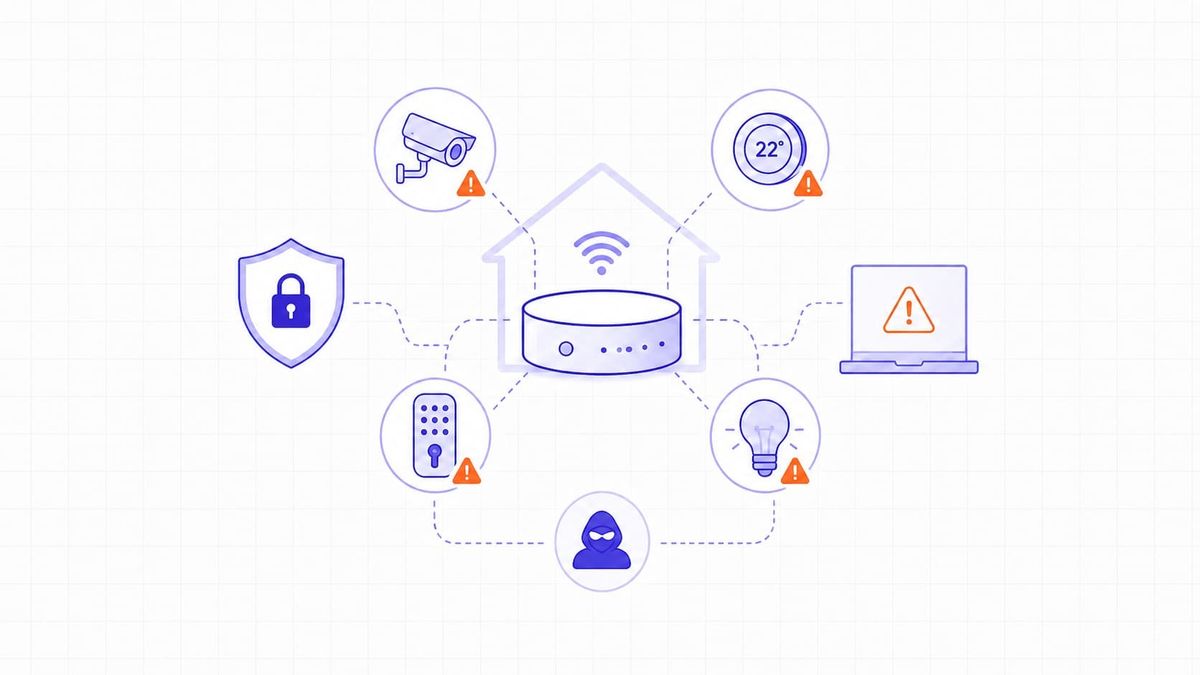

Cyberattacks continue to increase, and Microsoft says its customers face more than 600 million cybercriminal and nation-state attacks every day. Many successful attacks start with weaknesses in networked systems, such as exposed services, outdated software, or misconfigured access controls. Regular scanning helps security teams find those weaknesses early and reduce exposure before attackers can take advantage of them.
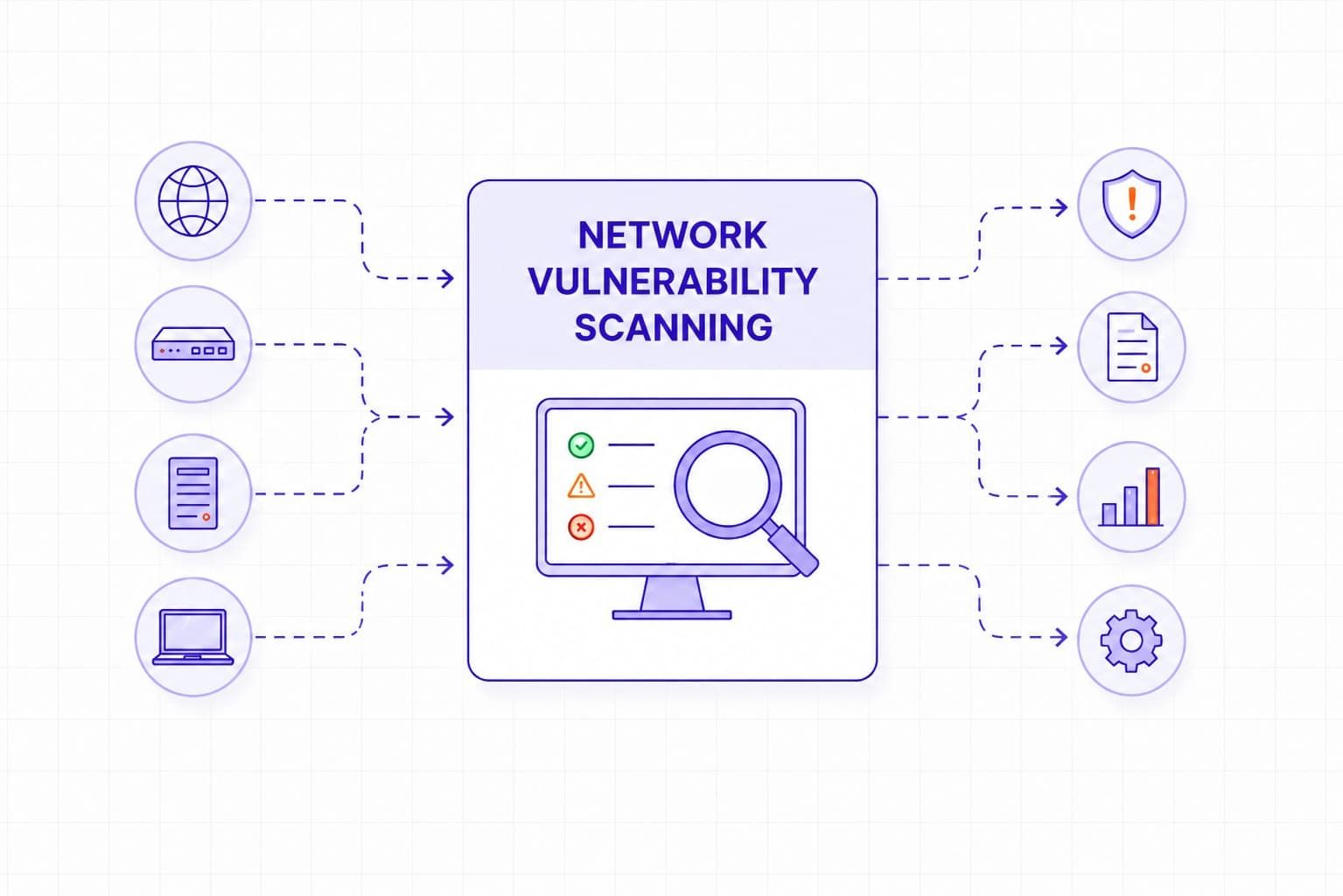
Network vulnerability scanning is the process of checking network-connected systems for security weaknesses. For most teams, the practical goal is not to generate more findings, but to answer four questions quickly: what is exposed, what is outdated, what is misconfigured, and what needs attention first. It helps teams identify problems before attackers do, which makes it an important part of day-to-day security operations, risk reduction, and compliance work.
Network Vulnerability Scanning Explained
NIST SP 800-115 describes network-based vulnerability scanning as a way to help detect weaknesses in network hosts and services. In practice, scanners probe servers, firewalls, routers, switches, endpoints, and other systems to identify known weaknesses, exposed services, and configuration problems.
A network vulnerability scanner typically checks for open ports, outdated software versions, missing patches, insecure configurations, weak credentials, and services with known security issues. After discovery, the scanner compares what it finds with vulnerability intelligence sources such as NVD, CVE records, and vendor advisories.
There are two common scan modes, and they answer different questions:
- Unauthenticated scanning shows what an outsider can discover from the network without credentials.
- Authenticated scanning shows what is actually wrong inside the system, such as missing patches, weak local settings, or privilege-related issues.
For most mature programs, the strongest approach is to use both rather than treat them as alternatives.
Many tools then assign severity ratings using CVSS. That is useful for sorting findings, but it is important to describe CVSS correctly. CVSS measures technical severity, not business risk, and the current official standard is CVSS v4.0, although many tools still display v3.x scores in practice.
Importance of Network Vulnerability Scanning
Attackers do not need many weaknesses to get started. One exposed service, one forgotten device, or one vulnerable version can be enough to create a serious problem. Network vulnerability scanning helps teams find and fix those issues before they turn into incidents.
Regular scanning helps organizations protect data, reduce the chance of downtime, improve visibility into network assets, and keep patching work focused on the systems that matter most. It is also relevant for compliance. That matters most when teams confuse compliance minimums with good operational practice. For example, PCI DSS sets a floor for quarterly internal and external scans, but that does not mean quarterly scanning is enough for public-facing or fast-changing systems.
In PCI DSS v4.0, internal vulnerability scans are covered under Requirement 11.3.1 and external ASV scans under Requirement 11.3.2, with quarterly scanning requirements. HIPAA Security Rule guidance also says covered entities must perform an accurate and thorough assessment of potential risks and vulnerabilities to ePHI.
Types of Network Vulnerability Scanning
Internal Network Vulnerability Scanning
Internal scanning looks at devices and services inside the network perimeter. It is useful for identifying issues that could be abused by insiders, contractors, malware, or attackers who already gained a foothold. Internal scans often reveal outdated software, weak passwords, misconfigured hosts, and missing operating system updates.
External Network Vulnerability Scanning
External scanning checks internet-facing systems from the outside. This includes public web servers, email systems, VPN gateways, firewalls, and remote access services. It helps teams understand what an external attacker can see and which weaknesses might be exploitable over the internet.
One practical example is the 2023 MOVEit Transfer incident. CISA and the FBI said the CL0P group exploited CVE-2023-34362 in internet-facing MOVEit Transfer systems and deployed the LEMURLOOT web shell. This is exactly the kind of externally reachable weakness that routine external scanning is meant to help surface and recheck quickly.
Authenticated Scanning
Authenticated scans use authorized credentials to inspect systems in more detail. They usually produce more accurate results and are better at finding missing patches, insecure local settings, and privilege-related problems.
A lot of teams rely too heavily on what they can see from the network alone. Authenticated scanning is often where the most useful remediation work starts, because it reveals the patch gaps and local configuration issues that perimeter visibility will miss.
Unauthenticated Scanning
Unauthenticated scans work without login credentials. They are useful for showing what an outsider can discover from exposed services, open ports, and visible misconfigurations.
Authenticated and unauthenticated scanning are often presented as alternatives, but in practice they answer different questions. One shows what an outside attacker can see without credentials, while the other shows what is actually wrong inside the system.
Table 1. Authenticated vs unauthenticated scanning
|
Scan type |
Purpose |
What it finds best |
What it may miss |
Best use case |
|
Authenticated scanning |
Inspect systems with approved access to identify weaknesses that are not fully visible from the network alone. |
Missing patches, insecure local settings, outdated packages, weak configurations, privilege-related issues, and some software inventory gaps. |
How the system looks to an external attacker without credentials, including some exposure paths that depend on public reachability. |
Internal security hygiene, patch validation, server and endpoint assessments, and environments where teams need deeper and more actionable findings. |
|
Unauthenticated scanning |
Show what an outsider can discover without logging in or using privileged access. |
Open ports, exposed services, visible software versions, insecure banners, weak perimeter configurations, and externally reachable attack surface. |
Many local misconfigurations, missing patches not visible remotely, privilege issues, and weaknesses that only appear after authenticated inspection. |
External exposure reviews, perimeter visibility, internet-facing asset checks, and validation of what attackers can see from outside the environment. |
|
Using both together |
Combine outside-in visibility with deeper inside-the-system inspection. |
A more complete picture of exposure, patch gaps, service risk, and configuration weaknesses across the environment. |
Neither mode alone fully captures both real exposure and full internal weakness context. |
Mature scanning programs that need both broad visibility and reliable remediation guidance. |
PCI Compliance Scanning
For organizations that handle payment card data, PCI-related scanning is a specific compliance need. External scans for PCI DSS must be performed by an Approved Scanning Vendor and repeated at least once every three months.
Common Vulnerabilities Found in Network Scans
Network scans often find the same categories of issues again and again:
- open ports that are not needed;
- outdated software with known flaws;
- missing security patches;
- weak or default credentials;
- misconfigured firewalls, servers, or protocols;
- unnecessary or unused services left running.
The biggest wins from network scanning are often not dramatic zero-days. They come from consistently removing the same avoidable problems - exposed services, outdated software, weak credentials, and configuration drift.
Fixing those issues reduces the attack surface and usually improves network hygiene overall. Scanning is good at finding known weaknesses, exposed services, and common misconfigurations. It is less useful for proving realistic attack paths, testing business logic, or replacing manual validation in complex environments.
Table 2. What network scanning finds - and what it does not
|
Good at |
Not enough on its own |
What to add next |
|
Open ports, exposed services, outdated software, missing patches, weak protocols, and common network misconfigurations. |
Proving whether weaknesses can be chained into a realistic attack path. |
Add penetration testing or manual validation for exploitability and attack-path analysis. |
|
Broad visibility across many network-connected systems and recurring checks at scale. |
Understanding full business impact or operational consequence if a weakness is exploited. |
Add asset criticality, business context, and risk-based prioritization. |
|
Detecting known issues tied to public advisories, vulnerability intelligence, and common hygiene problems. |
Finding unknown flaws, business logic weaknesses, or application-specific security defects. |
Add application security testing, code review, or targeted manual testing where needed. |
|
Showing what is exposed externally or what is misconfigured internally, depending on scan mode. |
Replacing asset ownership, remediation workflows, or good patch management discipline. |
Add ownership mapping, ticketing, remediation SLAs, and rescanning after fixes. |
|
Supporting routine hygiene, trend tracking, and recurring visibility across infrastructure. |
Acting as a one-time answer in fast-changing environments such as public cloud or frequently updated systems. |
Add continuous or event-driven scanning tied to infrastructure and deployment changes. |
Popular Network Vulnerability Scanning Tools
There is no single best scanner for every environment. The right choice depends on network size, asset types, reporting needs, integrations, and how much automation the security team wants.
Common options include Nessus, OpenVAS, Qualys, Rapid7, and Nmap-based approaches, but the better question is not which logo is most famous. It is whether the tool fits the environment, supports the right scan depth, produces manageable findings, and integrates with the team’s remediation workflow. For web applications, teams often use tools such as Burp Suite alongside network scanners rather than instead of them.
For teams that need ongoing visibility rather than occasional one-off checks, a platform that combines asset discovery, recurring scans, prioritization, and remediation workflow in one place can be more practical than stitching together several disconnected tools. TopScan follows this approach for teams without a dedicated security department: it discovers exposed services, monitors changes, prioritizes findings by context, and helps track remediation through ownership, SLA, and reporting workflows.
Recommended Network Vulnerability Scanning Frequency
Network vulnerability scanning should be routine, not occasional. There is no single scan cadence that fits every environment. The right frequency depends on exposure, business importance, rate of change, and compliance requirements.
Table 3. How to choose scan frequency
|
Environment type |
Minimum reasonable cadence |
Trigger for extra scans |
|
Stable internal infrastructure |
Monthly |
Major configuration changes, newly deployed systems, patch cycles, or suspicious activity. |
|
Public-facing systems and remote access services |
Weekly |
New internet exposure, firewall or routing changes, new application releases, or threat intelligence affecting exposed services. |
|
Mission-critical business services |
Weekly or more often, depending on change rate |
Major software updates, architecture changes, incidents, urgent vendor advisories, or evidence of active exploitation. |
|
Cloud workloads and fast-changing environments |
Continuous or event-driven, with recurring scheduled checks as a baseline |
New deployments, infrastructure-as-code changes, identity or permission changes, scaling events, or exposed new assets. |
|
Compliance-driven cardholder data environments |
At least quarterly, with more frequent scanning where exposure or change rate justifies it |
Significant changes to the environment, segmentation changes, new internet-facing components, or remediation verification after failed scans. |
|
Post-incident or post-remediation checks |
Not calendar-based - scan as soon as the change or incident response step is completed |
Incident containment, emergency patching, hardening changes, or confirmation that a critical weakness is no longer present. |
A monthly cadence may be reasonable for stable internal infrastructure, while public-facing services, cloud workloads, and frequently changing environments often justify weekly or event-driven scanning.
Compliance can also set a minimum floor. For PCI DSS v4.0, external ASV scans must be performed at least every three months, and internal scans also have quarterly requirements.
Automated Scanning and Safe Validation
Automated scanning helps teams keep a steady cadence without relying on manual reminders. Most modern platforms let teams schedule scans daily, weekly, monthly, or after defined triggers such as configuration changes.
Some advanced platforms also add controlled validation features to reduce false positives and confirm whether a finding is likely real. That can improve triage, but it is still not the same as a full penetration test, which asks broader questions about exploit chaining, lateral movement, and business impact.
Network Impact and Safe Scanning Practices
In most cases, network vulnerability scanning is safe, but it is not completely risk-free. NIST notes that scanning can disrupt network operations by consuming bandwidth and slowing response times, especially in fragile or poorly tuned environments. Older systems and unstable devices can also react badly to aggressive scan settings.
That is why good practice matters:
- run heavier scans during off-peak hours;
- use lighter settings for fragile systems;
- test scan profiles on a smaller group before expanding them;
- review authentication and rate settings before production runs.
Conclusion
Network vulnerability scanning is one of the simplest and most effective ways to improve security posture over time. It helps organizations find weaknesses early, reduce exposure, support compliance, and keep patching efforts focused on the issues that matter most.
A scanning program only creates security value when consistency leads to action. The strongest programs scan regularly, review results fast, assign owners, verify fixes, and keep repeating the cycle before small weaknesses turn into bigger incidents.