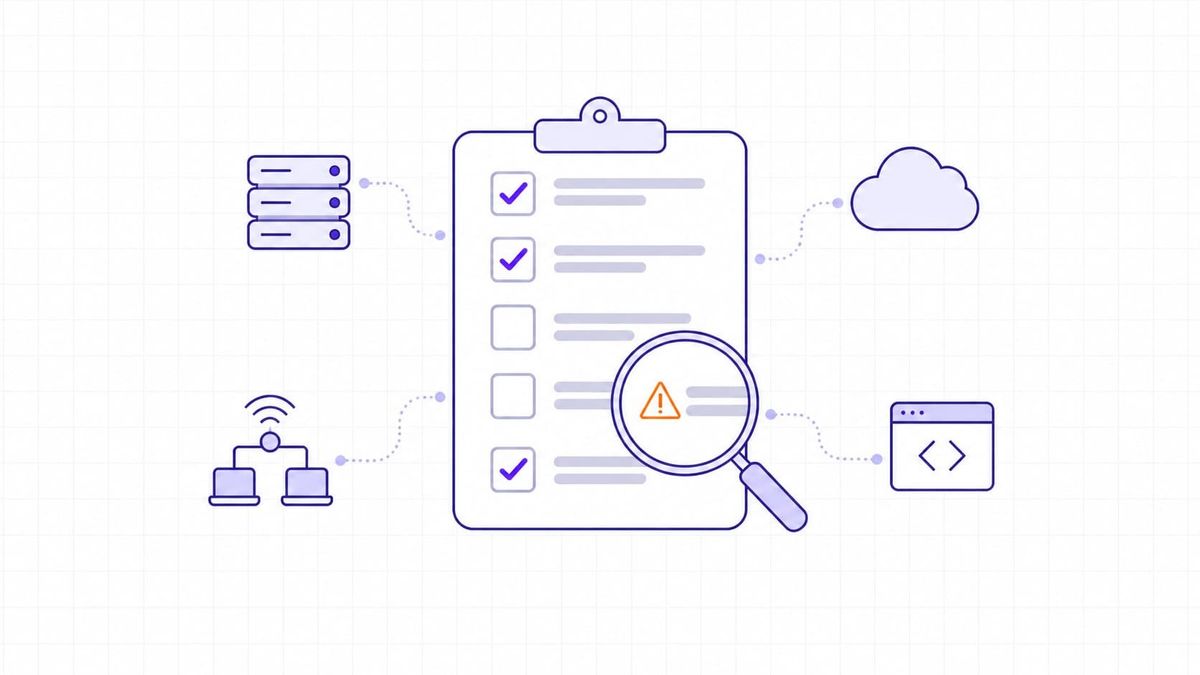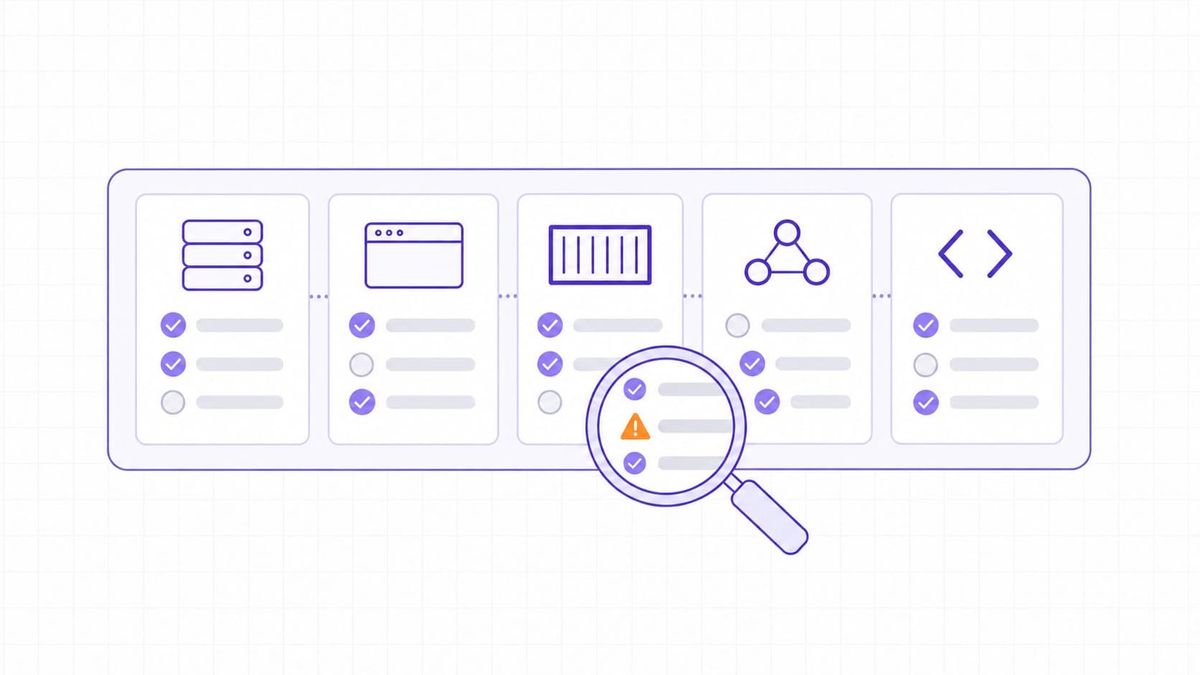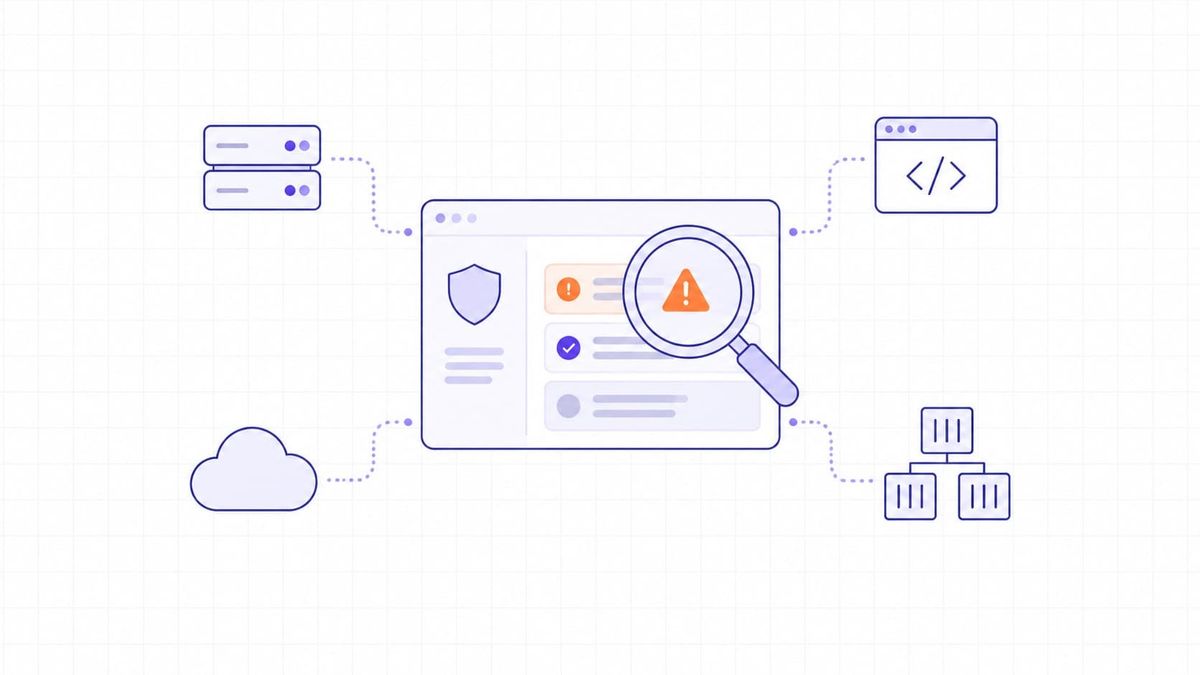

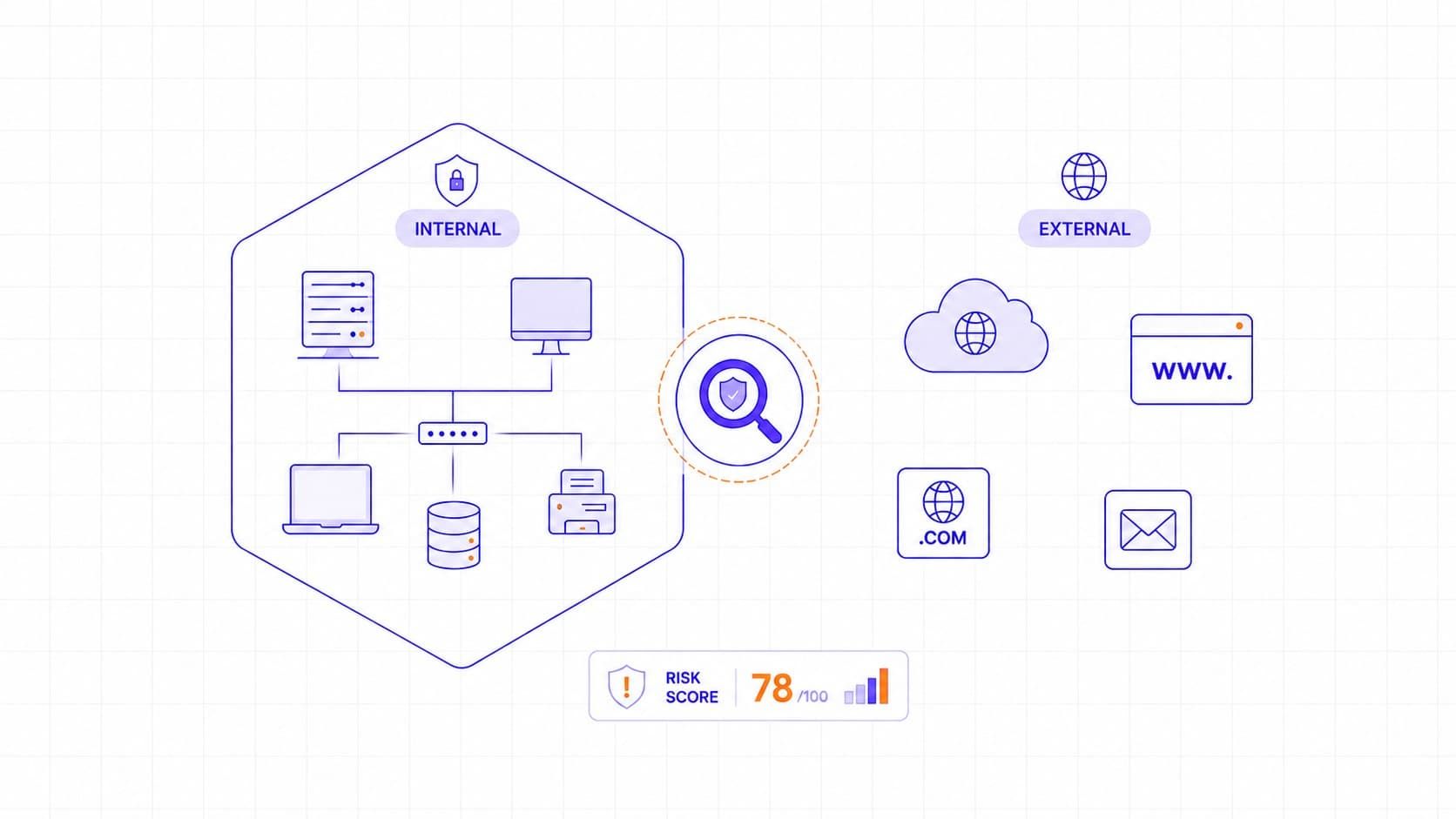
External vulnerability scanning shows what an attacker can reach from the internet, such as public websites, APIs, VPN gateways, exposed ports, cloud endpoints, and perimeter services. Internal vulnerability scanning shows what could be found or abused from inside the environment after initial access, such as missing patches, weak internal controls, insecure configurations, and lateral movement paths. External scans reduce perimeter blind spots; internal scans reveal post-compromise risk. Most teams need both because neither view is complete on its own.
Table 1. Internal vs external scanning - what each finds best
|
Scan type |
Best at |
May miss |
Best follow-up |
|
External scanning |
Identifying internet-facing exposure such as open ports, reachable services, exposed web interfaces, outdated public software, and weak perimeter configurations. |
Many internal weaknesses that are only visible with deeper host access, including missing patches, local misconfigurations, weak internal privileges, and post-compromise paths. |
Validate the exposed findings, prioritize internet-facing risks first, then use internal or authenticated scanning to check how far the same weaknesses extend inside the environment. |
|
Internal scanning |
Finding missing patches, insecure local settings, weak internal controls, outdated operating systems, unsupported software, and conditions that could enable lateral movement or privilege escalation. |
The full outside-in view of what a real external attacker can discover and reach from the internet without prior access. |
Use authenticated scanning where possible, verify critical findings, and combine the results with external scanning to understand both internal weakness and external exposure. |
|
Using both together |
Providing a more complete view of exposure by showing both what outsiders can reach and what attackers could do after gaining an internal foothold. |
Neither approach alone fully explains exploit chaining, business impact, or how different weaknesses combine into a realistic attack path. |
Add prioritization using CVSS, KEV, EPSS, and asset context, then follow a fix-verify-rescan loop to confirm that exposure is actually reduced. |
When to Use Internal, External, or Both Scan Types
- Use external vulnerability scanning when the main question is what an attacker can reach from the internet. It is the right starting point for public websites, APIs, VPN gateways, remote access services, exposed ports, cloud endpoints, and other internet-facing systems. External scanning is also useful after launching a new public asset, changing firewall rules, responding to a newly disclosed CVE that affects exposed software, or meeting external scan requirements such as PCI DSS.
- Use internal vulnerability scanning when the main question is what could be found or abused after access to the internal environment. It is the better choice for checking missing patches, insecure local configurations, weak internal controls, outdated operating systems, unsupported software, and conditions that could support lateral movement or privilege escalation. Internal scanning is especially useful for patch validation, credentialed host checks, endpoint and server hygiene, and post-incident review.
- Use both scan types when you need a complete view of exposure. External scanning shows what is reachable from outside, while internal scanning shows what could happen after an attacker, malware, or insider is already inside. Together, they help teams connect perimeter exposure with internal weakness, prioritize remediation more accurately, and verify that fixes reduce risk across the environment rather than only in one view.
A simple rule is this: start with external scanning when the asset is public-facing, start with internal scanning when the concern is host hygiene or post-compromise risk, and use both when the system is important enough that one perspective would leave blind spots.
Vulnerability Scanning Explained
Vulnerability scanning is the process of testing systems, applications, and services for weaknesses that attackers could exploit. NIST SP 800-115 describes vulnerability scanning as one of the standard technical methods used to identify potential weaknesses in systems and networks. In practice, teams use scanning to answer four practical questions quickly: what is exposed, what is outdated, what is misconfigured, and what needs attention first.
Organizations usually need both internal and external scanning because the two perspectives answer different questions. External scanning is about exposure. It shows what an outside attacker can discover and reach without prior access. Internal scanning is about post-compromise reach. It shows what could happen if an attacker, malware, or an insider is already inside the environment. One helps reduce perimeter blind spots, and the other helps reduce the damage an attacker could cause after initial access.
The most common mistake is to treat internal and external scanning as interchangeable. External scanning helps reduce perimeter blind spots; internal scanning shows how much damage an attacker could do after gaining a foothold inside the environment.
A scanner typically looks for exposed services, open ports, outdated software, missing patches, weak protocols, insecure configurations, and other known weaknesses. Many tools compare what they find against sources such as CVE records, NVD enrichment, and vendor advisories. Many also assign CVSS scores, which are useful for technical severity but should not be treated as full business risk scores. CVSS describes severity, while prioritization still needs exposure, asset criticality, and exploitation context.
External Vulnerability Scanning
External vulnerability scanning focuses on internet-facing assets such as public websites, APIs, VPN gateways, remote access services, firewalls, exposed ports, and publicly reachable administration interfaces. The goal is to identify weaknesses that an outside attacker could use without already having internal access. For in-scope PCI DSS external scans, the scan must be performed by a PCI SSC Approved Scanning Vendor.
In practice, an external scan is designed to be automated and low impact, but teams should still avoid assuming it is completely risk-free. NIST notes that scanning can consume bandwidth and slow network response times, especially in fragile or poorly tuned environments. A good external scanning process identifies internet-facing hosts, enumerates open ports and reachable services, fingerprints software and service versions, and compares findings against authoritative sources before reporting confirmed issues.
A useful real-world example is the 2023 MOVEit Transfer incident. CISA and the FBI said the CL0P group exploited CVE-2023-34362 in internet-facing MOVEit Transfer systems and deployed the LEMURLOOT web shell. This is a useful example of internet-facing exposure that external scanning can help inventory, monitor, and recheck quickly once detection logic or patches are available.
Internal Vulnerability Scanning
Internal vulnerability scanning assesses assets from inside the environment. It is designed to identify weaknesses that may support lateral movement, privilege escalation, or misuse by insiders and malware. Common findings include missing patches, weak credentials, insecure local configurations, outdated operating systems, unsupported software, and poorly controlled internal services.
Authenticated internal scanning is usually more effective than unauthenticated internal scanning because it allows deeper inspection of hosts and can uncover issues that are not visible from the network alone. PCI DSS v4.0 added authenticated internal vulnerability scanning in the PCI context, which reflects how much more useful credentialed scanning is in practice for patch validation and configuration review.
Many teams overestimate what they can learn from network visibility alone. Authenticated scanning is often where the most actionable remediation work starts, because it reveals the patch gaps, local misconfigurations, and privilege issues that perimeter-only visibility will miss.
A practical internal-side example is the NHS impact during WannaCry. The UK National Audit Office said all NHS organizations infected by WannaCry had unpatched or unsupported Windows operating systems, and also noted that better firewall management on internet-facing systems would have reduced exposure. This is a useful reminder that internal weakness, patching gaps, and network controls often combine into real operational risk.
Why Both Scanning Types Matter
External and internal scans are not interchangeable. External scanning helps answer: what can an attacker see and reach from the internet? Internal scanning helps answer: what could happen if an attacker already has a foothold? A company that uses only one of the two views leaves part of its environment untested.
This matters for security and compliance. PCI DSS separates internal and external vulnerability scan requirements, and the summary of changes for v4.0 highlights authenticated internal scanning as a specific addition. At the same time, compliance minimums are not the same as good operational practice. Quarterly scans may satisfy a compliance floor in scope, but public-facing or fast-changing systems often justify more frequent or event-driven scanning than the minimum cadence.
Core Differences Between Internal and External Vulnerability Scanning
Internal and external scanning differ in perspective, depth, and typical use. External scans are usually outside-in and are especially useful for internet exposure, perimeter review, and compliance-driven external checks. Internal scans are inside-out and are usually better for missing patches, weak internal controls, lateral movement risk, and detailed remediation work. In practice, mature teams use both because perimeter visibility and internal hygiene are different operational problems.
The difference becomes clearer when the two scan types are compared side by side. External scanning is strongest when the goal is to understand internet-facing exposure, while internal scanning is stronger for finding deeper host-level weaknesses and post-compromise risk.
Internal Vulnerability Scan Workflow
A practical internal scan workflow usually has three parts: discovery, credentialed assessment, and remediation verification.
The discovery phase identifies active devices, IP ranges, services, and reachable internal systems. Without an accurate asset list, blind spots remain. After discovery, the scanner uses approved credentials to inspect systems in greater depth.
This helps uncover hidden issues such as outdated packages, missing patches, weak local settings, excessive privileges, and insecure configurations that an unauthenticated scan may miss. Once findings are reviewed, the team prioritizes the most important issues, applies fixes, and verifies that the changes were implemented correctly. Rescanning is important because it confirms that the weakness is no longer present.
External Vulnerability Scan Workflow
A practical external scan workflow usually includes discovery, fingerprinting, validation, and reporting.
The first step is to identify public-facing hosts, open ports, and reachable services. Next, the scanner fingerprints software and service types by using banners, protocol behavior, signatures, and version indicators. It then validates provisional findings against authoritative sources such as CVE, NVD, vendor advisories, and product-specific guidance before producing a report. The most useful external reports show what was exposed, which findings were confirmed, how severe they are technically, and what should be fixed first.
How Often to Run Internal and External Vulnerability Scans
External scans should be scheduled according to both business risk and compliance requirements. For PCI DSS, external scans in scope must be performed at least once every three months by an ASV, but that cadence should be treated as a minimum floor rather than a universal best practice for all internet-facing systems. Internal scans follow a different model. NIST SP 800-53 Rev. 5 includes RA-5, Vulnerability Monitoring and Scanning, which supports organization-defined frequency and scanning when new vulnerabilities that affect the system are identified and reported.
A good program uses both scheduled scans and event-driven scans. Scheduled scans keep coverage predictable. Event-driven scans help catch exposure that appears between routine runs, which matters in cloud environments, public-facing systems, and fast-moving infrastructure. Continuous monitoring guidance from NIST SP 800-137 reinforces the broader principle of maintaining ongoing awareness of vulnerabilities and threats to support risk decisions.
A strong scanning program is not defined only by cadence. It is defined by how quickly the team reacts when something changes - a new service goes live, a major configuration shifts, or a critical vulnerability is disclosed.
Some scan events should not wait for the next monthly or quarterly cycle. In practice, additional scans are most useful when something changes that could create new exposure, invalidate earlier results, or increase the urgency of existing weaknesses.
Table 2. When to trigger an extra scan
|
Trigger |
Why it matters |
Which scan type to run first |
|
Deployment of a new public-facing application or API |
New internet-facing assets can introduce exposed services, weak configurations, or outdated components that were not present in earlier scan results. |
External scan first, followed by internal or authenticated scanning if the application is in scope for deeper review. |
|
Major network or firewall changes |
Routing, segmentation, firewall, or access rule changes can accidentally expose services or alter which systems are reachable from inside or outside the environment. |
External and internal scans, depending on whether the change affects internet exposure, internal reachability, or both. |
|
Rollout of new software or infrastructure updates |
New builds, platform upgrades, and infrastructure changes can introduce fresh weaknesses, version drift, or insecure default settings. |
Internal authenticated scan first, with external scanning added if the updated asset is internet-facing. |
|
Disclosure of a critical new vulnerability |
A newly disclosed issue may affect systems that were previously considered low risk, especially if exploitability or exposure changes quickly after disclosure. |
Start with the scan type that matches the affected asset - external for internet-facing systems, internal for internal hosts, or both if the exposure path is unclear. |
|
Suspected breach or security incident |
After an incident, teams need to check for related exposure, overlooked weaknesses, and systems that may have been affected but were not part of the initial response. |
Internal scan first for post-compromise visibility, with external scanning added if internet-facing exposure may have contributed to the incident. |
|
Significant remediation of critical findings |
Once major fixes are applied, the team needs to confirm that exposure is actually gone and that the remediation did not leave gaps or partial fixes behind. |
Rescan the affected assets using the same relevant scan type, then expand if the change could have broader impact. |
|
Cloud configuration or identity changes |
Changes to permissions, security groups, roles, storage access, or cloud networking can create new exposure faster than a scheduled scan cycle would catch. |
Internal authenticated or cloud-aware scanning first, with external scanning added if the change affects public exposure. |
Where TopScan fits in a vulnerability scanning program
Internal and external vulnerability scans answer different security questions. TopScan does not replace every type of internal, credentialed network scan. Instead, it helps teams operationalize the parts of vulnerability management that often become fragmented: external exposure, web and API scanning, cloud-discovered targets, code and dependency findings, prioritization, ownership, SLA tracking, and remediation evidence.
For internet-facing assets, TopScan discovers exposed services, ports, applications, APIs, SSL/TLS signals, and cloud-connected targets. It brings findings into one dashboard, prioritizes them with context, and supports the remediation workflow with statuses, owners, SLA deadlines, notifications, and reporting.
This is especially useful for small and mid-sized teams without a dedicated security department. A CTO or Head of DevOps can use TopScan to understand what is exposed, what changed, what should be fixed first, and how remediation progress can be shown to leadership or auditors.
Triggers for Event-Driven Scans
Routine scanning is not enough on its own. Some events should trigger an additional scan immediately:
- deployment of a new application, server, or device;
- major network or configuration changes;
- rollout of new software or infrastructure updates;
- disclosure of a critical new vulnerability;
- a suspected breach or other security incident.
This is consistent with risk-based scanning logic in NIST controls, where organizations are expected to scan at defined intervals and also when newly identified vulnerabilities may affect the system.
What to Do After Internal and External Vulnerability Scans
Once both scans are complete, the organization should review the findings, remove noise and false positives, prioritize confirmed issues, assign owners, apply fixes, and rescan. The goal is not just to collect findings, but to reduce real exposure.
A scan report is only useful if the team knows how to work through it in the right order. In practice, the most important task is not to read every finding in sequence, but to separate signals from noise, confirm what matters, and move quickly from validation to ownership and remediation.
Table 3. What to check after a scan report
|
Step |
Why it matters |
Example question |
|
Confirm the finding |
Not every scanner result is equally reliable. Teams need to separate confirmed issues from false positives, duplicates, and findings that do not actually apply to the environment. |
Is this a real issue on a live asset, or does it still need validation? |
|
Check exposure |
A confirmed issue becomes more urgent when it affects an internet-facing asset, a broadly reachable internal system, or a service that supports lateral movement. |
Can this vulnerable asset be reached from the internet or from a sensitive internal segment? |
|
Check asset criticality |
The same technical weakness can represent very different operational urgency depending on what the affected system does. |
Does this system support authentication, payments, sensitive data, or another critical business function? |
|
Look for exploitation evidence |
Known exploitation in the wild can raise urgency even when a score does not look extreme on its own. |
Is this vulnerability listed in KEV or linked to active exploitation reports? |
|
Review severity in context |
CVSS helps describe technical severity, but severity alone does not define remediation order. |
Does the CVSS score match the real urgency once exposure, asset importance, and controls are considered? |
|
Identify compensating controls |
Existing protections such as segmentation, MFA, WAF rules, or restricted access may reduce immediate urgency, even though they do not remove the issue itself. |
Are there controls already in place that significantly reduce reachability or impact? |
|
Assign ownership |
A finding cannot be fixed efficiently if no team clearly owns the affected asset or the remediation path. |
Who owns this asset, and who is responsible for fixing this issue? |
|
Set remediation priority |
Teams need a practical order of work, not just a list of issues sorted by severity label. |
Does this finding need immediate action, planned remediation, or monitoring with a defined timeline? |
|
Verify the fix |
A vulnerability is not truly closed until the team confirms that the remediation worked. |
Was the issue actually removed, or do we still need a rescan or manual verification step? |
Priority should not be based on raw scanner output alone. A practical triage sequence is: first confirm the finding, then check whether the asset is exposed or business-critical, then look for active exploitation evidence in KEV, and finally use EPSS when an additional probability signal is useful. FIRST states that CVSS should not be used alone to assess risk. CISA says the KEV Catalog should be used as an input to vulnerability prioritization, and EPSS estimates the probability of exploitation activity in the next 30 days.
CVSS Severity and Prioritization
CVSS is maintained by FIRST and is designed to communicate vulnerability severity. The current official standard is CVSS v4.0, which uses Base, Threat, Environmental, and Supplemental metric groups. Many tools still display CVSS v3.x, where scores are built from Base, Temporal, and Environmental metrics. In both cases, CVSS should be treated as a severity framework, not a complete business risk score.
For internal and external scan results, the practical approach is simple: use CVSS to understand technical severity, KEV to check whether exploitation is already happening, EPSS to estimate near-term exploitation likelihood, and internal context to reflect asset criticality and exposure. That combination is more useful than relying on a severity label by itself.
Fix-Verify-Rescan Loop
A scanning program is only useful if it ends in action. After patching systems and correcting misconfigurations, teams should verify the changes and rescan the affected assets.
The real output of scanning is not the report itself. It is a shorter list of confirmed issues, clear remediation ownership, completed fixes, and a rescan that proves the exposure is actually gone.
This loop also improves future prioritization. Teams learn which fixes are effective, which systems generate repeated issues, and where process gaps still exist. Over time, that makes the scanning program more useful and less noisy.