
Notifications & Alerting
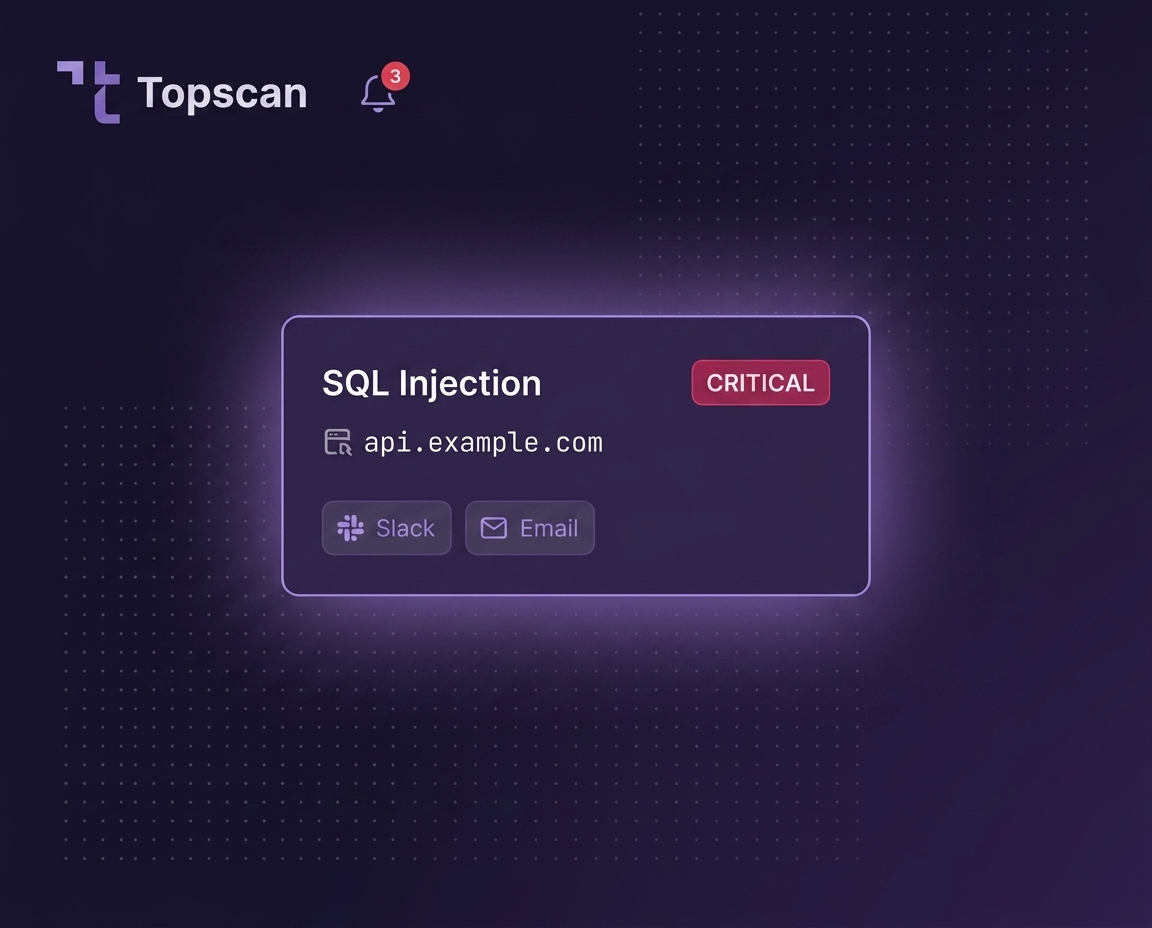
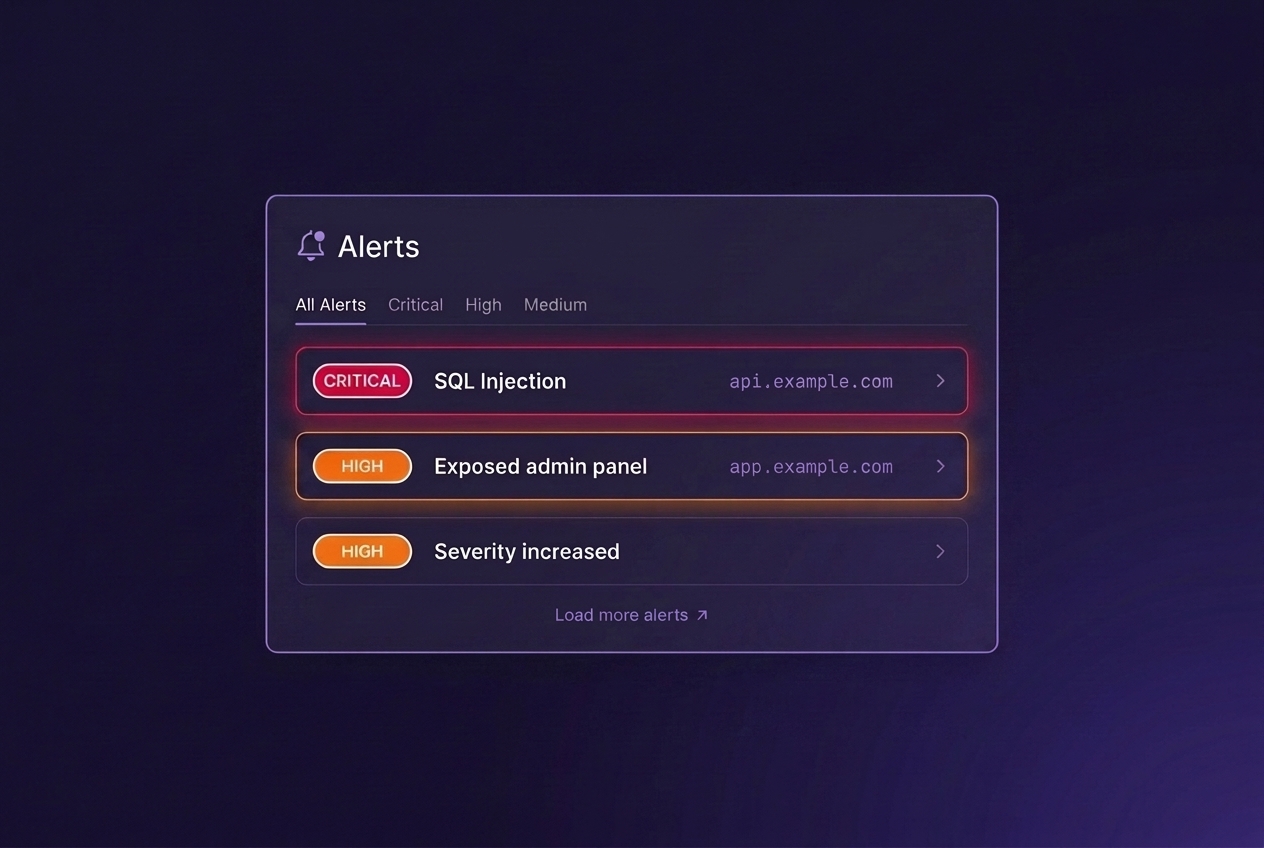
Know when new vulnerabilities appear. Topscan alerts teams when scans detect new issues, severity changes, or unresolved risks that need attention.
Why alerts matter
Security findings are easy to miss. Teams often discover problems:
- days after a scan finished;
- after a customer report;
- or after an issue already became a production incident.
Topscan keeps security findings visible while they still can be fixed quickly.
What gets reported
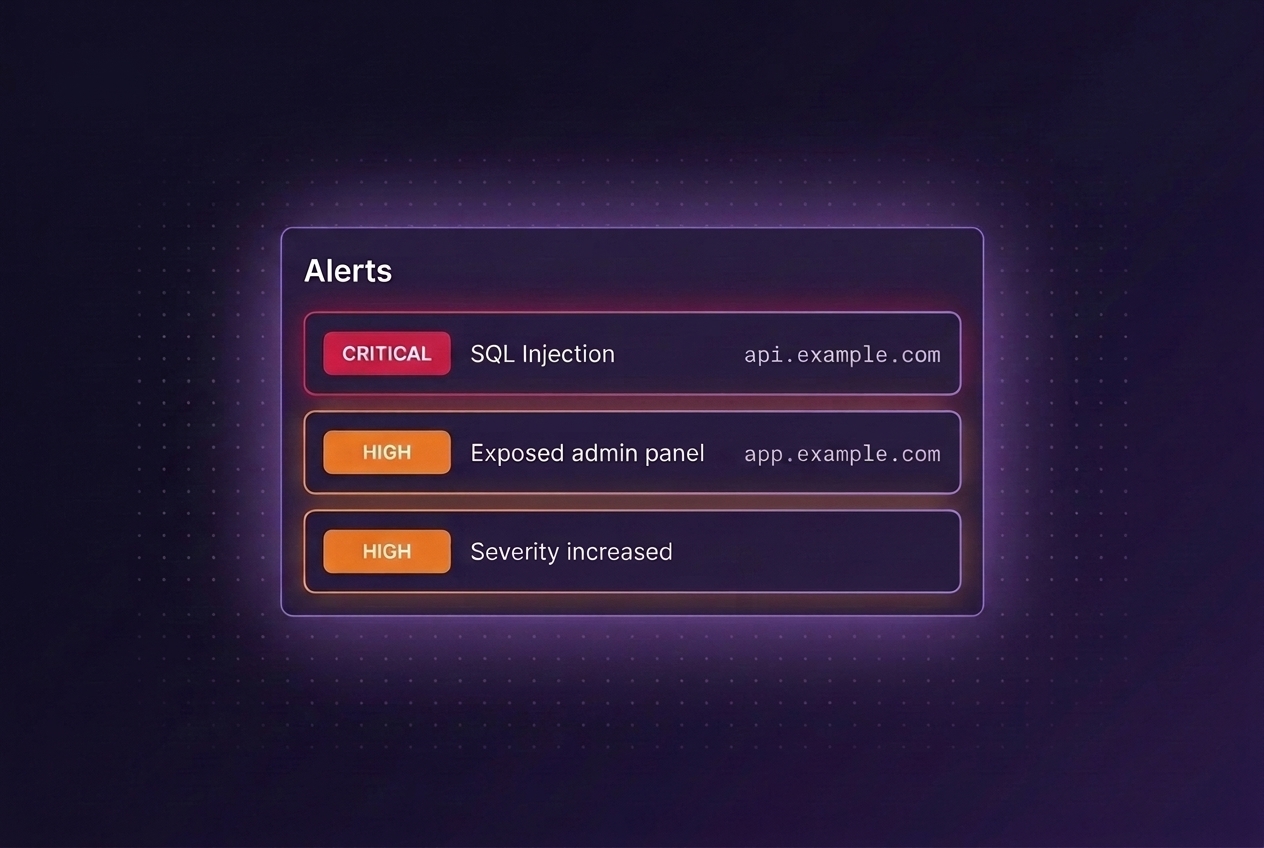
Receive alerts for:
- newly detected vulnerabilities
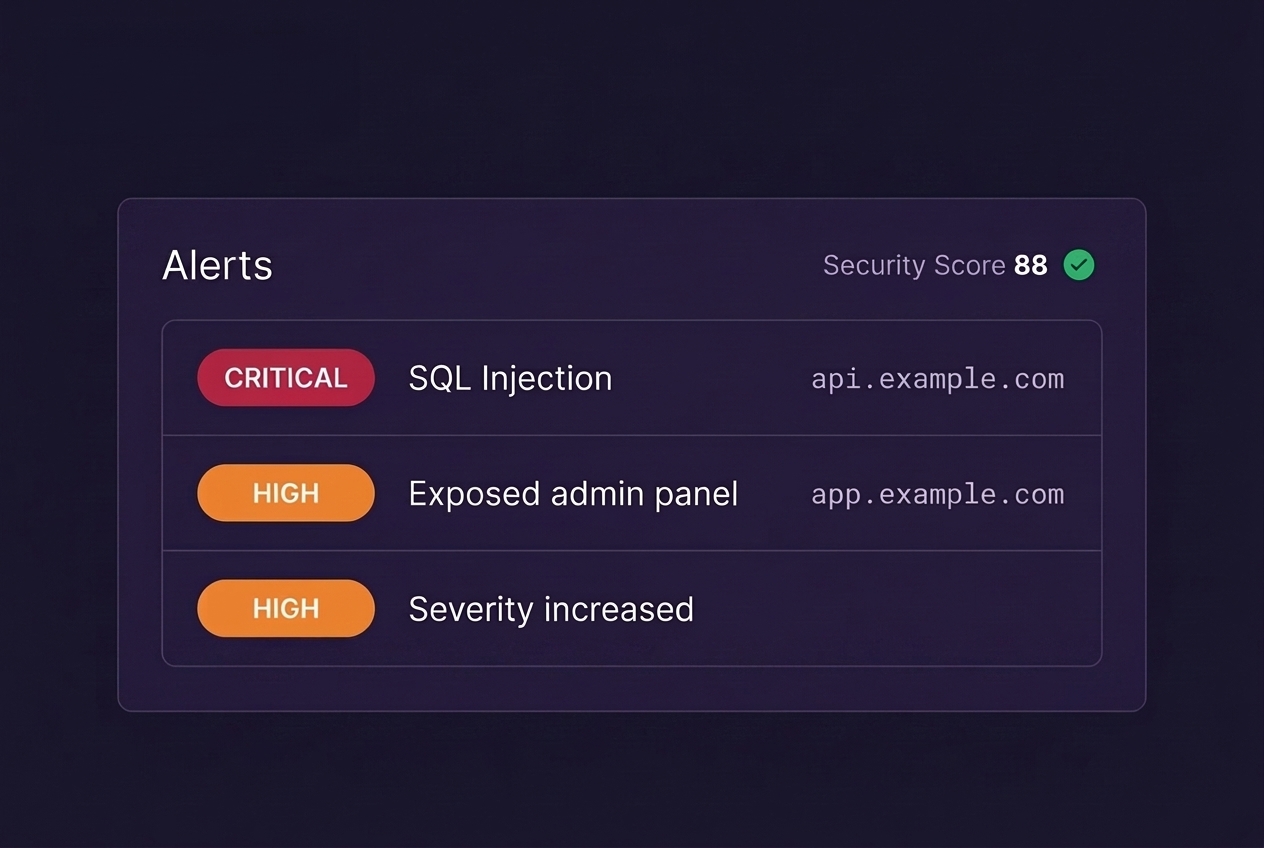
- critical and high-severity findings
- reopened issues
- overdue remediation SLA breaches
- scan failures
- infrastructure exposure changes
Built for engineering workflows
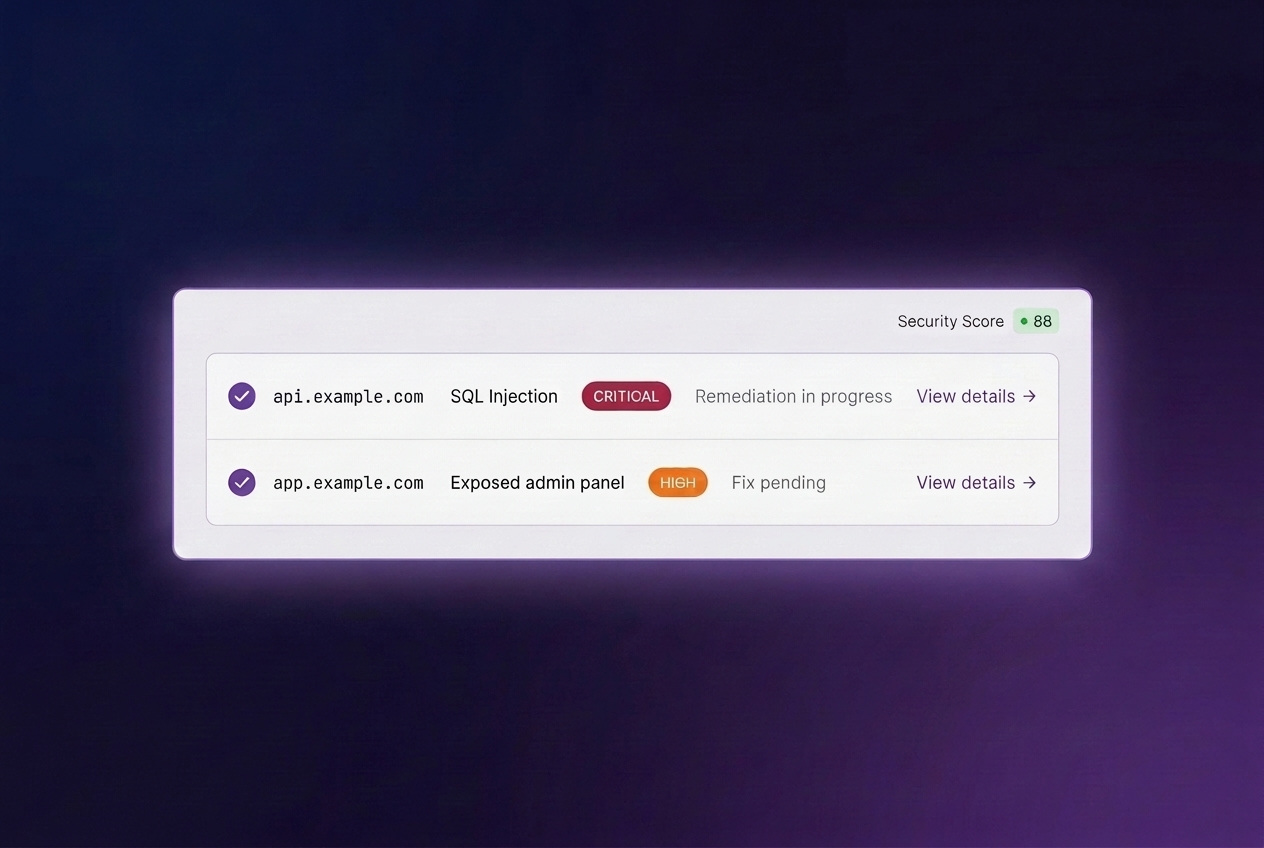
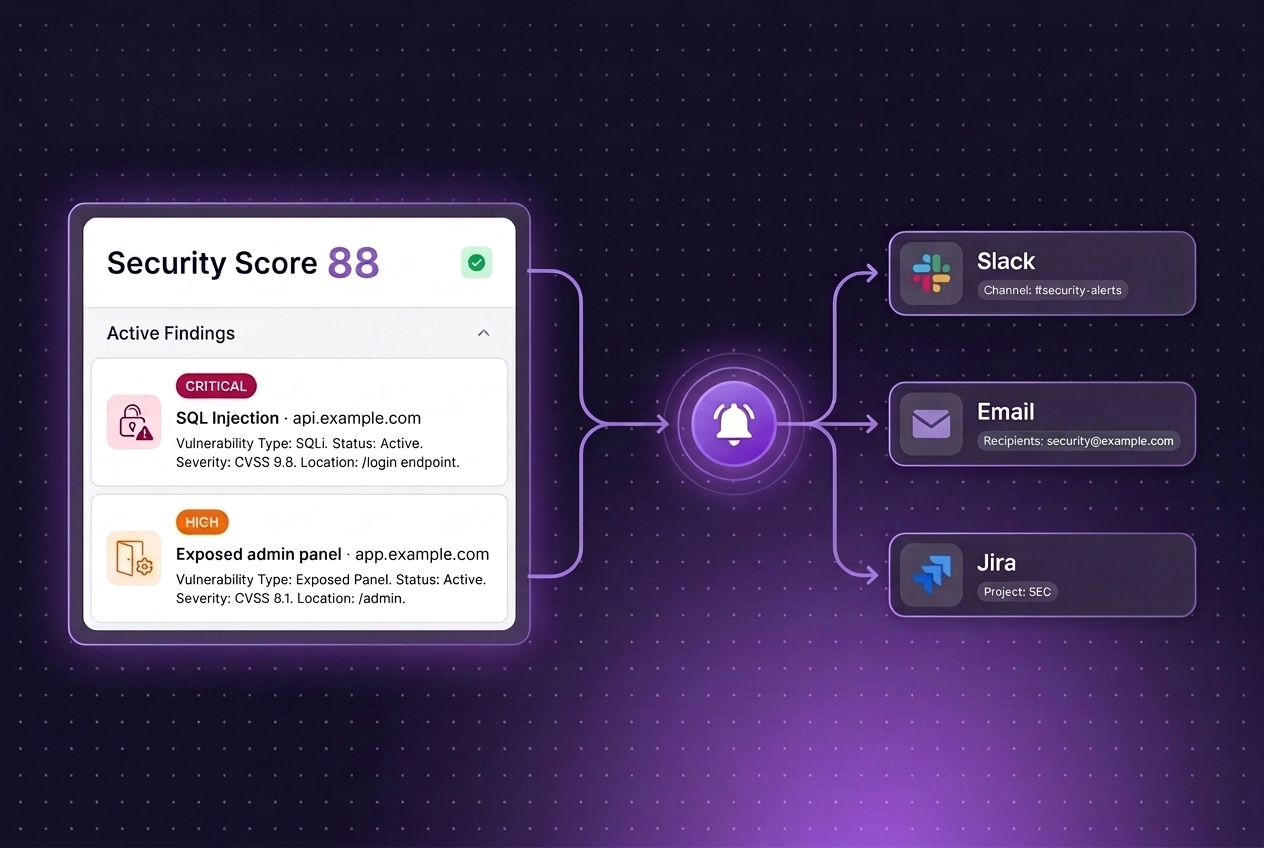
Notifications include:
- affected asset or URL;
- vulnerability type;
- severity;
- remediation status;
- direct links to findings.
No raw scanner output. No noisy reports without context.
Delivery channels
Send alerts to:
- email,
- Slack,
- team workflows,
- ticketing and operational processes.
Reduce alert fatigue
Not every issue needs the same response.
Topscan helps teams focus on:
- high-severity vulnerabilities,
- externally exposed assets,
- unresolved risks,
- newly introduced issues.
The goal is signal over noise.
How teams use it
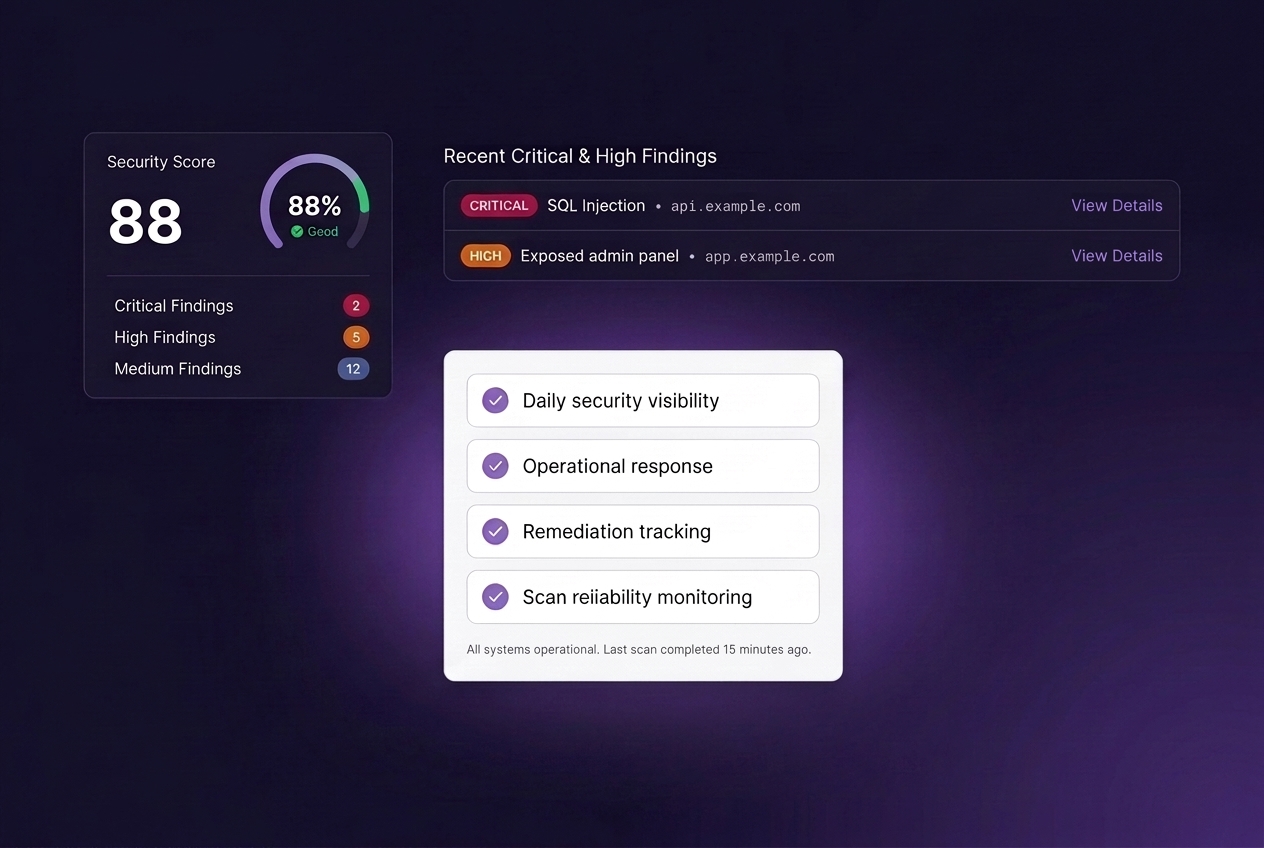
Daily security visibility
Track newly discovered vulnerabilities across external assets.
Operational response
Get notified when critical findings appear after deployments or infrastructure changes.
Remediation tracking
Keep unresolved issues visible until fixed.
Scan reliability monitoring
Detect failed or incomplete scans quickly.
Designed for continuous monitoring
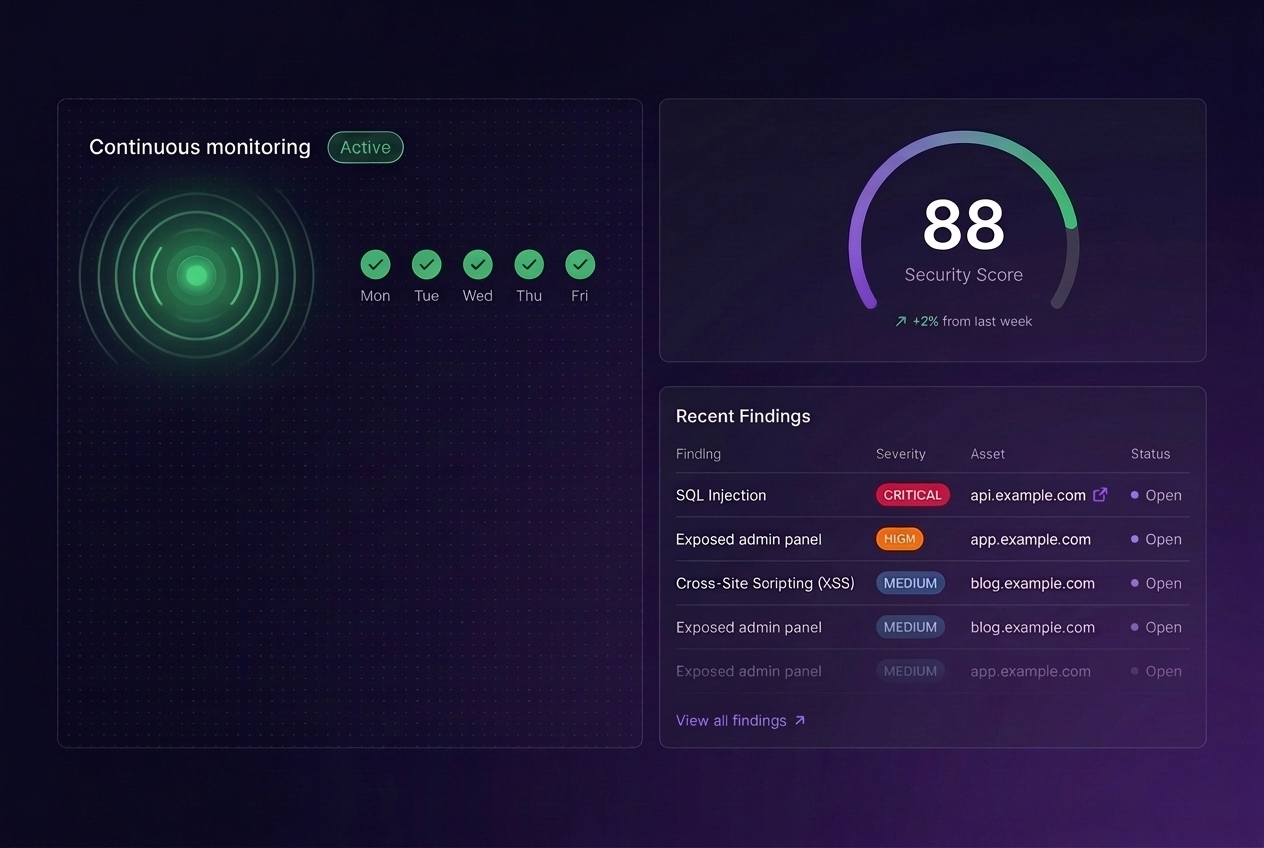
Security monitoring only works if teams actually see the results. Topscan keeps vulnerability information connected to operational workflows instead of isolated scan reports.