
Static Code Analysis (SAST)
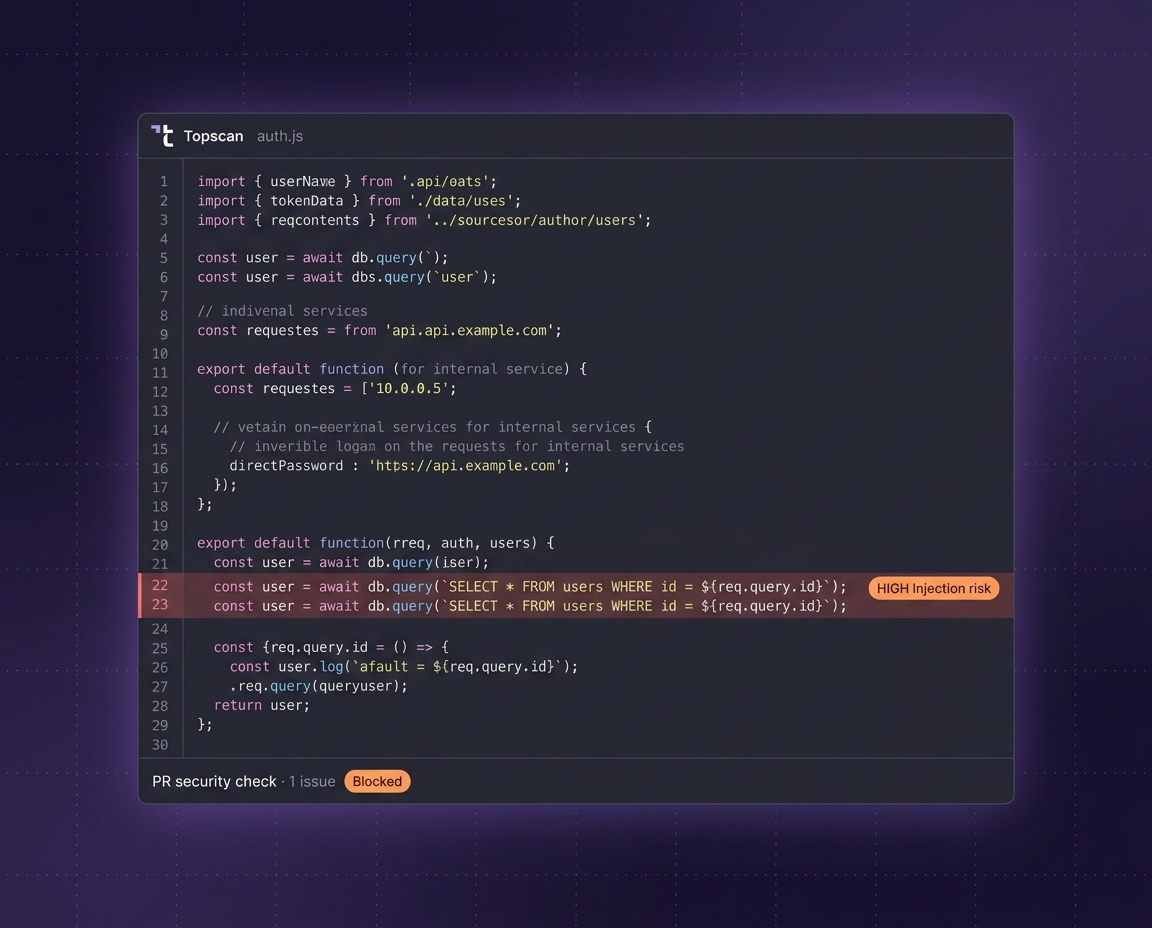
Find vulnerabilities in source code before they reach production. Topscan helps engineering teams detect security issues early with automated static code analysis built for modern development workflows.
Why Teams Use SAST
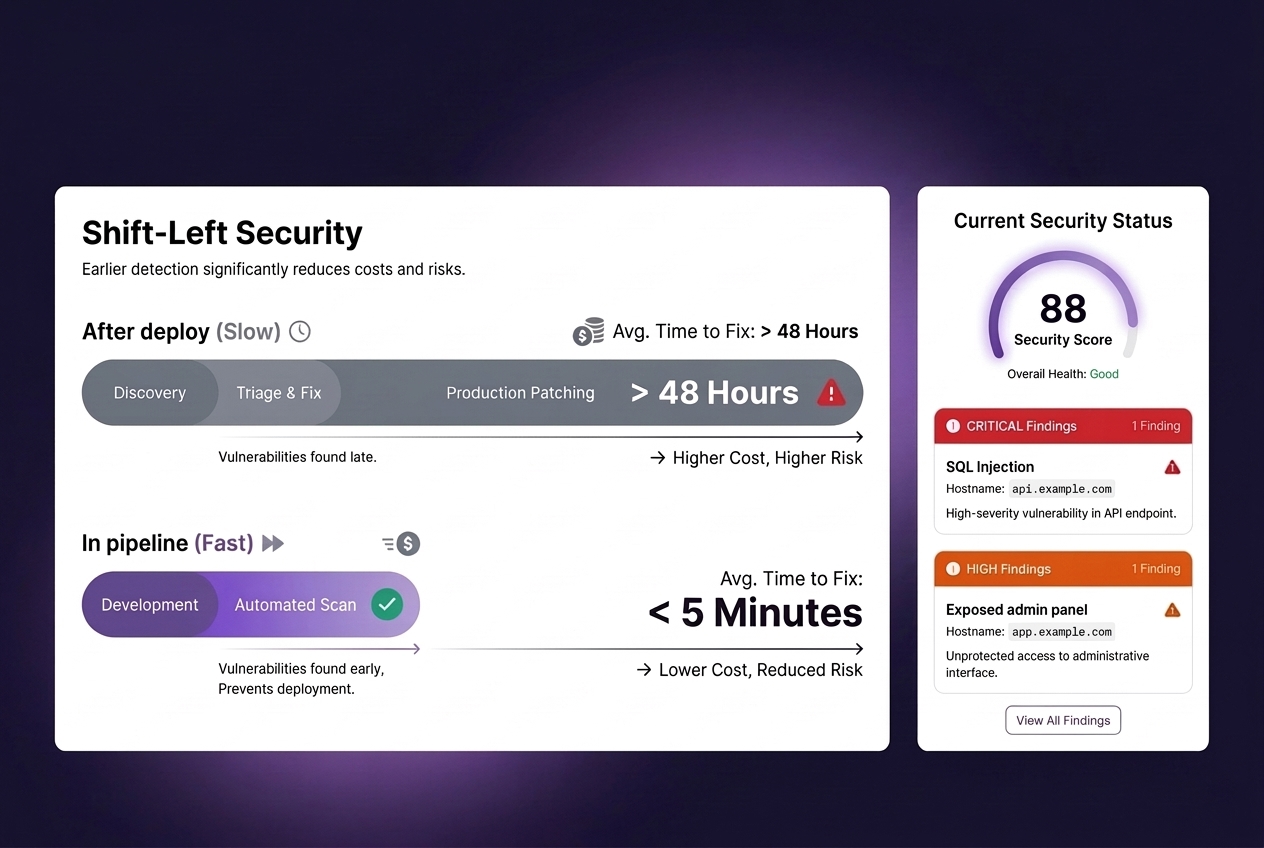
Fixing vulnerabilities after deployment is slower, more expensive, and harder to prioritize. Static Application Security Testing helps teams identify security issues during development - before code reaches production environments. Topscan brings SAST into the SDLC without adding heavy operational overhead.
What the SAST Engine Checks
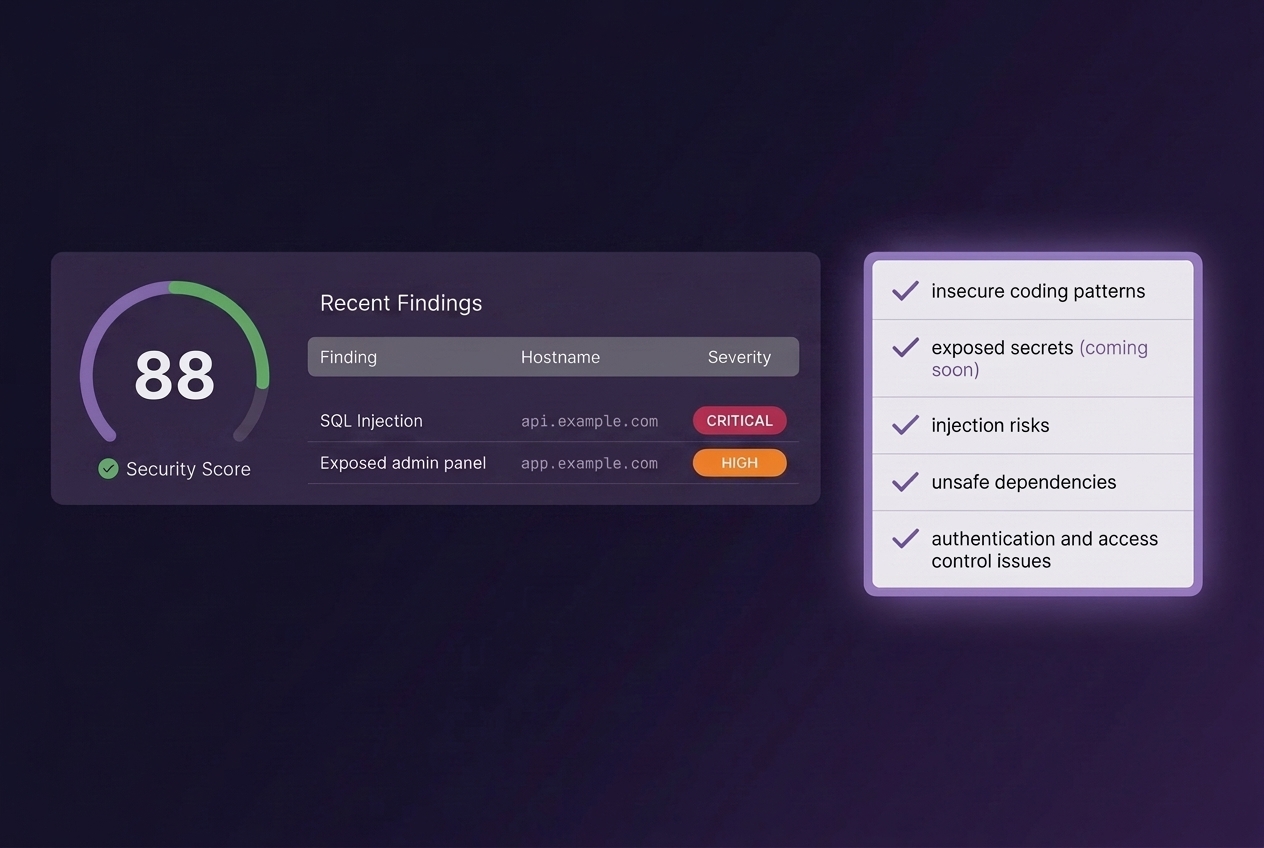
The Topscan SAST scanner analyzes source code for:
- insecure coding patterns,
- exposed secrets (coming soon),
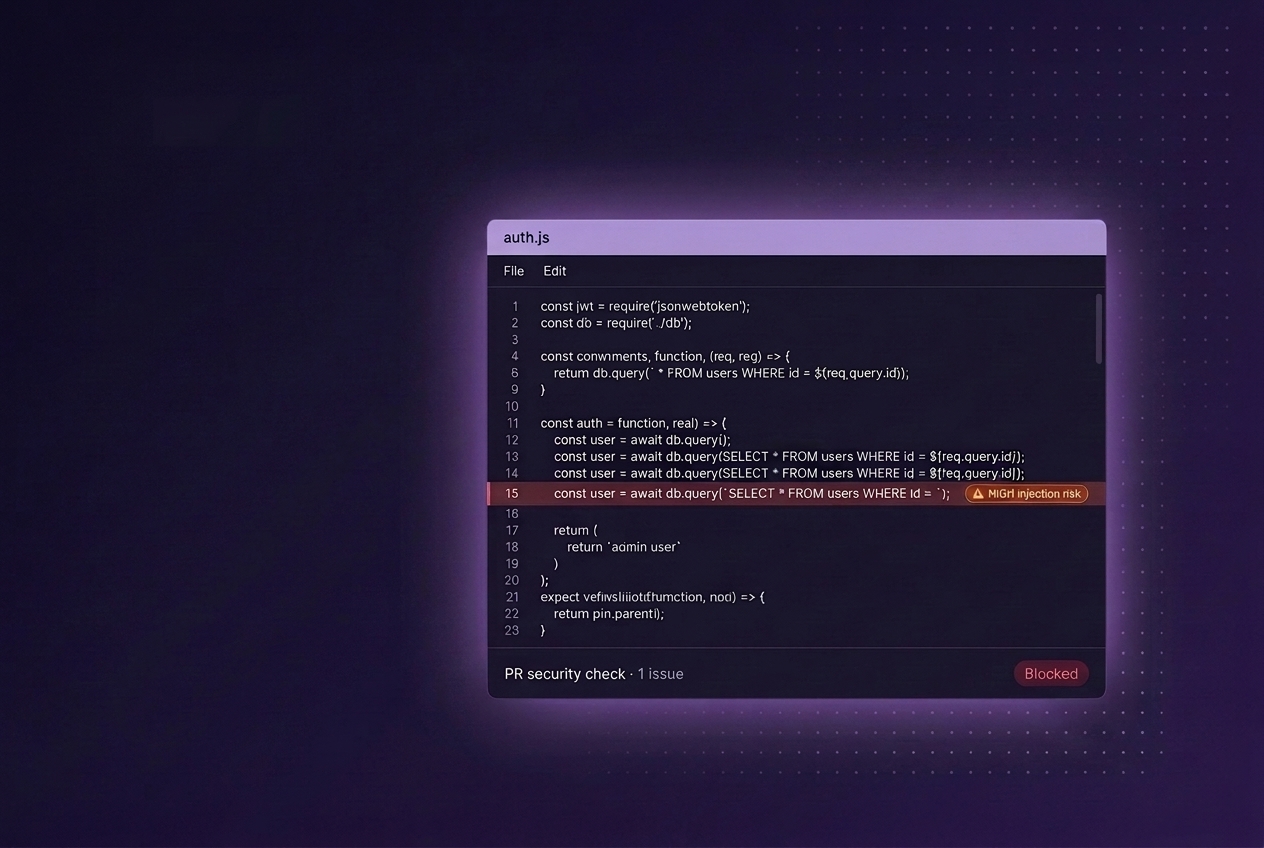
- injection risks,
- unsafe dependencies,
- authentication and access control issues,
- common OWASP Top 10 weaknesses.
The goal is to detect vulnerabilities early while code is still easy to change.
Built for Modern Development Workflows
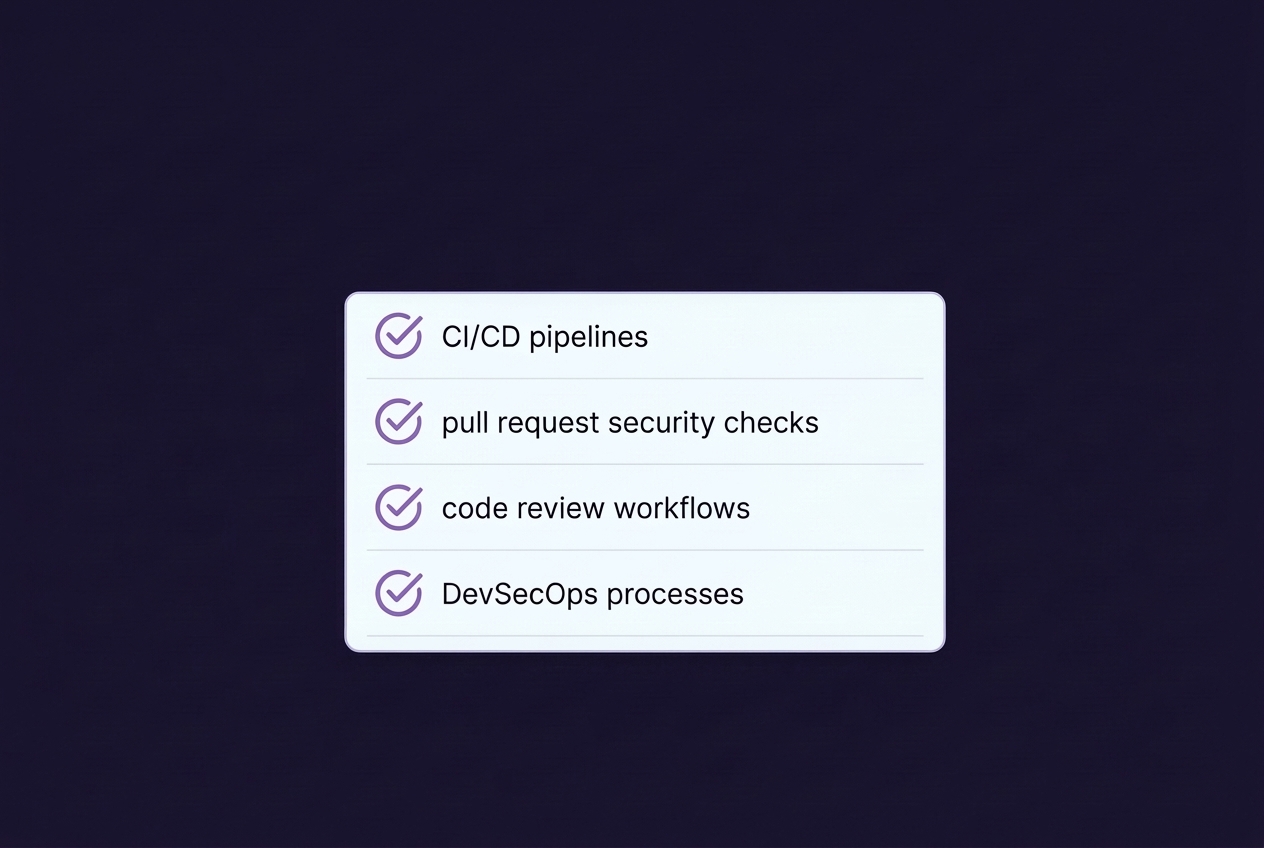
Topscan integrates directly into:
- CI/CD pipelines,
- pull request security checks,
- code review workflows,
- DevSecOps processes.
Security validation becomes part of regular engineering work instead of a separate security process.
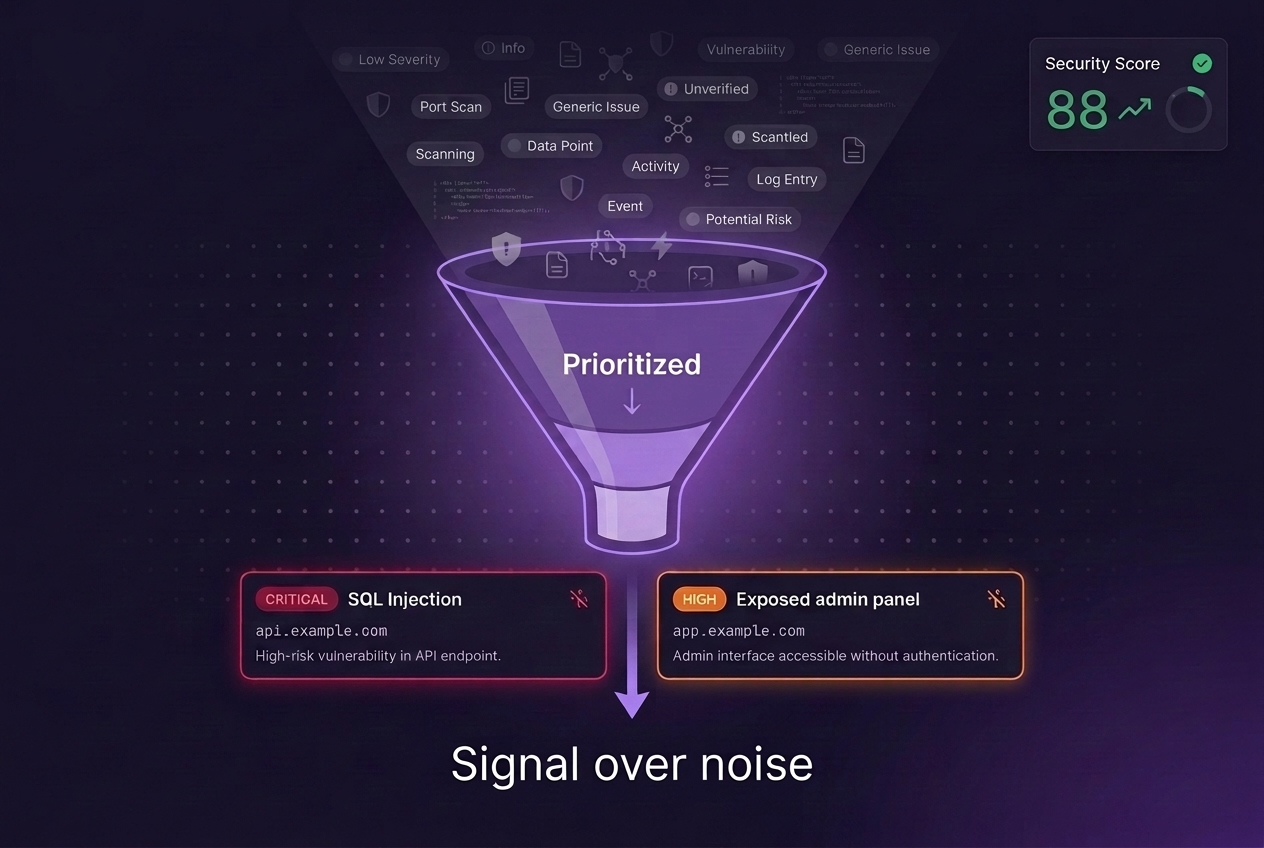
Reduce Noise and False Positives
Many SAST tools overwhelm teams with low-value findings. Topscan focuses on:
- noise reduction,
- context-aware severity scoring,
- risk prioritization,
- actionable remediation advice.
Teams spend less time reviewing scanner output and more time fixing real issues.
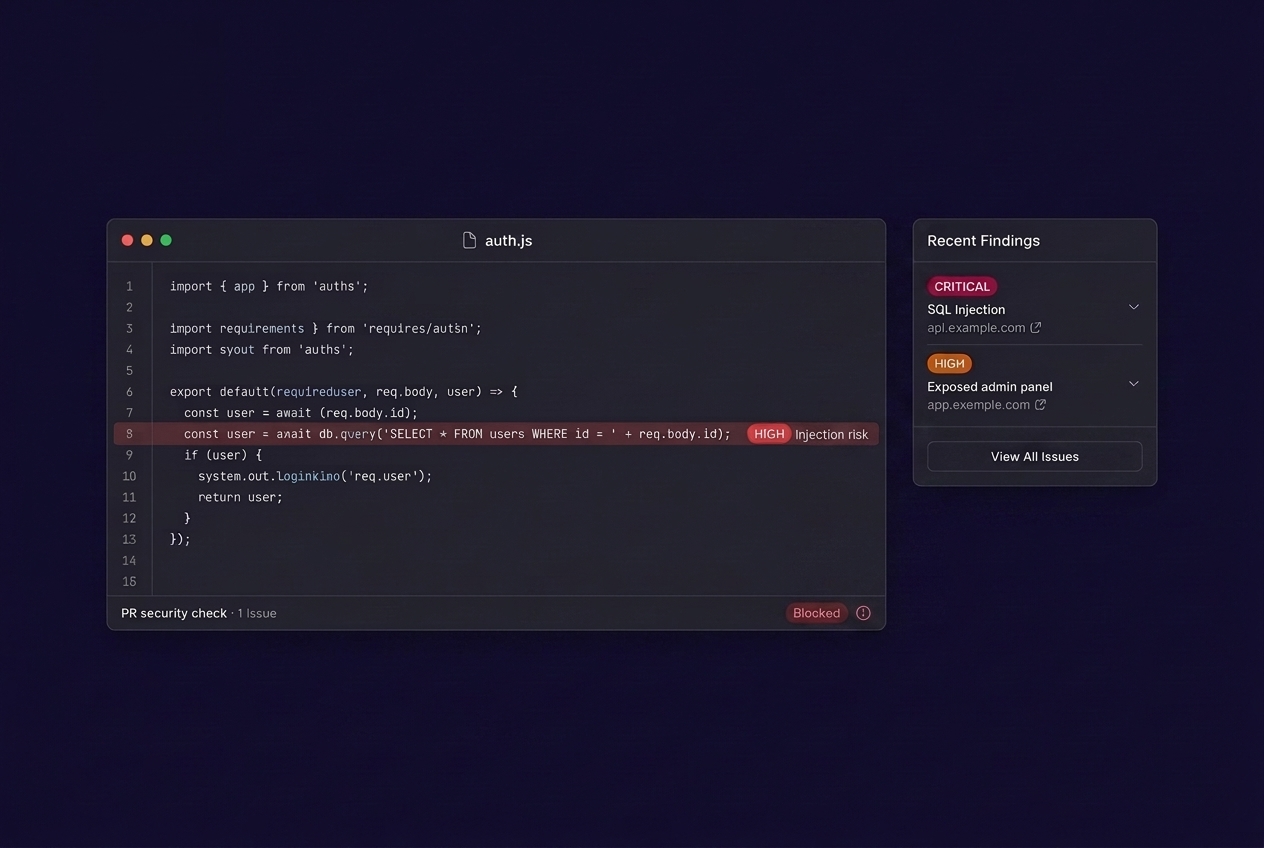
1. Connect Repositories
Add repositories and configure scan workflows.
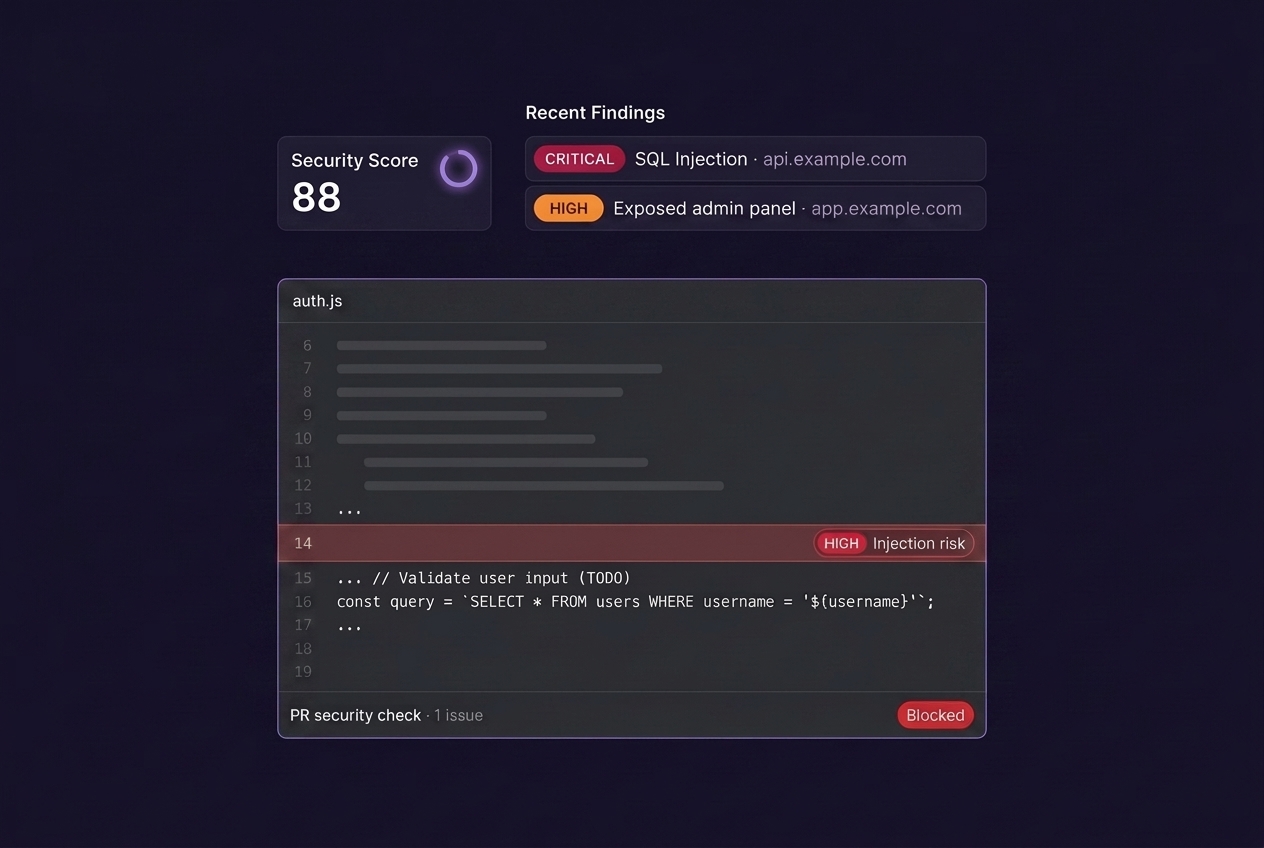
2. Run Static Code Analysis
Topscan scans source code automatically during development workflows. Scans can run:
- in CI/CD pipelines
- during pull requests
- on-demand
- on a recurring schedule
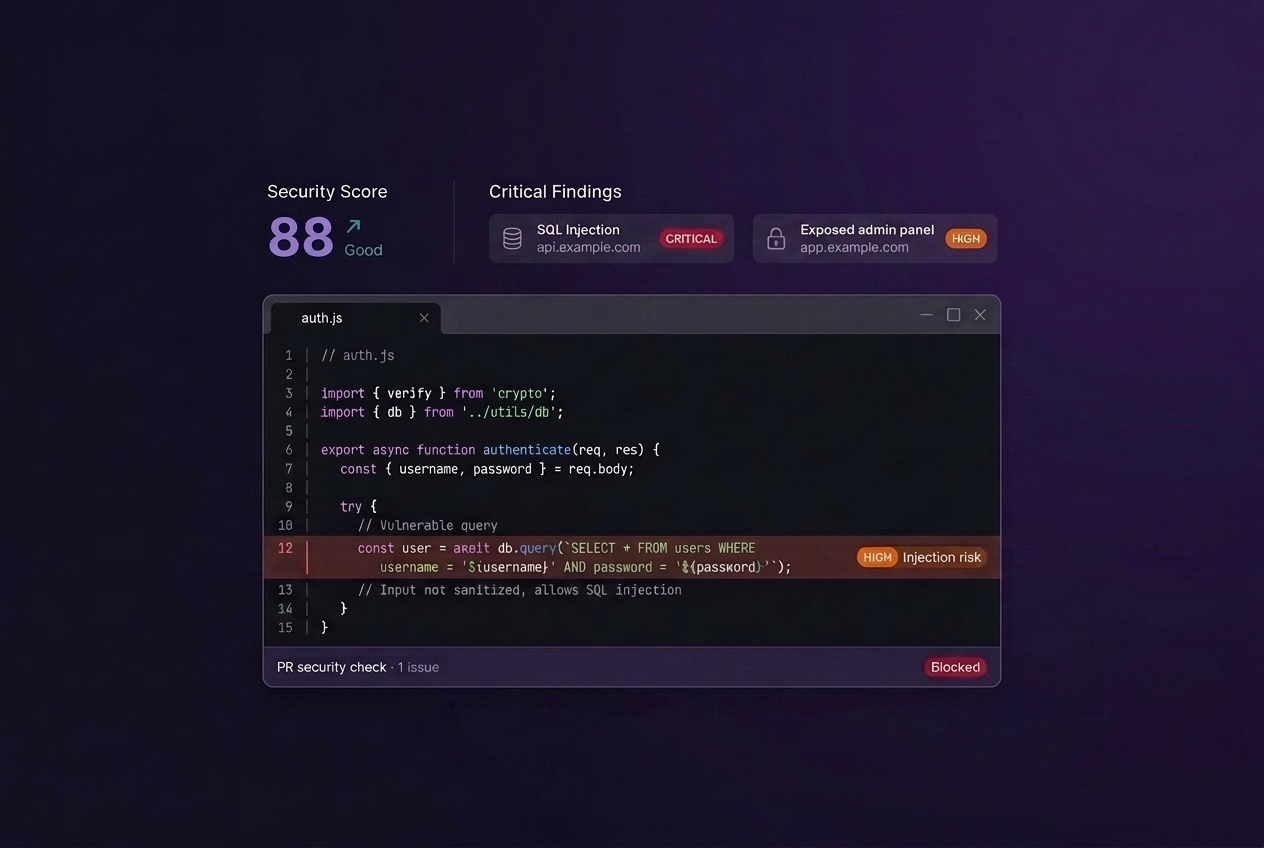
3. Review Findings
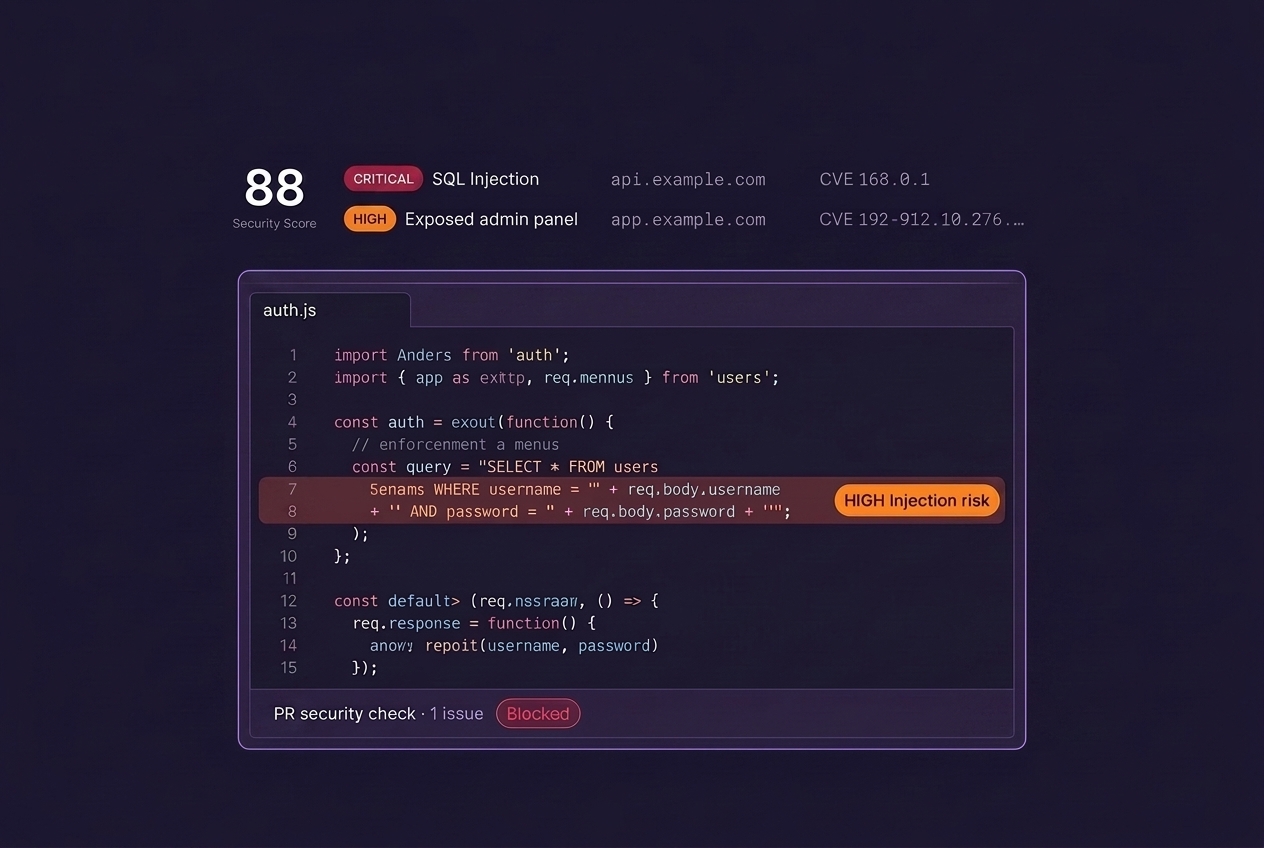
Results include:
- vulnerability type,
- affected files and code locations,
- severity,
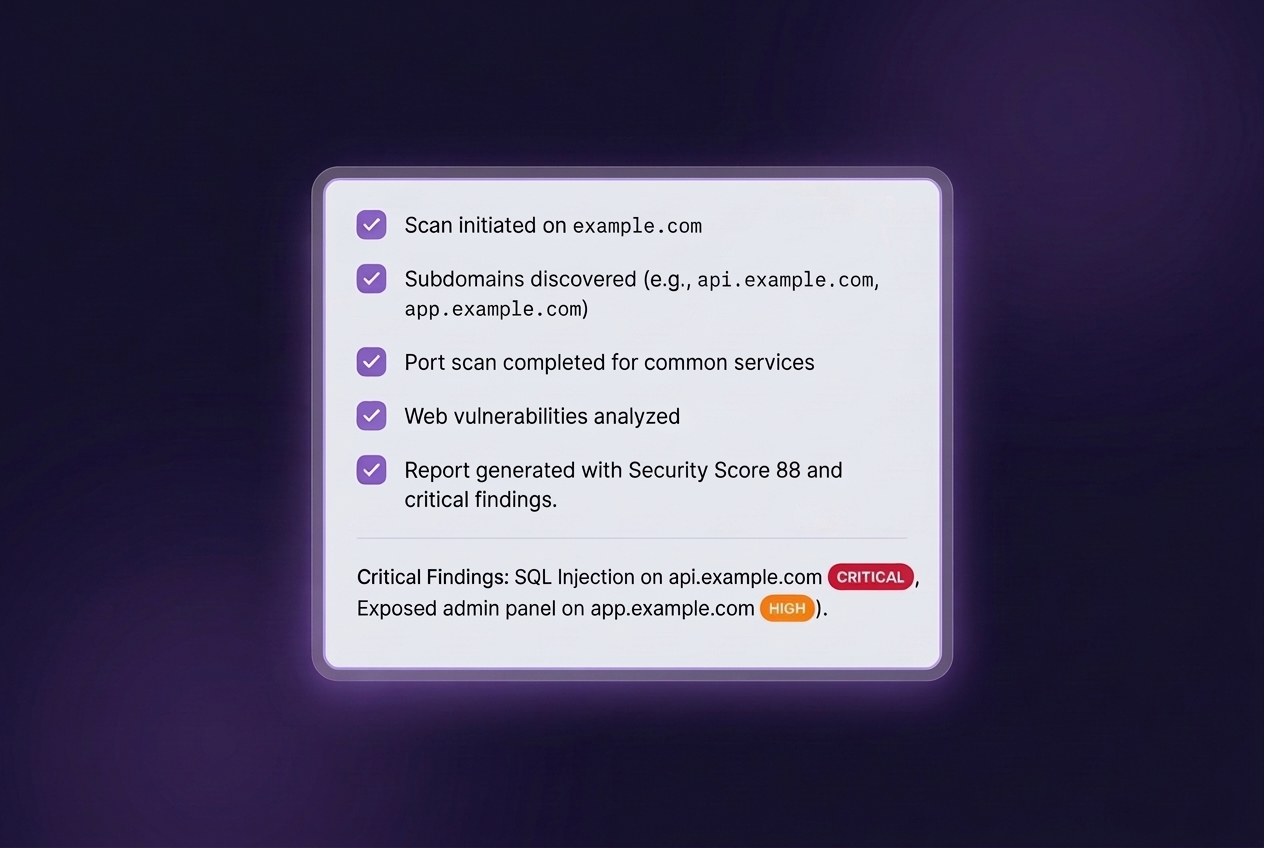
- remediation guidance.
4. Fix Issues Earlier
Developers receive security feedback while changes are still in progress. This helps reduce remediation cost and prevents vulnerable code from reaching production.
Designed for DevSecOps Teams
Topscan supports teams building security into:
- software delivery pipelines,
- release workflows,
- engineering standards,
- secure development lifecycle processes.
The platform helps organizations scale security checks without slowing down development.
More Than a Source Code Vulnerability Scanner
Topscan combines on one platform:
- static code analysis,
- remediation workflows,
- reporting,
- prioritization,
- operational visibility.
Teams can track:
- open issues,
- remediation progress,
- recurring risks,
- historical findings over time.
Common Use Cases
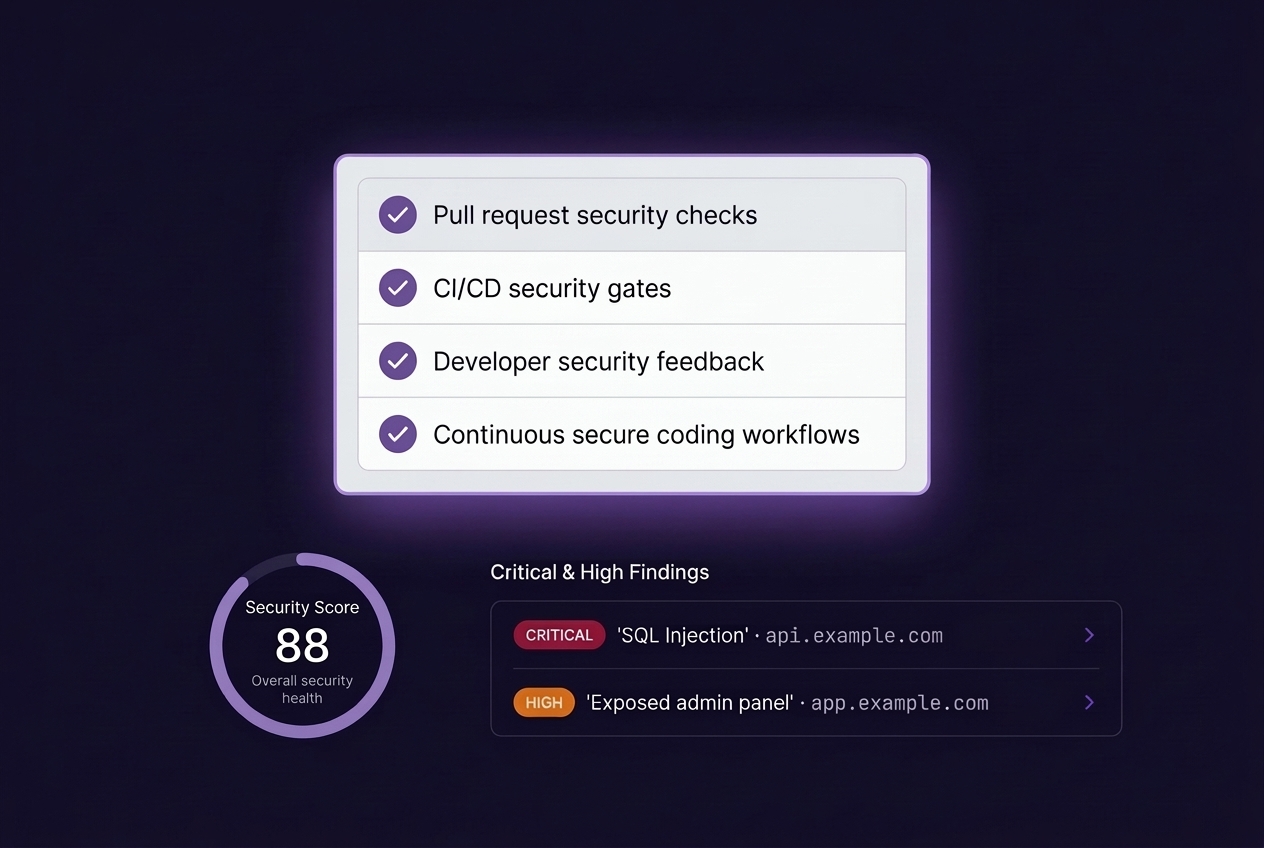
Pull request security checks
Detects vulnerabilities before code merges.
CI/CD security gates
Block risky changes before deployment. (coming soon)
Developer security feedback
Provide remediation advice directly during development.
Continuous secure coding workflows
Run recurring SAST checks across active repositories.
Built for Engineering Teams
You do not need a large security department to introduce secure development practices.
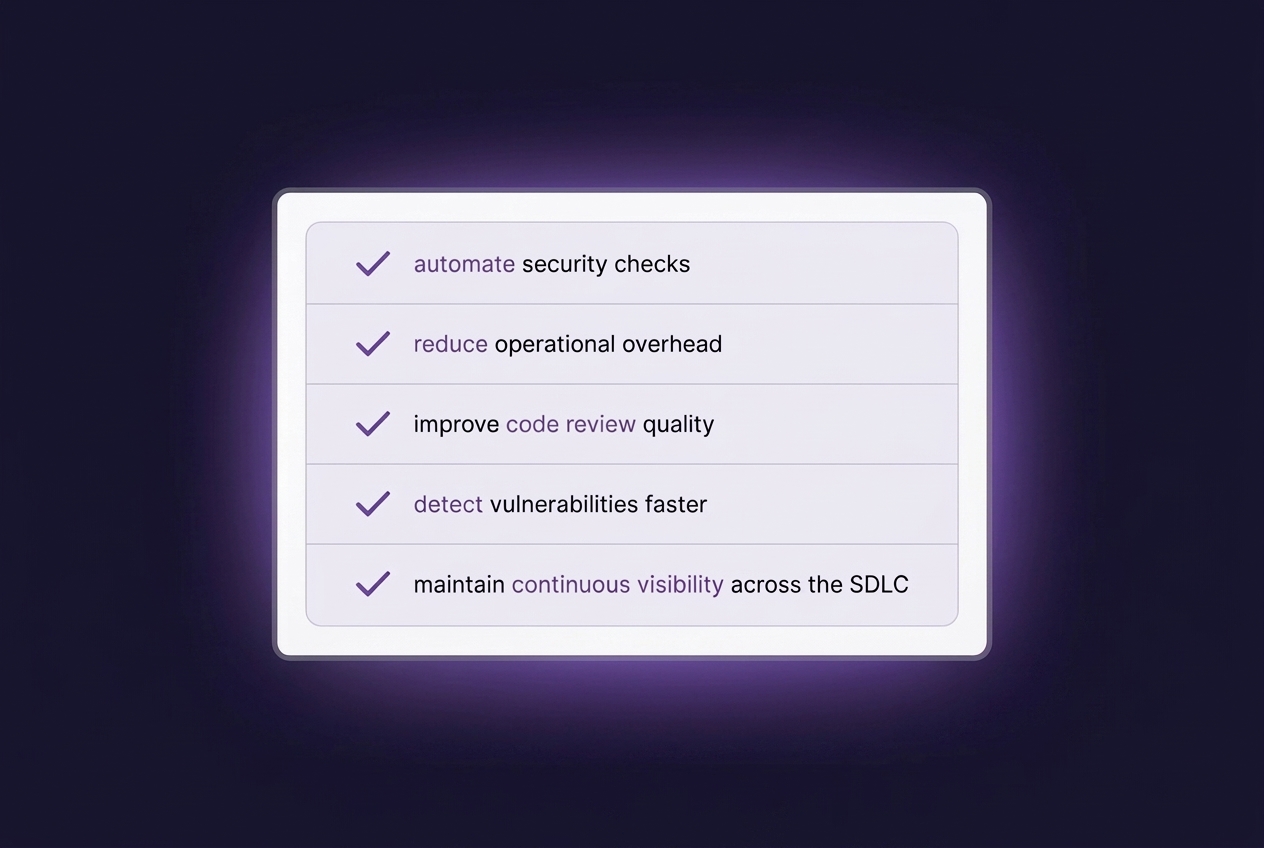
Topscan helps teams:
- automate security checks,
- reduce operational overhead,
- improve code review quality,
- detect vulnerabilities faster,
- maintain continuous visibility across the SDLC.
Modern Static Code Analysis
Traditional SAST tools often create too much noise and too many disconnected findings. Topscan focuses on operational clarity:
- actionable results,
- developer-friendly workflows,
- practical prioritization,
- continuous remediation tracking.
The result is security tooling engineering teams can actually use every day.