
Security Compliance Reporting
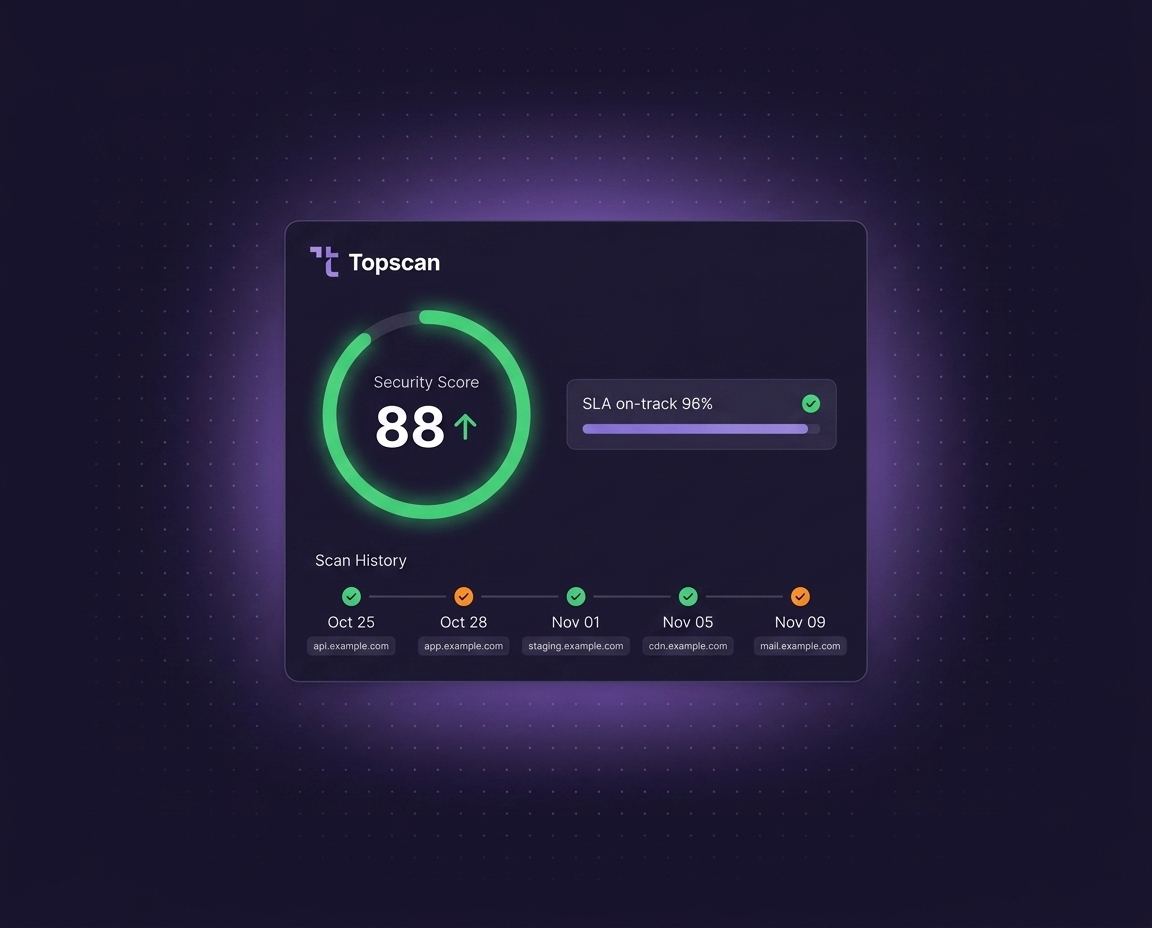
Turn vulnerability scans into audit-ready evidence. Topscan keeps a clear record of: what was scanned, what was found, what was fixed, how long remediation took.
No separate reporting workflow required.
Why Teams Use It
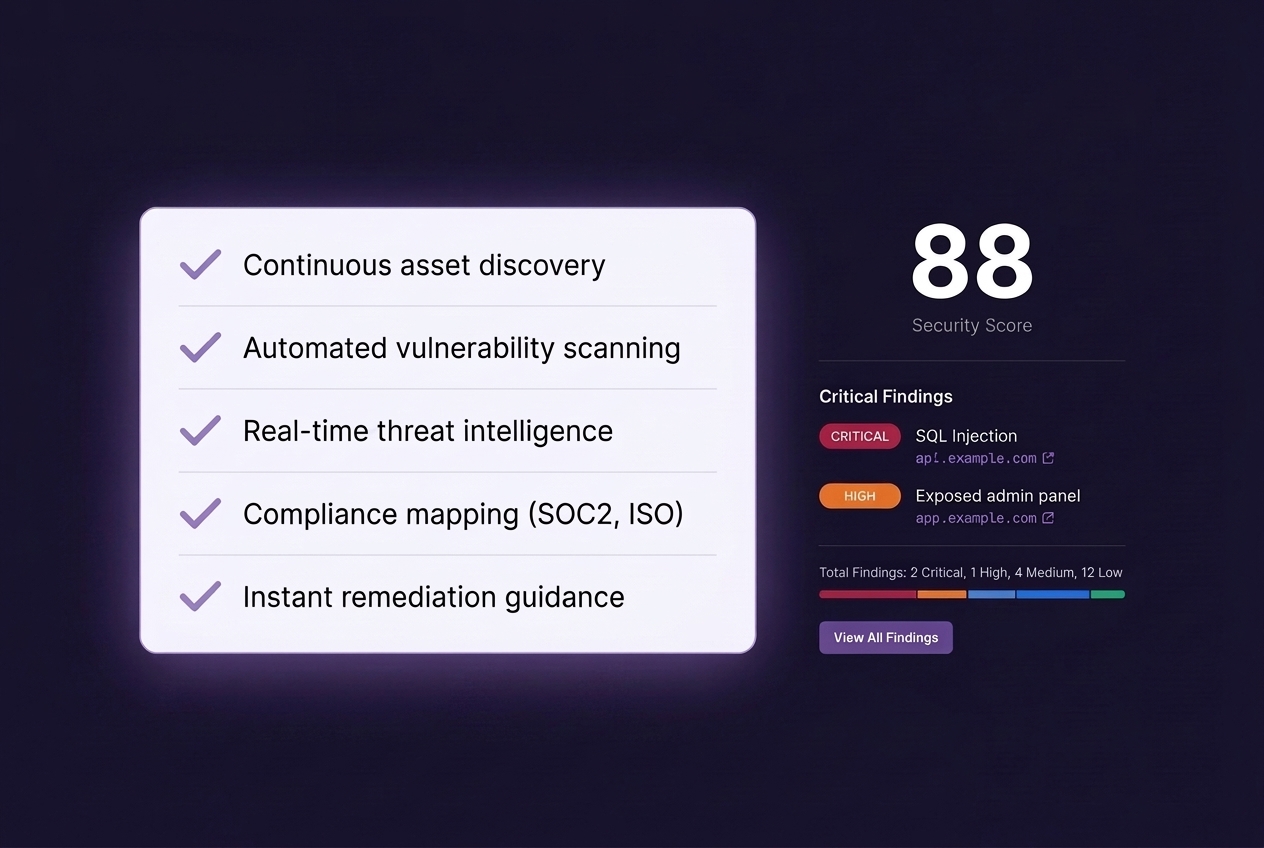
Security checks are easy to forget. Audit evidence is harder to rebuild later. Topscan automatically stores scan history, findings, remediation status, and SLA timelines - so reporting grows naturally from day-to-day security work.
What It Helps With
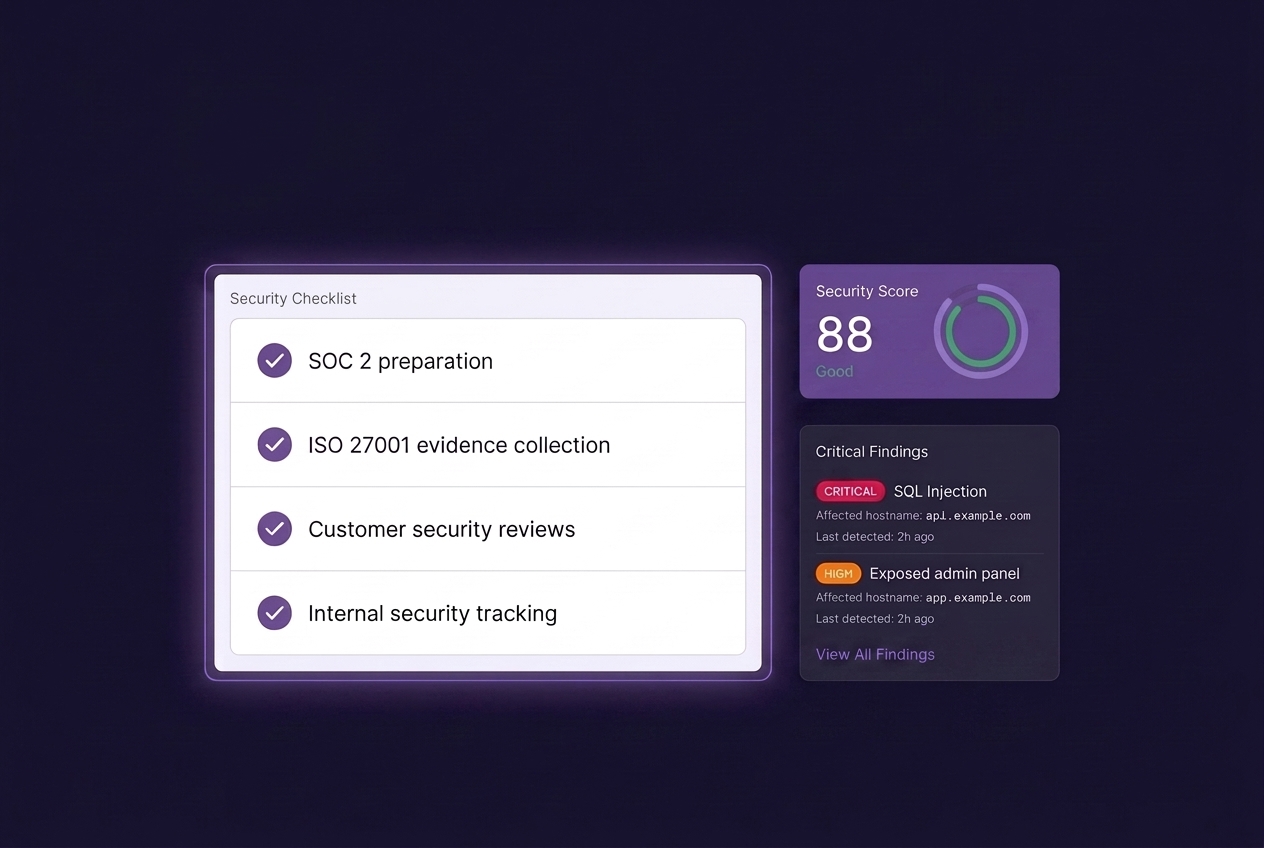
SOC 2 preparation → Show regular vulnerability scanning and remediation activity.
ISO 27001 evidence collection → Keep a historical record of findings and fixes.
Customer security reviews → Demonstrate ongoing external security testing.
Internal security tracking → See unresolved issues, overdue remediation, and risk trends.
What Gets Tracked
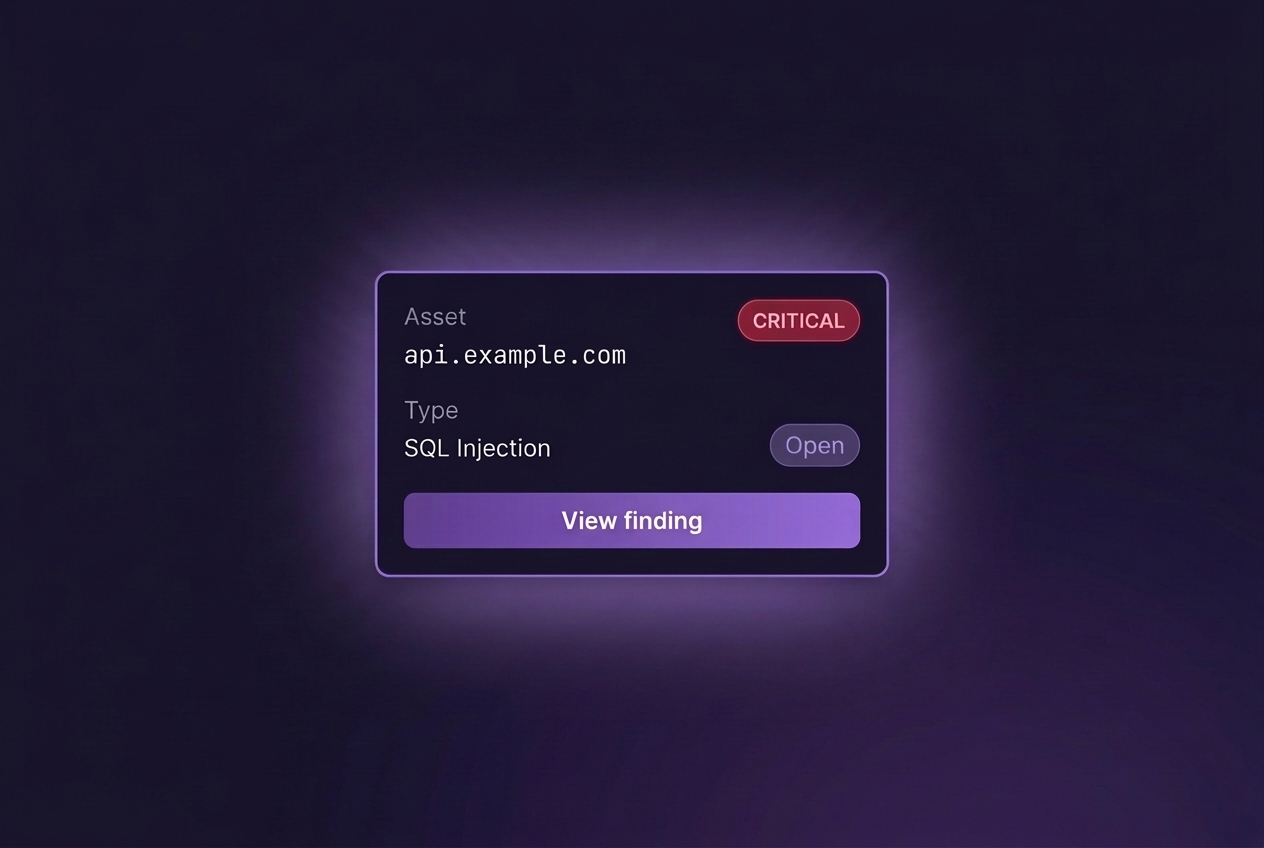
Every scan includes:
- scan date and target,
- detected vulnerabilities,
- severity levels,
- affected assets and URLs,
- remediation status,
- SLA timelines,
- historical changes over time.
Built for Engineering Teams
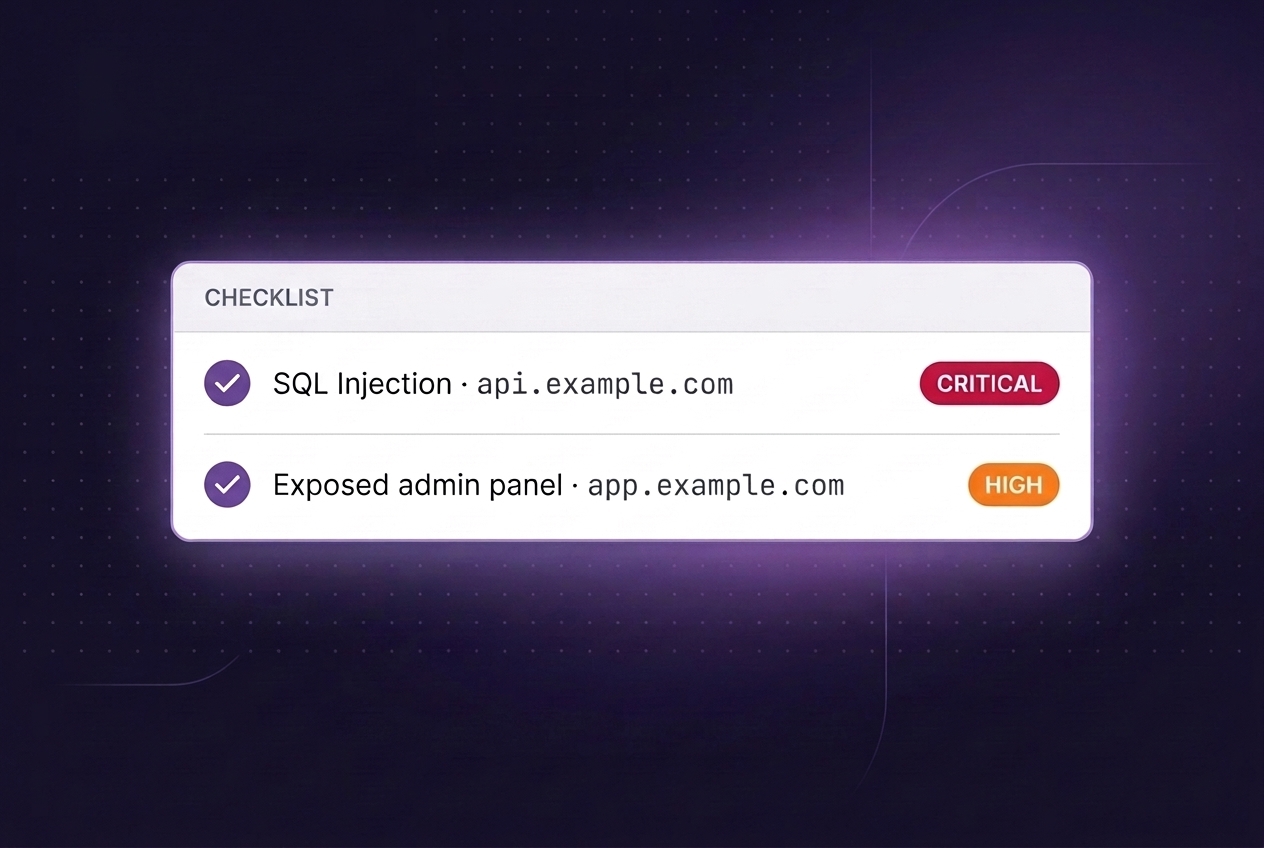
No spreadsheets. No manual screenshots for audits. No disconnected scanner exports. Security reporting stays connected to the actual remediation workflow.
How Teams Use It
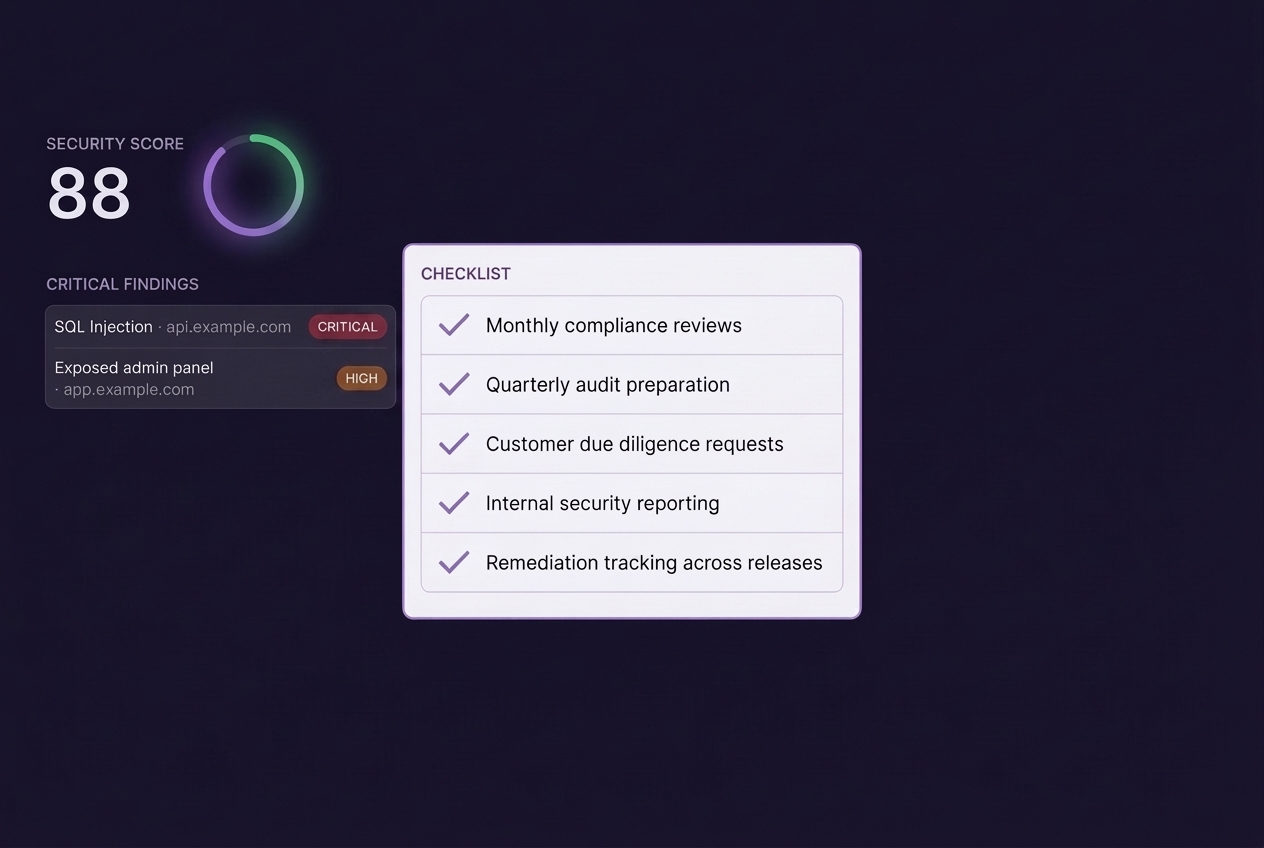
- Monthly compliance reviews;
- Quarterly audit preparation;
- Customer due diligence requests;
- Internal security reporting;
- Remediation tracking across releases.
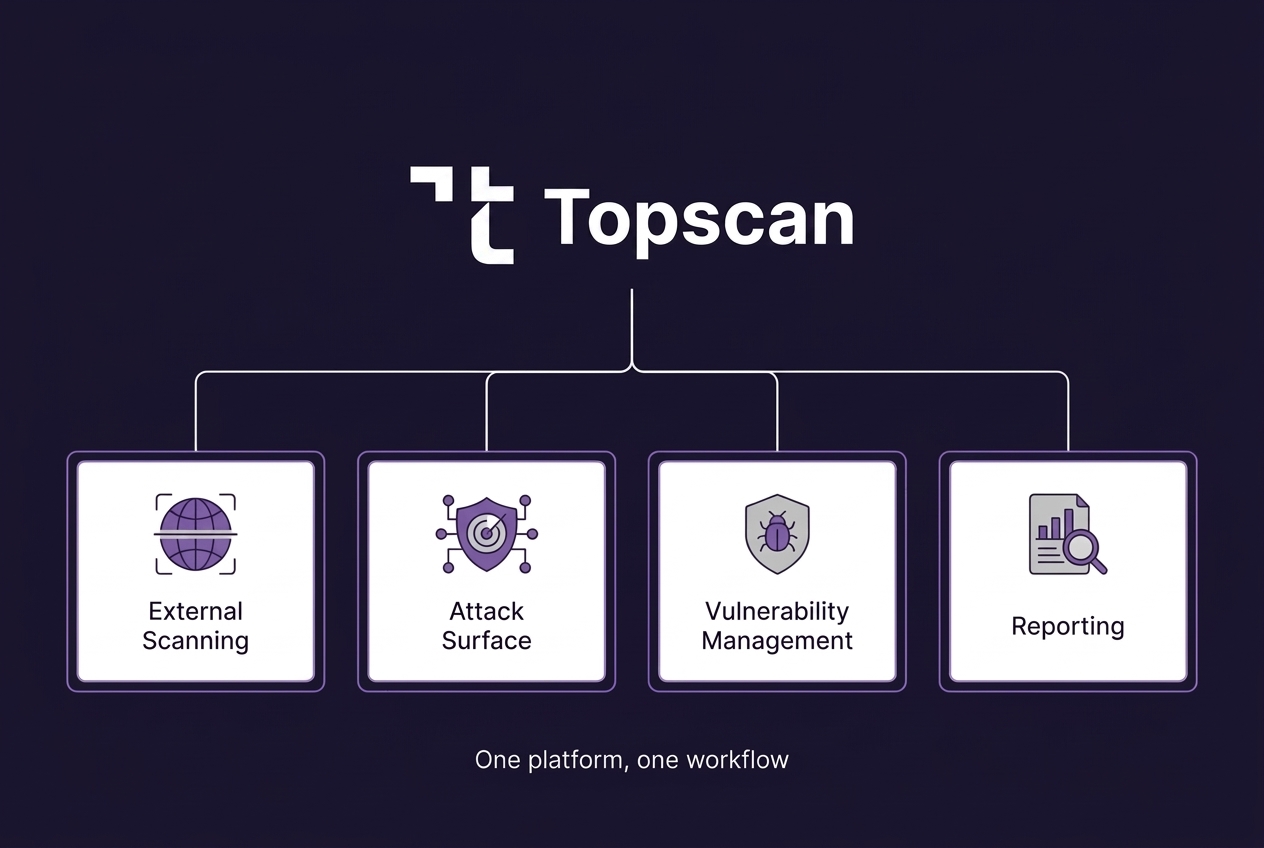
About the Workflow
Run scans on a schedule or before releases.
Topscan keeps the evidence automatically:
- scan history,
- finding history,
- remediation records,
- timestamps and status changes.
The result is a continuous compliance trail instead of last-minute audit preparation.