
Regular security monitoring for free
The Free plan gives a small project regular security monitoring at no cost: a full infrastructure scan of your host every week, Discovery and Attack Surface for everything around it, findings with a fix and a Security Score. Start free, and add more only when the project needs it.
$0 · no card · one host, one repository, one user · or take the 14-day Advanced trial first
- Full infrastructure scan, every week
- Discovery and Attack Surface
- Findings with a fix, Security Score
- $0 · no card · no time limit
regular security monitoring for one host — forever, not for 14 days
Security Challenges
Every Team Faces
What happens in practice
A small project has one server and nobody whose job is security
Free scanners check two ports once a month and call it monitoring
A paid tool for one host is hard to justify — so nothing gets scanned at all
Nobody knows what else is exposed around the main host: staging, old subdomains, forgotten services
Security is postponed until «when we grow» — and the exposures pile up unseen in the meantime
How Topscan handles it
A full infrastructure scan of your host every week — every port, service versions, known vulnerabilities
Discovery and Attack Surface map everything around the host — subdomains, hosts, services — at no cost
Findings come with severity, what's at risk and how to fix it — the same as on paid plans
$0, no card, no expiry: regular monitoring costs nothing until you need more
When the project grows, add hosts, a web application or the team — your data and history come along
How the Free Plan Works
Step 1
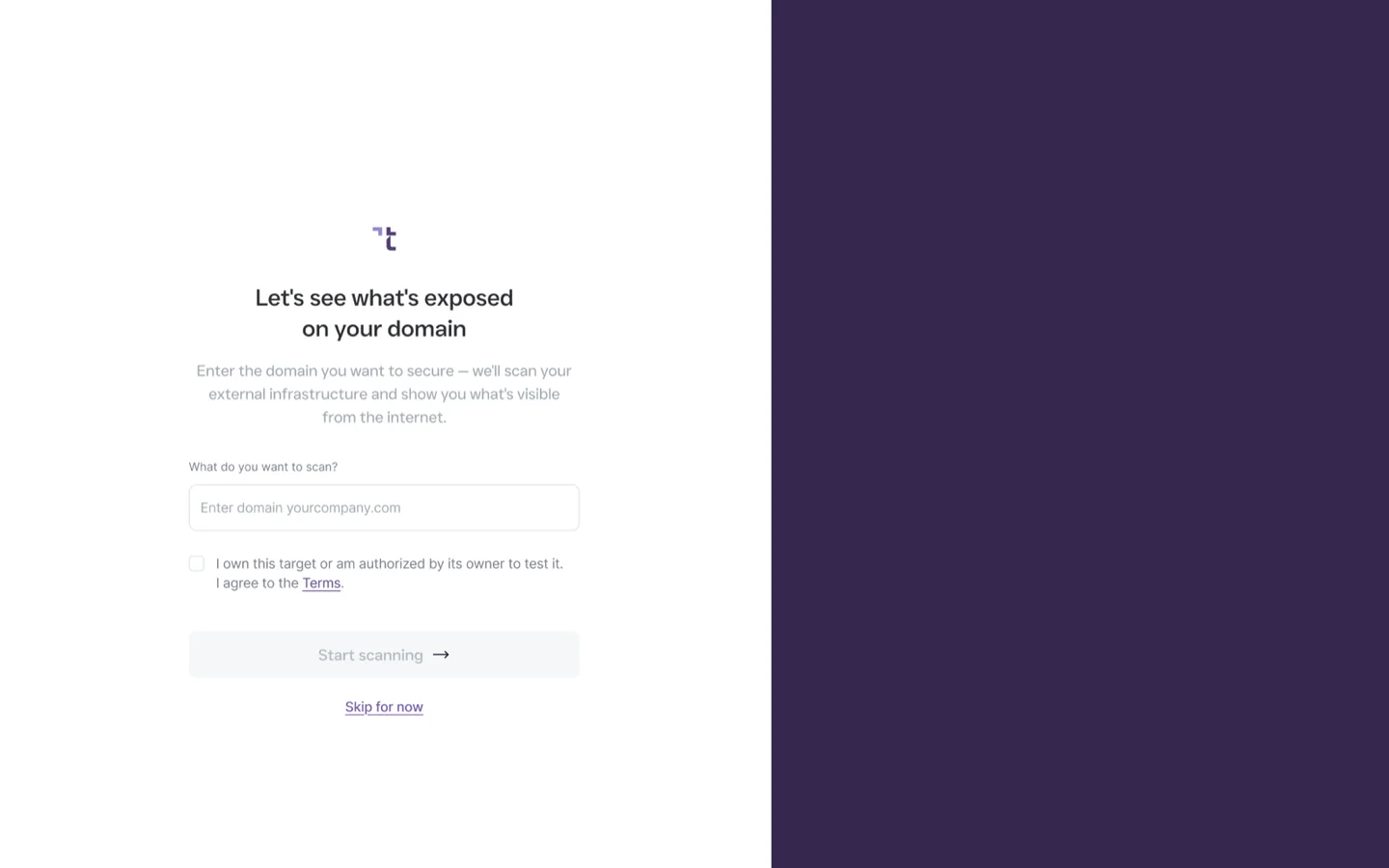
Add your host — the weekly scan takes it from there
Sign up for the Free plan, add the hostname you care about most, and you're done: the scan runs on a fixed weekly schedule that Topscan sets. There is no schedule to configure and no button to press — and if you need a quiet week, the scan can be paused and resumed. Everything else around that host — subdomains, other hosts — Discovery finds on its own, and you add it to your targets from there.
The scan is the same one paid plans run: every port, the services behind them and their versions, known vulnerabilities in what's exposed. When it finishes, new CRITICAL and HIGH findings arrive by email.
- One hostname
- The rest — from Discovery
- Weekly, fixed schedule
- All ports
- Pause and resume
- Email on new findings
Step 2
Read the finding, fix it, check it off
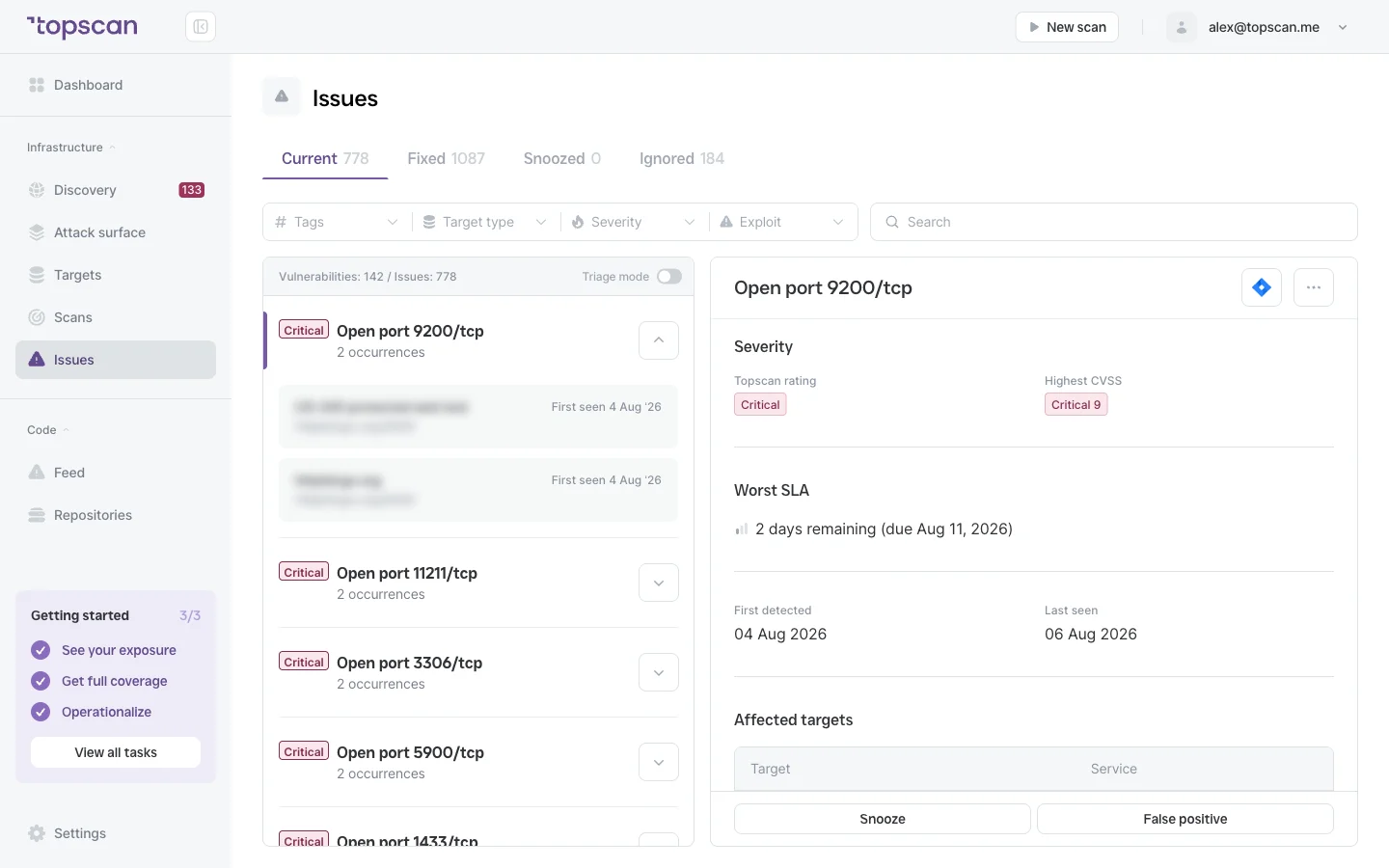
Every finding names the affected host and service, carries a severity from CRITICAL to LOW, explains what an attacker could do and how to close it. Statuses, snooze and false positives work as on paid plans, and Triage mode walks you through new findings one by one.
Fixed something? The next weekly scan closes the finding with a date, and reopens it if the problem comes back — so the history shows what was fixed and when.
- CRITICAL to LOW
- What's at risk
- How to fix
- Snooze and false positive
- Closed by the next scan
Step 3
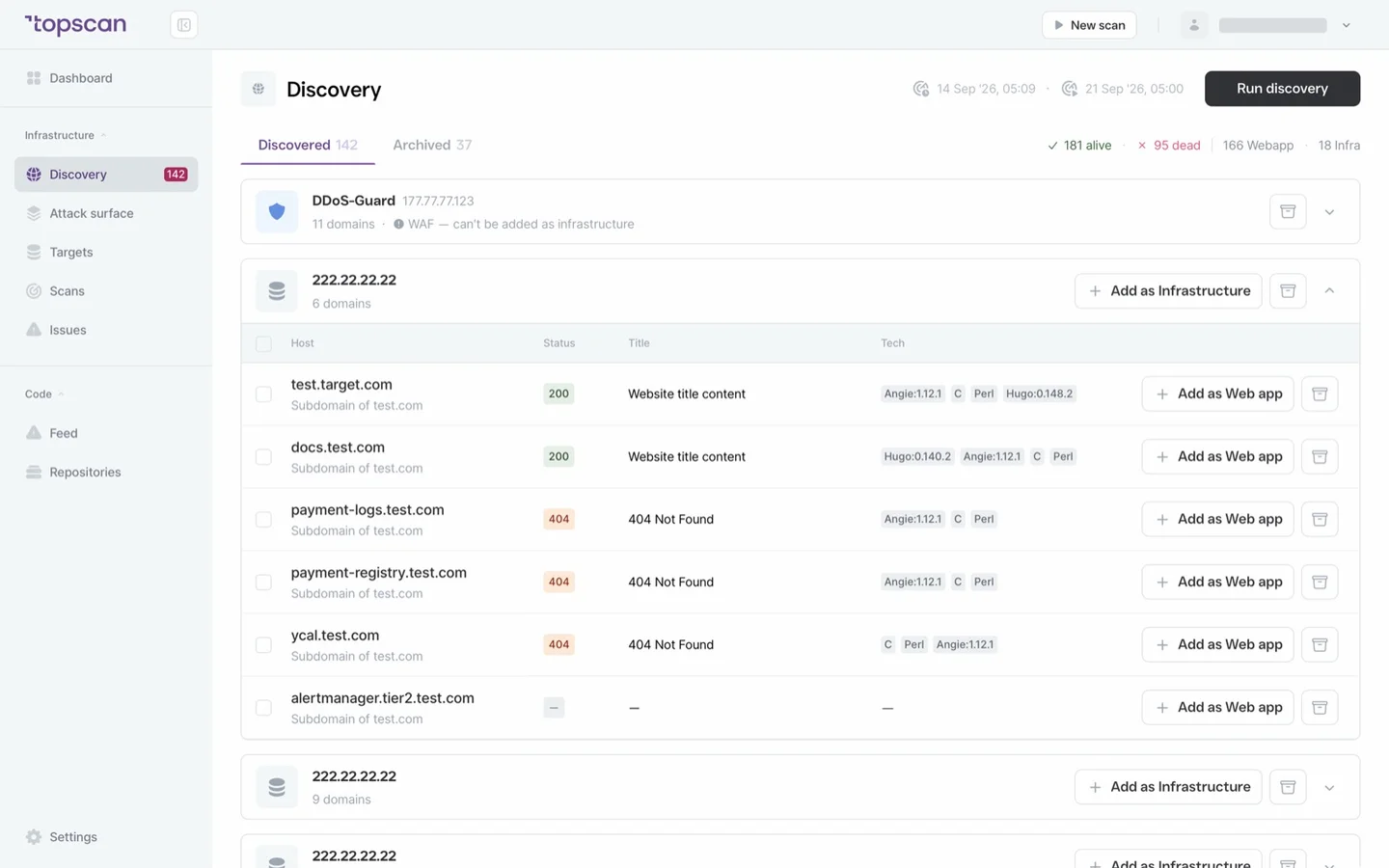
See the whole footprint, not just the host
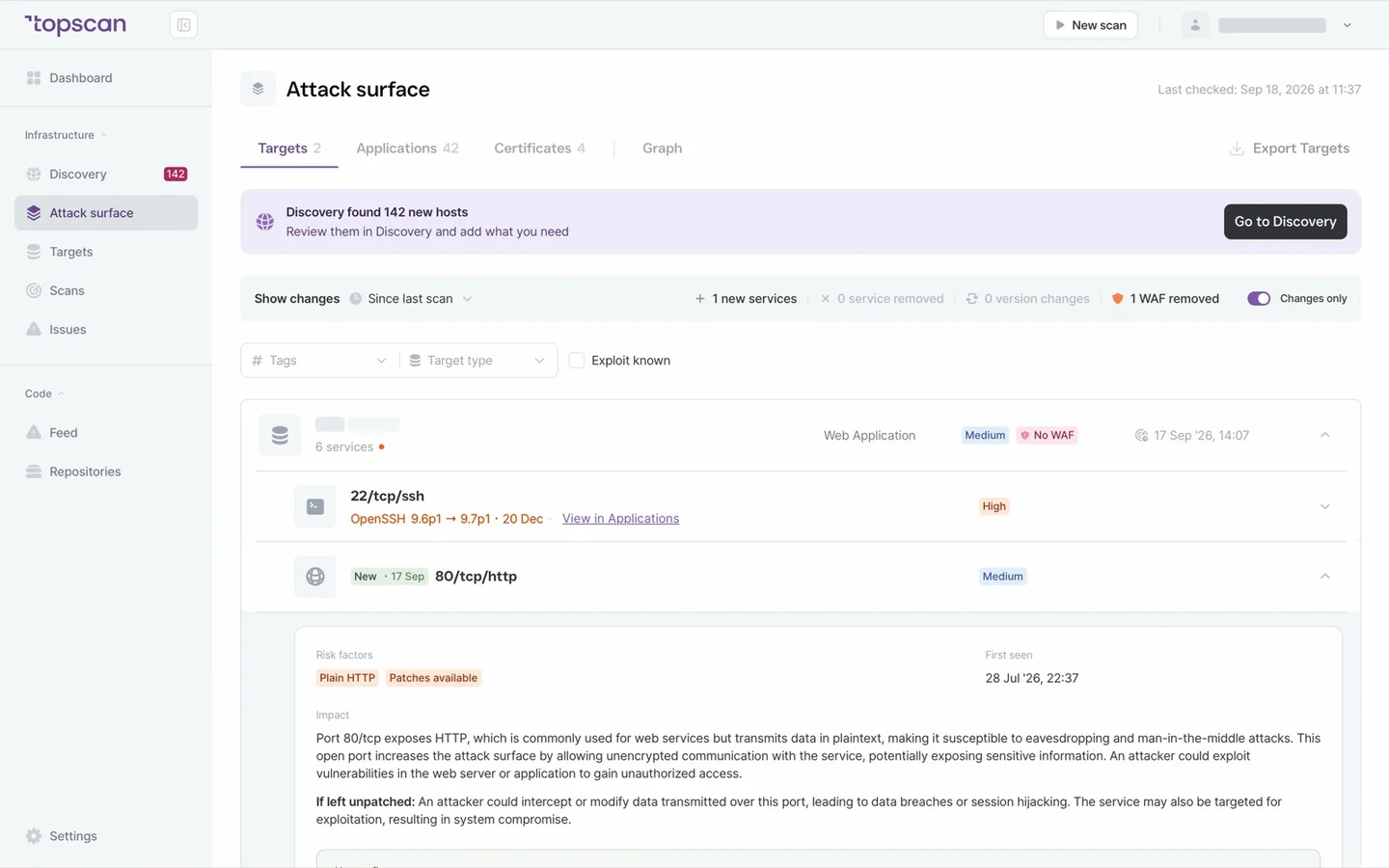
Attack Surface and Discovery work on the whole perimeter: subdomains, hosts, open ports and services around the one you monitor, refreshed with every weekly scan.
The Security Score sums it up in one number you can watch from week to week.
- Attack Surface
- Discovery
- Refreshed weekly
- Security Score
Step 4
Add more when the project needs it
The Free plan also includes one repository from GitHub or GitLab: static analysis in every language we support, plus known vulnerabilities in your dependencies, with findings in the same list as the perimeter ones.
Everything beyond the plan stays visible in the product — more hosts, web application testing, SLA deadlines, scans on demand, integrations, report export. One click shows which plan opens it. When you move up, your data and history come along.
- 1 repository included
- All supported languages
- Dependency scanning
- Paid features shown, not hidden
- Data moves with you
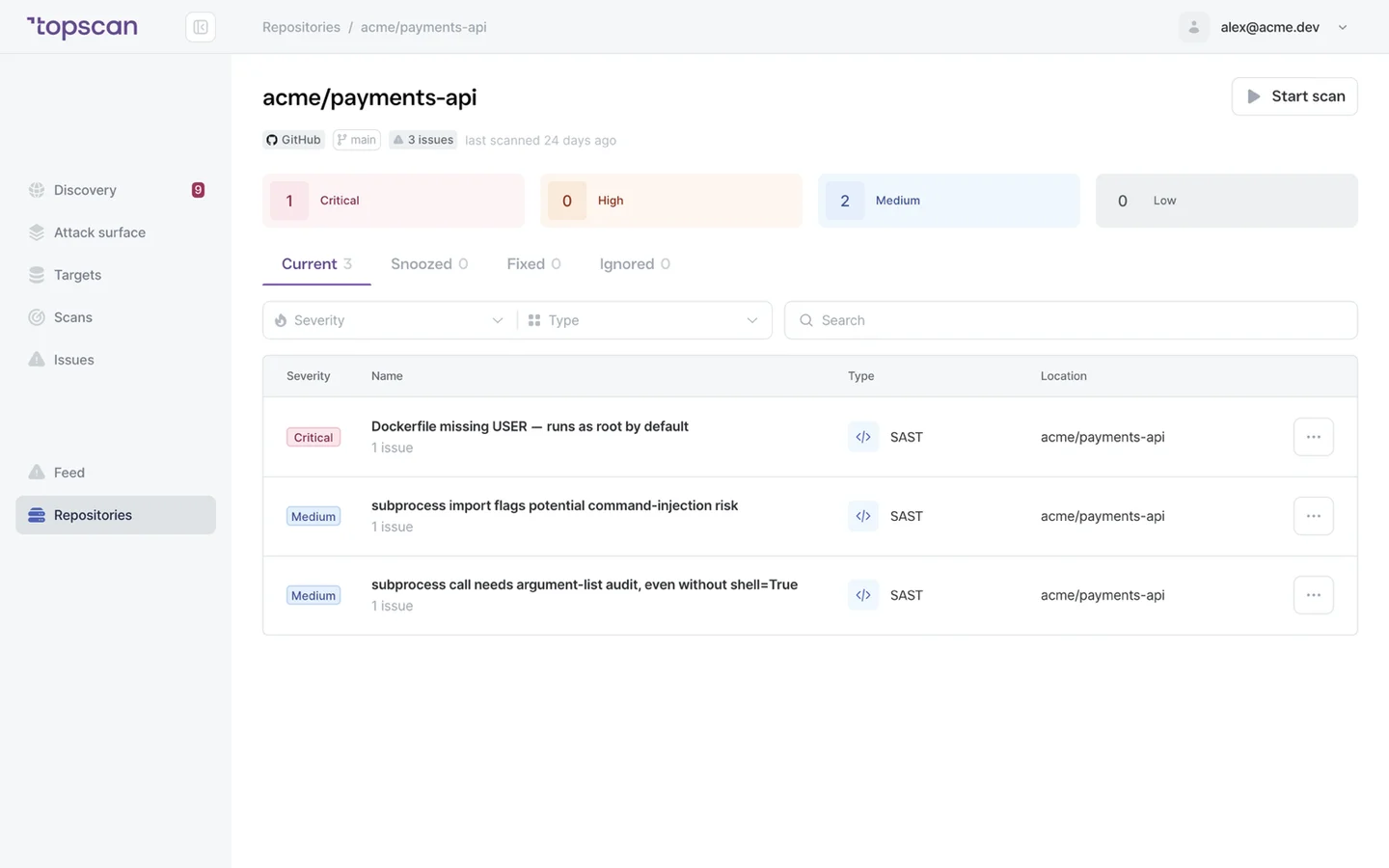
Features & Capabilities on the Free plan
A real infrastructure scan, every week
The same full scan paid plans run — every port, service versions, known vulnerabilities — on a fixed weekly schedule. Not two ports once a month. Pause it when you need to; nothing expires.
Your whole attack surface
Discovery and Attack Surface map the subdomains, hosts and services around your host and refresh weekly. Add targets freely: they stay on the map, the licensed host gets the full scan. More licences and the change history are where the paid plans begin.
Findings you can act on
Severity, what's at risk, how to fix it; the next scan closes what you fixed. Statuses, snooze, false positives and Triage mode as on paid plans. Everything is kept — scans, findings and history, with no retention limit.
Grows with the project
Start with regular monitoring for free and add what the project needs: more hosts, web application testing, SLA deadlines, the team. Paid features are shown, not hidden, and your data and history come along.
Who Topscan Is Built For
A founder with one production server
One host is the whole company right now. Put it under regular monitoring for nothing and stop wondering what's open on it.
An MVP or side project going live
The day it gets a public address it gets an attack surface. Free gives it a weekly scan and a map of what's exposed from day one, with no budget line.
A small team with no security owner
Nobody's job is security yet. A weekly scan with findings that say what to fix, and a Security Score to glance at, is the smallest process that still works.
A team between subscriptions
Cancelled for now? The workspace moves to Free instead of disappearing — history, findings and one monitored host stay. Coming back is a click, not a re-setup.
What connects on the Free plan
GitHub or GitLab for your repository, and email for new findings. Slack, Microsoft Teams, Jira, AWS and the CI/CD webhook open with a paid plan — they are shown in the product with the plan that unlocks them.
 GitHub
 GitLab
When the project outgrows one host
Free is the baseline: one host, one repository, one user, monitored regularly at no cost, with no licences to add. When the project grows — more hosts, a web application, a team — Basic at $129 a month picks up where Free stops, and your data moves with you.
Basic
$129/ month
For small teams without cloud infrastructure — one DevOps or CTO who owns security among other things.
- 3 infrastructure hosts, 1 web application, 10 repositories
- Scans on your schedule and on demand, SLA deadlines, report export
- Unlimited users, free read-only seats for auditors
Advanced
14 days free trialBest value$269/ month
For companies of 20–60 with AWS infrastructure and active CI/CD.
- 8 infrastructure hosts, 2 web applications, 20 repositories
- AWS integration — cloud assets discovered automatically
- Slack, Microsoft Teams and Jira routing for findings
Pro
$449/ month
For companies of 30–100 with mature DevOps, first enterprise customers and audit requirements.
- 15 infrastructure hosts, 4 web applications, 40 repositories
- Custom SLA by severity and per target, Severity Override with an audit trail
- Two-way CI/CD webhook and Attack Surface change tracking with alerts
You pay for what you monitor — not for seats, scans or findings
Discovery costs nothing: it maps your whole footprint and a licence is used only when you put a host under monitoring. Scans are never billed, so a weekly schedule costs the same as a monthly one, and the whole team reads findings on any paid plan — developers, whoever tracks remediation, and read-only seats for auditors.
In every paid plan
- External infrastructure scanning
- Static code analysis, all supported languages
- Remediation history with dates
- Role-based access control
- Attack Surface and Security Score
- Dependency scanning (SCA)
- CI/CD webhook to trigger a scan
- Unlimited scans and users
- Web application scanning
- Statuses, SLA and snooze on every finding
- Email alerts
- Free read-only seats for auditors
Walk through it before you sign up
Seven clicks through the real product. No form, no demo call.
Step 1 · Add your host
Onboarding asks for one domain — that’s the host the Free plan watches every week.
Step 1 of 7 — click the highlighted spot
Topscan builds on the best in class scanning engines
Topscan builds on the best in class scanning engines
Still have questions?
Contact usThe Free plan scans on a fixed weekly schedule set by Topscan, and your host is picked up by the next run after you add it. You don't wait at the screen: the scan runs on our side and the results, plus an email if new CRITICAL or HIGH findings appeared, arrive when it's done. Fixes are confirmed by the next weekly scan.
Yes: $0, no card, no expiry date. The Free plan is meant as the entry-level security monitoring tool for a small project: it is limited by size — one monitored host, one repository, one user — not by time and not by the depth of the scan. It runs the same full infrastructure scan paid plans run, and Discovery and Attack Surface work on the whole footprint.
On Free, extra targets come from Discovery: the subdomains and hosts it finds around your host can be added to your targets from there, and Attack Surface maps all of them. The full vulnerability scan runs only on the host that holds the licence — the Free plan has one. Targets without a licence aren't scanned, but everything they already have — past scans and findings — stays open for reading. Licences can't be bought on Free; more hosts means a paid plan.
No — on Free the scan runs on a fixed weekly schedule, and there is no manual start, no schedule of your own, no trigger from CI/CD and no re-check of a single finding — fixes are confirmed by the next weekly scan. You can pause the weekly scan and resume it later. Scans on demand and re-checks start with Basic.
The Free plan has no web application licence, so there is no active testing of the app itself. If your target is a web application, it stays under monitoring as infrastructure: ports, service versions and known vulnerabilities in what's exposed. Web application testing starts with Basic.
Yes, if the workspace has never paid: the trial gives 14 days of the full Advanced plan and needs no card. When it ends without a subscription, the workspace lands on Free. Workspaces that have already had a paid plan don't get a second trial.
SLA deadlines, change history on the Attack Surface, scans on demand and on your own schedule, the CI/CD webhook, PR checks and custom rules for code, report export, and integrations other than GitHub and GitLab. Locked features aren't hidden: each is marked with the plan that opens it, one click away from the plan page.
Customer data is stored in the Hetzner cloud in Ashburn, Virginia, US. None of the developers have access to the production environment — only the Head of DevOps does, and every action he takes is logged. No customer data leaves our infrastructure or is passed to third-party systems, including third-party AI services: everything happens inside a closed environment. We are currently going through a SOC 2 audit and track our processes in Drata. If you delete your account, all data is permanently removed from our servers within 180 days.
Regular security monitoring for your project — free
Add your host. The weekly scan takes it from there, and you add more only when the project needs it.
$0 · no card required · upgrade any time, your data stays