
Integrations
A finding only counts once it reaches the person who can fix it. Topscan pushes findings into the chat your team already has open and starts scans from the pipeline you already run — with the affected host, the severity and the fix attached.
14 days of the full Advanced plan · no card required · first results in 5–10 minutes
- Slack
- GitHub
- GitLab
- AWS
- CI/CD webhook
what connects today — nothing on this page is a plan
Security Challenges
Every Team Faces
What happens in practice
Findings sit in a scanner dashboard that nobody opens between audits
A critical result waits for the next status meeting to reach an engineer
Security checks depend on someone remembering to run them
The repository and the scanner live in different worlds
Audit prep turns into re-assembling a history nobody recorded
How Topscan handles it
New findings arrive in your Slack channel the moment a scan finds them
Scans start from your own pipeline, so checks run on deploys
GitHub and GitLab connect directly for code scanning
An AWS account feeds discovery without anyone maintaining a list
The record of what was found and what was fixed stays readable for auditors
How Integrations Works
Step 1
Connect what your team already uses
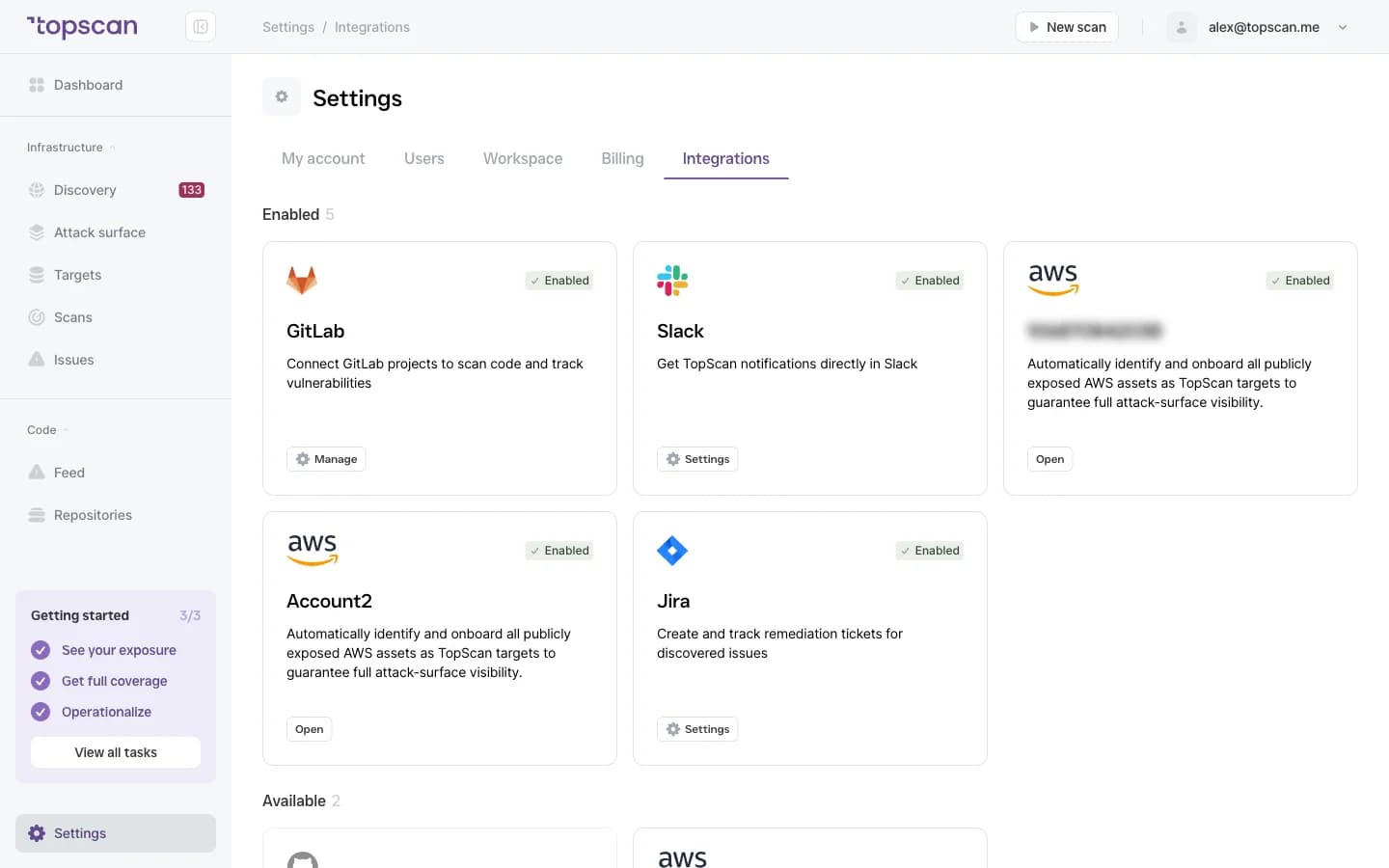
Slack for the interruption, email for everyone who isn't in that channel, GitHub or GitLab for the code, AWS for the cloud footprint. One setup each, from Settings → Integrations.
- Slack
- GitHub & GitLab
- AWS
Step 2
Start scans from your pipeline
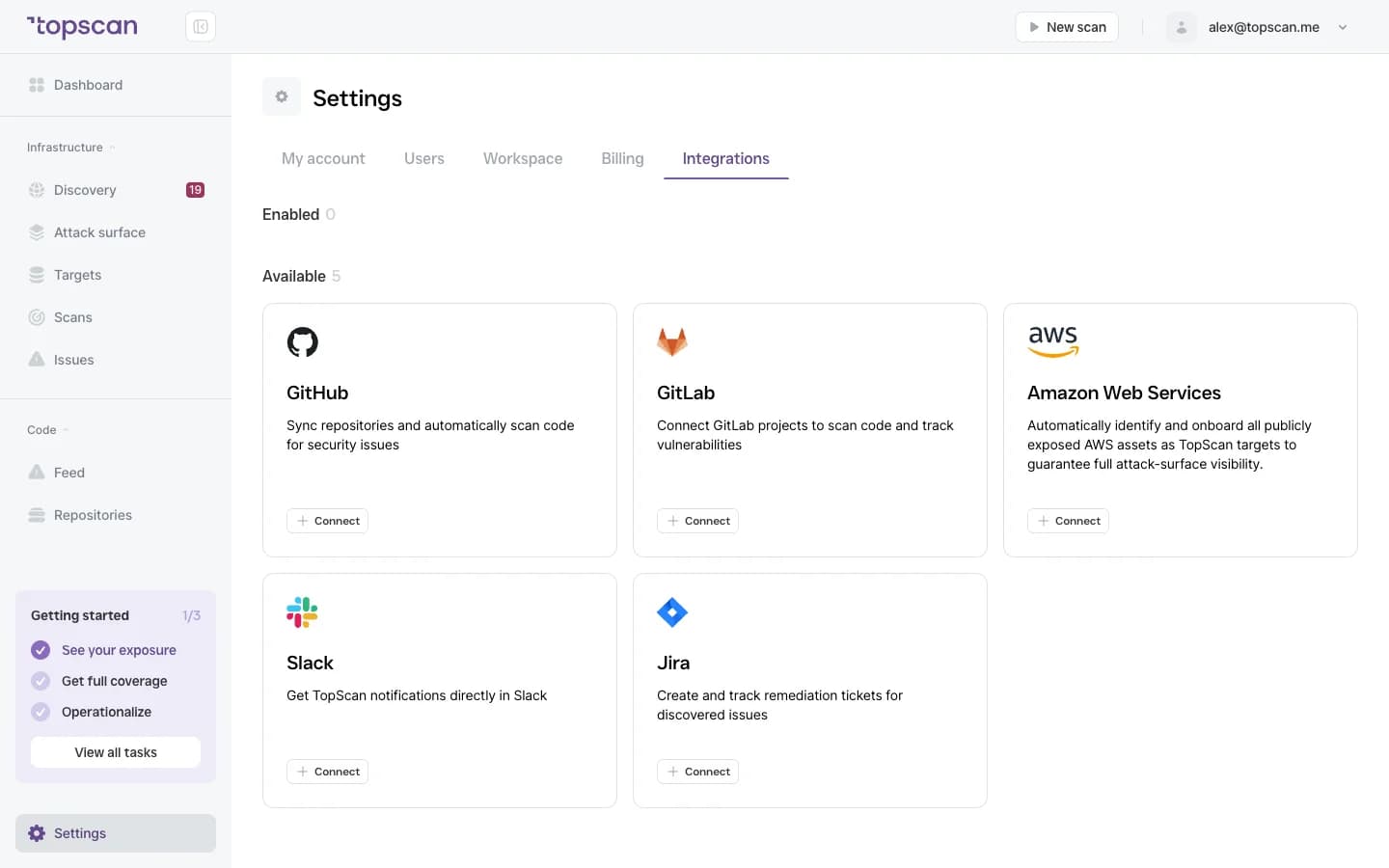
Your CI/CD pipeline calls a webhook and the scan starts — so the check runs on deploys instead of when somebody remembers. It's one line in the workflow you already have and there's no agent to install.
Any CI system
# the URL is the credential — keep it in a masked secretcurl -fsS -X POST "$TOPSCAN_WEBHOOK"Your webhook looks like https://hooks.topscan.me/scans/notify/<your-scan-id>. Ready-made steps for GitHub Actions and GitLab CI are on the CI/CD Security Scanning page.
- One line in the pipeline
- No agent
- Runs on every deploy
Step 3
Get the finding, not a link to it
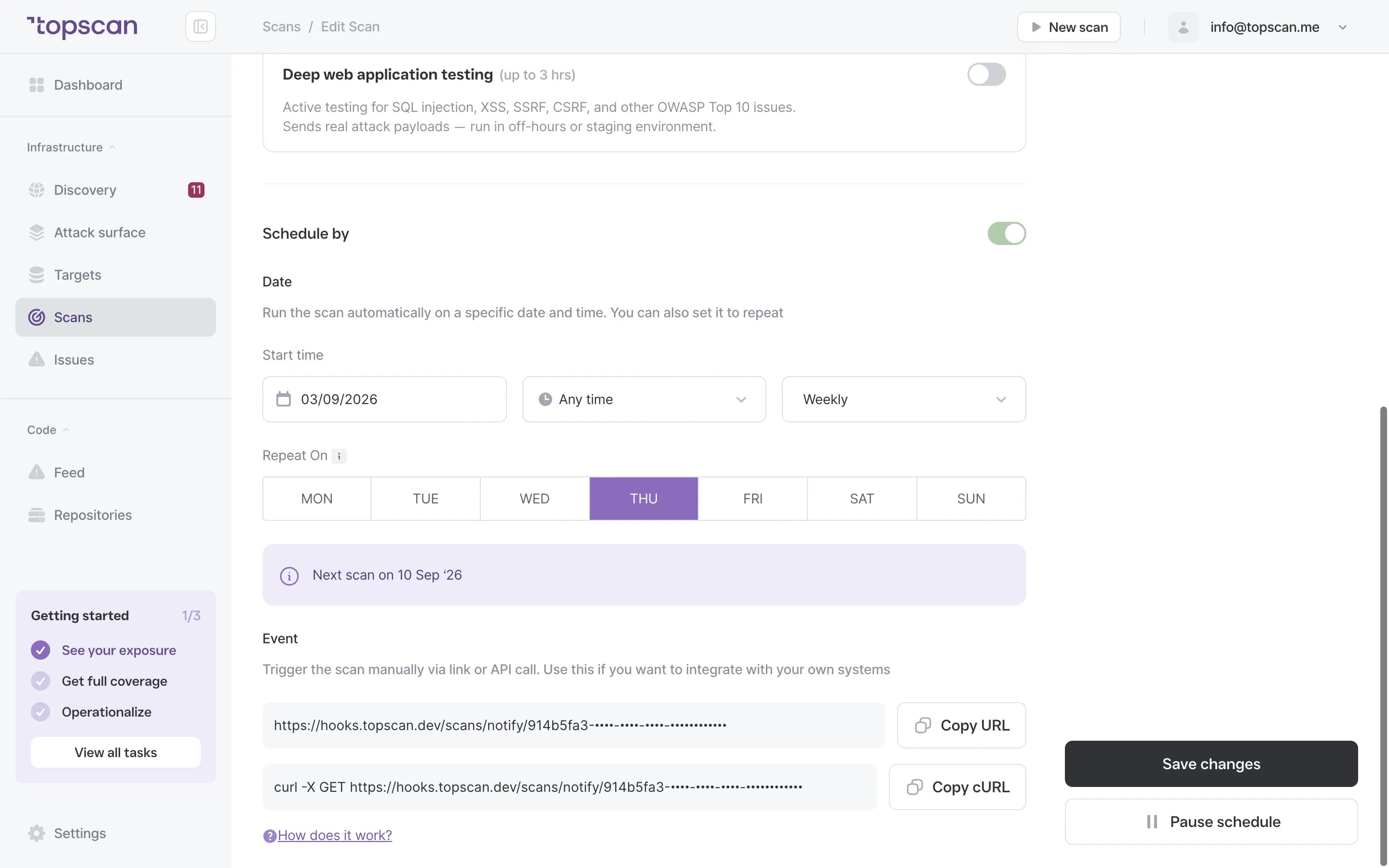
Every message carries what an engineer needs to act without opening another tool: the affected host and URL, what answered, the severity, the recommended fix and the remediation deadline.
- Affected host & URL
- Severity
- Recommended fix
- Deadline
Step 4
Keep the record where auditors can read it
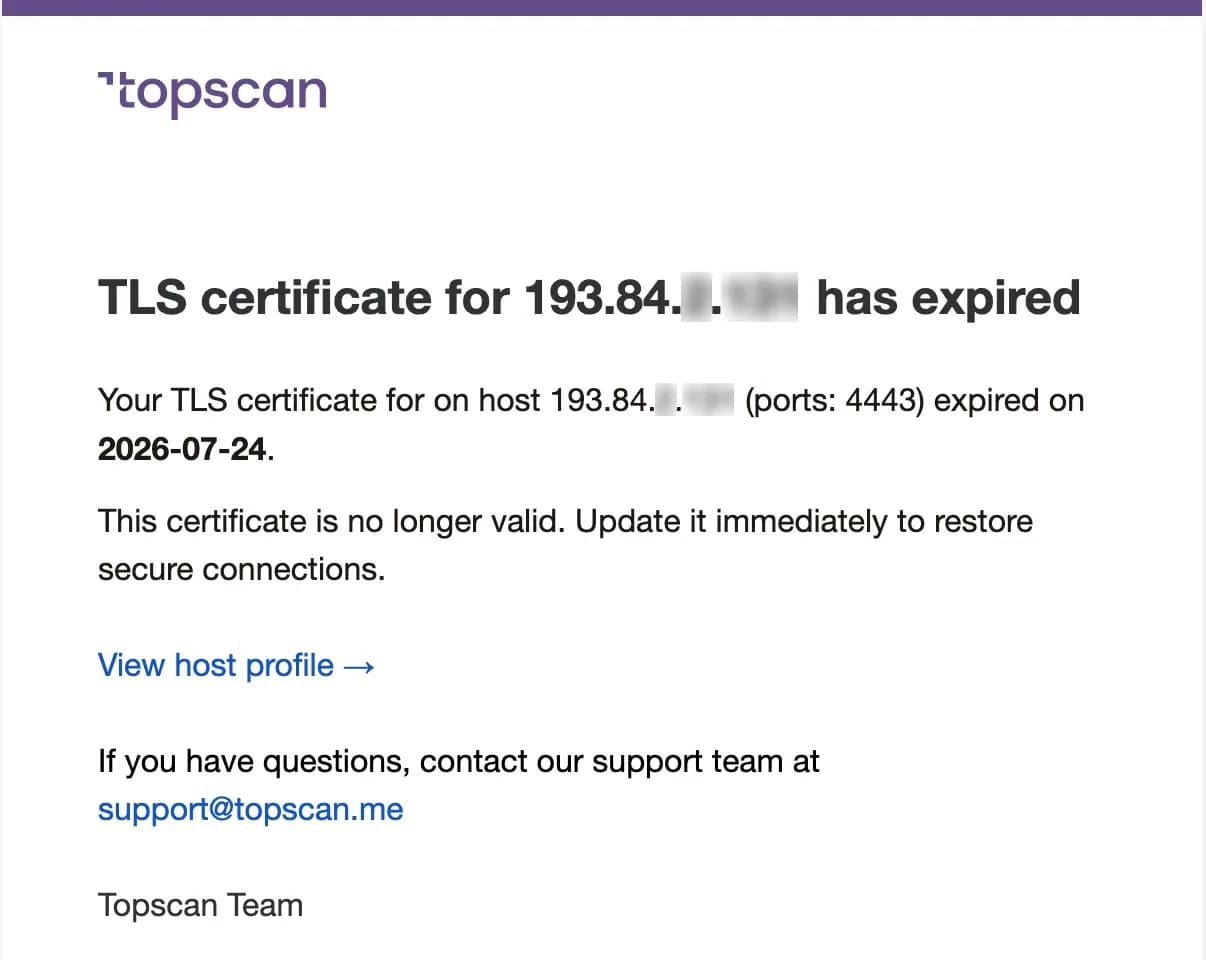
Remediation status and deadlines travel with the finding, and the history stays readable — a reviewer gets a free read-only seat rather than a folder of screenshots.
- Remediation status
- SLA tracking
- Free auditor seats
Features & Capabilities
in one workflow
Chat alerts on new findings
A new result reaches the team channel when the scan finds it, not at the next status meeting. Slack connects with one OAuth click.
Scans triggered from your pipeline
The check runs as a step in your deployment workflow, so every deploy gets tested from the outside. Details on the CI/CD Security Scanning page.
Findings become tracker tasks
A finding turns into a Jira task without retyping it: project, issue type and assignee are yours to pick, the summary and the description come filled in with the severity, the affected targets and what the exposure means.
Repositories connected directly
GitHub and GitLab, including self-managed GitLab, connect with a read-only access token for code scanning.
Cloud that feeds itself
A connected AWS account keeps discovery current without anyone maintaining a list of hosts.
Who Topscan Is Built For
Head of DevOps
Put findings in the channel your team already reads, instead of adding one more place to check.
Senior DevOps / Platform Engineer
Wire scans into the pipeline so the check runs on every deploy.
CTO
Know that a finding reaches an owner without a weekly meeting to move it there.
Teams preparing for an audit
Keep a readable record of what was found, when, and what was fixed. Your auditor should confirm applicability.
Connect Topscan to the tools you already use
Everything on this list works today. We would rather show a short list than a long one with asterisks.
 GitHub
 GitLab
 Slack
Slack Jira
Jira AWS
AWS- CI/CD webhook
Fair pricing for your workflow
Email alerts are on every plan and the CI/CD trigger on every paid plan, including Basic. Slack routing and Jira tickets start on Advanced at $269 a month.
Basic
$129/ month
For small teams without cloud infrastructure — one DevOps or CTO who owns security among other things.
- 3 infrastructure hosts — an IP, a hostname or a subdomain
- 1 web application tested while it’s running
- 10 repositories scanned by SAST
Advanced
14 days free trialBest value$269/ month
For companies of 20–60 with AWS infrastructure and active CI/CD.
- 8 infrastructure hosts, 2 web applications, 20 repositories
- AWS integration — cloud assets discovered automatically
- Slack routing and Jira tickets for findings
Pro
$449/ month
For companies of 30–100 with mature DevOps, first enterprise customers and audit requirements.
- 15 infrastructure hosts, 4 web applications, 40 repositories
- Custom SLA by severity and per target, Severity Override with an audit trail
- Two-way CI/CD webhook and Attack Surface change tracking with alerts
You pay for what you monitor — not for seats, scans or findings
Discovery costs nothing: it maps your whole footprint and a licence is used only when you put a host under monitoring. Scans are never billed, so a weekly schedule costs the same as a monthly one, and the whole team reads findings on any paid plan — developers, whoever tracks remediation, and read-only seats for auditors.
In every paid plan
- External infrastructure scanning
- Static code analysis, all supported languages
- Remediation history with dates
- Role-based access control
- Attack Surface and Security Score
- Dependency scanning (SCA)
- CI/CD webhook to trigger a scan
- Unlimited scans and users
- Web application scanning
- Statuses, SLA and snooze on every finding
- Email alerts
- Free read-only seats for auditors
Walk through it before you sign up
Five clicks through the real product. No form, no demo call.
Step 1 · Open Integrations
One marketplace, Enabled and Available.
Step 1 of 5 — click the highlighted spot
FAQ
Topscan builds on the best in class scanning engines
Still have questions?
Contact usPut findings where the work already happens
Connect one tool and add one domain. The first scan takes about five minutes.
14 days of the full Advanced plan · no card required