
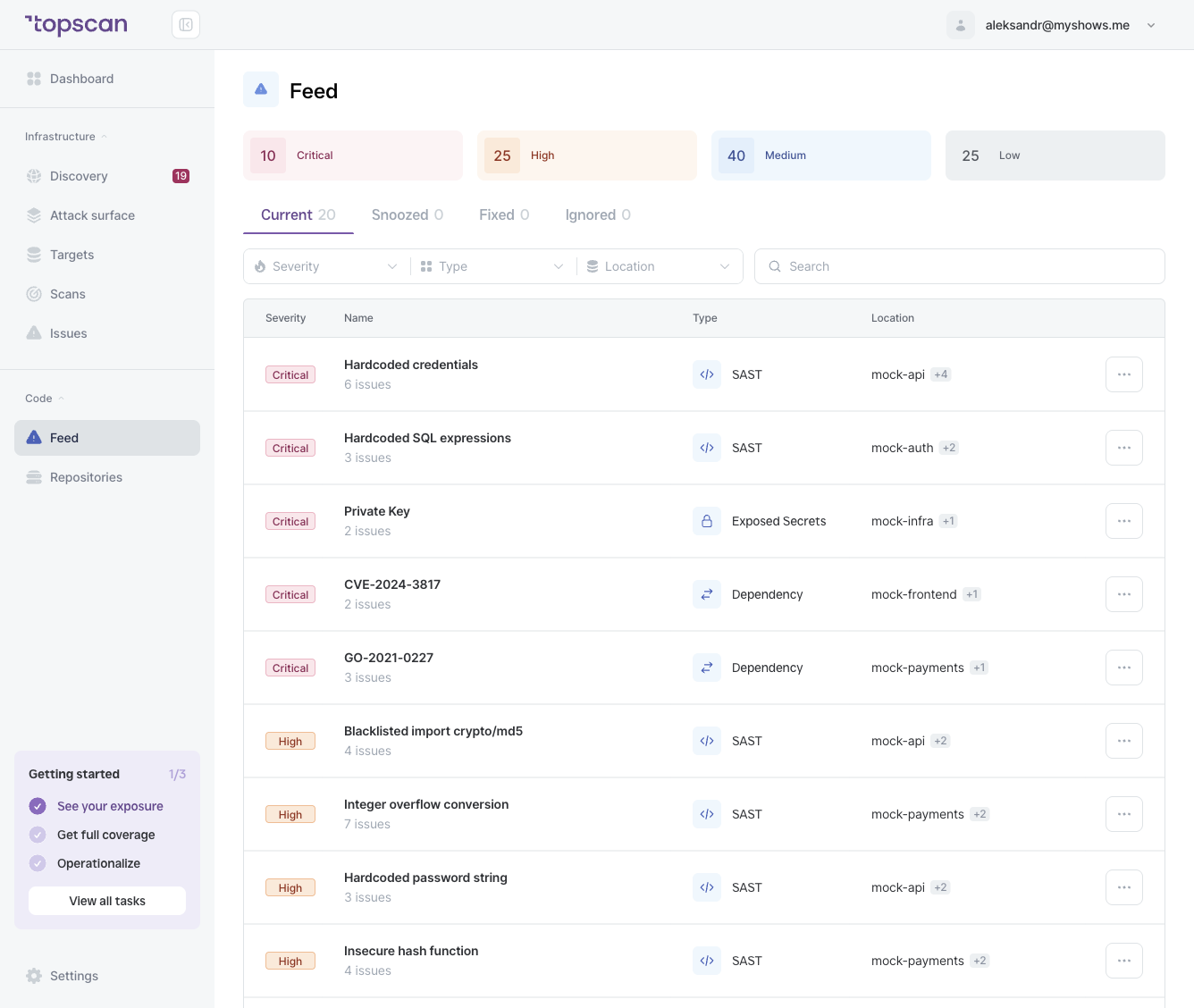
Current
Open SAST issues that are present in the latest scan of the relevant repository and branch. This is your active SAST backlog.
Issues are sorted by severity. Critical findings — especially Exposed Secrets — should be addressed immediately.
Fixed
Issues that were present in a previous scan but are no longer detected in the most recent scan. Topscan marks an issue as Fixed automatically when the code or dependency is updated.
Snoozed
Issues temporarily set aside. Snoozing a SAST finding pauses it from your Current view for a defined period. Use this when a fix is in progress but not yet merged.
To snooze, open the issue detail and click Snooze.
Ignored
Issues you've decided are not relevant to your codebase and don't want to see again. Unlike Snoozed (which is temporary), Ignored is permanent — the issue won't resurface in Current on future scans.
Use Ignored for findings that are:
- Known false positives specific to your code (e.g. a test file with a dummy credential)
- Acceptable risks that your team has deliberately accepted
Difference from DAST issue statuses
SAST statuses use Ignored where DAST uses Noise. In SAST, there's no automatic Noise categorization — you decide what to ignore.
| DAST (Issues) | SAST (Feed) |
|---|---|
| Current | Current |
| Fixed | Fixed |
| Snoozed | Snoozed |
| Noise (automatic) | Ignored (manual) |
| False positive | — |