Vulnerability assessment tools discover assets, check them for known weaknesses, and produce findings that people can investigate and fix. They can reveal an exposed service, a vulnerable package, or a risky configuration before it becomes an incident. Their value depends on coverage and follow-through: a scan of the wrong assets, or a report with no owner, leaves the risk in place.
For a small engineering team, the question is less about finding one scanner with the longest feature list and more about matching tools to the systems the team actually runs. A network scanner cannot inspect source code in a repository. A container image scanner cannot tell you whether a production login flow has a business logic flaw. Start with the assets and decisions you need to cover.
What Vulnerability Assessment Tools Actually Do
A vulnerability scanner collects evidence about an asset and compares it with checks for known issues. Depending on the tool and access granted, that evidence might include service banners, software packages, configuration settings, HTTP responses, or container image contents. The output is a set of potential findings, often with affected assets, references, severity, and suggested remediation.
The assessment is broader than the scan. Someone must confirm which findings apply, account for exposure and business impact, assign owners, and verify fixes.
Our vulnerability assessment guide explains that wider process; the scanning guide covers the detection step in more detail.
This distinction matters when a vendor promises a complete assessment but delivers only a list of matches.
Vulnerability scanners do not all use the same scoring system. A finding may carry a CVSS v3.1 score, a CVSS v4.0 score, a vendor rating, or no score. CVSS describes vulnerability severity; a base score alone does not tell a team how urgent the issue is on its own asset. FIRST's CVSS v4.0 specification explains how threat and environmental metrics add context.
Tool Categories and the Assets They Cover
The useful comparison is what each tool can inspect and what remains outside its view. The examples below are representative products, not a ranking. Features and licensing can change, so confirm the current edition against the vendor's documentation before buying.
|
Assessment need |
Example tools |
What to verify in a trial |
|
Network and host exposure |
Tenable Nessus and Greenbone Community Edition |
Test the actual internal and external ranges, credentialed checks, scan load, and evidence for a known finding. |
|
Running web applications and APIs |
ZAP and a purpose-built web scanner |
Check authenticated routes, API coverage, safe scan settings, and whether an engineer can reproduce a finding. |
|
Container images and dependencies |
Trivy and similar build-pipeline scanners |
Check supported image formats, dependency visibility, update cadence, and whether results map to a deployable artifact. |
|
Internet-facing assets and follow-up |
TopScan's vulnerability scanning |
Confirm which domains, IPs, web apps, and APIs are in scope, then test finding evidence and repeat scans. |
These categories can overlap. Nessus, for example, offers more than basic network checks, and Trivy also supports configuration checks. The point of the table is to expose a coverage gap before a purchase, not to imply that a product fits only one row. For web applications, OWASP's Web Security Testing Guide explains why automated black-box scans should be complemented by human testing.
Five Vulnerability Assessment Tools in Detail
The profiles below explain the capabilities and operating tradeoffs behind the table using official product documentation. Recommendations about fit are editorial judgments; validate them against your own assets during a pilot.
Tenable Nessus: Configurable Infrastructure Assessments
Nessus checks operating systems, devices, and applications for vulnerabilities, missing patches, and configuration problems. It provides scan policies, configuration and compliance checks, remediation guidance, and configurable reports. Tenable's product overview lists the capabilities available in its current editions.
Strengths: a team can use predefined policies as a starting point, adjust checks to an assessment, and produce reports for different recipients. Credentialed scanning gives administrators a way to inspect local software and settings alongside exposed services. That makes Nessus a candidate for recurring infrastructure assessments or consulting work where each engagement needs a defined scope and deliverable.
Limitations: budget for the required license and check whether support is included; Tenable lists advanced support separately. Internal scans also need appropriate network access and working credentials. Before buying, verify the edition's web scanning allowances and the workflow you need for managing multiple scanners. A scanner purchase alone does not establish ownership or confirm that fixes were deployed.
Greenbone Community Edition: Control over the Scanning Stack
Greenbone Community Edition is an open-source vulnerability management stack associated with OpenVAS. Its documented architecture combines scanning services, a manager that stores results and schedules tasks, and a web interface for controlling scans and reviewing findings.
Strengths: running the stack yourself gives your team control over its deployment and direct access to its components. The manager provides scheduling, stored results, and user permissions, so the system can support repeated assessments. Consider it when internal network coverage and control over the installation matter, and an engineer can maintain the service.
Limitations: that control comes with operational work: maintain the services, database, vulnerability test data, and backups. Greenbone's community container guide requires container and command-line knowledge and explicitly says that its setup instructions are intended for testing and familiarization, not production deployments. Assess production hardening and support separately. Free software can still be an expensive choice if upkeep takes time away from remediation.
ZAP: Automated and Manual Web Testing
ZAP is a free, open-source tool for testing running web applications. It can inspect browser traffic through a proxy, analyze requests and responses passively, and run active vulnerability checks. Its getting-started guide also explains how to inspect the response that triggered an alert.
Strengths: developers can investigate a finding in the same environment used to observe application traffic. For repeatable tests, the Automation Framework supports YAML plans, authentication configuration, API definition imports, scanning, and report generation. This suits teams that want web security checks in a delivery pipeline and someone who can investigate the results.
Limitations: scan coverage depends on reaching the right pages and maintaining a valid session. Login-protected routes need authentication setup; complex forms may require manual exploration or additional configuration. Active scans can affect application behavior, so scope and test settings need care. ZAP's web testing focus also leaves host patch inventories to other tools. During a pilot, verify that it reaches a protected workflow before judging a report with few findings as reassuring.
Trivy: Package and Configuration Checks in CI/CD
Trivy checks software components in supported targets, including container images, for known vulnerabilities. Its vulnerability documentation describes checks for operating system packages and language dependencies. It can also inspect supported configuration files for insecure settings.
Strengths: scanning a build artifact lets an engineer connect a finding to the image or dependency that needs updating before deployment. Trivy uses the relevant operating system vendor's advisories for packages installed through that vendor's package manager, which helps account for backported fixes. Consider it when containers and dependency updates are a regular part of the delivery process.
Limitations: results depend on supported package formats, identifiable versions, and available advisories. Under its default detection approach, Trivy can skip dependencies whose exact version cannot be determined. Also, configuration checks are not enabled by default for the image, fs, and repo commands. An image scan does not test a deployed login flow. Check the enabled scanners and the actual build artifact before treating a clean result as sufficient coverage.
TopScan: Recurring External Scans and Remediation Tracking
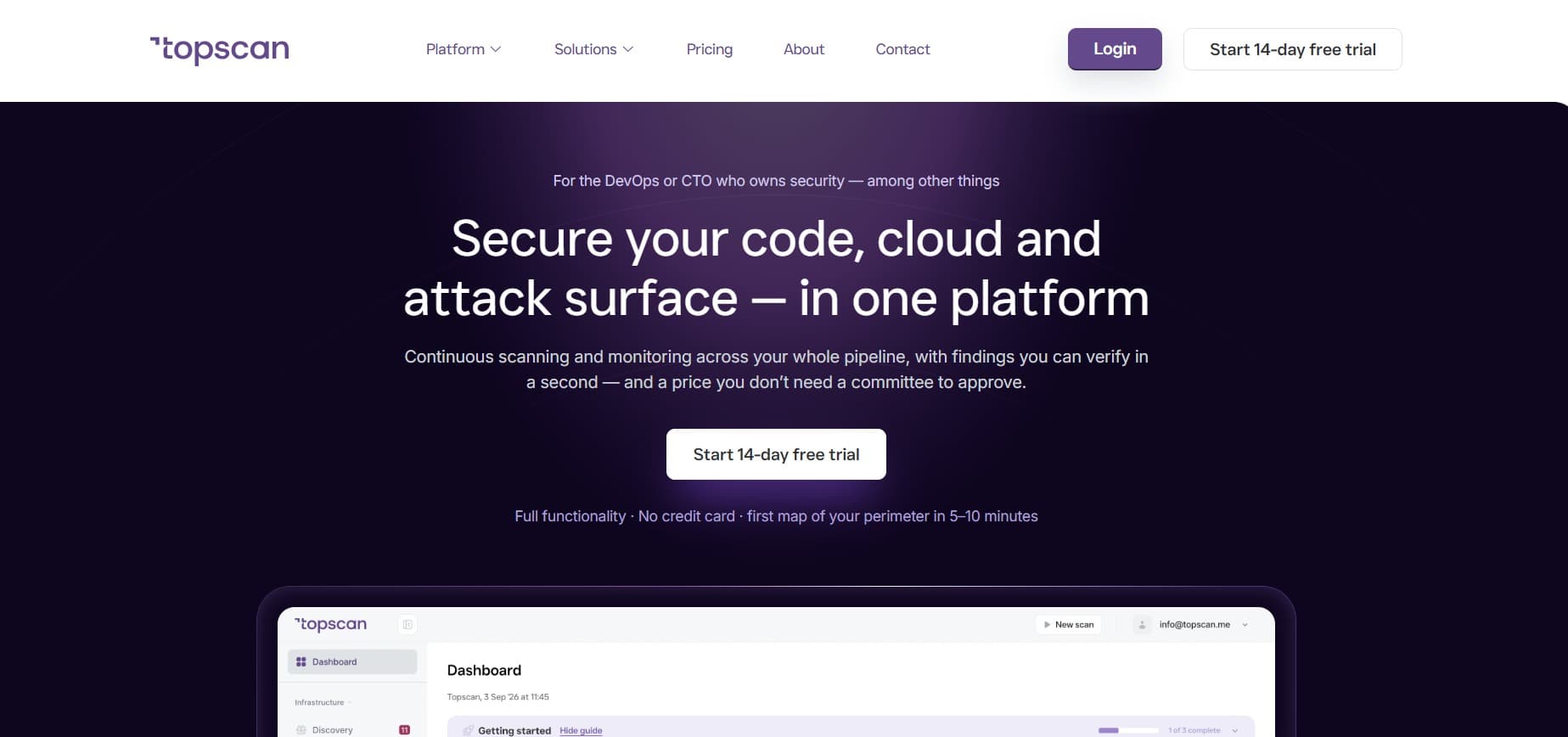
TopScan's vulnerability scanning checks internet-facing infrastructure, web applications, and APIs on a recurring basis. Its vulnerability management workflow keeps affected assets, severity, issue status, and remediation deadlines together, with reporting and tracking of findings that reappear.
Strengths: the external scanning approach avoids installing an agent on each target. Bringing recurring checks and follow-up into one workspace gives a technical owner a way to monitor open work and revisit findings after a change. TopScan fits the shortlist for a small software team whose CTO or DevOps lead handles external exposure alongside other responsibilities.
Limitations: the external scan described here cannot establish a complete inventory of packages or private configurations inside every host. Add credentialed host checks or artifact scanning when those are in scope. Severity-based sorting and deadlines also need review against asset importance and exploitation evidence. In a pilot, confirm target coverage, inspect finding evidence, and check how a resolved issue is handled when it returns.
Deployment and Access Change What a Scanner Can See
An unauthenticated network scan observes a system from the outside. A credentialed scan can inspect information such as installed packages and settings that an external check may miss, as Tenable's documentation explains. Host agents can gather local evidence even when a machine is not consistently reachable over the network, but they introduce deployment and maintenance work. These approaches are options to test against your environment, not a universal depth ranking.
Cloud-hosted tools may simplify setup for internet-facing targets. An internally deployed scanner may be necessary for private networks or data handling rules. Before choosing either, ask where scan data is stored, how credentials are protected, whether internal targets can be reached, and how updates reach the scanner. A hybrid deployment is reasonable when the asset inventory spans private hosts and public services.
Active checks also need an agreed scope. Confirm ownership of the targets, use a staging environment where appropriate, and choose scan settings that fit production traffic. A scanner's ability to reach an endpoint does not make every test safe to run against it.
Features That Matter During a Pilot
A pilot should answer operational questions with real assets, not only show a polished dashboard. Pick one internet-facing service, one internal host, and one application or image that represent your environment. Record what the tool discovers, misses, and hands to the person who will fix issues.
- Coverage and freshness. Check whether newly added assets appear and whether vulnerability checks are updated. A clean report is unconvincing if a known target or supported package is absent.
- Evidence and validation. Open several findings and look for the affected version, request, response, package, or configuration that supports each result. The team should be able to confirm a finding without guessing.
- Useful prioritization. Compare the tool's queue with an exposed, business-critical asset and a lower-impact internal asset. Ask whether it shows exploitation evidence and asset context alongside severity.
- Ownership and verification. Create a ticket, assign it, apply a fix in a safe test case, and rescan. The result should show whether the issue was resolved and when it returns.
- Operational fit. Measure scan duration, target impact, credential handling, export quality, and the work required to maintain the scanner. These costs matter as much as the license.
TopScan's vulnerability management workflow focuses on findings, deadlines, status, and rescans for internet-facing assets. Teams that also need deep internal host checks should test and add that coverage separately.
Turn Findings Into Decisions, Then Verify the Fix
Imagine a scan reports two issues: an exposed edge service with a CVE in CISA's Known Exploited Vulnerabilities catalog, and a high-severity issue on an isolated test host. The first deserves prompt investigation because the CISA KEV catalog records evidence of exploitation in the wild. Confirm that the affected product and version are present, check the vendor advisory, assign an owner, and plan the fix or a temporary control. The second still needs treatment, but its priority should reflect its actual exposure and purpose. This is an illustrative triage situation based on CISA's documented prioritization practice, not a report of a particular incident.
Once a fix is deployed, rescan or use another appropriate check to confirm that the vulnerable condition is gone. Keep the owner and verification date with the finding. NIST SP 800-40 Rev. 4 includes verification in the patch management process, which is why closing a ticket at deployment is too early.
Our CVSS guide explains how severity fits into a larger prioritization decision.
Scanner Limits That Need Another Check
Automated tools can miss assets they cannot discover, authenticated paths they cannot reach, and flaws that require business context. A vulnerability match can also be wrong or inapplicable. For example, Red Hat documents how scanners that look only at package versions can misreport vulnerabilities when fixes have been backported. Review the evidence and vendor advisory before assigning remediation work.
An application scanner can probe known technical patterns, but it cannot reliably decide whether a user's role should be allowed to approve a particular transaction. OWASP documents these limits for automated web testing. Manual review or a scoped penetration test is appropriate when authorization logic, complex workflows, or exploitability of a critical finding needs deeper examination.
Editorial judgment: for a lean team, repeatable coverage and a reliable fix-and-verify loop usually offer more value than a one-time scan across every asset type. That judgment does not apply when a critical system has an unresolved design flaw or a testing requirement calls for independent manual assessment. Use scanners for breadth, then direct human effort where their evidence runs out.
Choose Coverage You Can Operate and Verify
List the assets that matter, map each to a suitable scanning method, and trial the tools against representative targets. Select the combination that produces evidence engineers can validate and findings the team can own. Revisit the coverage map when new services, repositories, or cloud accounts appear. A vulnerability assessment tool earns its place when a newly found weakness reaches a verified decision and, where a fix is possible, a verified resolution.