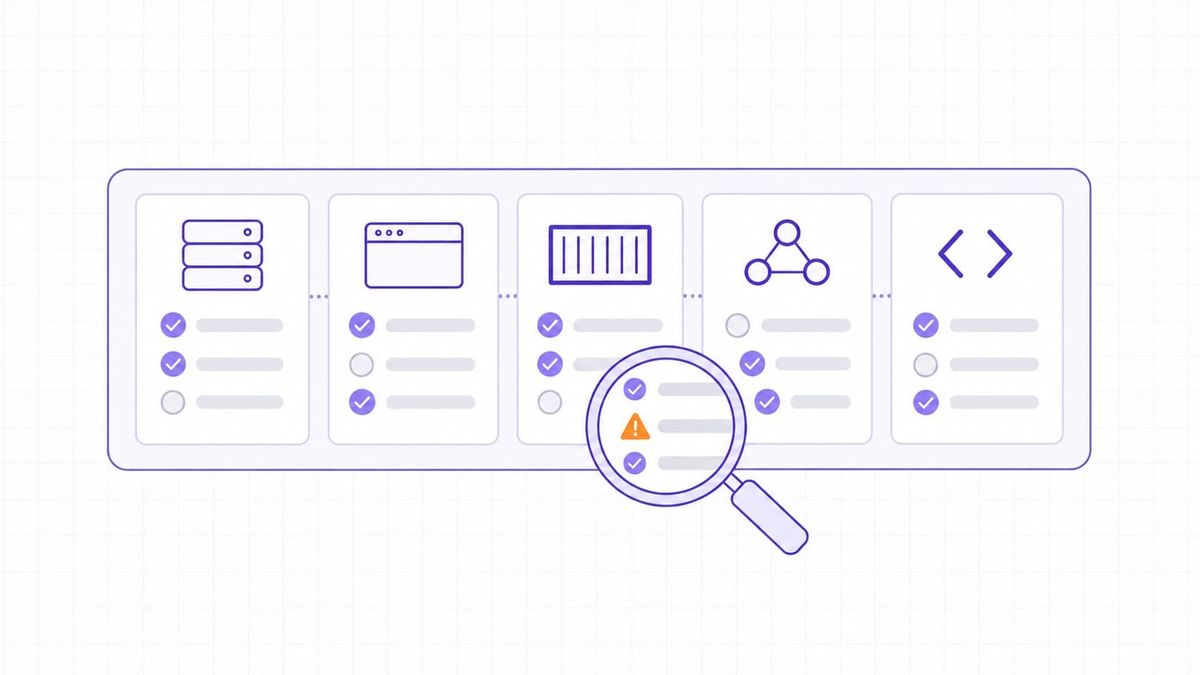

A vulnerability assessment is a structured review of security weaknesses in a defined set of systems, applications, or networks. It identifies potential problems, checks the evidence, and evaluates their significance so the team can decide what to address. The NIST definition also includes assessing security measures and identifying deficiencies.
The result should explain which assets were examined, what was found, and what remains uncertain. An open port, an outdated-looking version number, and a confirmed vulnerable installation are different findings. Each needs evidence before it becomes a repair task.
A vulnerability assessment supplies evidence for a broader risk assessment. The latter also considers threats, likelihood, consequences, and existing controls, as described in NIST SP 800-30 Rev. 1. Finding a weakness is one input to that decision.
Vulnerability Assessment, Scanning, and Penetration Testing
Vulnerability scanning automates checks for weaknesses such as missing patches or insecure configurations. An assessment combines those results with validation, context, and recommendations. Penetration testing uses authorized attempts to exploit selected weaknesses to investigate what an attacker could achieve under the agreed test conditions.
NIST SP 800-115 describes scanning and penetration testing as distinct techniques with different capabilities and limits. A scanner alert does not establish successful exploitation. A penetration test also cannot demonstrate that every possible weakness has been found.
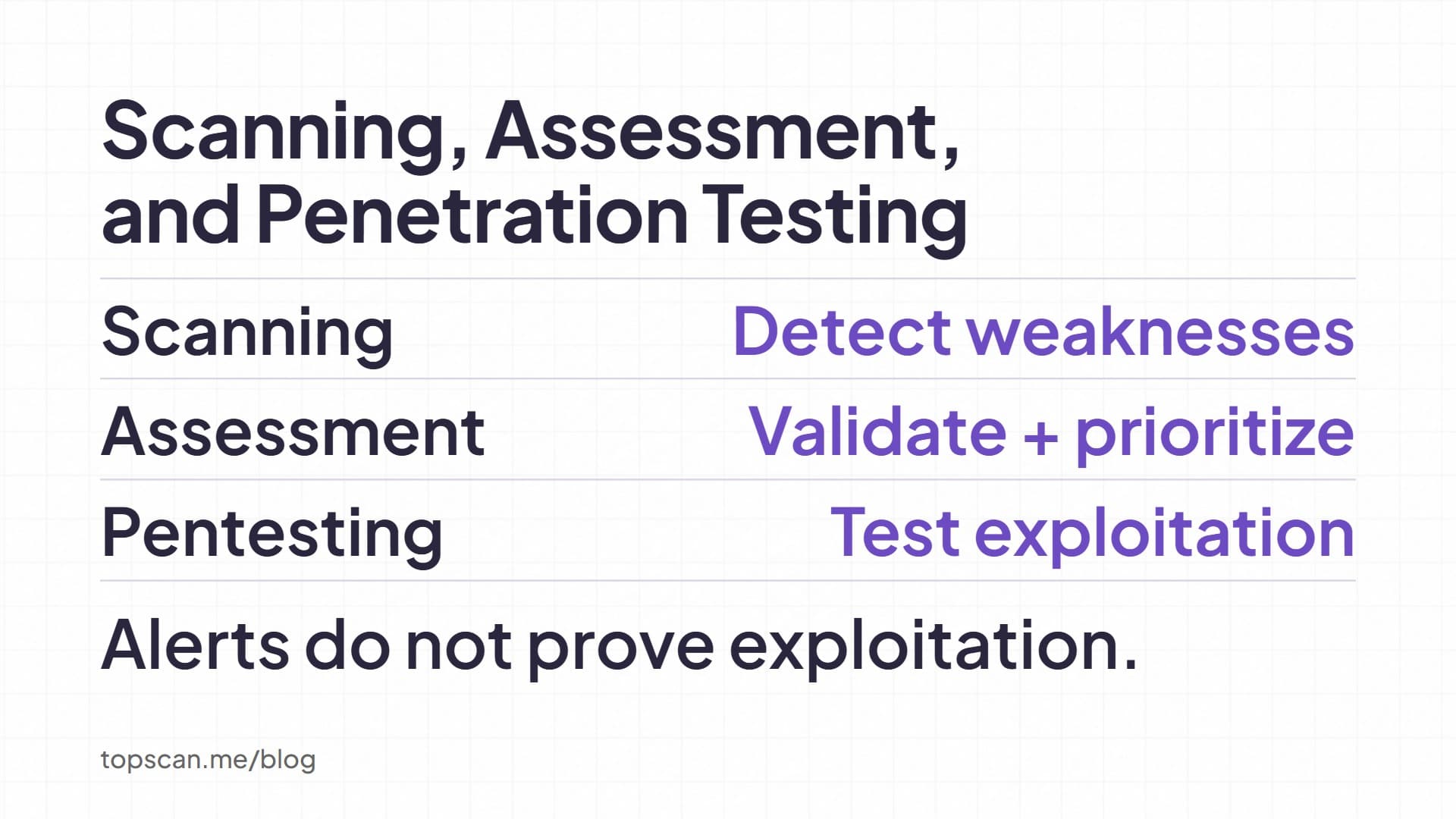
Vulnerability assessment and penetration testing can be commissioned together, sometimes under the name VAPT. Check the scope behind that label: automated scanning alone does not establish that exploitation testing was performed.
Our comparison of assessment and penetration testing explains when each approach fits.
Types of Vulnerability Assessment and Their Coverage
Choose assessment types around the assets and decisions involved. The same service may need several checks: its public endpoint, installed software, application permissions, and cloud configuration expose different information.
| Assessment Focus | Evidence to Collect | Coverage to Add |
|---|---|---|
| Network and Hosts | Reachable services, installed software, patch status, and relevant host settings. | Application testing for authorization and business logic that a host scan does not examine. |
| Web Applications and APIs | Authentication, authorization, session handling, input validation, and application behavior. | Tests using the intended user roles, plus host and dependency checks where applicable. |
| Cloud Resources | Customer-controlled permissions, network access rules, exposed resources, and workload software. | Checks matched to the services used and the provider's shared responsibility model. |
| Databases | Database permissions, configuration, software status, and protection of sensitive data. | Application and network checks for the paths through which users reach the database. |
For application coverage, the OWASP Web Security Testing Guide separates areas such as authentication, authorization, and business logic. Cloud responsibilities depend on the service: AWS documents that division. Database checks also need access to database settings; Microsoft's SQL assessment documentation illustrates checks for excessive permissions and misconfiguration.
An external vulnerability assessment examines systems from outside the network. An internal vulnerability assessment starts from an agreed position inside it. Neither term tells you whether credentials were used. Record both the scanner's location and its access level so readers can interpret the results.
The Vulnerability Assessment Process
We recommend the following five-step vulnerability assessment methodology for teams that need a repeatable starting point. Adapt the checks to the environment, and agree on the evidence required at each step before the work begins.
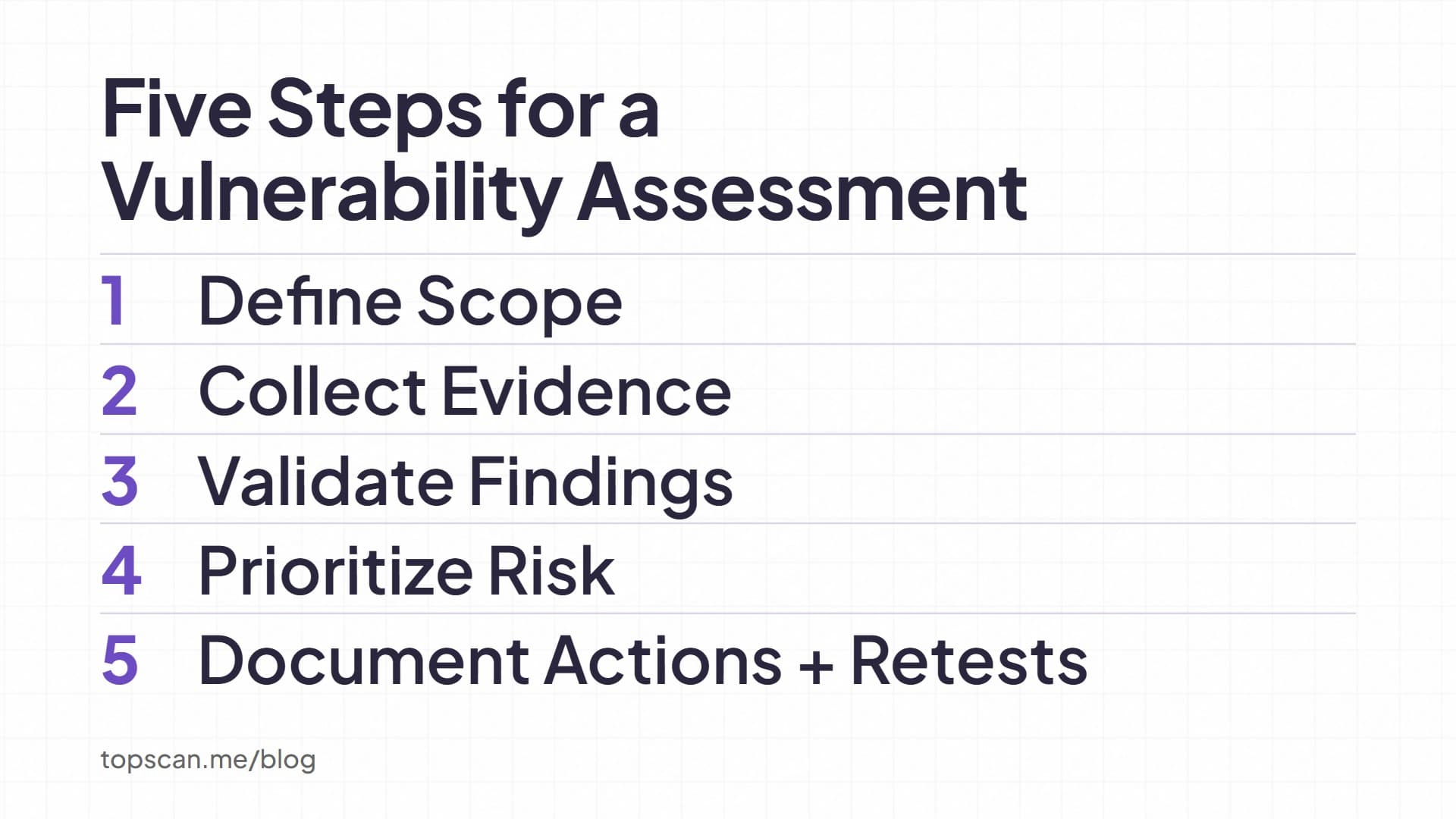
1. Define Scope and Testing Conditions
List the approved domains, IP ranges, applications, accounts, and environments. Name an owner for each system, identify sensitive production services, and record exclusions. A hostname discovered during preparation still needs to be checked against the authorized scope.
Agree on scan windows, request rates, permitted tests, escalation contacts, and conditions for stopping a test. Include third-party hosting or service restrictions where relevant.
Our vulnerability assessment checklist provides a more detailed preparation sequence.
2. Collect Evidence and Confirm Coverage
Select vulnerability assessment software according to the evidence it can collect. A network scanner, a dependency scanner, and an application testing tool answer different questions. Keep the scan policy, tool version, check updates, timestamp, and access level with the results.
Authenticated checks depend on working credentials and sufficient permissions. For example, Tenable's Windows guidance explains that local checks need access to the required files and registry entries. Its Linux guidance distinguishes limited checks from configuration checks requiring elevated access.
Our recommendation is to confirm that authentication and the intended checks actually ran. A completed scan with failed logins should leave a visible coverage gap. Schedule another check or use a suitable alternative evidence source.
3. Validate Findings Before Assigning a Fix
Read the evidence behind each consequential alert. Check the affected component, installed package, relevant configuration, and vendor advisory. Keep uncertain findings open for investigation, and record the reason when rejecting a false positive.
A version comparison can be misleading when a vendor has backported a security fix. Red Hat describes this practice: a fix can be applied to an older package without moving to the latest upstream release. Compare the installed vendor package with its security advisory before treating an older-looking version as proof of an unpatched flaw.
An exposed management interface is another finding that needs context. Establish whether it should be reachable, what authentication protects it, and which checks were performed. Reachability alone does not demonstrate unauthorized access.
4. Prioritize With Severity, Exposure, and Impact
The Common Vulnerability Scoring System (CVSS) provides technical severity information. Its Base score is not a complete measure of business risk, as FIRST's CVSS v4.0 guidance explains. Preserve the score's version and vector when available, then add evidence about the actual environment.
Check whether the weakness affects an installed component, whether the relevant service or function is reachable, and what a successful attack could affect. Consider known exploitation, sensitive data, service availability, and existing controls. CISA's official Known Exploited Vulnerabilities data supplies one exploitation signal; inclusion does not establish that your own system was compromised.
Our recommendation is to escalate an uncertain finding promptly when its possible impact is serious. Uncertainty should create a validation task with an owner, rather than quietly push the finding to the bottom of the queue.
5. Document Decisions and Arrange Follow-Up
For each accepted finding, record the affected asset, evidence, priority rationale, responsible team, proposed action, and target date. Separate confirmed weaknesses from items awaiting validation. State which assets or checks were excluded.
Define how the result will be checked after a change. For an exposed service, that may mean verifying access from the original testing location. For a package vulnerability, it may require confirming the installed fixed package and the running application.
Our vulnerability assessment report guide shows how to organize findings and retest evidence.
A Vulnerability Assessment Example: Log4Shell
Log4Shell shows why an assessment must identify the affected component precisely. In its advisory for CVE-2021-44228, Apache identifies affected versions of log4j-core. Applications using only log4j-api, without log4j-core, are not affected by that particular vulnerability.
Applied to an assessment, this distinction changes the work:
- Identify the component. Determine which application includes
log4j-coreand its deployed version, using package, dependency, or vendor evidence. - Check applicability. Compare that evidence with the advisory and document the conditions relevant to the application. Finding a library does not prove that exploitation occurred.
- Choose and verify the change. Follow current vendor guidance, then verify the deployed application and its dependencies after the update.
The decision is whether the deployed application is affected and what evidence will establish that the relevant change reached production. A package name in a report cannot answer those questions alone.
Choosing Methods, Tools, and Services
A vulnerability assessment framework should make the method and its limits clear. NIST SP 800-115 provides testing and assessment guidance; OWASP WSTG supplies application testing procedures. Neither turns a single scan into a complete review of every layer.
When comparing vulnerability assessment tools, test whether they can inspect your actual assets and explain incomplete checks.
Our guide to vulnerability assessment tools covers the categories and selection criteria in more detail.
We provide recurring vulnerability scanning for confirmed targets, with evidence attached to findings. Use those results alongside checks that require internal access, application knowledge, or another specialist method.
If you buy vulnerability assessment services, put the deliverables in the agreement: covered assets, access requirements, manual validation, reporting, and retesting. Establish who implements changes. A provider's assessment report does not mean that the provider has patched your systems.
Verify Fixes and Reassess When Conditions Change
Vulnerability assessment supplies evidence for the broader vulnerability management process. CIS Control 7 describes ongoing assessment and tracking as part of reducing the opportunity for attackers. That requires follow-through after the report is delivered.
NIST SP 800-40 Rev. 4 includes verification in patch management. Keep evidence that the intended change was installed and that the relevant check passed. A blocked scanner or failed login should be investigated before interpreting a missing alert as a successful fix.
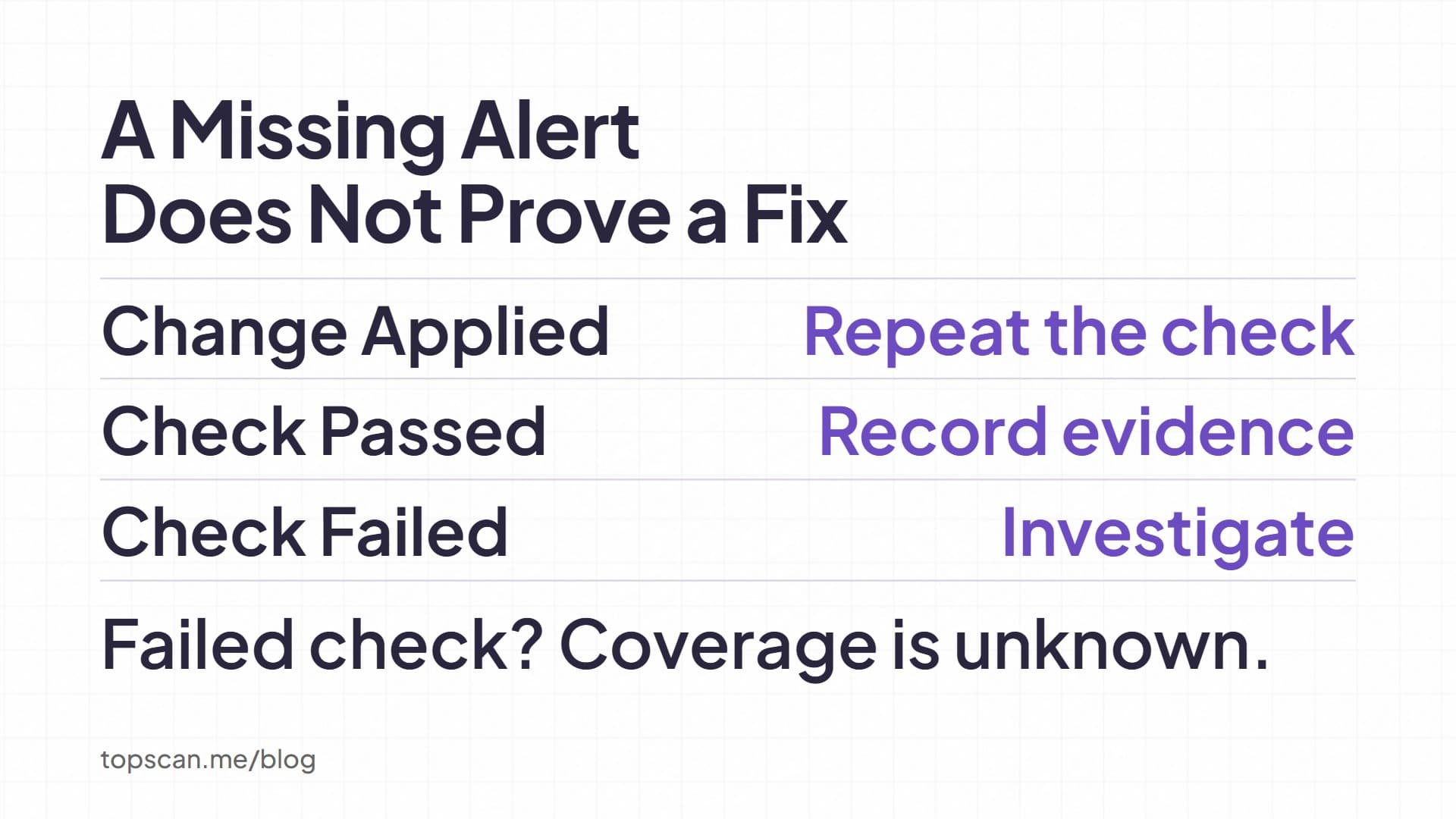
Set a reassessment schedule around exposure, system importance, change rate, and applicable requirements. Add checks when a new advisory may affect your systems or a deployment changes the assessed environment. NIST SP 800-53 Rev. 5, control RA-5 covers organization-defined scan frequency and checks prompted by newly reported vulnerabilities.
Our recommendation is to combine scheduled checks with those change triggers. Continuous vulnerability assessment still has intervals and blind spots; document the last successful check, unresolved findings, and untested areas so the next decision rests on visible evidence.