
What Topscan monitors
External infrastructure (DAST) Topscan scans your internet-facing assets — domains, subdomains, IP addresses, and web applications — for known vulnerabilities, misconfigurations, and exposed services. Scans run continuously on a schedule you define, so new issues are caught as soon as they appear.
Source code (SAST) Topscan analyzes your Git repositories for vulnerabilities in code, exposed secrets, and vulnerable dependencies. Results appear in the Feed and are linked to specific repositories and branches.
Core concepts
Targets — the assets you want to monitor. A target is a domain, IP address, or web application. You decide which targets to add and what type each one is.
Scans — automated checks run against your targets. A scan can be one-off (One-shot) or recurring (Scheduled). Each completed scan produces a list of issues.
Issues — individual vulnerabilities or misconfigurations found during a scan. Each issue has a severity (CRITICAL, HIGH, MEDIUM, LOW), a description, CVE references where applicable, and a remediation recommendation.
Security Score — a single percentage that reflects the overall security health of your workspace. It decreases when issues go unresolved past their SLA deadline and recovers as you fix them.
SLA — the time you have to fix an issue before it counts against your Security Score. Default deadlines: CRITICAL 7 days, HIGH 30 days, MEDIUM 60 days, LOW 90 days.
How it fits into your workflow
`` Add targets → Run scans → Review issues → Fix & verify → Stay compliant ``
- You add the domains and IPs you own as targets.
- Topscan scans them automatically on your schedule (or on demand).
- Issues are surfaced in priority order — by severity and SLA urgency.
- Your team fixes the issues; Topscan detects the fix on the next scan and moves the issue to Fixed.
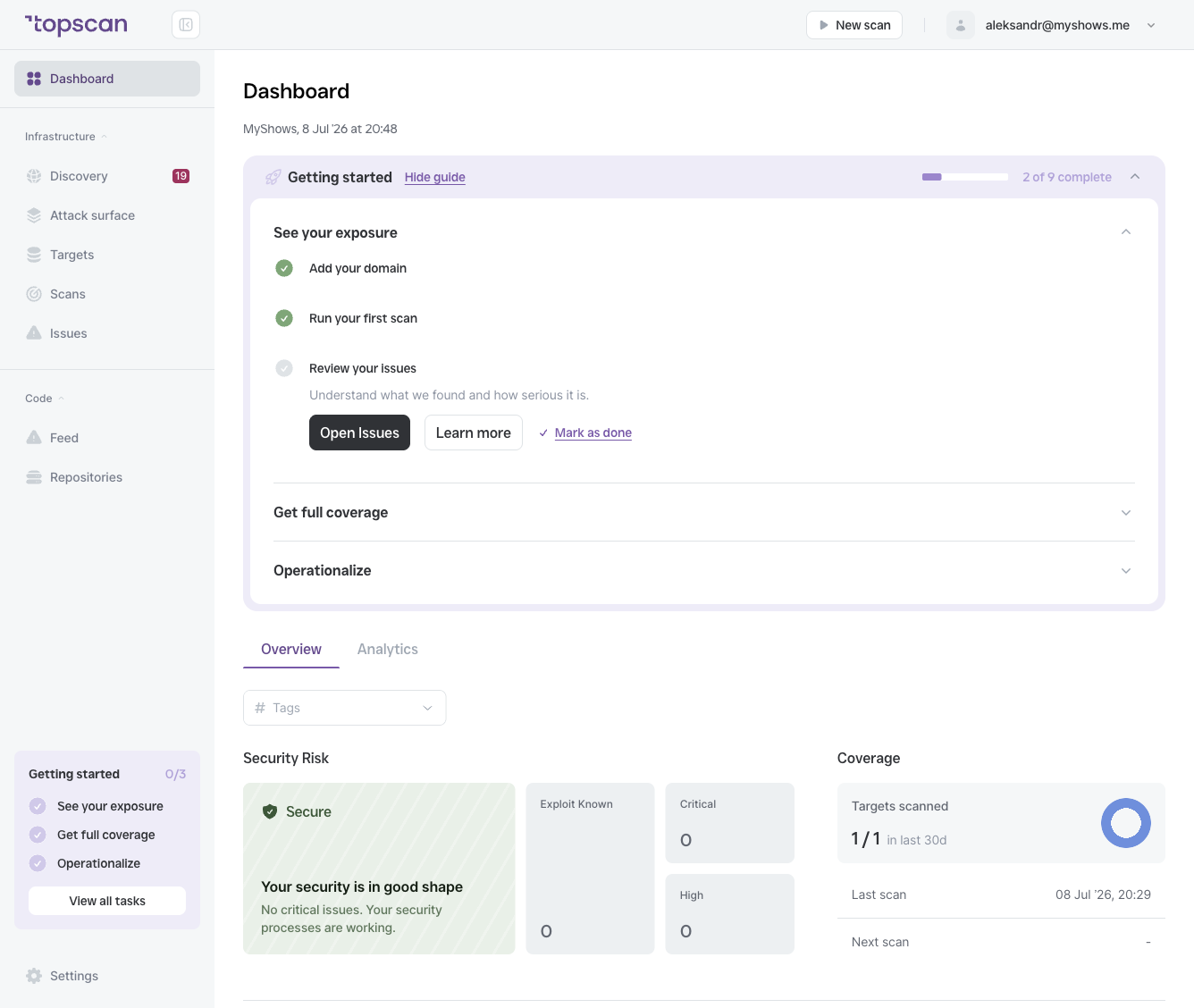
- The Dashboard shows your current security posture at a glance.