
What you get
Once connected, Topscan can send Slack notifications for events such as:
- New CRITICAL or HIGH issues detected
- Issues going overdue
- Scan completions and failures
- Changes to your Security Score
How to connect
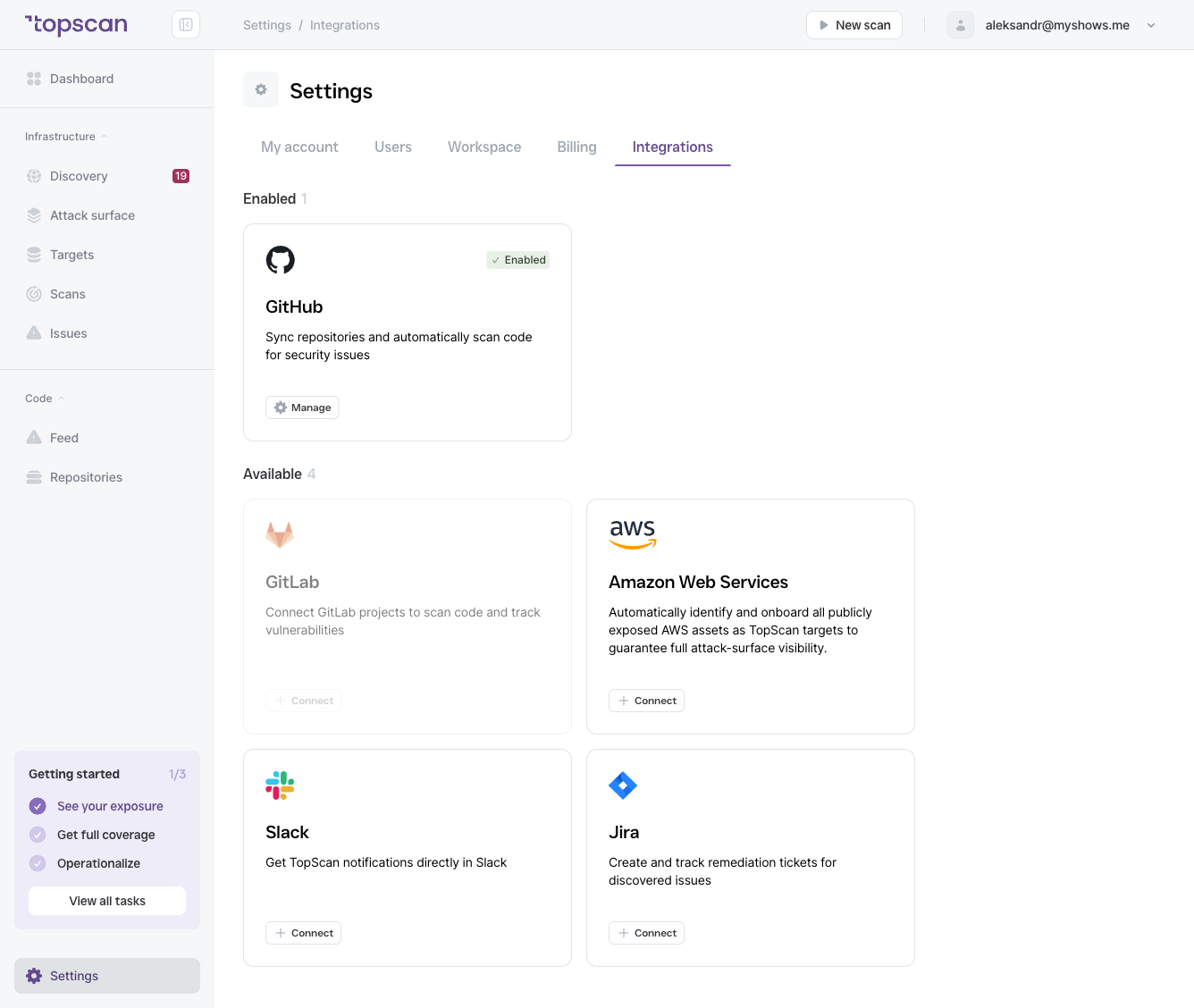
- Go to Settings → Integrations.
- Find the Slack card (under Available) and click Connect.
- Follow the OAuth flow to authorize Topscan to post to your Slack workspace.
- Select the channel where notifications should be sent.
- Save.
Once connected, Slack moves to the Enabled section and the card's button changes to Manage.
Managing the integration
Click Settings on the Slack card to:
- Change the target channel
- Adjust which event types trigger notifications
- Disconnect the integration