
What it does
When connected, Topscan periodically scans your AWS account for publicly exposed resources — EC2 instances, load balancers, and other assets with public IP addresses or DNS names — and adds them as targets in Topscan automatically.
New AWS resources are picked up the next time the integration runs. Removed resources stop being monitored.
How to connect an AWS account
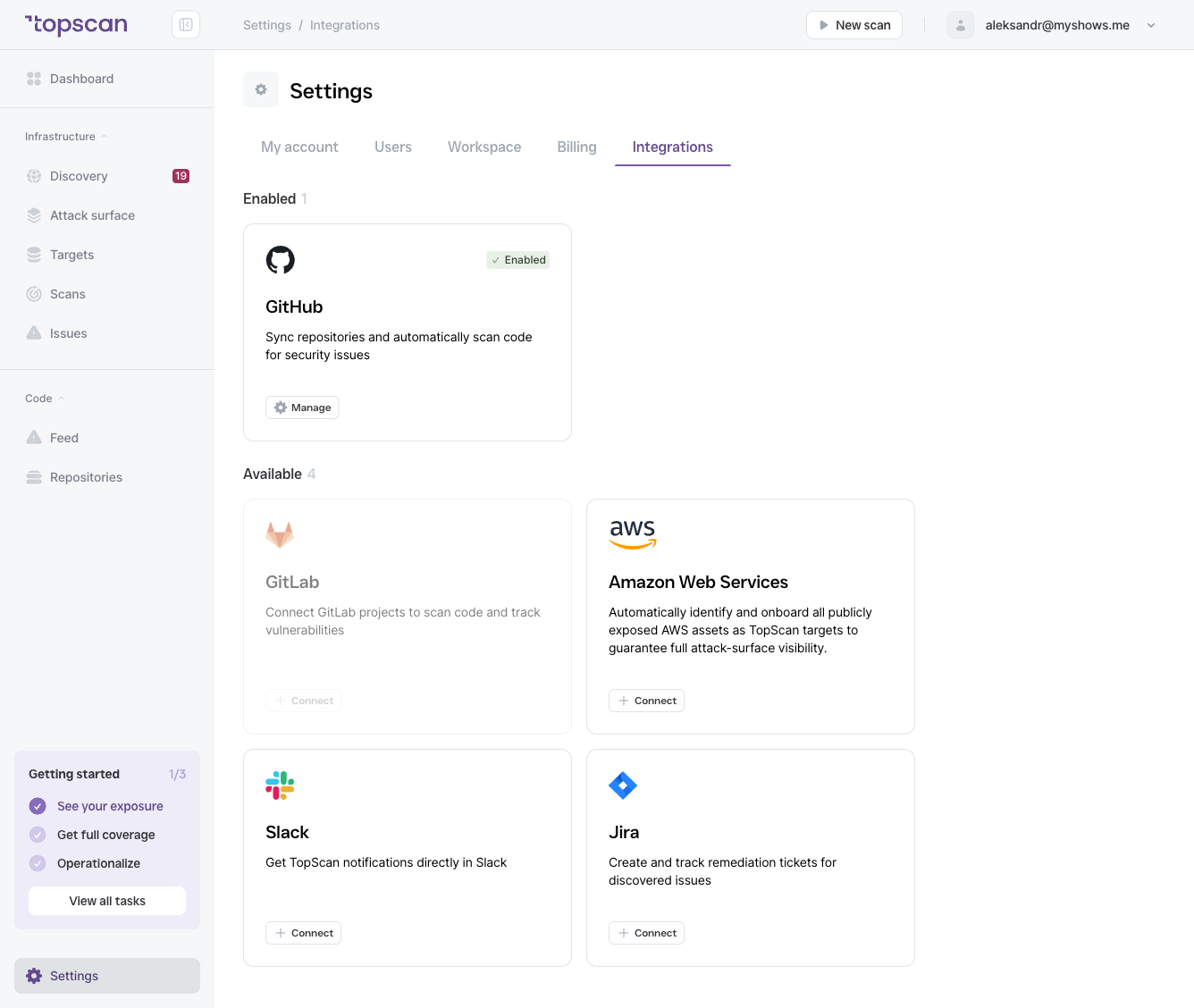
- Go to Settings → Integrations.
- Find the Amazon Web Services card (under Available) and click Connect.
- Follow the setup instructions to grant Topscan the necessary read permissions to your AWS account. Topscan requires read-only access — it does not modify your infrastructure.
- Once authorized, the account appears under Enabled integrations.
You can connect multiple AWS accounts. Each connected account appears separately in the Enabled list with its account ID.
Managing connected accounts
Click Open on any connected AWS account to:
- View which targets were discovered from that account
- Re-sync the integration manually
- Disconnect the account