
Supported providers
- GitHub (GitHub.com and GitHub Enterprise)
- GitLab (GitLab.com and self-hosted GitLab)
How to connect
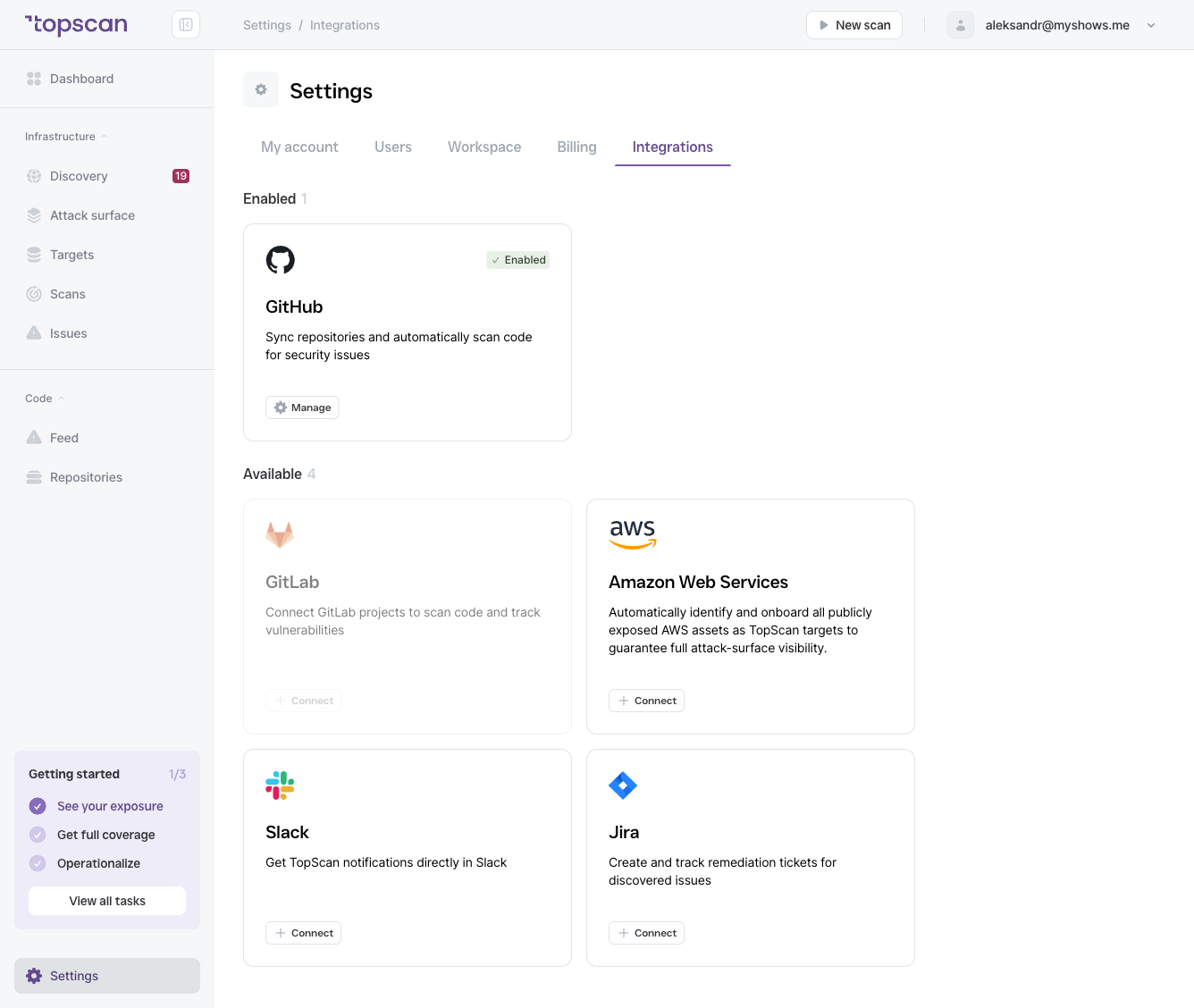
- Go to Settings → Integrations.
- Find the GitHub or GitLab card and click Connect.
- Follow the OAuth authorization flow to grant Topscan access. For a self-hosted GitHub Enterprise or GitLab instance, provide your instance URL during the connect flow.
Topscan requests read-only access to your code and repository metadata. Once connected, the provider moves to the Enabled section and its button changes to Manage.
After connecting
Once connected, go to Repositories → Manage Repos to select which repositories to monitor. Only repositories you explicitly select are scanned — Topscan does not scan your entire GitHub/GitLab account automatically.
Multiple providers
You can connect both GitHub and GitLab simultaneously. Each connected provider appears in your Integrations list independently.