
Workspace name
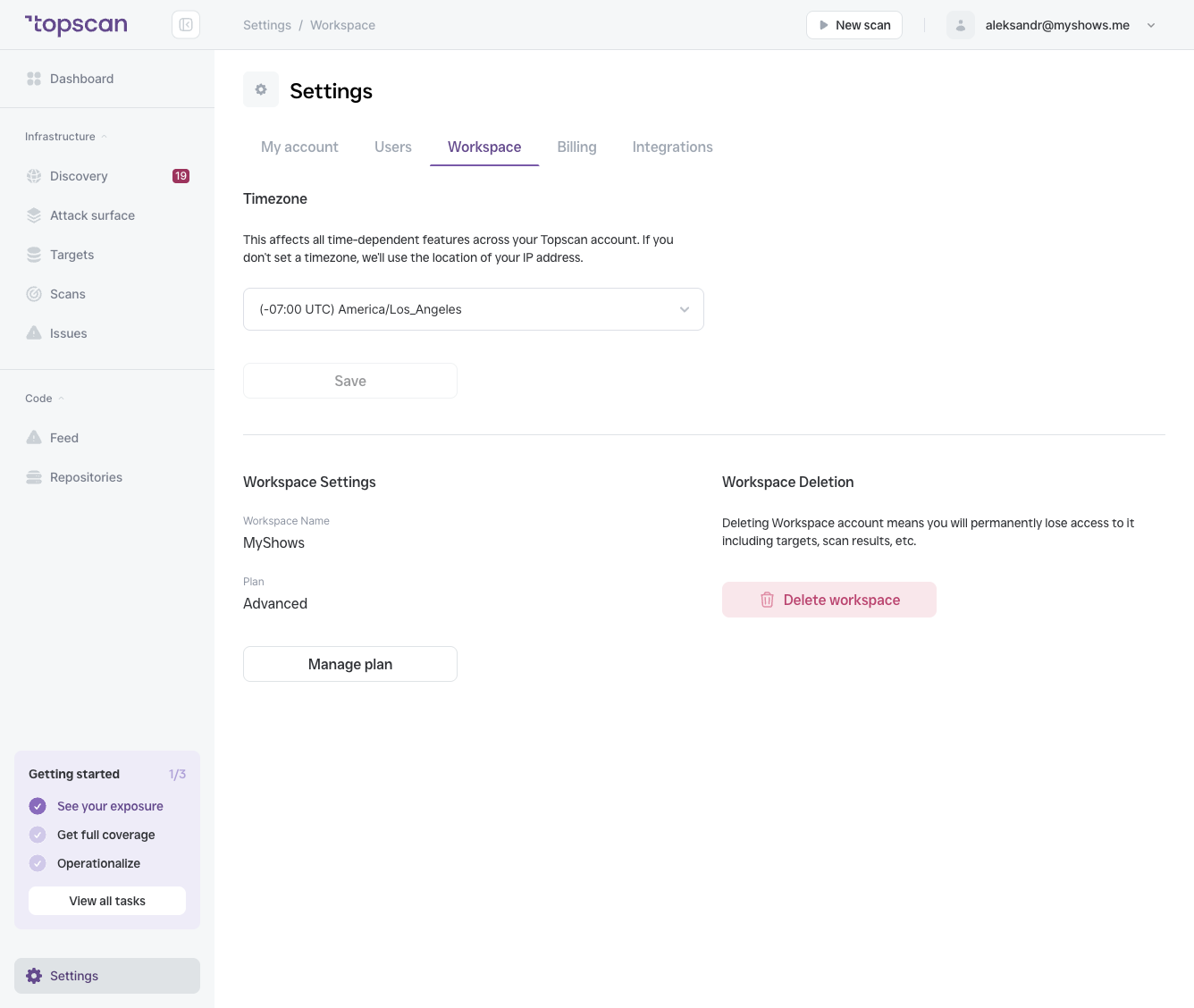
The display name for your workspace. Shown in the header and in exported reports.
Timezone
The timezone affects all time-dependent features across your workspace:
- Scan start and completion times
- Issue
first_seendates - SLA deadline calculations
- Activity feed timestamps
If no timezone is set, Topscan uses the location of your IP address. For teams distributed across time zones, set an explicit timezone to ensure consistent timestamps in reports and audit trails.
To change it: select a timezone from the dropdown and click Save.
Current plan
The Plan field shows your current subscription tier (e.g. Advanced). Click Manage plan to view available upgrades, compare features across tiers, or contact sales.
Workspace deletion
Delete workspace permanently removes your workspace and all data associated with it: targets, scan results, issues, and historical records. This action cannot be undone.
Only Admins can delete a workspace. You will be prompted to confirm before the deletion is processed.