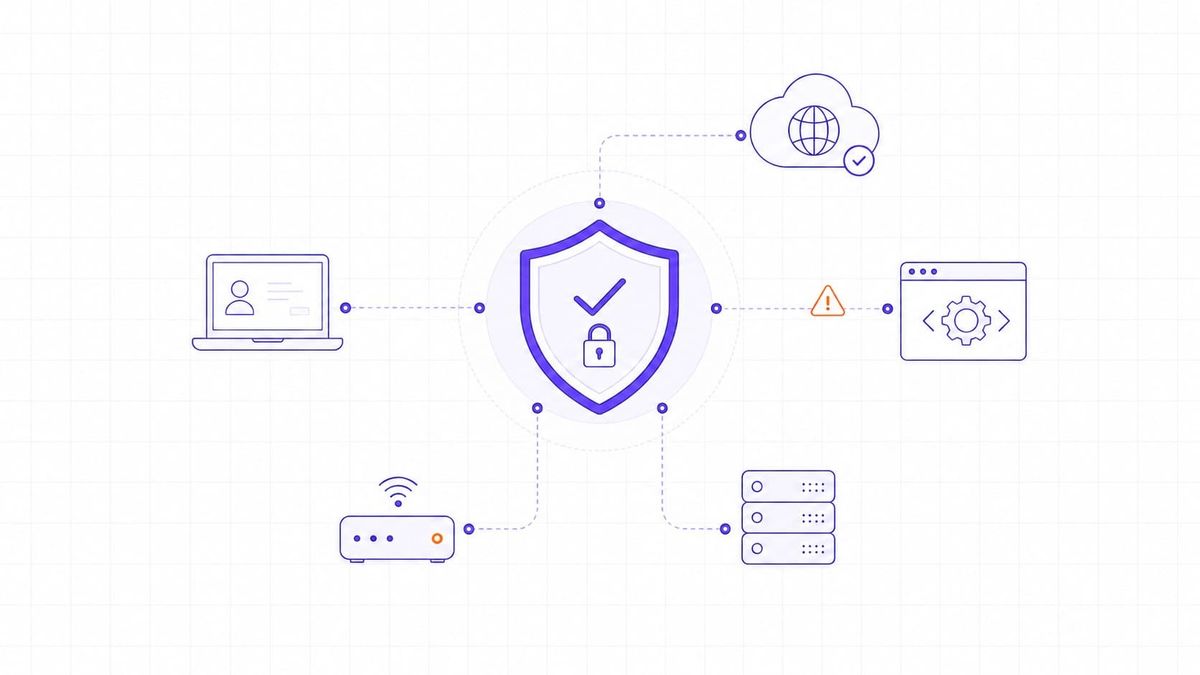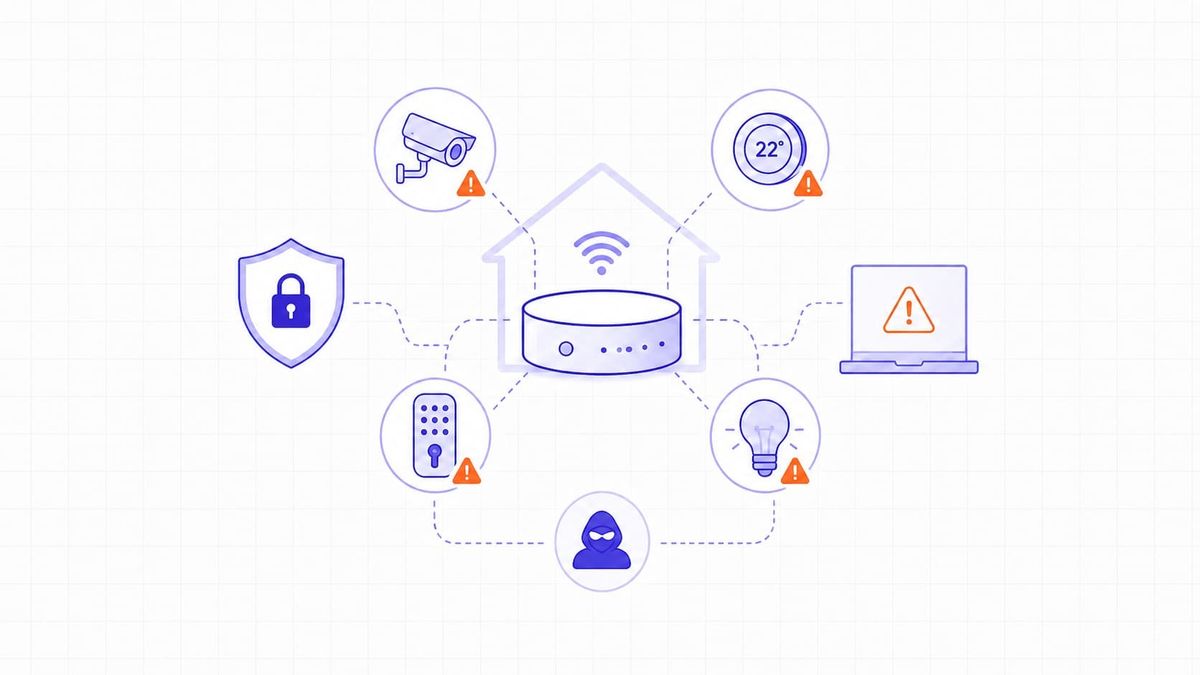

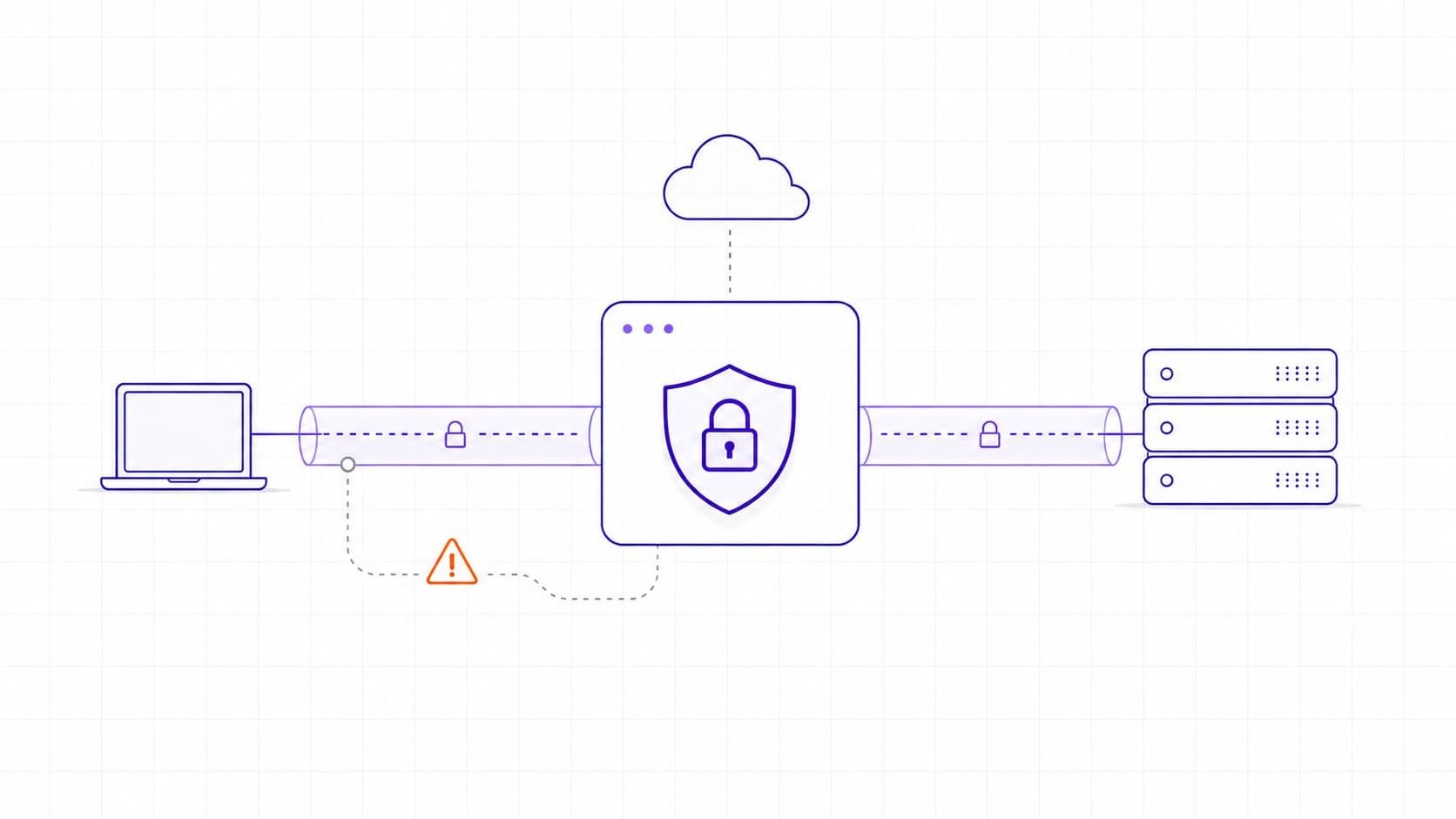
Virtual private networks help organizations protect traffic and give employees secure remote access to internal resources. They are widely used because they can encrypt data in transit, connect branch offices, and support remote work without exposing every application directly to the internet.
That does not make a VPN automatically safe. A VPN gateway is often internet-facing, highly privileged, and connected to sensitive internal systems. If it is misconfigured, unpatched, or protected only by weak credentials, it can become an entry point rather than a barrier.
This article explains the most common VPN vulnerabilities, how attackers exploit them, and what businesses can do to reduce risk.
VPN Vulnerabilities Are Weaknesses in Software, Configuration, Identity, or Operations
A VPN vulnerability is any weakness that can reduce the confidentiality, integrity, or access control expected from a VPN connection. The weakness may exist in the VPN product itself, in the protocol and cryptographic settings, in identity controls, or in the way access is granted after a user connects.
NIST SP 800-77 Rev. 1 describes VPNs as a way to provide protections such as confidentiality, integrity, data origin authentication, replay protection, and access control. The same guidance also makes an important point: those protections depend on correct implementation, secure configuration, and appropriate cryptography.
Common VPN vulnerability categories include:
- Unpatched VPN gateways or clients.
- Weak, reused, or stolen passwords.
- Missing or bypassable multi-factor authentication.
- Excessive network access after login.
- Outdated protocols, weak cipher suites, or poor key handling.
- Misconfigured firewall rules, split tunneling, logging, or certificates.
- Vulnerable client software on user devices.
VPN security it’s a combination of architecture, cryptography, authentication, and operational management. In practice, this means a strong protocol alone does not compensate for weak access control or poor maintenance.
Remote Access VPNs Expand the Attack Surface
Remote access VPNs, also called host-to-gateway VPNs, allow individual users to connect from outside the organization to internal services. This model is useful for remote work, but it also increases exposure because every user account, device, and VPN client becomes part of the access path.
The risk is not only the tunnel itself. Attackers often target the identity layer around the VPN. They phish credentials, reuse leaked passwords, attempt password spraying, steal session cookies, or exploit weak MFA flows. If they succeed, the VPN may treat the attacker as a legitimate user.
Remote access becomes especially risky when the VPN places a user on a broad internal network segment. A compromised account that only needs one internal application should not automatically receive access to file shares, databases, domain controllers, and administrative services.
For organizations reviewing remote access exposure, a broader network vulnerability assessment can help identify exposed services, weak segmentation, and access paths that are not obvious from the VPN console alone.
VPN Gateways Are High-Value Targets
VPN gateways sit at the edge of the network and usually process authentication, encrypted sessions, routing, and policy enforcement. That makes them attractive targets for both criminal groups and advanced threat actors.
Several real CVE records show why this matters:
- CVE-2023-27997 affected Fortinet FortiOS and FortiProxy SSL-VPN. NVD describes it as a heap-based buffer overflow that could allow a remote attacker to execute arbitrary code or commands through crafted requests. It is listed with a critical CVSS 3.1 score of 9.8 and appears in CISA's Known Exploited Vulnerabilities metadata.
- CVE-2024-21887 affected Ivanti Connect Secure and Policy Secure. NVD describes it as a command injection vulnerability in web components, with a critical CVSS 3.1 score of 9.1 and CISA KEV metadata.
- CVE-2025-22457 affected Ivanti Connect Secure, Policy Secure, and ZTA Gateways. NVD describes it as a stack-based buffer overflow allowing a remote unauthenticated attacker to achieve remote code execution, with critical CVSS scoring and CISA KEV metadata.
- CVE-2019-11510 affected Pulse Secure Pulse Connect Secure. NVD describes it as an arbitrary file reading vulnerability reachable by an unauthenticated remote attacker.
These examples do not mean every VPN product is unsafe. They show why exposed VPN appliances need the same disciplined patching, monitoring, and hardening as any other internet-facing system.
The Most Common VPN Weaknesses Fall into Predictable Patterns
Most VPN incidents do not require a mysterious attack. They usually combine one technical weakness with one operational weakness: an old appliance plus delayed patching, valid credentials plus weak MFA, or broad access plus poor logging.
Authentication Bypass and Weak Identity Controls
Authentication bypass occurs when a flaw lets an attacker avoid the normal login process or gain access with insufficient checks. Weak identity controls can also create a similar outcome without a product vulnerability. Examples include single-factor VPN login, reused passwords, weak recovery workflows, or MFA that can be defeated through session theft.
Strong MFA is important, but it is not the full answer. Teams should also monitor impossible travel, unusual device fingerprints, abnormal login times, repeated failed attempts, and new access from unexpected regions.
Remote Code Execution and Memory Corruption Flaws
Remote code execution vulnerabilities are among the most dangerous VPN flaws because they may let attackers run commands on the VPN appliance itself. Buffer overflows and command injection flaws are common examples in vulnerability databases.
If a gateway is compromised, attackers may be able to steal configuration files, harvest credentials, pivot into internal systems, or install persistence. This is why emergency patching, vendor advisories, and asset inventory matter so much for VPN infrastructure.
Outdated Protocols and Weak Cryptography
Older VPN protocols and weak cryptographic settings can undermine the protection the VPN is supposed to provide. Modern business deployments should avoid legacy choices such as PPTP and should not rely on weak authentication methods or obsolete cipher suites.
NIST SP 800-77 Rev. 1 identifies IKEv2 as the current version of IKE for IPsec and lists modern cryptographic options such as AES-based encryption and HMAC-SHA-256 or stronger integrity options.
VPN cryptography is not just a checkbox; version choice, peer authentication, algorithms, lifetimes, and mode of operation all affect the security outcome.
Misconfiguration and Excessive Access
Misconfiguration is one of the most common reasons VPNs become risky. Examples include:
- Users receiving full network access when they only need one application.
- Administrative interfaces exposed to the public internet.
- Split tunneling configured without clear policy.
- Firewall rules that allow unnecessary lateral movement.
- Missing logs or logs that are not reviewed.
- Default settings left enabled after deployment.
Open management ports and exposed services should be reviewed as part of routine external attack surface checks. TopScan's guide to open ports and their vulnerabilities is a useful companion when checking what the internet can see.
Certificate and Key Management Failures
Certificates and private keys help establish trust between VPN endpoints. If certificates expire, are shared across too many systems, are stored insecurely, or are not revoked after compromise, attackers may be able to impersonate trusted endpoints or weaken trust decisions.
Good certificate hygiene includes clear ownership, renewal tracking, protected private keys, revocation procedures, and separate credentials for separate environments.
Vulnerable VPN Clients On User Devices
VPN risk is not limited to the gateway. VPN clients run on laptops and mobile devices that may be outside direct corporate control. If a user device is infected with malware, the attacker may be able to steal credentials, capture session material, tamper with the client, or send malicious traffic through an otherwise legitimate VPN connection.
Endpoint protection, device posture checks, and conditional access are therefore part of VPN security. A strong gateway cannot fully protect an unmanaged or compromised endpoint.
Attackers Exploit VPNs Through Credentials, Exposed Services, and Delayed Patching
VPN attacks usually begin with one of three paths.
The first path is credential compromise. Attackers use phishing, credential stuffing, password spraying, malware, or leaked passwords to log in through the VPN portal. Once authenticated, they look for internal systems that trust VPN users too broadly.
The second path is exploitation of an exposed VPN service. Attackers scan for vulnerable versions, exposed management interfaces, or known misconfigurations. When a public exploit or proof of concept becomes available, unpatched systems can be targeted quickly.
The third path is session or token abuse. If attackers obtain a valid session token, cookie, or MFA artifact, they may be able to impersonate a user without knowing the password. This is why session lifetime, token storage, device binding, and forced reauthentication after risk events are important.
After initial access, attackers may attempt lateral movement, privilege escalation, data theft, and ransomware deployment. A VPN should therefore be treated as the beginning of an access decision, not the end of one.
Site-to-Site VPNs Are Safer Only When They Are Tightly Scoped
Site-to-site VPNs connect two networks, such as a headquarters and branch office or two business partners. They often have fewer users than remote access VPNs, but they can still be risky because the trust relationship is broad and persistent.
Common site-to-site VPN risks include weak pre-shared keys, outdated IPsec settings, overly broad routing, missing firewall restrictions between sites, and poor monitoring of inter-site traffic. If one site is compromised, a permissive tunnel may give attackers a route into the other site.
Good site-to-site VPN design should define exactly which networks, ports, and applications are allowed through the tunnel. Business partner access should be especially narrow, documented, and reviewed regularly.
VPNs Should Be Part of Attack Surface Management, Not A Substitute for It
A VPN can reduce exposure by limiting direct access to internal applications. It does not eliminate the need to understand what is exposed, which assets are vulnerable, and how attackers could move after access.
Attack surface management helps teams keep track of internet-facing systems, cloud assets, exposed ports, stale services, and forgotten gateways. If a VPN appliance is deployed but not inventoried, patched, or monitored, it becomes a blind spot.
TopScan's overview of attack surface management explains how continuous visibility helps teams find and prioritize exposed assets before attackers do.
Businesses Can Reduce VPN Vulnerabilities with Layered Controls
Reducing VPN risk is less about one perfect product and more about disciplined operation. The following controls give organizations a practical baseline.
- Keep VPN appliances and clients updated. Track vendor advisories, maintain an inventory of VPN products and versions, and define emergency patching procedures for internet-facing gateways.
- Require phishing-resistant MFA where possible. MFA should be required for remote access, but teams should also evaluate whether their MFA method resists push fatigue, token theft, and session replay.
- Limit access after connection. VPN users should receive access only to the applications and network segments they need. Avoid placing all remote users into a broad internal network zone.
- Segment internal systems. If one VPN account or device is compromised, segmentation can reduce lateral movement and protect high-value systems.
- Harden cryptographic settings. Use modern protocols and approved algorithms. Disable legacy protocols, weak ciphers, and obsolete authentication methods.
- Protect certificates and keys. Rotate credentials when staff, vendors, or systems change. Store private keys securely and revoke certificates that may have been exposed.
- Monitor VPN activity. Review authentication logs, failed login patterns, impossible travel, new device usage, unusual data transfers, and access to sensitive systems.
- Test the configuration. Include VPN gateways, exposed ports, firewall rules, and remote access paths in regular vulnerability assessments and penetration testing.
- Plan for compromise. Document how to disable accounts, revoke sessions, isolate a VPN gateway, rotate secrets, and collect forensic logs if suspicious activity appears.
A Practical VPN Security Checklist
Use this checklist during a VPN review:
- Inventory every VPN gateway, client type, version, and exposed interface.
- Confirm that all appliances and clients are on supported, patched versions.
- Disable legacy protocols and weak cipher suites.
- Require MFA for every remote access account.
- Review administrator access separately from user access.
- Restrict VPN users to required applications and segments.
- Check whether split tunneling is intentional, documented, and monitored.
- Verify that logs are collected centrally and retained long enough for investigation.
- Review certificate ownership, expiration, storage, and revocation.
- Test externally visible ports and management interfaces.
- Remove inactive accounts and stale vendor access.
- Practice incident response steps for compromised VPN credentials or gateways.
VPN Security Depends on Maintenance, Not Trust
VPNs are still useful for encrypted connectivity and remote access, but they should not be treated as a complete security boundary. The safest approach is to assume that credentials may be stolen, devices may be compromised, and internet-facing gateways may contain vulnerabilities.
Organizations that patch quickly, enforce strong identity controls, segment access, monitor activity, and continuously assess their exposed infrastructure can keep VPNs useful without letting them become a single point of failure.