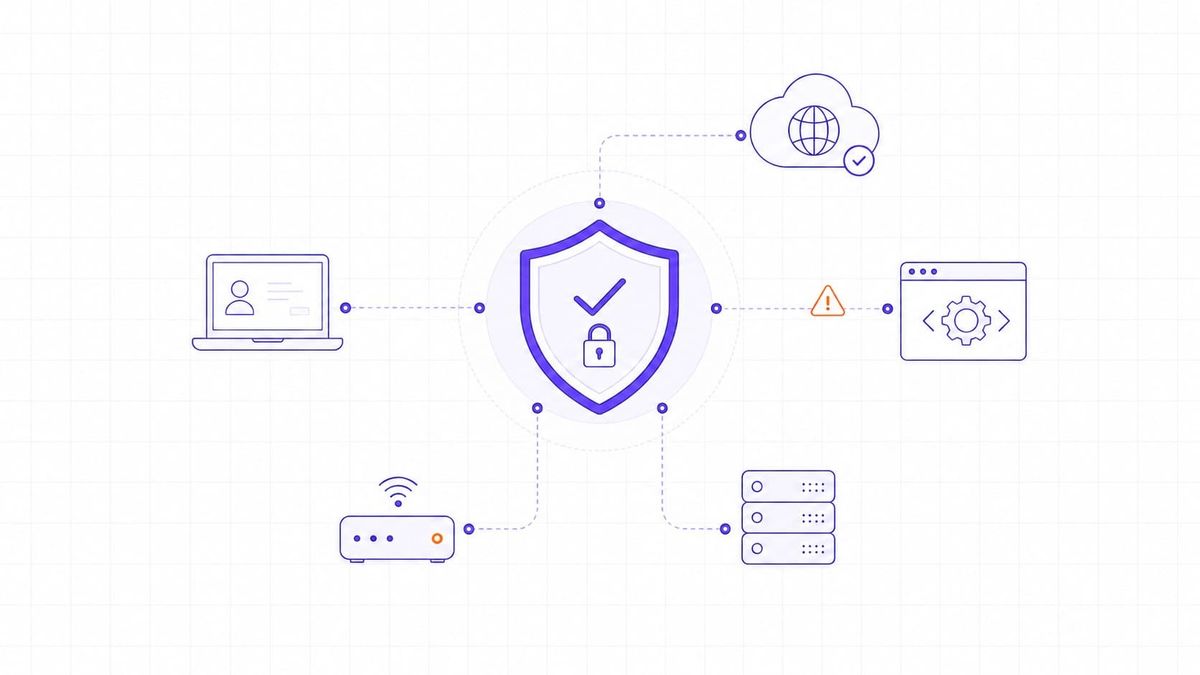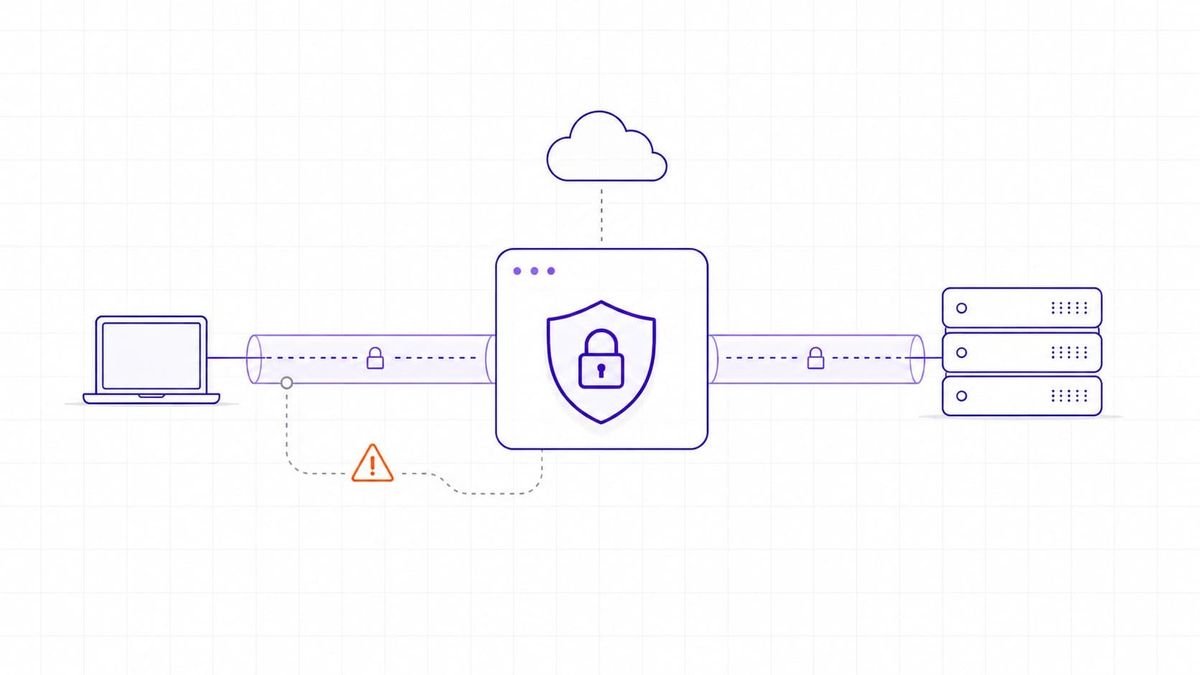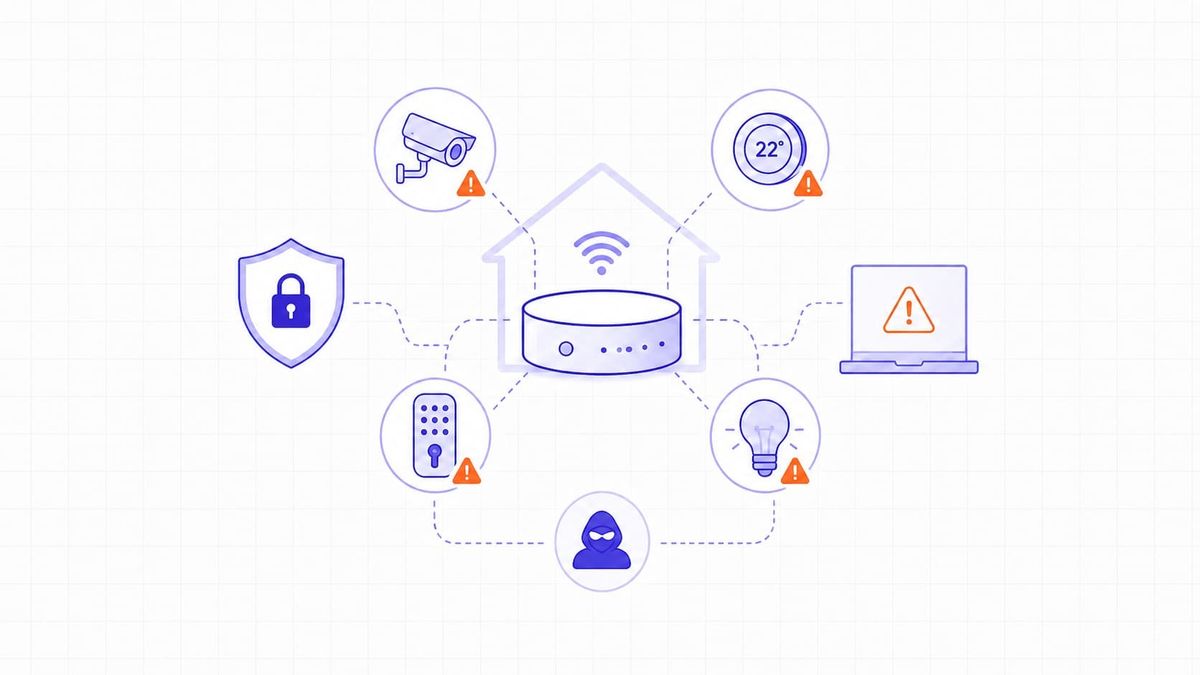
Every device connected to the internet uses ports to move data in and out. These ports work like digital doors for communication. Some need to stay open for normal tasks like browsing or email. Others stay open by mistake or get left behind after software updates. Open ports are not dangerous by default. Risk appears when the service behind a port is unnecessary, outdated, misconfigured, weakly authenticated, or exposed to the wrong network.
The port number is only the starting point. The real security question is what service is listening behind it, who can reach it, how it is authenticated, and whether the team can explain why it needs to be exposed.
Attackers scan networks to find these open doors. Once they spot one, they check for weak settings or old software to exploit. One exposed port can leak data or let an attacker take control of the system. Knowing which ports are open and how to protect them is essential for strong cybersecurity.
Open Ports and Their Role in Network Security
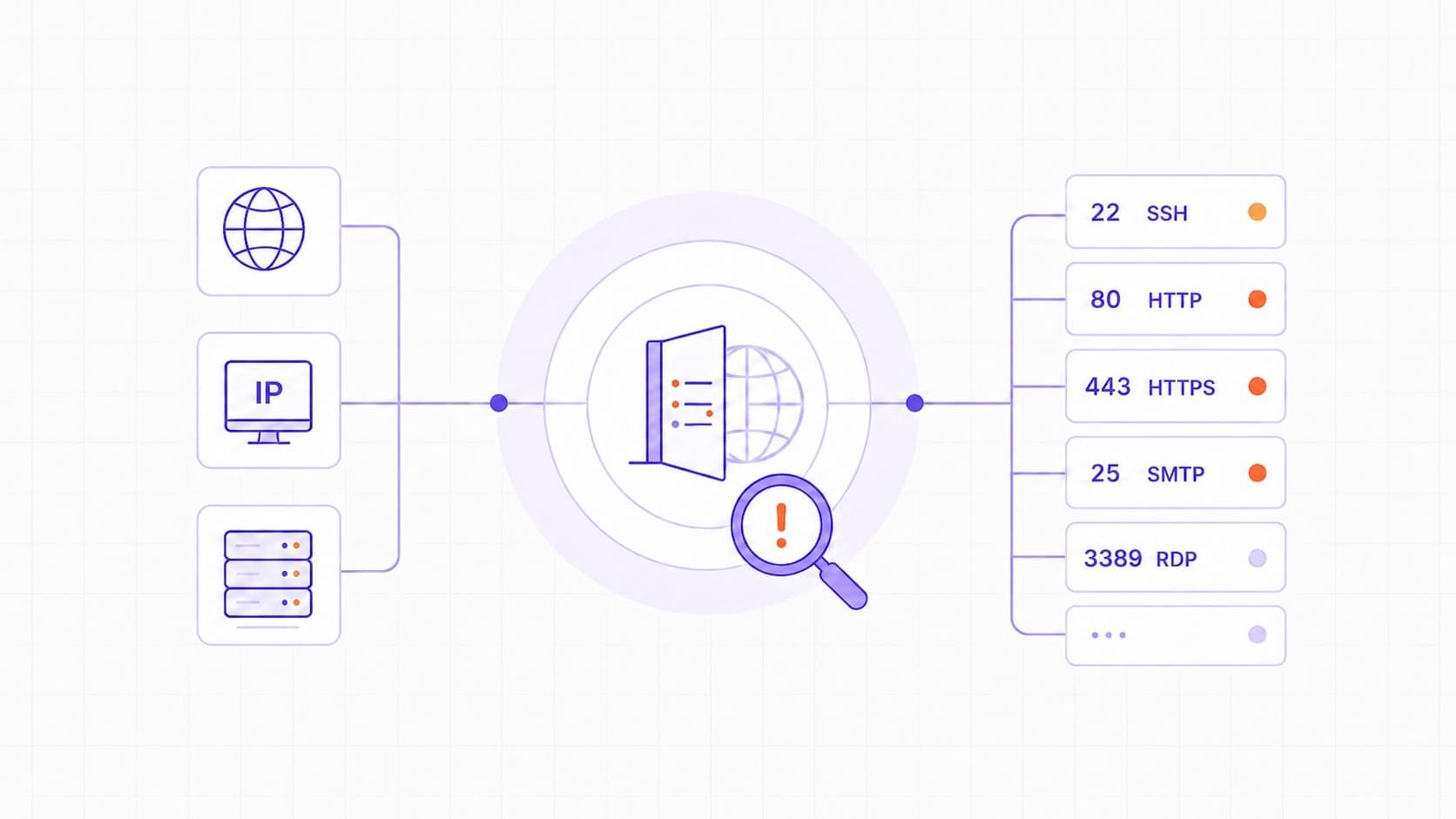
An open port is a network port where a service is listening for incoming connections. Each port number is associated with a protocol or service, such as HTTP on port 80, HTTPS on port 443, SSH on port 22, or SMTP on port 25. When a port is open, the service behind it can receive incoming connections.
Most online activities require open ports. Remote access, email systems, and web servers often depend on open ports. Nonetheless, any open port adds to the potential entry points into a network. A weak or an outdated service behind that port could be used to break in.
For a deeper look at how scanners discover ports and services, see: What Is Network Vulnerability Scanning?
Closed ports, on the other hand, reject all incoming connections. They are not listening for data and, therefore, are harder to attack. Some ports may also appear “filtered” if a firewall blocks outside requests.
Open port vs vulnerable port
An open port is not the same thing as a vulnerability. A port becomes a security problem when the service behind it is unnecessary, exposed too broadly, outdated, misconfigured, or protected by weak authentication. For example, SSH on port 22 can be safe when patched, restricted, and key-based authentication is used. The same port becomes risky when it is exposed to the internet with password login and no access restrictions.
This distinction matters in real assessments. Closing every port is not the goal. The goal is to keep required services available while removing unnecessary exposure, hardening weak services, and monitoring the ports that must stay open.
How Open Ports Turn Into Security Risks
An open port becomes risky when the service behind it is outdated, misconfigured, weakly authenticated, or exposed too broadly. Attackers routinely scan networks for reachable services, then test them for known flaws, default credentials, and weak configurations. If the service is vulnerable, it can become an entry point into the system.
Numerous problems begin with an inappropriate setup. Default passwords, unpatched software, or forgotten services may create easy openings. For example, an exposed FTP service with weak credentials can allow unauthorized users to upload or download files. A web server with no updates on port 80 is vulnerable to an attack based on known bugs.
The main danger is unnecessary exposure. A service may be safe enough on a restricted internal network but become high-risk when it is reachable from the public internet. The more unnecessary ports are exposed, the more opportunities attackers have to test services, credentials, and known vulnerabilities. You can reduce security risks by managing these ports properly.
Exposure changes priority. The same service may be acceptable on a tightly controlled internal network but dangerous when reachable from the public internet. That is why open-port review should always include reachability, not only the port number.
Common Open Ports That Require Security Review
Some ports deserve closer review because they are tied to services that are often exposed, sensitive, or commonly targeted. A port should move higher in the review queue when it is reachable from the internet, the service behind it is attractive to attackers, and the organization cannot clearly justify why it must remain open.
Here are common ports that often deserve attention during security reviews. IANA defines standard service-name and port-number assignments, but the risk depends on the service configuration, exposure, patch level, and authentication controls.
| Port | Protocol | Purpose | Common Risks |
|---|---|---|---|
| 21 | FTP | File transfer | Plain text passwords, anonymous access |
| 22 | SSH | Remote login | Brute-force attacks, weak credentials |
| 23 | Telnet | Remote login | No encryption, easy interception |
| 25 | SMTP | Open relay abuse, spam delivery | |
| 80 | HTTP | Web traffic | Injection attacks, outdated software |
| 443 | HTTPS | Secure web traffic | SSL/TLS misconfigurations |
| 445 | SMB | File sharing | Worms, ransomware (e.g., WannaCry via EternalBlue exploit) |
| 3389 | RDP | Remote desktop | Unauthorized access, ransomware |
| 53 | DNS | Domain lookups | Amplification and poisoning attacks |
| 137-139 | NetBIOS | File and printer sharing | Information leaks, lateral movement |
CISA lists services such as RDP, SMB, Telnet, and NetBIOS among risky services when they are exposed or poorly controlled. That does not mean every use of these services is automatically unsafe, but it does mean they should be reviewed carefully, restricted where possible, and monitored for abuse.
Ransomware attacks are often linked with such ports as 445 and 3389. HTTP and HTTPS are necessary for most web services, but they can still expose risk when the web application, server, framework, or TLS configuration behind them is outdated or misconfigured.
It does not imply shutting down all open ports. It means securing those that simply have to stay open. Routine patching, strict authentication, and traffic monitoring can be used to ensure that these ports are not exploited.
Identifying Vulnerable or Unnecessary Open Ports
Here are some tips to help you identify vulnerable and unnecessary ports:
- Identify open ports. Start by identifying which ports are open. Most systems will have services that the users forget or are no longer required. Such unused ports may present entry points that the attackers can exploit.
- Use scanning tools. Simple tools can be used to find open ports. The most popular ones are Nmap, Netstat and Zenmap. They scan your system and provide a report of all running ports and services that they detect. To illustrate this, we can see whether port 22 is in use by SSH or port 80 is running a web server.
- Review and validate ports. The next step is to check which ports are truly necessary. Some ports are vital for business operations, while others may serve no current purpose. Document each open port and confirm its use with the responsible team. Each open port should have an owner, a business reason, an exposure level, and an expected remediation action if it is not needed. If no one can explain why a port is open, it should be treated as a review item, not as accepted infrastructure.
- Classify ports by exposure. It’s also important to classify ports by exposure. Internet-facing ports pose higher risks than internal ones. External scans can help find ports visible to the public. Internal scans detect those open only inside the network.
- Perform regular checks. Regular checks help detect changes or new ports added after software updates or configuration changes. When an open port is not required, close it immediately. This small action reduces the attack surface and prevents future exploits.
Prioritizing Open Ports for Remediation
Start with internet-facing ports, especially those linked to remote access, file sharing, administration, databases, or public web applications. These services should be reviewed first because attackers can discover them without already being inside the network. They can be easily targeted because they can be seen by any outsider to your network. Ports such as 80 (HTTP), 443 (HTTPS), 22 (SSH), and 3389 (RDP) are to be inspected first. When no service needs to be exposed to the internet, restrict access or disable the port.
Next, check ports linked to critical systems or data. A single weakness in a database or admin service can cause major damage. Use a risk-based approach: combine technical severity with business importance.
Ports should also be ranked by the service and vulnerability context behind them. If the exposed service is tied to a known CVE, appears in CISA KEV, or has active exploitation reports, it should move higher in the remediation queue. Many scanners correlate exposed services with CVE data, vendor advisories, and patch status to help teams prioritize remediation. Ports exposing outdated or unpatched services should move to the top of the review list.
Teams should avoid ranking ports by number alone. A port becomes urgent when the service behind it is outdated, tied to a known CVE, listed in active exploitation reports, or running on a system that supports a critical business function.
Securing Open Ports Against Vulnerabilities
Here is how to secure your open ports:
- Minimize exposed ports. Keep only the services that are required for business operations, and close or restrict everything else. Shut down every port not actively involved in running business activities.
- Block unwanted traffic using a firewall. Use firewall rules to allow access to critical ports only from approved IP addresses, networks, or VPN ranges. As an example, limit access to SSH or RDP to trusted users and not the entire internet.
- Keep all software and services updated. Many attacks happen because systems run old versions with known flaws. Regular patching removes those weak points before hackers can use them.
- Turn on effective authentication for remote access devices. Weak passwords, reused credentials, and shared accounts are easy targets. Add additional security using key-based logins, two-factor authentication, or VPNs.
- Network segmentation is also beneficial. Place sensitive systems in separate network segments so that a compromise in one area does not automatically expose the rest of the environment. Intrusion prevention systems (IPS) may also provide an additional level of protection since they offer detection of suspicious traffic.
Continuous Monitoring for Open-Port Vulnerabilities
Network security is not a set-and-forget task. Ports may reopen when updated, installed, or reconfigured. Constant observation can assist you in detecting such changes before attackers.
Begin by establishing routine port scans. You could plan them every week or once a month, depending on the frequency of your systems. Make use of comparative tools that contrast new results with older ones. When a new port appears, the team can review it before it becomes accepted infrastructure.
Attack Surface Management (ASM) tools are also useful. They track every asset connected to your network and alert you when a new one becomes exposed. This keeps your external footprint under control.
TopScan helps teams monitor internet-facing assets such as domains, IP ranges, web applications, and APIs. It combines port and vulnerability scanning, correlates findings with CVE and CVSS data, and helps teams spot newly exposed or high-risk services faster.
Create a baseline of approved open ports and use it as a control document, not just an inventory. It should show the service, owner, business reason, exposure level, access restrictions, monitoring expectations, and review date.
A useful port baseline is a control document, not just an inventory. It should show the service, owner, business reason, exposure level, access restrictions, and review date. Any new or unexplained port should trigger investigation before it becomes accepted infrastructure.
Combine automated scans with manual review. Automation can detect newly opened ports, but human analysis is needed to determine whether they are legitimate. Such a balance helps to avoid false alarms and guarantees accuracy.