

Website vulnerability testing is the process of finding and evaluating security weaknesses in a website, its application, and supporting services. It combines automated checks with manual investigation, followed by remediation and retesting. A scan is one part of that process; its results depend on which pages, roles, and functions it can reach.
For a CTO or DevOps lead managing security alongside delivery, the first decision is what needs testing. A public marketing site, a customer portal, and the server hosting them have different testing needs. This guide shows how to check a website for vulnerabilities and judge whether the results are actionable.
Website Vulnerabilities and Their Testing Implications
Website vulnerabilities can exist in application code, access rules, dependencies, or server configuration. A working login page and an HTTPS certificate do not establish that these other layers are secure.
The OWASP Web Security Testing Guide covers configuration, authentication, authorization, sessions, input validation, and other testing areas. Translate those areas into checks relevant to your site:
- Access control: Verify that users can access only the records and actions their role permits, including through API requests.
- Authentication and sessions: Check password recovery and session handling, rather than treating successful login as the end of testing.
- Injection and browser behavior: Check how untrusted input reaches database queries and rendered pages; SQL injection and cross-site scripting require different defenses.
- Deployment and components: Review exposed files, unnecessary services, TLS settings, and software versions against applicable security advisories.
Avoid treating a short list as complete coverage. Select tests around the functions and data your website actually exposes.
Choose Tests That Match the Website
Automated website vulnerability scanning applies repeatable checks to reachable content and services. Manual testing examines behavior that needs application context, such as permissions and business rules. Neither approach guarantees discovery of every weakness or an unknown vulnerability.
Use these distinctions when selecting tools or commissioning a website security test. The OWASP testing framework places security testing throughout development and operation.
|
Testing Method |
Use It For |
Coverage to Verify |
|
Dynamic application security testing (DAST) |
Examine a running website's requests, responses, and behavior for detectable flaws. |
Confirm authenticated routes, API endpoints, and relevant workflows were reached. |
|
Infrastructure scanning |
Check the services and software exposed by the host. |
Confirm the right hosts and ports; this does not establish application permission boundaries. |
|
Static code and dependency analysis |
Review source code and identify dependencies with known advisories. |
Confirm repositories and builds match the deployed application. |
|
Manual application testing |
Examine access rules, business logic, and selected exploit paths within agreed limits. |
Specify roles, tenant boundaries, workflows, and evidence expected from the tester. |
ZAP and Burp Scanner are examples of tools for testing web applications. PortSwigger describes Burp Scanner as a DAST scanner with crawling and auditing phases. Nuclei runs template-based checks; the selected templates determine what it tests. A host scan and a web application scan are not interchangeable simply because both produce vulnerability reports.
For the broader distinction between repeatable detection and an investigation of exploitability, see our comparison of vulnerability assessment and penetration testing.
A Website Vulnerability Testing Workflow
1. Define Scope and Operating Limits
List the approved domains, subdomains, APIs, and environments. Identify the owner of each target and obtain authorization before testing. A link to a payment provider or another third party does not put that system in scope.
Agree on excluded actions, request limits, a testing window, and a contact who can stop the run. Keep payment submission, account deletion, and mass email outside automated exploration unless explicitly included with suitable safeguards. NIST SP 800-115 provides a framework for planning security tests, understanding their limitations, and developing mitigation actions.
2. Configure Access and Scan Behavior
Distinguish passive analysis from active testing. Passive analysis inspects traffic without changing the messages. Browsing or crawling still generates requests and may trigger application actions. Active testing sends attack inputs and can affect the target; ZAP's active scan guidance explicitly identifies it as an attack and warns about its detection limits.
Our recommendation: begin active testing in a representative staging environment with synthetic data, then plan separately authorized production checks for deployment differences. Staging results do not prove production is configured identically.
For authenticated checks, provide dedicated test accounts and verify session handling. ZAP's authentication documentation separates logging in from verifying that requests remain authenticated. Supplying a password alone does not prove the scanner stayed logged in.
3. Confirm the Scan's Coverage
Compare the discovered routes with your known website functions. Were account settings, file uploads, and customer APIs visited? Were some paths excluded, blocked, or redirected to login? Add supported API definitions or recorded navigation where needed, and document remaining gaps.
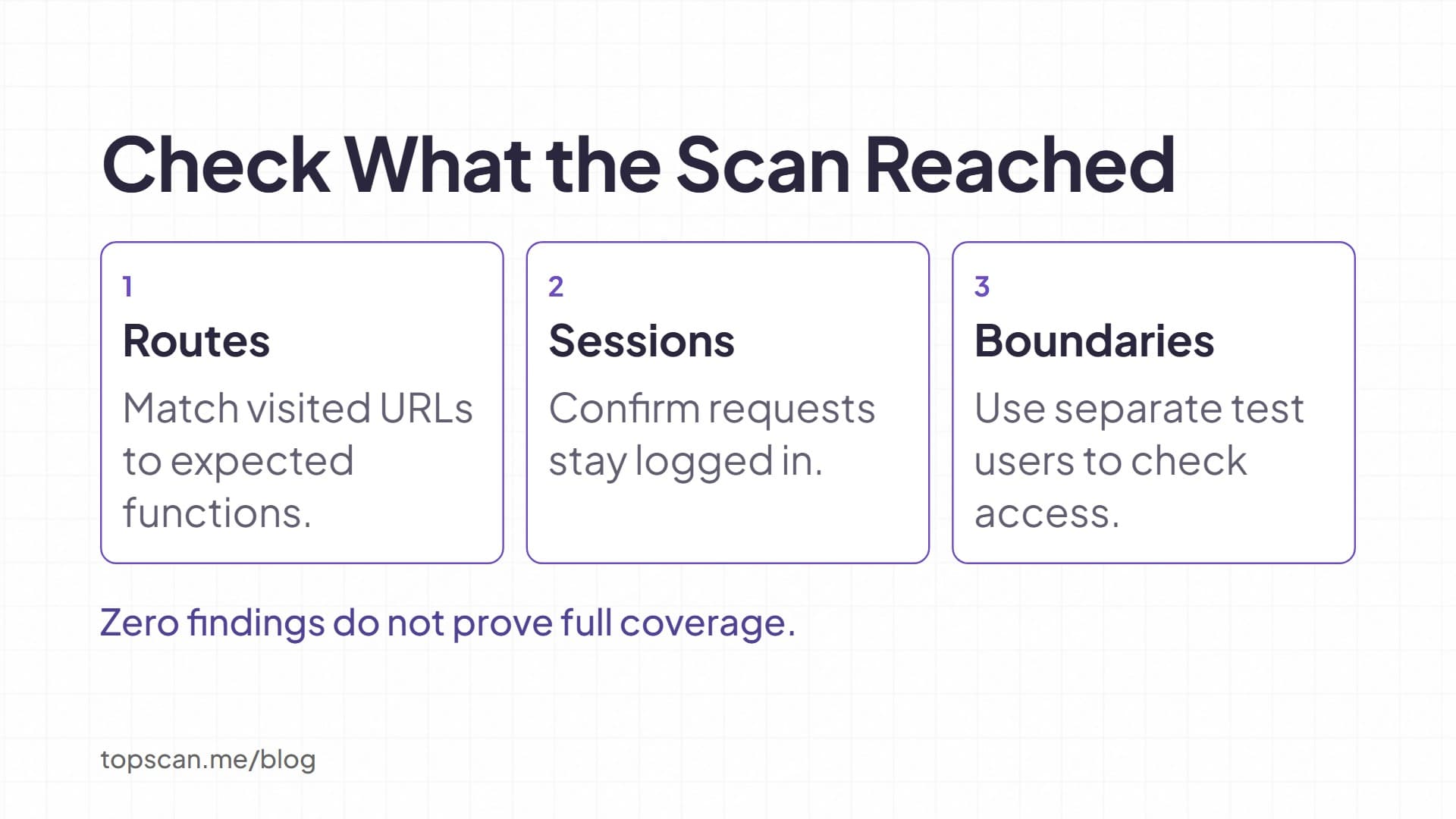
For access control, use accounts with different permissions. OWASP's IDOR testing procedure recommends multiple test users with different owned objects. To apply that procedure to a customer portal, create synthetic invoices for two test customers and verify that one cannot retrieve the other's invoice.
A scan with no findings is meaningful only alongside its coverage record. Our guide to vulnerability scanning explains how scanning fits into the wider security process.
4. Validate Findings and Assign Remediation
Review evidence before accepting or dismissing an alert. Check the affected URL or component, account role, request and response, and conditions needed to reproduce the issue. Protect tokens and personal data when sharing evidence.
A software version match needs confirmation that the advisory applies. A custom authorization flaw may have no CVE at all; our CVE vs CVSS guide explains the difference between an identifier and a severity score.
Prioritize confirmed findings using reachability, potential impact, exploitation evidence, and existing controls. FIRST's CVSS guidance explains why a Base score needs threat and environmental context.
Use our vulnerability prioritization guide to turn that context into a repair order.
For each accepted finding, record the affected asset, evidence, owner, intended fix, due date, and retest condition. Record the reason and review date for any deferred risk.
5. Retest the Fix in the Relevant Environment
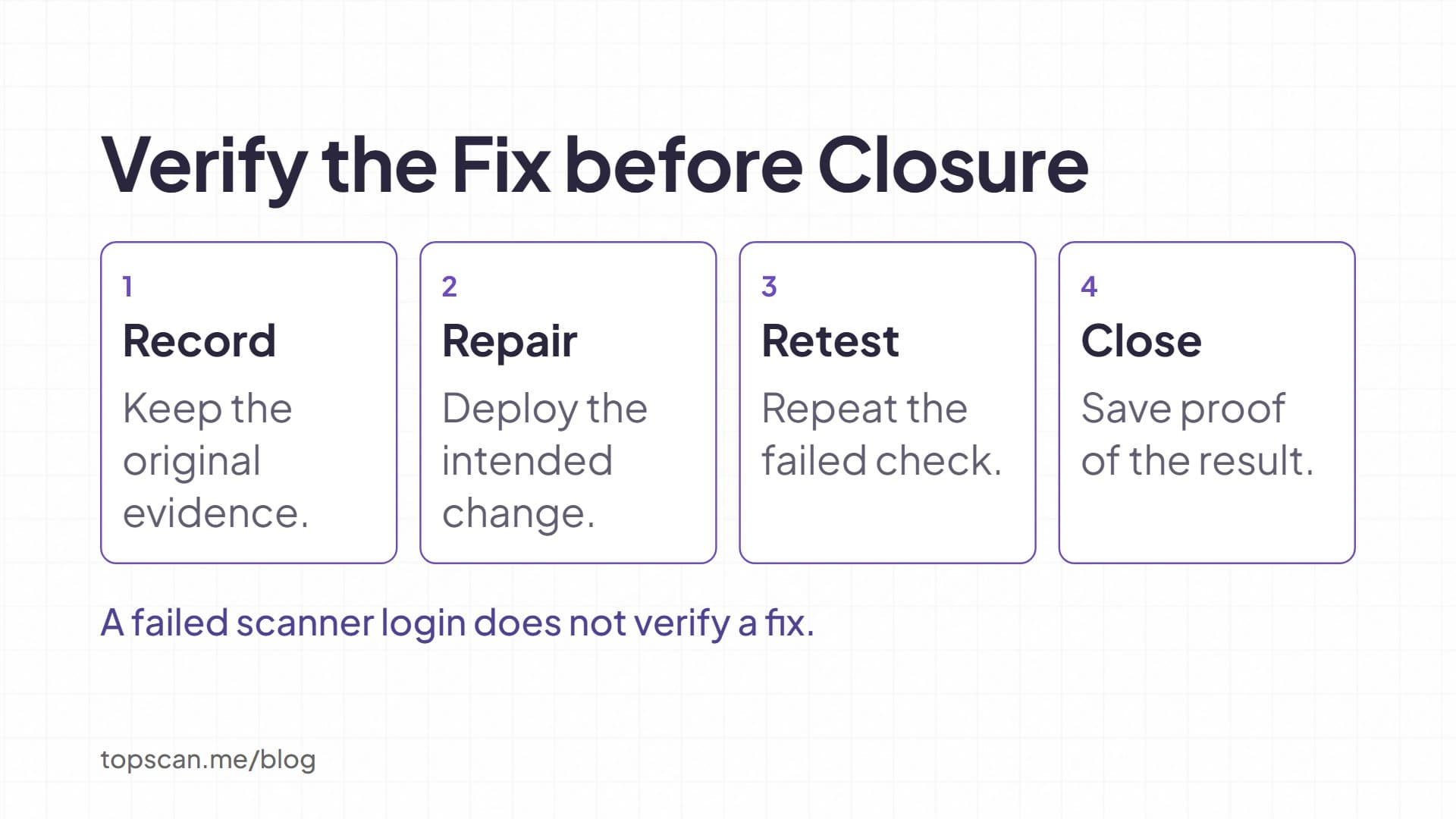
Repeat the failed check after deploying the change. For a permission flaw, confirm both that unauthorized access is denied and that the intended user still has access. Preserve the original evidence and the retest result.
If a finding disappears because login failed or a route was skipped, investigate coverage before marking it fixed. Retesting should demonstrate that the security control changed, rather than merely that the scanner produced fewer alerts.
Set a Testing Schedule around Changes and Risk
Our recommendation for a small team is to tie checks to changes: run code and dependency checks during development, schedule website scans, and add focused manual review when authentication, permissions, or sensitive workflows change. Choose the recurring interval around exposure, release frequency, and capacity to review findings. Weekly scanning can be a starting point for an actively developed site, subject to agreed operating limits.
Where PCI DSS applies, external scanning has specific requirements. PCI SSC's scanning-frequency guidance distinguishes scans at least once every three months from additional scans after significant changes. Required ASV scans must use an Approved Scanning Vendor and its approved solution. Confirm scope and reporting obligations with the organization managing your compliance program. An ordinary website scan does not establish compliance.
Make Verified Fixes the Outcome of Testing
Start with an approved target, defined coverage, and someone responsible for reviewing the results. Expand testing when the website changes, and keep evidence that accepted findings were addressed.
With our web application security testing, we support scheduled scans, authenticated testing, and findings with remediation guidance. Use those capabilities for recurring checks, alongside manual investigation where application rules need closer review. Keep untested routes visible so the next run addresses a known gap.