
Targets scanned
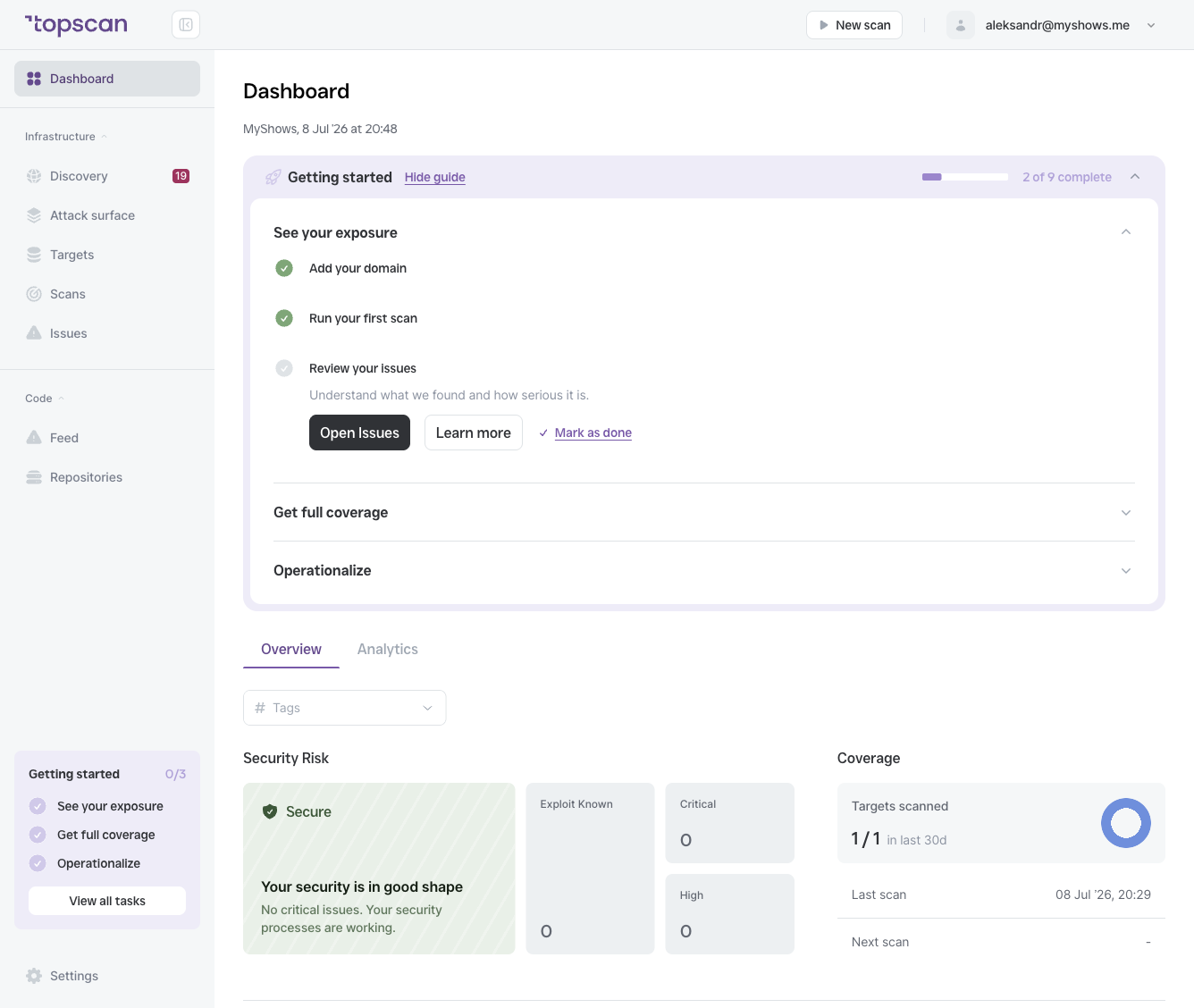
`` Targets scanned: 23 / 73 in last 30 days ``
This shows how many of your total targets have had at least one completed scan in the past 30 days, out of all targets in your workspace.
A low coverage number means a significant portion of your attack surface has not been checked recently. Issues on unscanned targets are unknown — they are neither reported nor counted — which creates blind spots in your security posture.
Last scan
The date and time of the most recent completed scan across any target in your workspace.
Next scan
The date and time of the next scheduled scan. If no scans are scheduled, this field is empty — a sign that your monitoring is ad-hoc rather than continuous.
Why coverage matters
Continuous scanning is one of the most important inputs to a healthy Security Score. An issue can only be detected, tracked, and marked Fixed if scans run regularly. Targets that aren't scanned:
- Don't contribute issues to your list (so you don't know what's there)
- Don't have their fixes detected (so Fixed issues can't be confirmed)
- Don't update their Last activity date
If your coverage is low, go to Scans → Scheduled and set up recurring scans for your most important targets.