
Default view vs. Triage mode
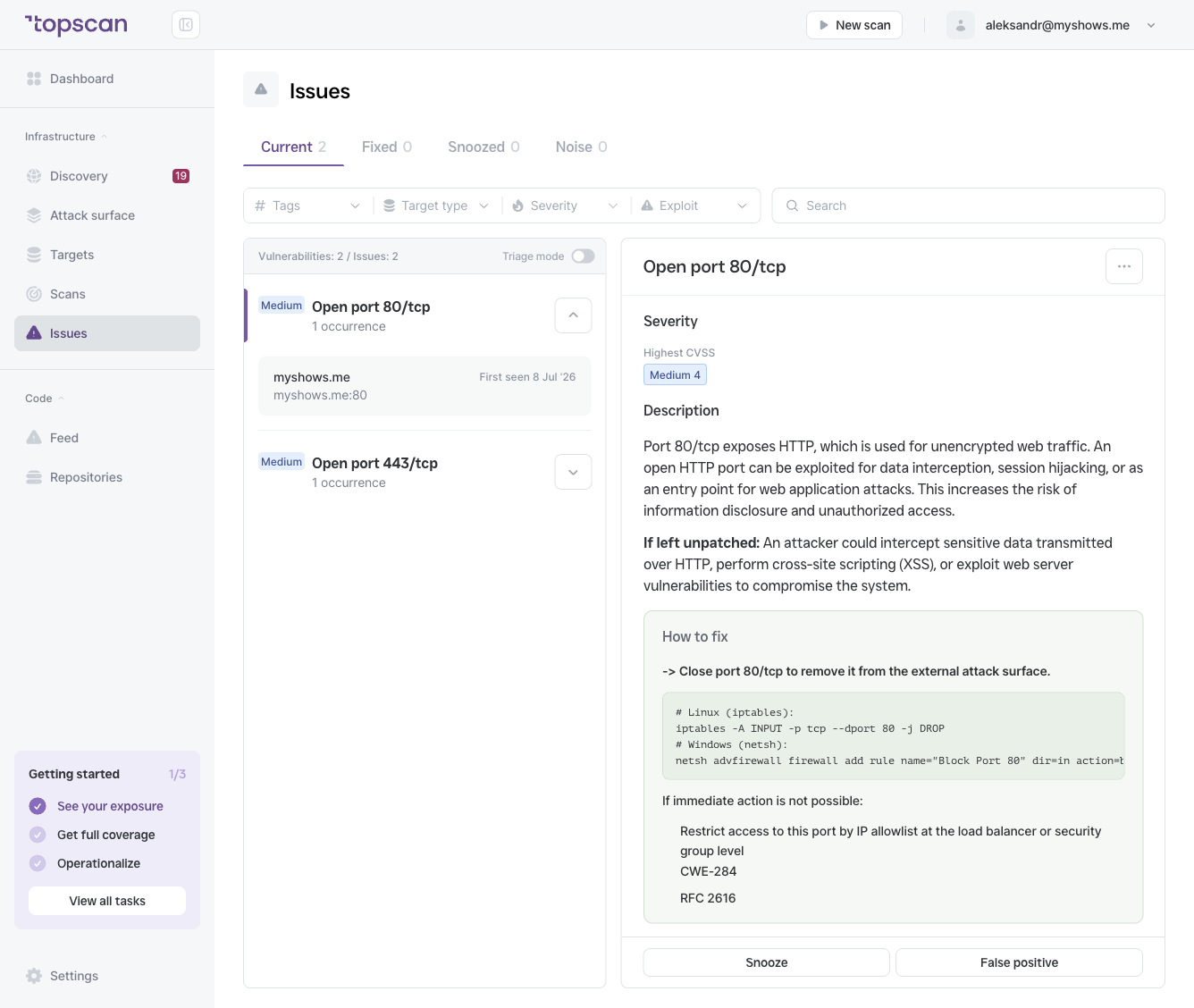
Default view — issues are grouped by vulnerability type. All occurrences of "Apache HTTP Server < 2.4.54" across multiple targets are shown as a single row with an occurrence count. You click the group to expand it.
Triage mode — each occurrence is shown as an individual row with its specific target and port. Instead of "Apache HTTP Server < 2.4.54 — 12 occurrences", you see 12 separate rows, each with a distinct target host.
When to use Triage mode
Use Triage mode when you want to:
- Assign or prioritize issues per host rather than per vulnerability type
- Work through a remediation checklist target by target
- Identify which specific servers still have an unpatched service
For a general review of your security posture, the default grouped view is cleaner. For focused remediation work, Triage mode gives you full granularity.
Enabling Triage mode
Toggle the Triage mode switch on the right side of the filter bar on the Issues page. The view updates immediately. Your filter and severity selections are preserved when switching modes.