
Default SLA deadlines
| Severity | Deadline |
|---|---|
| CRITICAL | 7 days |
| HIGH | 30 days |
| MEDIUM | 60 days |
| LOW | 90 days |
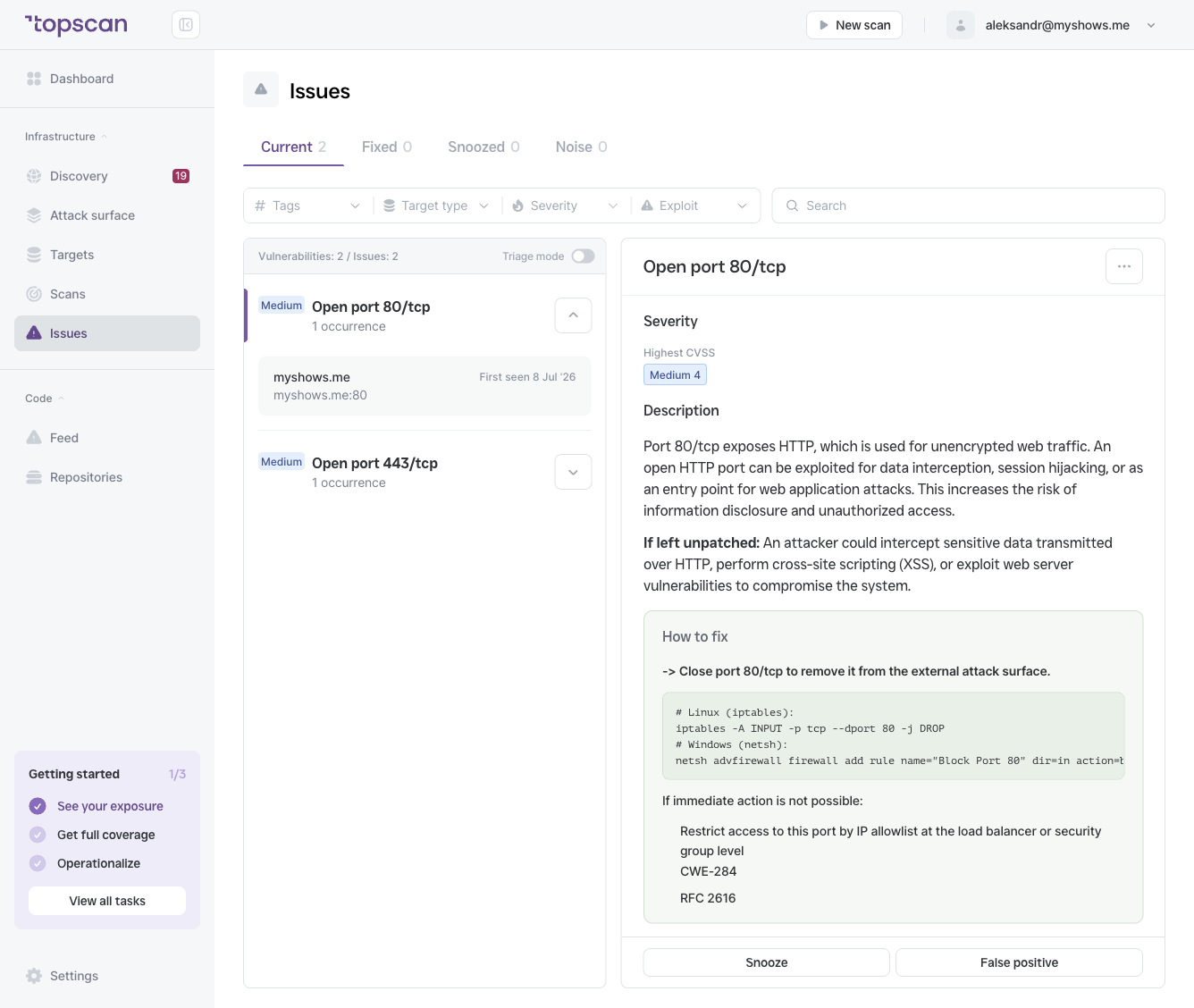
The SLA timer starts from first_seen — the date the issue was first detected in a scan, not the date of the most recent scan.
What happens when an issue goes overdue
- The issue is flagged Overdue in the Current tab
- It appears at the top of the Issues to fix list on the Dashboard
- Your SLA Compliance Rate decreases
- Your Security Score is penalized
The penalty accumulates the longer the issue stays open past its deadline.
How to avoid overdue issues
- Triage regularly — review new Critical and High issues the day they appear. Seven days goes fast.
- Use Snooze strategically — if you know a fix is two weeks out, snooze the issue for that period to pause the SLA timer.
- Set up scheduled scans — continuous scanning means issues are detected earlier, giving you more time within the SLA window.
- Filter by Overdue — use the Severity filter on the Issues page to isolate what's already overdue and tackle it first.
SLA and Fixed issues
When an issue moves to Fixed, its SLA timer stops. Fixed issues do not contribute to overdue counts or Security Score penalties regardless of how long they were open.