Keeping track of vulnerabilities becomes difficult long before a team considers itself large. A few cloud accounts, public services, repositories, and SaaS integrations can create more assets and findings than one engineer can review consistently.
Automation makes the work repeatable. It can discover assets, run scheduled checks, enrich findings with context, route work to the right owner, and show whether remediation happened. The security decision remains human: a tool cannot know the business impact of an outage, whether a finding is a false positive, or whether a patch is safe to deploy.
NIST has changed National Vulnerability Database operations in response to growing CVE volume, which is a useful reminder that a long list of known issues is not a remediation plan. Teams need a way to identify what is exposed, decide what matters first, and verify the result. NIST's update on NVD operations explains the current risk-based approach.
What automated vulnerability management includes
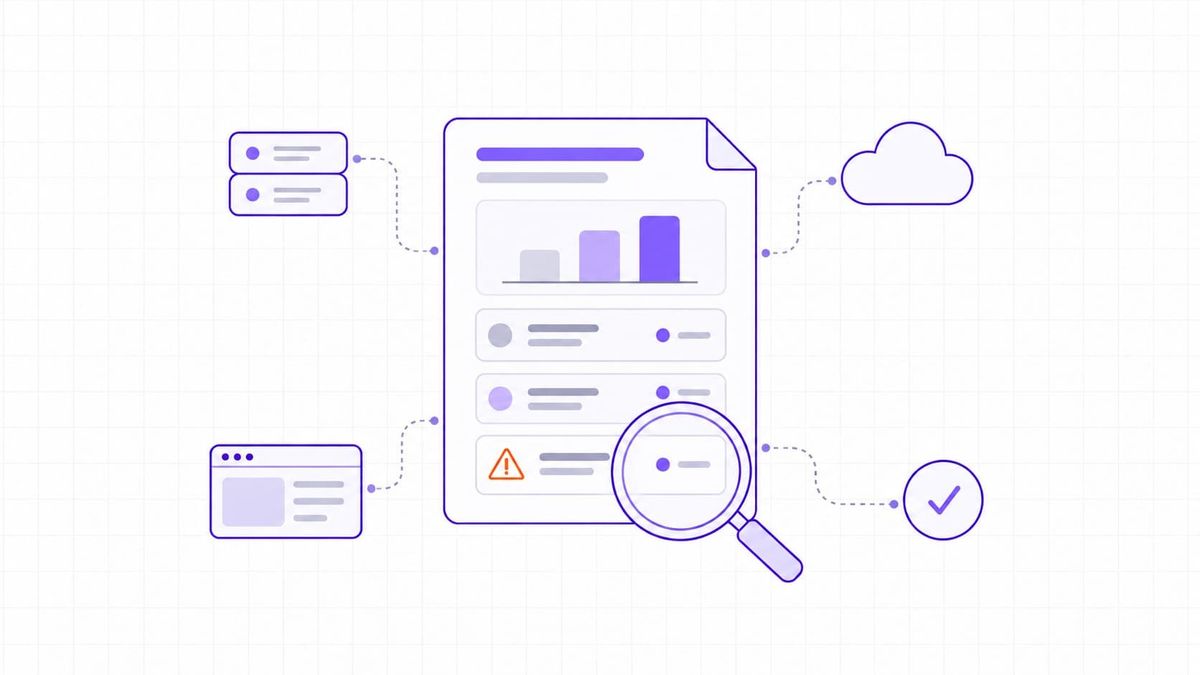
Automated vulnerability management is a workflow that uses connected tools to discover assets, assess them for weaknesses, prioritize findings, assign remediation, and retain evidence of the outcome. A scanner is one component of that workflow. It reports what it can detect at a point in time; management turns those reports into owned, tracked risk decisions.
For example, a scheduled external scan may find an outdated web server on a newly created subdomain. An automated workflow can enrich the finding with the asset owner, internet exposure, CVSS data, and CISA Known Exploited Vulnerabilities (KEV) status. It can then create a ticket with a due date. The service owner should still validate the affected version and plan a safe change.
Read what vulnerability scanning is for a closer look at the discovery step. The broader vulnerability assessment guide explains how scanning, validation, and reporting fit together.
Why manual processes break down
Manual tracking often fails at the handoffs. A spreadsheet may record a finding, but it rarely shows whether the asset still exists, who owns it today, or whether the fix removed the exposure. Repeated export, sorting, and follow-up work also consumes time that should go to validation and remediation.
- Assets change faster than inventories. New cloud resources, subdomains, and services can appear outside the original scan scope. Automated asset discovery and perimeter monitoring gives teams a way to review changes instead of relying on an inventory that was accurate only when it was exported.
- Severity alone produces a noisy queue. Two findings with the same CVSS score can have very different urgency when one is on an internet-facing production system and the other is isolated in a test environment.
- Ownership is easy to lose. Routing a finding to the system owner, recording an SLA, and escalating overdue work makes the remediation process visible to both engineering and leadership.
- Evidence is scattered. A program needs a record of the finding, decision, change, validation scan, and any accepted risk. That history is also useful when preparing for an audit.
A five-stage automation workflow
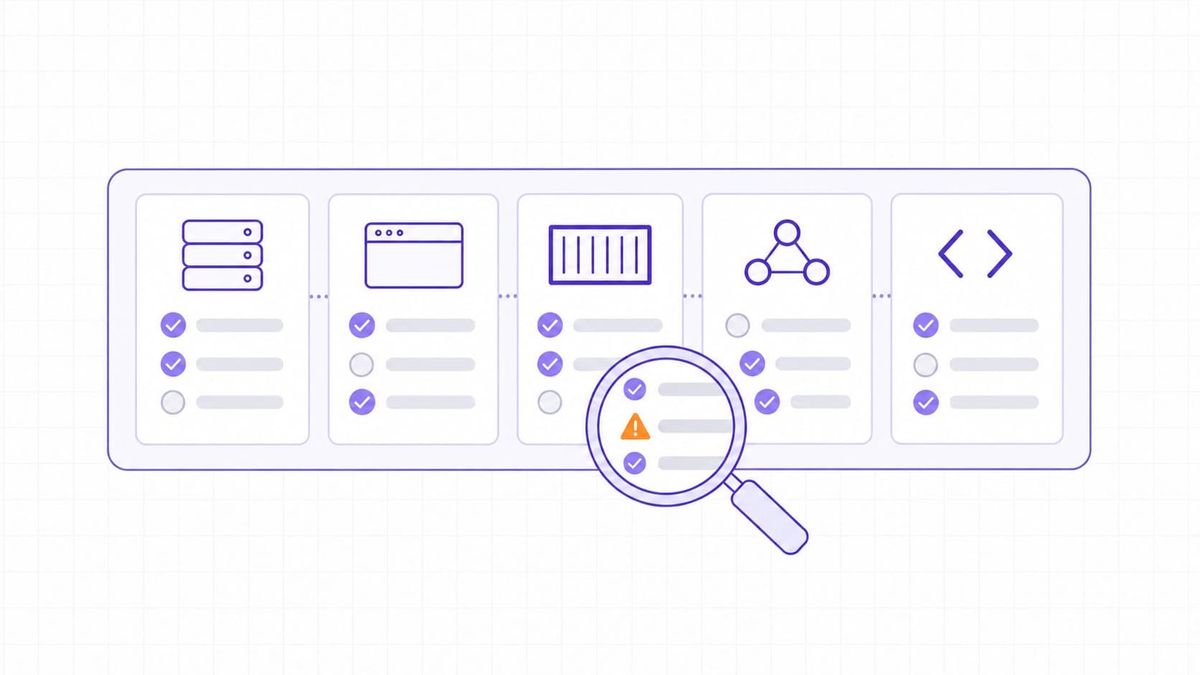
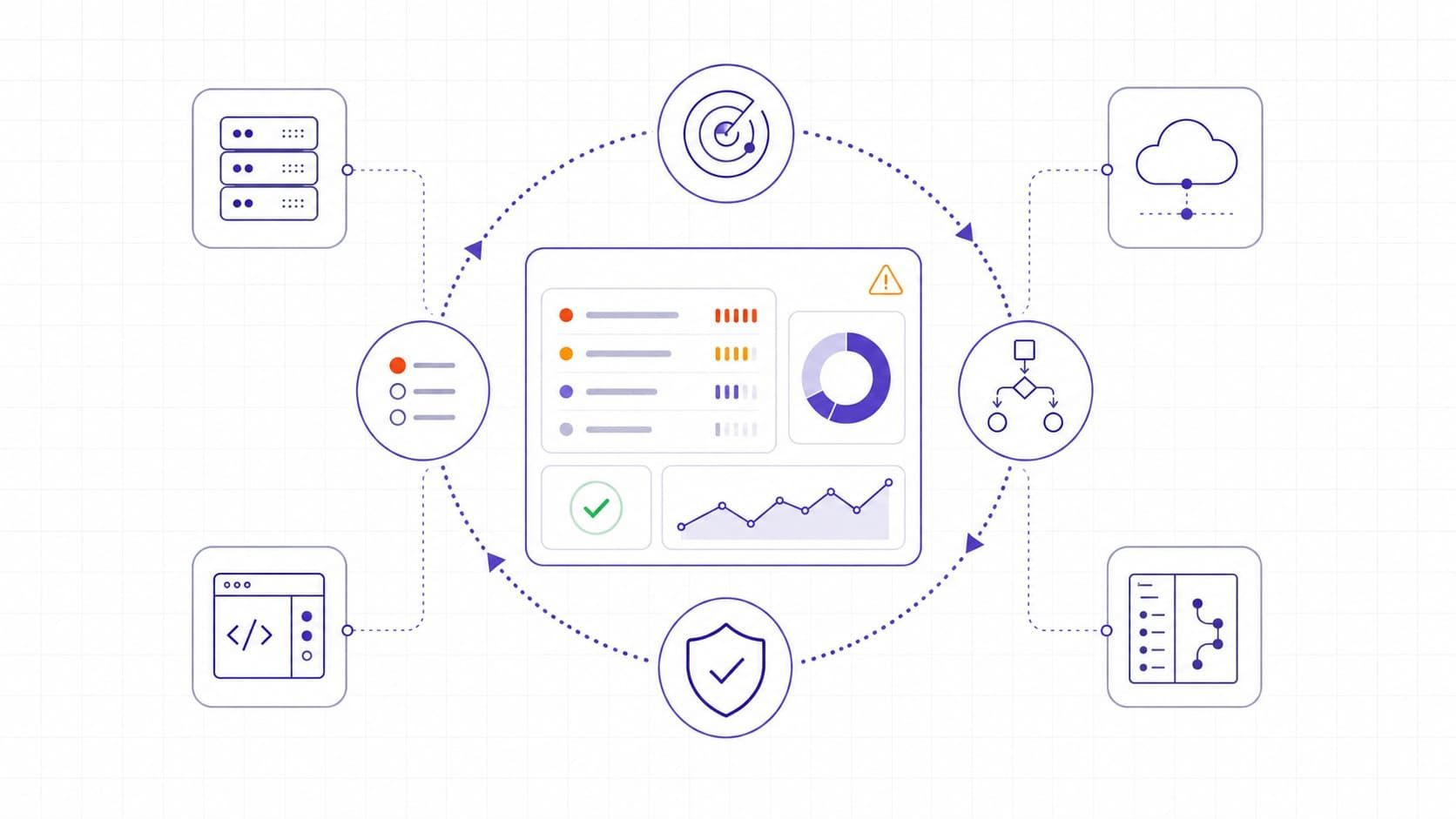
Automation works best when each stage has a clear input, decision, and owner. Start with a small scope, then expand once scan coverage and ticket quality are reliable.
- Discover assets. Automate the discovery of domains, IP addresses, cloud endpoints, and service changes. A person should confirm ownership and decide whether each asset belongs in the security scope.
- Assess assets. Schedule authorized external and authenticated scans where appropriate. Important findings still need validation, especially when a result may be a false positive or could affect a critical service.
- Prioritize findings. Enrich each finding with exposure, asset criticality, CISA KEV status, and a remediation deadline. The responsible owner should decide the business impact and whether the proposed remediation window is acceptable.
- Coordinate remediation. Automatically create tickets, notify owners, and run narrowly approved low-risk runbooks. Production changes, risk exceptions, and remediation that may affect availability should remain under human approval.
- Verify closure. Rescan affected assets, update finding status, and retain evidence of the result. A person should confirm that the fix removed the exposure and did not introduce a new issue.
Build a usable asset inventory
Start with the assets that process customer data, expose public services, or support critical workflows. Include domains, IP ranges, cloud accounts, web applications, APIs, repositories, and dependencies where your tooling supports them. Record an owner and environment for each item. An inventory does not need to be perfect on day one, but it needs a process for detecting changes.
External visibility deserves special attention because it represents the systems an attacker can reach first. Attack surface management complements vulnerability management by continuously identifying that changing perimeter.
Schedule scans around change and exposure
Run a baseline scan before tuning schedules. Then choose a cadence based on risk: internet-facing services and frequently deployed applications normally warrant more frequent checks than stable internal systems. Trigger additional scans after a material deployment, a new exposed service, a major configuration change, or a high-priority advisory.
Use authenticated scanning only with documented authorization and least-privilege credentials. It can provide stronger evidence of installed software and missing patches, but credentials must be protected, rotated, and scoped appropriately. Test scan profiles on representative non-production systems first to avoid an unexpected operational impact.
Prioritize by risk, not just CVSS
CVSS communicates technical severity. It is not enough to decide the order of every fix. Add the asset's business role, internet exposure, availability of a vendor fix, compensating controls, and credible exploitation evidence.
CISA's Known Exploited Vulnerabilities Catalog is a useful signal because it identifies vulnerabilities with evidence of exploitation in the wild. CISA recommends prioritizing timely remediation of KEV entries as part of vulnerability management. A KEV finding on a public production service should generally move ahead of an unexposed finding with the same base severity, subject to your change-risk process.
Set simple, documented rules. For instance, route a KEV finding on an internet-facing critical asset to an urgent queue, require an owner on every high-risk finding, and record why any deadline changes. These rules make automation explainable when a team has to defend a decision later.
Automate handoffs before automated fixes
The safest early automation is operational: create a ticket, assign it using the asset owner, attach evidence, set a remediation target, and send escalation when the target is missed. Vulnerability management software can support that recurring lifecycle across discovery, prioritization, and follow-up.
Fully automated remediation is appropriate only for narrow, tested cases. Examples can include applying an approved configuration template to a non-production environment or opening a dependency-update pull request that still passes review and tests. Production patching can interrupt services, break dependencies, or require rollback. Put approvals, maintenance windows, backups, and a validation step around it.
Verify closure and improve the rules
A ticket marked resolved is not proof that exposure is gone. Trigger a rescan after the change where feasible, confirm the affected version or configuration, and preserve the result with the ticket. If a finding is accepted temporarily, record the owner, reason, compensating control, review date, and expiry.
Review a small set of operating metrics monthly: coverage of in-scope assets, percentage of high-risk findings with an owner, time from discovery to triage, time to remediation, overdue exceptions, and reopen rate. Treat the numbers as prompts for investigation. A shorter remediation time is not a success if changes are causing outages or teams are closing findings without validation.
Choosing automation tools and integrations
Choose tools based on the workflow you need, not on the length of a feature list. For a lean team, the key question is whether the system reduces the number of manual handoffs while retaining enough evidence for a sound decision.
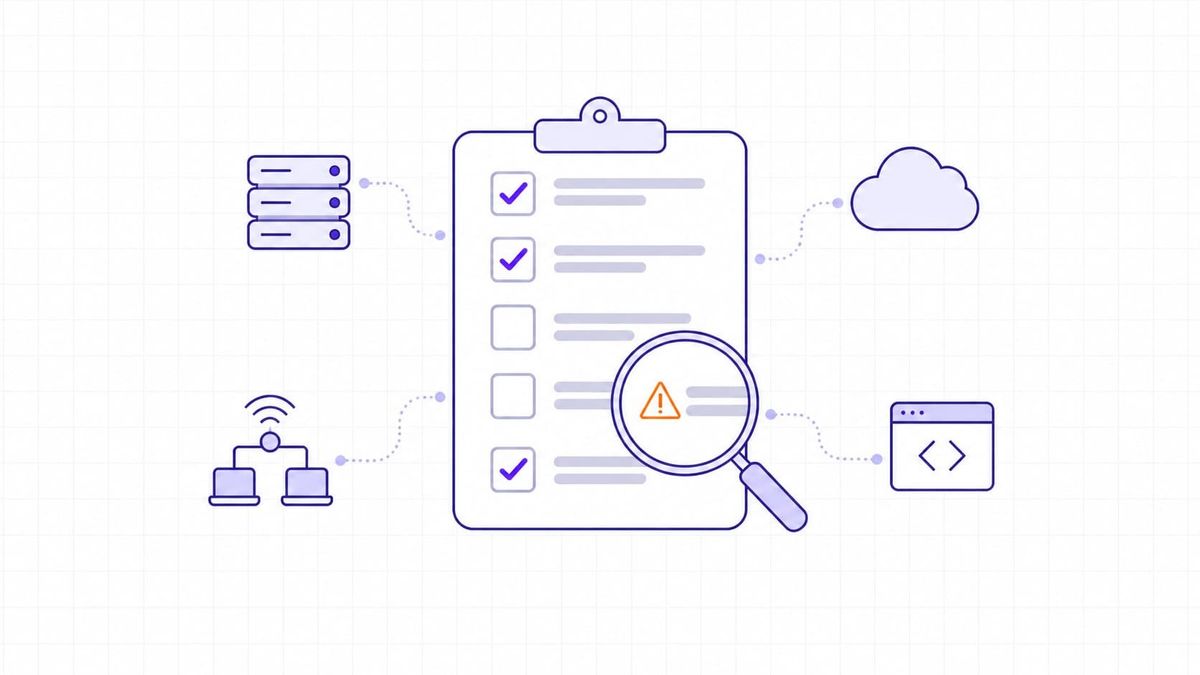
- Coverage should match the environment. Check whether the tool can assess the external infrastructure, cloud assets, web applications, or code repositories that are actually in scope. Do not assume one scanner sees every layer.
- Context should travel with the finding. Useful integrations pass asset ownership, environment, tags, and remediation status into the security workflow. A raw CVE export creates work; a finding connected to its owner creates an actionable queue.
- Tickets and notifications need clear rules. Integrate with the tracker and communication channel that engineers already use, but avoid opening duplicate tickets for recurring findings. Deduplication and state management matter as much as alert delivery.
- Reports must show decisions, not only totals. A report should separate newly discovered issues, verified closures, overdue work, accepted risks, and changes in external exposure.
A practical 30-day starting plan
In the first week, define the initial asset scope, owners, scan authorization, and an emergency path for actively exploited issues. Run a baseline and remove obvious duplicate or out-of-scope findings.
In week two, connect findings to the ticketing workflow. Start with high-risk external findings and a small number of clear assignment rules. Do not automate production fixes yet.
In week three, add risk context: criticality, production status, exposure, KEV status, and agreed remediation targets. Review the queue with the engineers who own the services; their feedback will expose bad routing and missing assets quickly.
In week four, measure coverage and closure quality. Add one low-risk remediation runbook only if it has a tested rollback path and a verification scan. Expand the scope after the first workflow consistently produces useful tickets.
Continuous ownership turns automation into risk reduction
Automation does not eliminate vulnerability management work. It removes the repetitive steps that make good work hard to sustain: discovering assets, collecting context, routing findings, and checking status. The resulting program is stronger when every important finding has an owner, a risk-based decision, a time-bound next action, and evidence that the action worked.
Teams that need a more complete view should connect external scanning to their changing asset inventory and engineering workflow. That creates a manageable queue for a technical lead instead of another unprioritized list of CVEs.