For network vulnerability checks, start by evaluating Greenbone Community Edition with OpenVAS. For a running web application, consider ZAP; for repeatable checks against known exposures, consider Nuclei. Trivy and Grype inspect software packages in images and other artifacts, while OSV-Scanner focuses on known vulnerabilities in dependencies. Bandit checks security patterns in Python code. These tools answer different questions, so a small, complementary set often makes more sense than a single winner.
This review covers those tools plus Nikto, Clair, and Metasploit Framework scanner modules. It explains where each fits, what it cannot establish, and what an engineering team needs to operate it.
Review Scope and Comparison Method
The comparison is based on official documentation and project repositories checked on October 2, 2026. We did not run a benchmark or measure detection rates, scan speed, or false positives. The numbering organizes the review by use case and does not represent a performance ranking.
We compare target coverage, scanning method, deployment and automation, operating effort, and code licensing.
For an introduction to the process itself, see our guide to vulnerability scanning.
Publisher disclosure: Topscan publishes this review and offers a commercial security platform. Topscan is discussed separately from the ten open-source projects.
Open-Source Vulnerability Scanners at a Glance
Use the table to shortlist tools for the assets you actually own. License entries describe the project code; data feeds, bundled components, and hosted services can have separate terms. The individual reviews link to the documentation behind each row.
|
Scanner |
Primary Fit |
Deployment and Workflow |
Main Selection Constraint |
Code License |
|
Greenbone Community Edition / OpenVAS |
Hosts and network services; remote and authenticated checks |
Several services, a web interface, scheduling, and a management protocol |
Requires feed synchronization and service administration; community and enterprise feeds differ |
GPL family; terms vary by component |
|
ZAP |
Running web applications and APIs |
Desktop proxy, container scans, and automation |
Coverage depends on crawling, authentication, and scan policy |
Apache-2.0 |
|
Nuclei |
Known service vulnerabilities and exposed configurations |
CLI with YAML templates and structured output |
Only tests the checks represented by selected templates |
MIT |
|
Nikto |
Web server configuration and known exposed files |
Perl CLI or container; multiple report formats |
Limited application context; database reuse has separate restrictions |
GPL-3.0 for code |
|
Grype |
Packages in container images, filesystems, and SBOMs |
CLI suitable for build jobs and existing SBOM workflows |
Package matching does not establish runtime exploitability |
Apache-2.0 |
|
Trivy |
Images, repositories, and configuration artifacts |
CLI; vulnerability, secret, misconfiguration, and license scanners |
Supported checks and defaults vary by target |
Apache-2.0 |
|
Clair |
Container image analysis integrated into a registry workflow |
API service for indexing and vulnerability matching |
Needs a client or registry integration and service maintenance |
Apache-2.0 |
|
OSV-Scanner |
Supported dependencies and package artifacts |
CLI or Go library; online or prepared offline scans |
Coverage depends on supported artifacts and advisory data |
Apache-2.0 |
|
Bandit |
Security patterns in Python source |
Local CLI, pre-commit hooks, and CI |
Python only; does not check installed dependency versions |
Apache-2.0 |
|
Metasploit Framework Scanner Modules |
Selected service checks during an authorized assessment |
Console-driven, module-specific scans |
Requires operator judgment; not a general scan-and-report platform |
BSD-style |
Free, Open-Source, and Online Scanners
An open-source vulnerability scanner provides its code under a license that permits use, modification, and redistribution subject to its terms. A free vulnerability scanner describes a price, which may apply to a limited hosted service or a proprietary product. Free and open-source software (FOSS) describes licensing freedoms; freeware does not necessarily provide them. Check the license and operating model before assuming you can inspect, modify, or host the complete scanning system yourself.
A free online vulnerability scanner that takes only a public URL has an external view of the target. It cannot inspect private systems or local package inventories without additional access or uploaded data. Check the service's scan limits, authorization process, data retention, and reporting before supplying a target. For deeper web testing, evaluate an application scanner you can configure with the necessary access, such as ZAP.
Snyk Open Source and the CLI Service Boundary
Snyk Open Source addresses vulnerabilities in software dependencies. Snyk CLI itself has open-source code, but its documented scanning workflow requires account authentication and brings Snyk's service into the development process. Its capabilities also extend to container, code, and configuration checks; limiting it to dependencies would understate the CLI's scope.
We have selected OSV-Scanner for the dependency-scanning entry because its documented options include an open advisory database and prepared offline operation. That is a choice about service dependency and deployment, not a claim that Snyk CLI lacks open-source code. Teams considering Snyk should evaluate the relevant service terms and current plan limits separately.
Network and Web Vulnerability Scanners
1. Greenbone Community Edition with OpenVAS
Greenbone Community Edition is the broader system; OpenVAS is a scanner component within it. The management service, gvmd, coordinates scans, stores results in PostgreSQL, manages users, and schedules tasks. Greenbone Security Assistant provides the web interface, and the Greenbone Management Protocol supports automation. That gives this option more of a recurring assessment workflow than a standalone command-line scanner.
Its strongest fit is checking hosts and services across a network. Authenticated scans can inspect information available through host credentials, alongside checks performed remotely. Plan the scanner's network access and verify successful authentication; supplying a credential does not prove that local checks ran.
The operating burden is substantial: several services, persistent data, and vulnerability feeds need attention. The free Community Feed and commercial Enterprise Feed are separate offerings, with differences in test coverage. Evaluate the community edition against your actual systems rather than assuming parity with an enterprise appliance. Code licensing also varies across components and files.
Choose Greenbone when you need scheduled infrastructure assessments and can maintain the installation. If your main target is a built container image or a source repository, a package or code scanner will answer that question more directly.
2. ZAP, Formerly OWASP ZAP
ZAP is a dynamic application security testing (DAST) tool: it observes and tests a running web application. It combines an intercepting proxy, passive analysis, active scans, crawling, and authentication support. Its desktop interface suits an engineer who needs to inspect traffic and investigate an alert before automating the same work. The project uses Apache-2.0 licensing.
The distinction between passive and active checks matters. Passive rules analyze traffic that ZAP sees; active scans send additional test requests. For APIs and protected application areas, prepare the inputs, access context, and test accounts needed to reach those routes. A scan that visits only the login page gives little evidence about the application behind it.
ZAP's automation can produce reports for build or deployment workflows. Its full scan performs active testing, so select the scope and environment deliberately. It also needs human review for application-specific authorization and business logic. Choose it for web behavior; do not expect it to inventory vulnerable operating system packages.
The current project name is ZAP. The familiar OWASP ZAP name remains common in older guides, but the project announced that naming change in 2023.
3. Nuclei
Nuclei executes YAML templates that define requests and the conditions for a match. Its protocol support extends beyond HTTP to areas such as DNS, TCP, and TLS. The open-source CLI uses an MIT license and can export JSONL and other structured results.
That design suits a team that wants to repeat specific exposure checks across an approved target list. You can select existing templates, filter them, and automate runs without writing your own YAML. Custom templates become useful when you need a repeatable check for a condition specific to your environment. Template selection and rate controls are part of operating the scanner, not optional details.
The main limit is coverage: a negative result means the selected templates did not match under the scan conditions. It does not establish that the target is free of vulnerabilities. Inspect a template's requests and matchers before relying on its result, and verify the evidence behind consequential findings.
For targeted, repeatable service checks, Nuclei provides a configurable engine. Authenticated host assessment or application testing supplies different evidence when those views are required. Features offered by ProjectDiscovery's hosted platform should be evaluated separately from the open-source CLI.
4. Nikto
Nikto concentrates on web servers: exposed files, configuration issues, software identification, and known tests against HTTP responses. It runs as a Perl command-line tool or in a container. Its report formats include JSON, HTML, XML, CSV, and text, which can support both manual review and automated processing.
For a server-focused review, Nikto provides a direct way to investigate suspicious responses and common exposures. It is a narrower choice than ZAP for testing an application's authenticated paths and behavior. A server version or interesting URL is evidence to investigate, not automatic proof of an exploitable condition.
The project includes an injection test category covering XSS-related checks. Those tests can identify selected issues, but their coverage should not be treated as a complete application security assessment.
Licensing deserves a separate check. Nikto's code is GPL-3.0, but the repository states that its database files are not GPL-licensed and restricts their distribution and use. Review those terms before embedding the database in another product or redistributing it. Choose Nikto for a focused web server check when those conditions fit your workflow.
Package, Container, and Dependency Scanners
5. Grype
Grype matches discovered software packages against known vulnerability data. It accepts Docker and OCI container images, filesystems, and software bills of materials (SBOMs), and supports both operating system packages and language-specific dependencies. The project is sponsored by Anchore and uses Apache-2.0 licensing. Filesystem support makes it relevant beyond container-only workflows.
Grype is a strong candidate when your pipeline already creates an SBOM, for example with Syft. You can scan that inventory again as advisory data changes, while keeping a record of the artifact it describes. Its CLI supports severity-based exit behavior and formats including JSON and SARIF, a standard format used for security findings. These options make it possible to feed results into build checks or another reporting system.
A finding establishes a package-to-advisory match, subject to inventory and database accuracy. It does not show that the vulnerable component is reachable in your deployed application. An SBOM also describes a particular artifact, so regenerating or verifying the inventory matters when the build changes.
Choose Grype for a focused package vulnerability workflow, especially alongside an existing SBOM process. If you also need configuration and secret checks in the same CLI, compare Trivy's supported scanners before adding separate tools.
6. Trivy
Trivy brings several security checks into one command-line tool. Its documented targets include container images, filesystems, remote Git repositories, virtual machine images, and Kubernetes. Depending on the target and selected scanner, it can inspect known package vulnerabilities, misconfigurations, secrets, and software licenses. The project is developed by Aqua Security and uses Apache-2.0 licensing.
The appeal for a small engineering team is a shared way to run checks across build artifacts and configuration files. It can reduce the number of separate commands you maintain, provided the supported coverage matches your stack. Configure the target and scanner types explicitly: installing Trivy does not mean every check runs on every artifact, and repository scanning is not a general code correctness review.
Its breadth also creates triage work. A vulnerable package, a leaked credential, and an infrastructure configuration problem need different owners and responses. Keep those categories distinguishable when exporting findings or setting build rules.
Trivy fits a workflow that needs both package and configuration checks. Compare it with Grype on the same image and database dates if package vulnerability results are your main concern. Differences in findings require investigation; a longer result list alone is not evidence of better detection.
7. Clair
Clair is a service for static analysis of container image contents. Clients submit image information through its API; Clair indexes the contents and matches them against vulnerability data. It analyzes images rather than observing a running container. The project uses Apache-2.0 licensing.
Its architecture separates indexing from vulnerability matching. An indexed image can be assessed against updated security data without treating each advisory update as a new image build. Clair also has a notification mechanism for newly discovered vulnerabilities affecting indexed images. This suits a registry workflow in which stored images need continued attention.
An API does not create a registry integration by itself. A registry or another client must submit images and consume the results; your team must operate the service and its supporting data storage. Confirm the supported base images and package ecosystems before assuming coverage of every image in the registry.
Choose Clair when image analysis belongs inside a registry service you can maintain. For scanning one image during a build, Grype or Trivy is a more direct starting point. Neither approach, by itself, proves that a vulnerable package is exploitable in a running workload.
8. OSV-Scanner
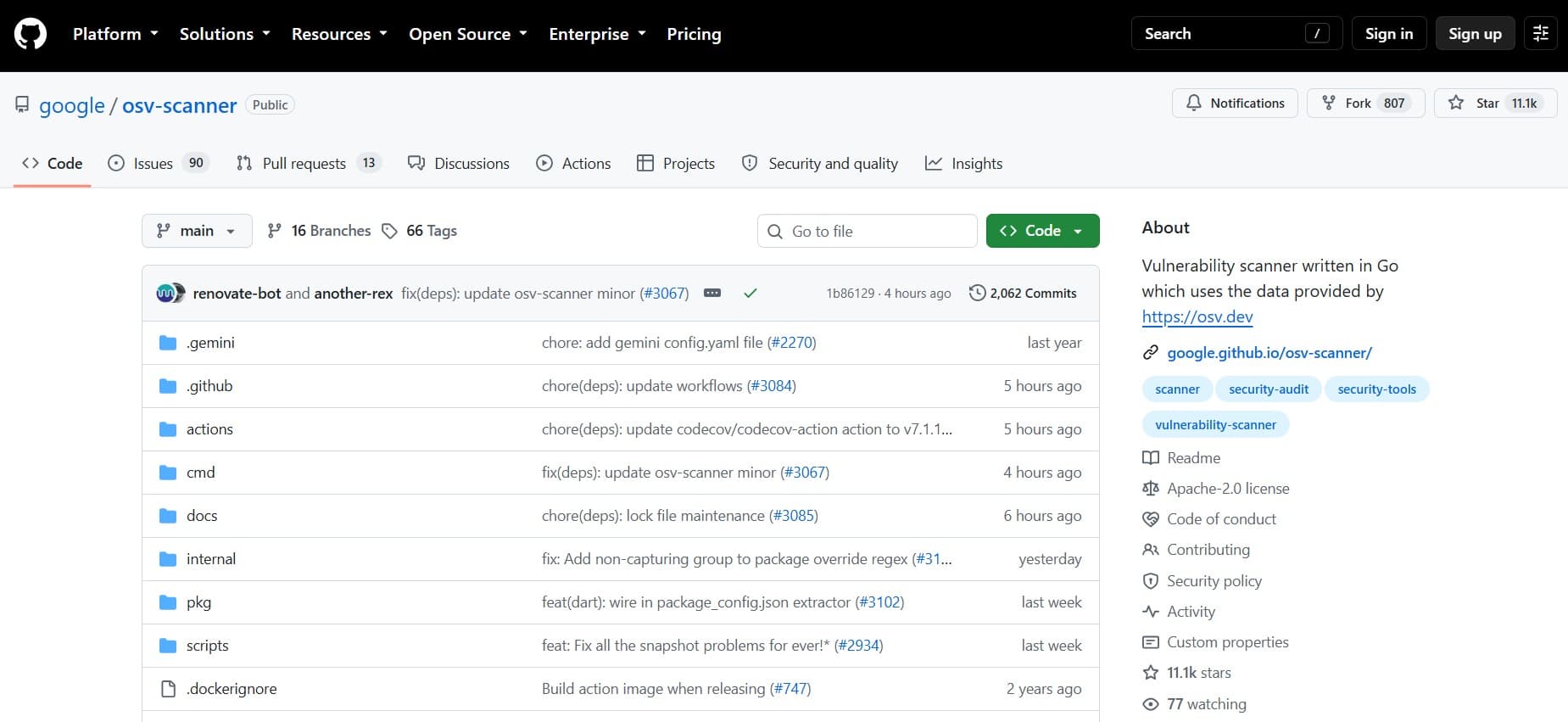
OSV-Scanner connects supported dependency and package artifacts to vulnerability records in the OSV database. This is software composition analysis (SCA): checking the third-party components used by an application. It can run as a CLI or be used as a Go library. Its source uses Apache-2.0 licensing, and current documentation covers source and container scanning.
For a dependency-focused workflow, check whether it understands the lockfiles, manifests, or SBOMs your build produces. Supported artifacts differ in the information they provide. A resolved package inventory is more informative than a file that omits the versions actually installed. JSON and SARIF output support automation and reporting.
Offline operation is a notable option for restricted environments. The documented full offline mode uses previously downloaded local databases and does not send project or dependency information elsewhere. That requires an update process outside the disconnected scan. The documentation distinguishes this from a mode that only makes vulnerability lookup offline while allowing other features to use the network.
Choose OSV-Scanner when supported dependencies and open advisory data are your priority. Check the installed release's documentation before adopting newer analysis features; coverage of dependency vulnerabilities does not establish the security of custom application logic.
Python Code Checks and Specialist Service Testing
9. Bandit
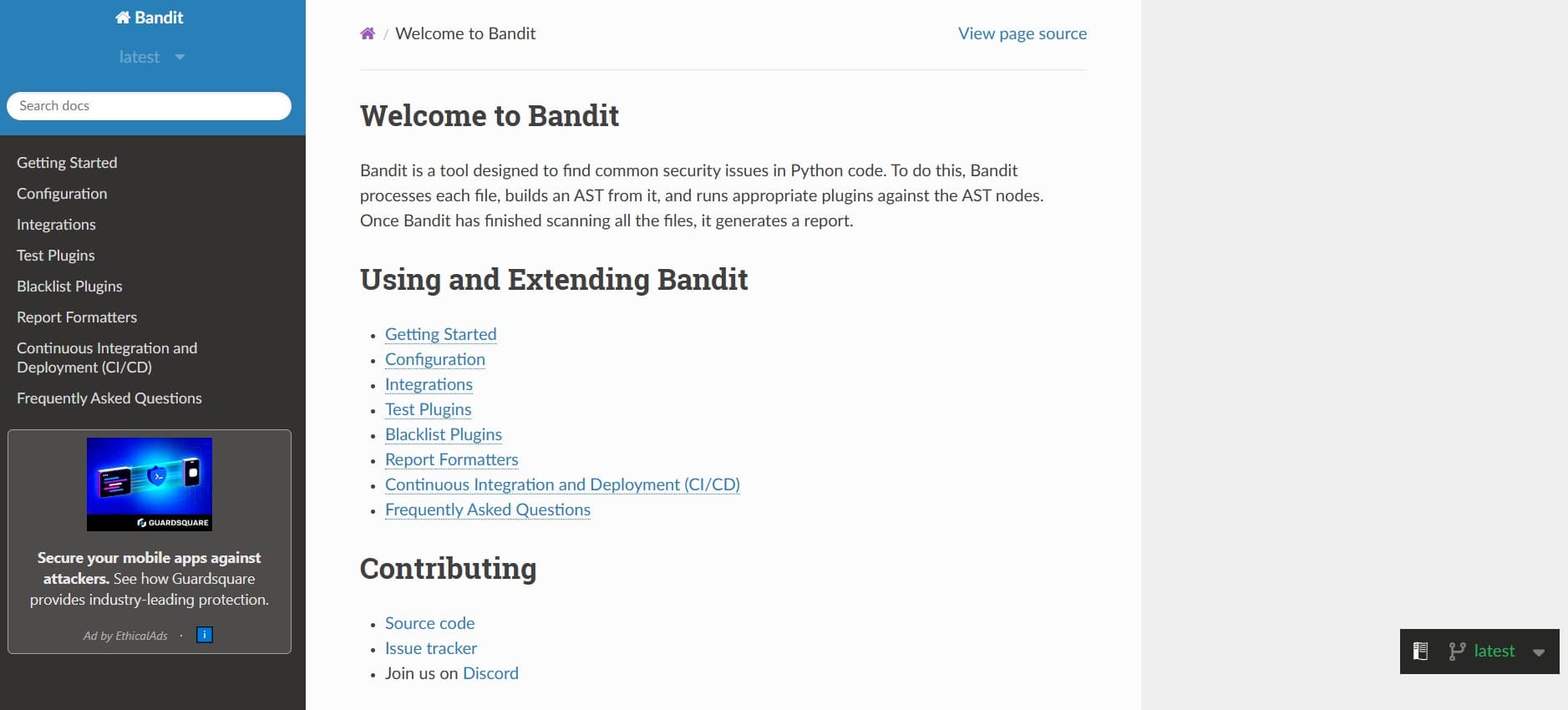
Bandit is a Python static application security testing (SAST) tool. It parses Python files into an abstract syntax tree and runs plugins against code patterns. This allows it to identify potential security issues without running the application. The code uses Apache-2.0 licensing.
Its narrow scope is an advantage when Python is a substantial part of your stack. Run it near code changes, investigate the flagged line and surrounding context, and keep any suppression specific enough to review later. Existing plugins cover multiple security issue categories, and additional plugins can extend the checks.
Bandit does not compare installed library versions against a vulnerability database, so it complements a dependency scanner. It also cannot establish whether an authenticated user can perform an unauthorized action in the deployed application. Pattern matches need review: a suspicious operation may be controlled safely elsewhere, while application logic can be flawed without matching a rule.
For Python code review and CI, Bandit can sit alongside OSV-Scanner, Grype, or Trivy for package vulnerabilities. Application testing supplies the additional view where behavior after deployment matters.
10. Metasploit Framework Scanner Modules
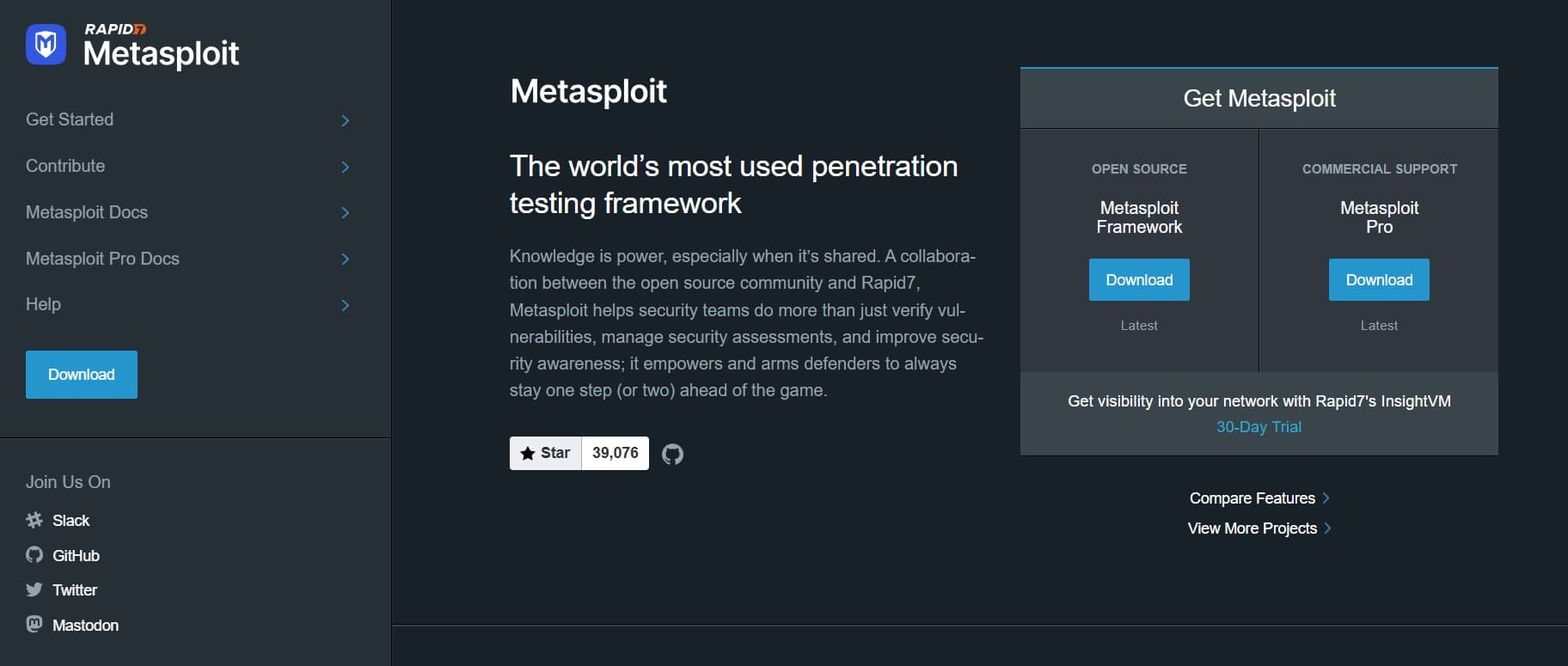
Metasploit Framework is primarily a penetration testing framework. Its auxiliary scanner modules can gather service information and perform selected checks. They belong in this review as a specialist option, rather than as an equivalent to a scheduled infrastructure scanner. The Framework is open source under a BSD-style license.
The value is operator control: select a module, inspect its purpose and options, and apply it to an approved target. The official documentation demonstrates an auxiliary module that gathers HTTP titles. That example also shows why module output needs interpretation: discovering a title is service information, not proof of a vulnerability.
Modules differ in what they do and how much traffic or impact they create. Review each module rather than treating the word scanner as a safety guarantee. Credential testing and exploitation require explicit agreement within the assessment scope; exploit modules are a separate capability from the scanning checks discussed here.
Choose these modules when an experienced operator needs a focused service investigation. For routine vulnerability coverage and reporting, start elsewhere.
Our comparison of vulnerability assessment and penetration testing explains how those activities fit together.
OSS-Fuzz Addresses a Different Testing Need
OSS-Fuzz runs fuzz tests for participating open-source projects. Fuzzing exercises code with generated inputs to uncover programming errors, including potentially unknown security bugs. It is relevant to maintainers who can integrate their projects with that testing workflow. It serves a different purpose from checking installed dependencies against published advisories or scanning a deployed website. Keep fuzzing as a separate evaluation when your goal is to discover flaws in the software you maintain.
Topscan as a Managed Alternative
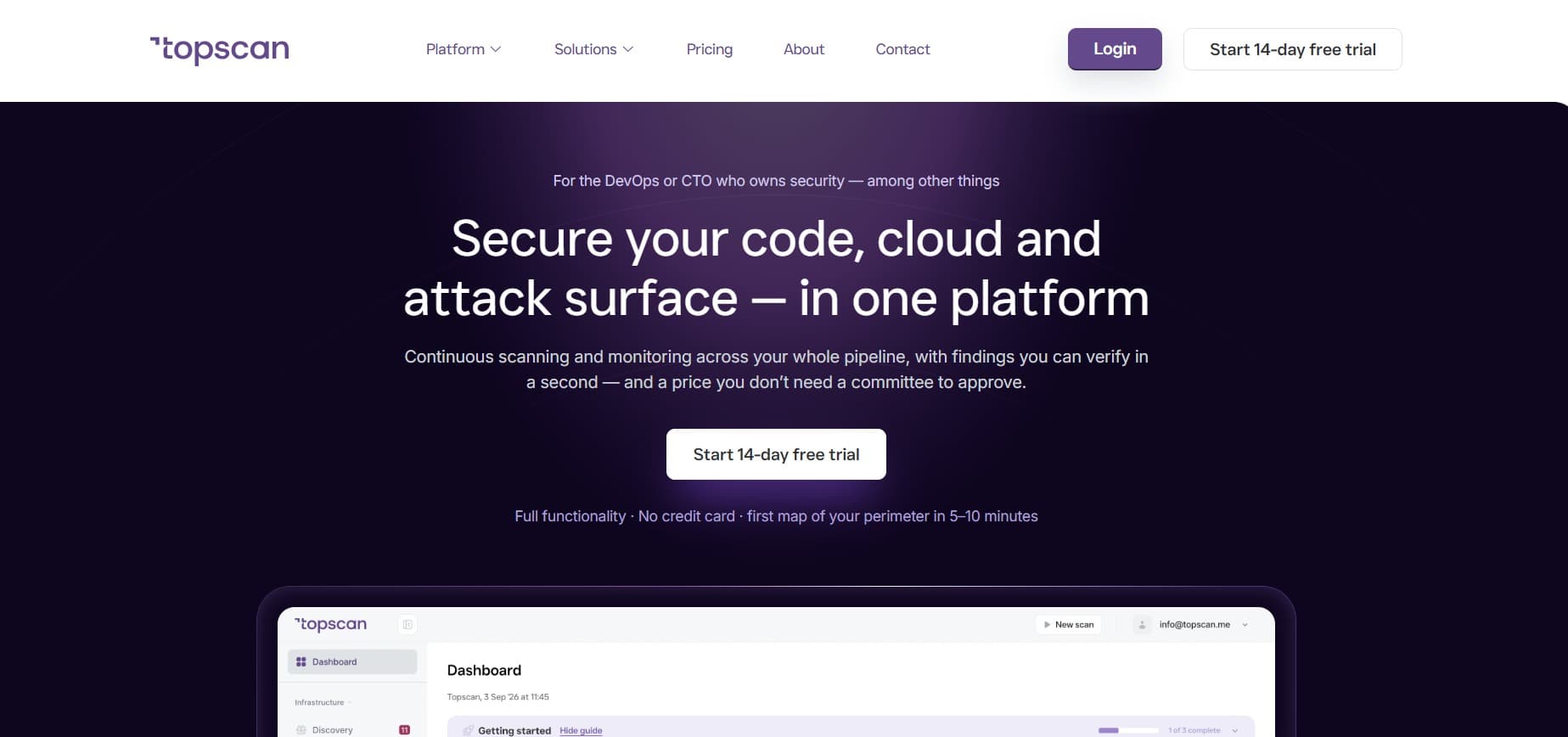
Topscan is a commercial SaaS platform that combines external scanning, asset discovery, code checks, and vulnerability management. The service brings recurring scans, evidence review, and remediation tracking into one workflow. The comparison here concerns documented capabilities and operating models; no comparative detection test was run.
Managed Scanning and Asset Discovery
Topscan's asset discovery and external monitoring starts from a domain or IP and builds a view of related exposed assets. Host profiles bring together open ports, services, detected technologies, and certificate status, while scheduled scans keep checks recurring. This connects target inventory and scan operation in one service. With standalone Nuclei or Nikto jobs, a team would need to arrange those surrounding activities. Active checks still require confirmed targets and an agreed scope.
Code Checks and Deployment Triggers
Topscan's static code analysis includes checks for insecure code patterns, committed secrets, and vulnerable dependencies, with findings tied to a file and code location. Connecting GitHub or GitLab repositories puts these checks alongside the external view of the deployed service. Confirm language and dependency support against your repositories before treating this as equivalent to Bandit or a dedicated package scanner.
A separate CI/CD trigger lets a pipeline start an external scan against a confirmed deployed target. This is useful for checking what a release exposes. The trigger launches a scan; vulnerability findings do not automatically fail the build. Keep any package-based release gate, such as a configured Grype check, as a distinct control.
Remediation History and Reporting
The vulnerability management workflow provides finding states, severity-based SLA timers, snooze and false-positive handling, and reopening when an issue appears again. PDF reports and a workspace Security Score provide a shared view for reviews. These features address follow-up that otherwise has to be assembled around separate scan outputs. The score summarizes the platform's findings; it does not establish that unscanned systems are secure or guarantee an audit result.
Fit, Costs, and Coverage Limits
Scheduling and ongoing assessment are already available in parts of the open-source stack: Greenbone has task management and scheduling, and Clair can reassess indexed images as vulnerability data changes. The relevant comparison is the managed combination of capabilities and the work needed to operate it.
Editorial assessment: Topscan is worth evaluating when one technical owner needs recurring checks and a consistent remediation workflow. The tradeoffs are a subscription, a hosted service, and the need to verify coverage and plan limits. Keep local image and SBOM scans, prepared offline dependency checks, internal credentialed host assessment, or operator-led application tests wherever the documented platform coverage does not meet that requirement.
Choose a Complementary Set for Your Environment
Start with the asset and the question you need answered. A server's patch state, a web application's behavior, and a library version are different evidence sources. Scanning from outside also requires a different view from authenticated inspection inside your network.
Use our guide to internal and external vulnerability scanning when deciding where to place the scanner and what access to provide.
Editorial recommendation: for a small team, begin with the fewest tools that cover distinct risks you can act on. This recommendation follows the coverage differences above; it is not a benchmark result. Add another scanner when it closes a demonstrated gap, and allow for environments where specialist checks justify a larger set.
Three starting combinations illustrate that choice:
- A container-based web service: evaluate Trivy or Grype for the image and ZAP for the running application in a controlled environment. Add selected Nuclei checks when you need repeatable tests for known public exposures. These checks inspect the artifact, application behavior, and service response separately.
- A team operating servers and network services: evaluate Greenbone with successful authenticated checks where appropriate, then add a web scanner for important applications. Confirm the scanner can reach the intended network segments; an inaccessible host cannot provide a meaningful clean result.
- A Python development team: combine Bandit with a dependency scanner that supports the project's package artifacts. Add application testing after deployment. Code patterns, vulnerable libraries, and authorization behavior require different checks even when they belong to the same repository.
For a registry that retains images independently of builds, evaluate Clair's service model. Avoid adding it simply to repeat an existing one-off image scan without a plan for consuming the ongoing results. For cloud workloads, distinguish checks of images and infrastructure-as-code artifacts from assessment of live account settings and identity permissions; those are separate coverage requirements.
Run the Chosen Scanner from Kali Linux
Kali Linux packages security tools; it does not provide one universal vulnerability scanner. Its GVM package installs Greenbone components and provides setup, start, stop, and readiness-check scripts. The documented gvm-check-setup command checks installation completeness, rather than scanning a target. Follow the current package instructions and verify feed readiness before interpreting results.
If you already use Kali for assessments, that packaging can be convenient. It does not change each tool's coverage: a network scan, web application test, and package vulnerability check still require the appropriate scanner and access.
Test the Workflow Before Expanding Scan Coverage
A successful pilot should show that the scanner reaches the intended assets, produces findings an engineer can verify, and supports confirmation after a fix. These five checks make the evaluation concrete:
- Define the sample and access. Select representative assets you are authorized to test. Record the host or URL, image digest or repository commit, network position, and required credentials. Agree on exclusions, request limits, monitoring, and a stopping condition with the service owner before active testing. Start the policy in a controlled environment. This makes later comparisons traceable to the same target.
- Make the scan reproducible. Record the scanner release, configuration, template or database revision, and enabled checks. Keep database download failures and authentication failures visible instead of treating them as empty findings.
- Verify coverage and sample findings. Use a controlled test environment with known conditions to check that the intended scan path works. Review a sample of alerts for evidence and accuracy. Record routes, packages, or services the scanner could not inspect.
- Exercise the handoff. Confirm that structured output reaches your chosen issue tracker or reporting workflow. A usable finding needs the affected asset, evidence, an owner, and a proposed action. Use exposure and business impact alongside severity; our guide to vulnerability prioritization covers that decision.
- Verify one completed fix. Apply an approved correction and scan the affected target again with comparable scope. Retain the evidence of both runs. Track setup, scan execution, investigation, and ongoing maintenance separately when comparing operating effort.
A Documented Example - ZAP Baseline and Full Scans
ZAP documents a concrete split between quick passive checks and active application testing. Its baseline script runs a short spider and waits for passive analysis, while the full scan follows crawling with active tests. The baseline can export reports and use configurable warning or failure rules in CI.
For a deployment workflow, that supports a two-stage evaluation: establish the baseline's route coverage and reporting first, then test the active policy in an approved environment. A passing baseline does not show that active vulnerability checks ran. Crawling still makes requests, so even a passive analysis workflow needs agreed scope and attention to application behavior. The decision concerns what evidence each run provides, rather than how many scanners the pipeline contains.
Budget for the Work Around the Scanner
Open-source code can remove a software license charge, but the surrounding work remains: compute, storage, feed updates, protected credentials, configuration changes, result review, and follow-up. A CLI that is straightforward to install can still become expensive to operate if every alert requires manual interpretation.
Check the complete dependency chain before choosing a tool for a restricted environment. Local execution does not automatically mean offline execution; databases, image downloads, external callbacks, and package resolution can require network access. Review code and data terms separately, particularly if you plan to redistribute a scanner or embed it in a service.
There is also a product boundary to preserve. A detector produces evidence. Your team still needs a vulnerability management process for assigning remediation, handling exceptions, keeping history, and rescanning. Some projects provide parts of that process, while standalone scanners often need surrounding automation.
Keep Scanning Tied to Owned Remediation
The best starting choice is the scanner that covers a real gap and produces evidence your team can use. Add complementary checks as the environment demands, then maintain a visible path from finding to owner, correction, and verification.
Keep specialist host, package, code, or application checks wherever your chosen setup leaves a coverage gap. Choose the combination by demonstrated coverage and the effort needed to act on findings.