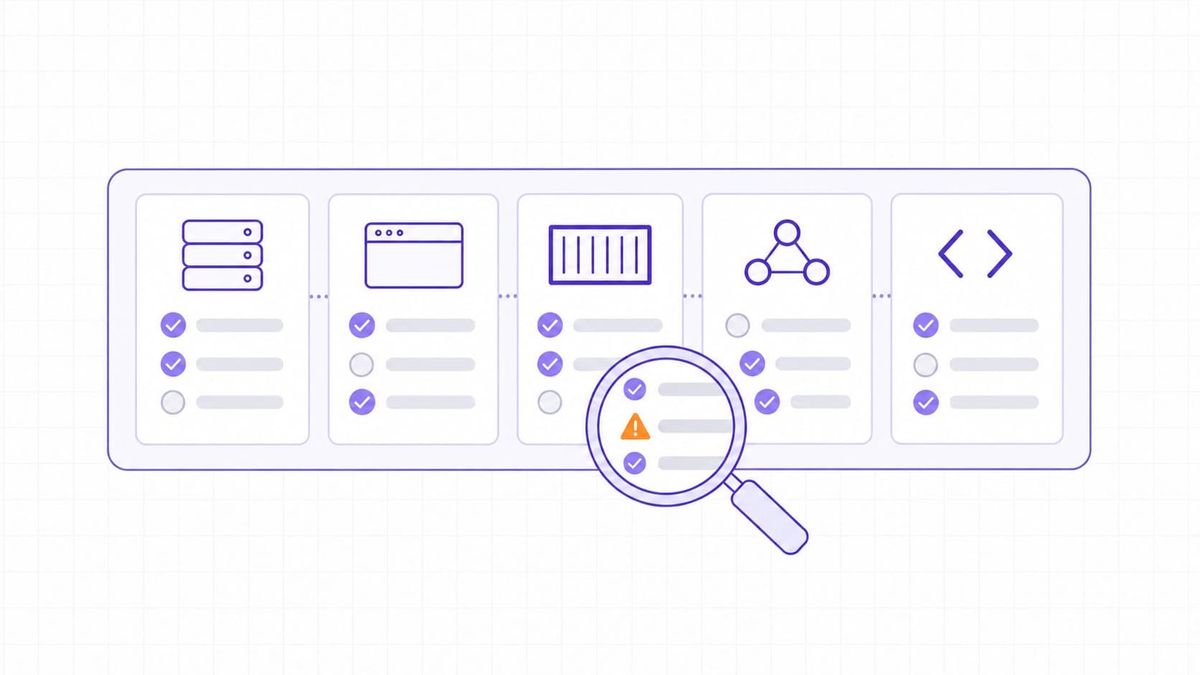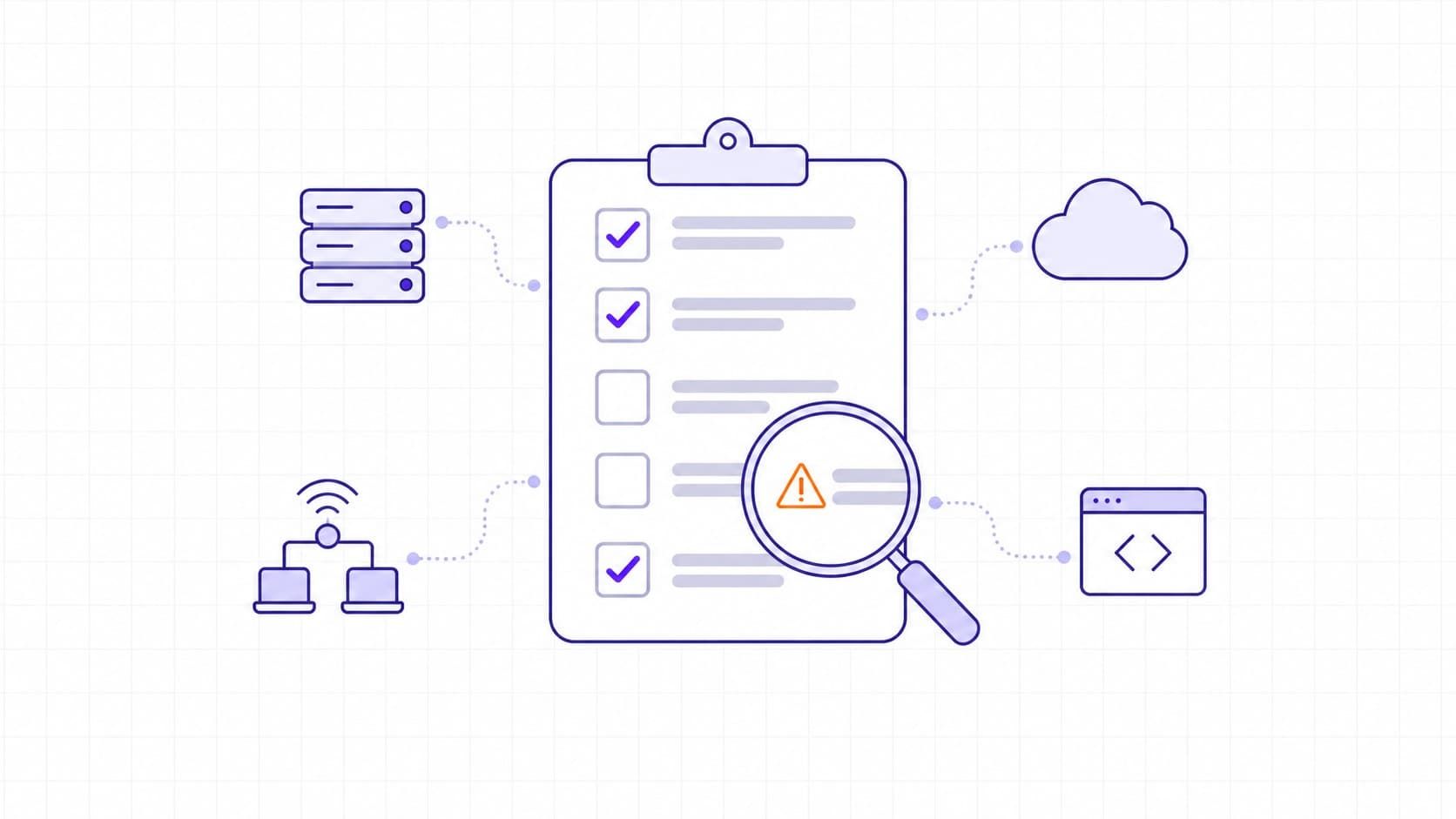
A vulnerability assessment checklist is a repeatable set of checks for identifying, validating, and prioritizing security weaknesses within an agreed scope. It should record what was tested, what the evidence shows, who owns each finding, and how the fix will be verified.
For a small software team, the most useful result is a short remediation queue backed by evidence. A scanner report alone leaves questions unanswered: did the scan reach every intended host, did authenticated checks work, and has anyone confirmed the reported weakness?
The checklist below covers preparation, network and wireless checks, servers, applications, databases, cloud infrastructure, and follow-up. Adapt it to your assets and testing permissions. A completed checklist documents an assessment; it cannot prove that every vulnerability has been found.
The Core Vulnerability Assessment Checklist
Use this table as the assessment's control sheet, then apply the technical checks in the following sections. For each row, record an owner, assessment date, status, and evidence reference. Use pass, finding, not tested, or not applicable; explain exclusions rather than leaving blank cells.
|
Assessment Step |
Check to Complete |
Evidence to Keep |
|
Scope and permission |
Confirm targets, owners, permitted techniques, and exclusions before testing. |
Approved target list, assessment window, and stop conditions. |
|
Asset coverage |
Reconcile the inventory with discovered hosts, services, applications, and cloud resources. |
Inventory snapshot and a list of unexplained gaps. |
|
Scan readiness |
Verify scanner access, current checks, intended privileges, and approved scan settings. |
Configuration, scan date, and successful authentication evidence. |
|
Network and wireless |
Review exposed services, access rules, segmentation, and authorized Wi-Fi infrastructure. |
Reachability results, rule references, and wireless inventory. |
|
Hosts and services |
Check software support, patch state, unnecessary services, and privileged access. |
Version or package evidence and configuration observations. |
|
Applications, data, and cloud |
Review access boundaries, sensitive data exposure, and relevant configuration controls. |
Test-account results and restricted evidence references. |
|
Finding validation |
Confirm applicability and distinguish real weaknesses from detection errors. |
Affected asset, advisory or control reference, and validation result. |
|
Remediation decisions |
Assign a responsible owner, a due date, and a documented response. |
Ticket, priority rationale, and any approved exception. |
|
Closure and repeat checks |
Verify the fix, record remaining gaps, and schedule the next assessment. |
Retest result, closure date, and next review trigger. |
Assessment Scope and Pre-Scan Preparation
An IT vulnerability assessment needs both a target list and rules for testing it. Capture those decisions before selecting scan options.
- Identify assets and owners. Include domains, IP ranges, endpoints, network devices, applications, databases, cloud accounts, and relevant repositories. Record the environment and business owner so a finding can reach someone able to act.
- Define the boundary. State whether the work covers external exposure, internal systems, authenticated host checks, application testing, or configuration review. Include IPv6 and remote locations where relevant; document assets that another team or provider must assess.
- Approve the testing plan. Record the targets, techniques, time window, source addresses, emergency contact, and stop conditions. Confirm provider rules for hosted services. Permission for an external scan does not automatically cover intrusive testing or another tenant's resources.
- Plan for operational impact. Identify fragile devices, production dependencies, and recovery arrangements. Confirm that backups and restoration procedures meet the needs of the planned tests. Exclude disruptive checks unless separately approved.
- Protect assessment evidence. Restrict access to results and use test accounts and synthetic data where possible. Keep credentials, tokens, and customer records out of general tickets and shared reports.
NIST SP 800-115 provides a rules-of-engagement template covering scope, risks, personnel, and testing constraints.
Keep the assessment distinct from exploitation work. Penetration testing investigates whether weaknesses can be used to achieve a defined objective under agreed rules.
Use the separate guide to vulnerability assessment vs. penetration testing when deciding whether that deeper validation is needed.
A Vulnerability Scan Checklist That Verifies Coverage
A completed scan can still have incomplete coverage. Before accepting its results, compare intended targets with hosts actually reached and checks actually performed.
Authenticated checks can reveal local patch and configuration information that a remote service response does not expose. Verify the required permissions for your scanner and confirm that authentication succeeded on each intended host. Tenable's Windows credentialed-check documentation illustrates why credentials alone do not establish successful local checking.
Review these points with each run:
- Confirm the scan perspective. Test public exposure from an appropriate external location and private systems from an approved internal location. Record where the scanner ran; a blocked route is a coverage limitation, not proof of a secure host.
- Check detection readiness. Update the relevant vulnerability checks, confirm the selected scan policy, and record the tool and check-set version when available. Verify that exclusions have not silently removed critical targets.
- Inspect failures. Separate unreachable assets, authentication failures, timeouts, and skipped checks from completed tests. Assign follow-up work to each gap before describing coverage as complete.
- Validate reported findings. Check the affected product, version, configuration, and vendor advisory. A banner-based match may need package-level verification, especially where vendor backports change the relationship between version strings and patch status. Red Hat's backporting explanation documents this source of false positives.
Our editorial recommendation is to test a representative asset group before a broad production run. The extra setup is worthwhile when credentials or scan intensity are uncertain. For a narrow, previously validated scan profile, repeating a full pilot may add little value.
The guide to internal and external vulnerability scanning explains how the two viewpoints complement each other.
Network Vulnerability Assessment Checklist
The network security review should establish which services are reachable, which connections are expected, and whether access boundaries match the design. An open port is a reason to inspect the service behind it, rather than an automatic vulnerability.
- Account for exposed services. Compare observed ports and services with the approved inventory. Investigate management interfaces, remote-access gateways, and databases reachable from networks that should not access them.
- Review access rules. Look for broad source ranges, obsolete exceptions, and rules without an owner. Check the effective behavior, including host firewalls and cloud security groups, instead of relying on a perimeter firewall export alone.
- Test segmentation. From authorized test locations, verify whether guest, development, user, and administration networks can reach protected systems. Record the tested path and expected result; a network diagram is not execution evidence.
- Check network appliances. Review firmware support, vendor advisories, administrative access, and unused services on routers, switches, firewalls, and VPN equipment. Confirm how management access is restricted.
- Review service protection. Inspect relevant TLS configuration, certificates, DNS records, and remote-access authentication. Treat expired certificates, weak encryption, and an exposed admin service as different findings with different fixes.
For a broader methodology and reporting approach, see network vulnerability assessment.
Wireless Network Vulnerability Assessment Checklist
Wi-Fi introduces a separate discovery boundary: radio coverage can extend beyond the office network. Match observed access points to the authorized inventory and investigate unexpected devices before actively testing them.
- Inventory wireless infrastructure. Record access points, controllers, SSIDs, owners, and firmware state. Investigate unknown access points rather than assuming that a familiar network name establishes ownership.
- Review access and configuration. Check authentication and encryption against the approved wireless baseline. Restrict controller and access-point administration, and identify legacy settings that require replacement or a documented exception.
- Verify guest isolation. Test whether a guest client can reach corporate systems or management interfaces contrary to policy. Record the actual result from an authorized guest connection.
- Check monitoring coverage. Confirm how unauthorized devices and configuration changes are detected. For physical areas outside sensor coverage, arrange an authorized survey.
NIST SP 800-153 addresses wireless configuration, monitoring, and periodic assessments. It cautions against active scanning of nearby devices owned by other organizations.
Server Vulnerability Assessment Checklist
For each server, establish the installed software, its support status, and the permissions under which services run. Use a baseline suited to its operating system and role. Microsoft's security baseline guidance provides a reference for Windows environments.
- Confirm patch and support status. Check the operating system, installed applications, runtime components, and relevant firmware. Record unsupported products separately, with a replacement or isolation decision.
- Reduce unnecessary services. Review enabled services, listening interfaces, and installed software. Remove or restrict components after confirming dependencies with the owner.
- Review privileged access. Identify stale accounts, excessive group membership, shared administration, and service accounts with broader permissions than their tasks need. Confirm that remote management follows the access policy.
- Check hardening and visibility. Compare settings with the approved baseline, review sensitive file permissions, and verify that required security agents and logging work. Keep deliberate exceptions visible for review.
For containerized workloads, include the deployed image and its dependencies. Fixing the source image does not establish that every running workload has been replaced.
Web Application and Database Checks
Application checks need test identities and expected access boundaries. Record the role, endpoint, and observation so another engineer can reproduce the result without exposing production data.
Web Applications and APIs
Use the OWASP Web Security Testing Guide v4.2 to select tests for the application's behavior. Its categories include authentication, authorization, session management, input validation, and business logic.
- Test authorization boundaries. Use approved accounts with different roles to check access to another user's records and restricted functions. Authentication success does not establish that object-level permissions work.
- Review sessions and account recovery. Assess logout behavior, session handling, and password-reset flows. Check whether sensitive actions require the intended authentication controls.
- Inspect input and output handling. Include relevant injection, cross-site scripting, file-upload, and request-forgery checks. Use controlled test cases appropriate to the application and permitted techniques.
- Examine deployment exposure. Review debug output, backup files, secrets, administrative endpoints, and vulnerable components. Pair automated results with manual review of workflows the scanner cannot meaningfully exercise.
Databases and Sensitive Data
Separate database network access from permissions inside the database. Review approved connection sources, administrative roles, application-account privileges, transport encryption, and access to snapshots or backups. Check that the application does not use a database administrator account for routine requests.
For managed databases, inspect the configuration you control. Amazon RDS security guidance distinguishes resource-management permissions, security-group connectivity, database authentication, and encryption. A private endpoint alone does not confirm all of those controls.
Cloud and Infrastructure Checks
A cloud assessment needs access to configuration evidence as well as public endpoints. The division of duties changes between infrastructure, platform, and software services; Microsoft's shared-responsibility guidance explains that distinction.
- Reconcile accounts and resources. Include active subscriptions, regions, instances, storage, and deployed services. Identify resources missing from the primary inventory and assign an owner.
- Review identities and secrets. Check privileged roles, service identities, unused credentials, and access to secret stores. Explain why each exception is needed and when it will be reviewed.
- Inspect public exposure. Review load balancers, security groups, storage policies, and administrative endpoints. For S3, evaluate effective permissions alongside Block Public Access settings; do not infer privacy from one setting or a bucket name.
- Check deployment configuration. Compare infrastructure definitions with running resources and review relevant images and dependencies. Confirm logging and evidence access for the services included in scope.
If the initial assessment covers only external infrastructure, list private configuration and identity checks as separate work. Expanding the scope on paper does not expand the scanner's access.
Risk Prioritization Based on Exposure and Evidence
Validate applicability before choosing a remediation deadline. Record technical severity, reachable attack paths, exploitation evidence, asset importance, and existing controls. FIRST states that the CVSS Base score measures severity and should not be used alone to assess risk in its CVSS v4.0 User Guide.
For each consequential finding, explain the threat scenario: which attacker could reach the weakness, what access is required, and what data or service could be affected. A threat vulnerability assessment checklist becomes actionable when that explanation changes the priority or response.
MOVEit as a Prioritization Example
CISA added the MOVEit Transfer SQL injection vulnerability, CVE-2023-34362, to its Known Exploited Vulnerabilities catalog on June 2, 2023. The entry describes possible unauthenticated access to the database and directs organizations to apply vendor updates. The record is available in CISA's official KEV data repository.
For a team operating an affected deployment, the next decision is to confirm the version and exposure, follow the vendor's response guidance, and evaluate signs of compromise. A later scan with no finding would not establish that earlier exploitation never occurred. This example shows why an assessment should connect findings to incident response when the evidence warrants it.
Use the separate vulnerability prioritization guide for a fuller decision framework.
Post-Assessment Remediation and Audit Evidence
Assign each confirmed finding an owner, a response, a due date, and a verification method. Treat patch deployment and verification as separate steps: NIST SP 800-40 Rev. 4 includes verifying that an installed patch has taken effect.
Keep three outcomes distinct. Fixed means the underlying weakness has been removed and the result verified. Mitigated means an additional control reduces risk while the weakness remains. Accepted means an authorized decision maker has approved the remaining risk. These are suggested tracking definitions; your platform may use different labels.
Temporary controls and accepted risks need a review date. Record the control's tested effect or the acceptance rationale, the approver, and the condition that triggers reconsideration. Keep failed retests open. If a host becomes unreachable, investigate the coverage gap before closing its finding.
A Vulnerability Management Audit Checklist
An audit review examines whether the process operates over time. Keep evidence for these checks:
- Coverage can be reconciled. Preserve the scoped inventory, assessment dates, exclusions, and scan failures so reviewers can distinguish missing tests from clean results.
- Decisions have a traceable basis. Link findings to validation evidence, priority reasoning, accountable owners, and the applicable policy deadline.
- Closure is supported. Retain change records and retest results, with temporary mitigations and accepted risks identifiable in the register.
- Exceptions are reviewed. Show overdue work, expired approvals, and recurring findings, together with the decisions made about them.
A regulatory vulnerability scan checklist must be built from the requirements applicable to your organization. Record the framework and version, in-scope assets, required scan method and cadence, and the evidence the reviewer expects. This general checklist does not establish compliance with a specific regulation or audit standard.
A Network Vulnerability Assessment Template for Follow-Up
Create one record per affected asset and finding, with a stable asset identifier. If several assets share a ticket, keep their individual verification results. The following field groups form a reusable register:
- Identification: assessment ID, asset ID, hostname or IP, environment, service, and business owner. Keep enough context to identify the asset after an address changes.
- Evidence: finding title, CVE or control reference where applicable, first-seen date, validation result, and a restricted evidence link. Record missing or inconclusive tests explicitly.
- Decision: severity and scoring version if used, exposure, business impact, priority rationale, response owner, due date, and selected action.
- Verification: status, change or ticket reference, retest method and date, result, verifier, and exception expiry when relevant.
A PDF suits a dated review snapshot; an XLS or XLSX spreadsheet suits filtering by owner, status, and deadline. Keep the working register as the source for later snapshots, and protect both formats according to the sensitivity of their evidence. Avoid treating a copied report as the current remediation status.
Close the Assessment With Verified Actions and Visible Gaps
At handoff, the team should be able to identify urgent fixes, untested assets, and decisions awaiting approval. Choose repeat-assessment triggers that fit the environment, including significant deployments, newly exposed services, and relevant vulnerability disclosures. CIS Control 7 frames vulnerability management as continuing assessment and tracking.
For the external portion of this workflow, TopScan vulnerability management provides a shared list of findings, remediation deadlines, lifecycle tracking, and reopening after a new scan detects a returning issue. Match that coverage to your scope and assign the internal, wireless, and manual application checks separately.