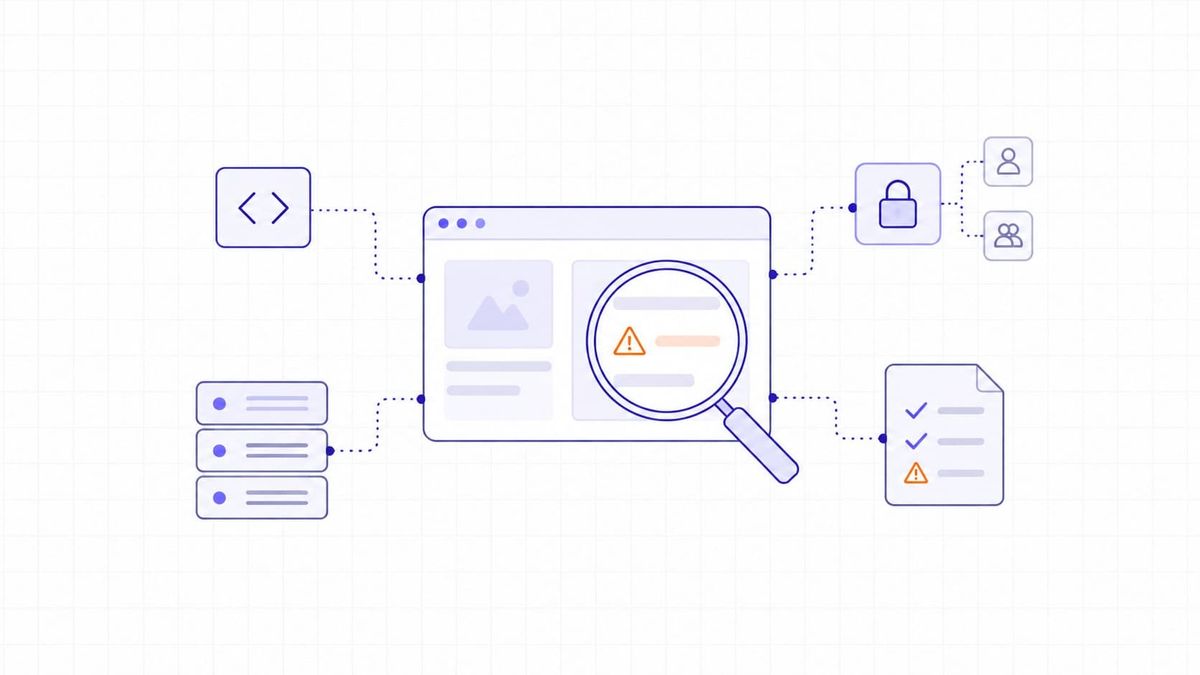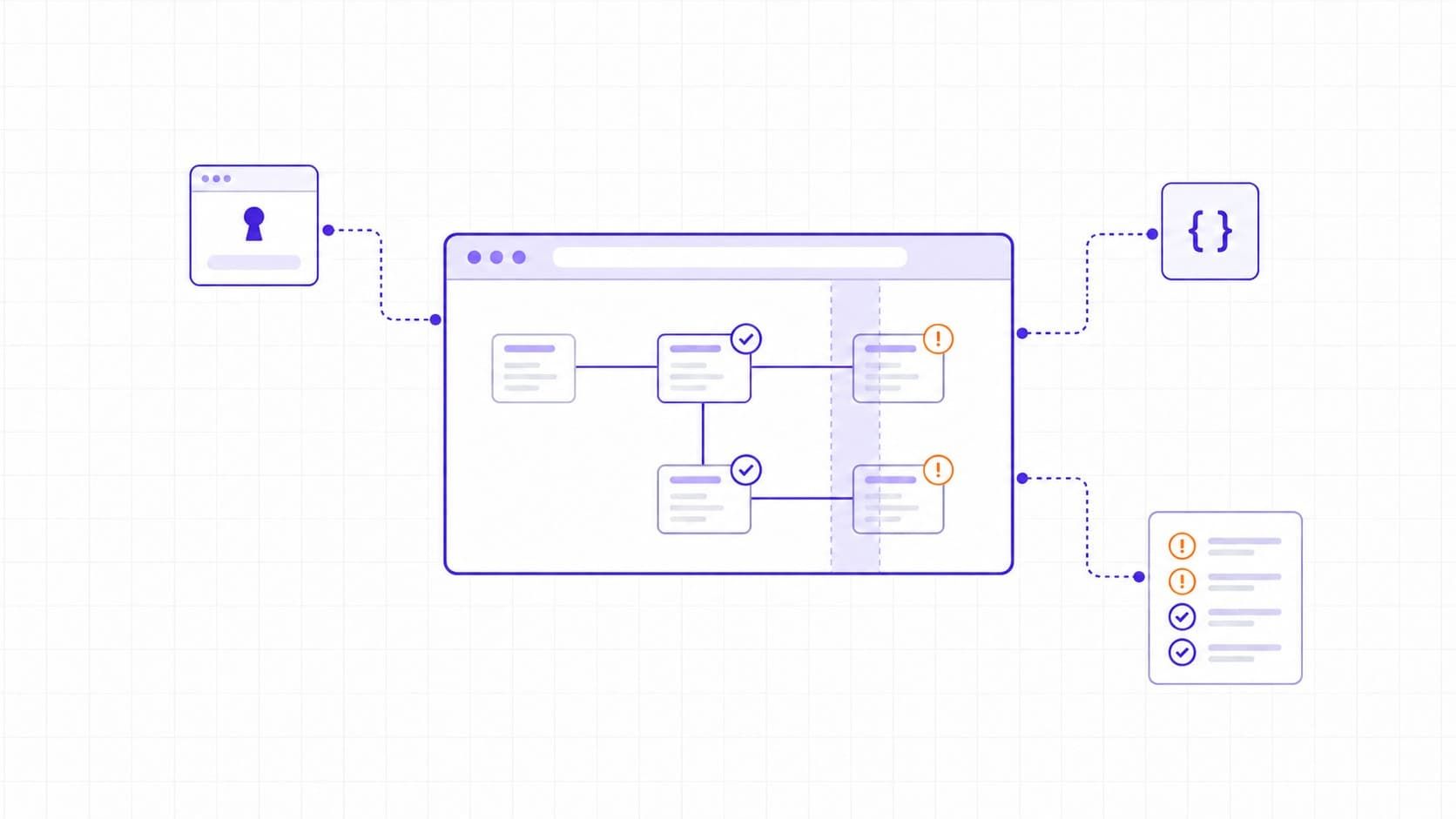
Web application vulnerability scanning uses automated tools to examine a running web application for security weaknesses. A scanner explores reachable pages and endpoints, checks requests and responses, and reports potential issues for investigation. This runtime approach is called dynamic application security testing (DAST). It does not require source code, and a clean report does not establish that an application is secure.
For a CTO or DevOps engineer, the decision is whether a scanner can reach the application's important functions and produce findings that someone can act on. Start with that evidence when comparing tools.
Web Application Scanning and Its Scope
DAST works through the application's exposed interfaces, including application programming interfaces (APIs). It can test a deployed staging environment as well as production; the application needs to be running, not necessarily public. Authentication determines which protected functions the scanner can reach.
Labels such as web scanning do not tell you exactly what a product checks. Specify the assets and testing methods instead:
|
Method |
What It Inspects |
Coverage You Still Need |
|
DAST |
Reachable pages, API endpoints, and runtime behavior through requests and responses. |
Code paths and functions the scanner cannot reach; contextual authorization checks. |
|
SAST (static application security testing) |
Source code or compiled code for security weaknesses, without running the application. |
Deployed settings and runtime behavior. |
|
SCA (software composition analysis) |
Software dependencies and their known vulnerability information. |
Vulnerabilities in your own application logic and confirmation of runtime exposure. |
|
Infrastructure scanning |
Hosts, exposed services, software versions, and relevant configurations. |
Application workflows and behavior behind the login. |
OWASP's source code analysis guidance and component analysis guidance explain the code and dependency layers.
Our guide to network vulnerability scanning covers infrastructure checks.
These methods complement one another. Identifying an outdated web framework through a server response does not give a DAST scanner a complete inventory of the application's dependencies.
How a Web Application Scan Works
Scope and Authentication
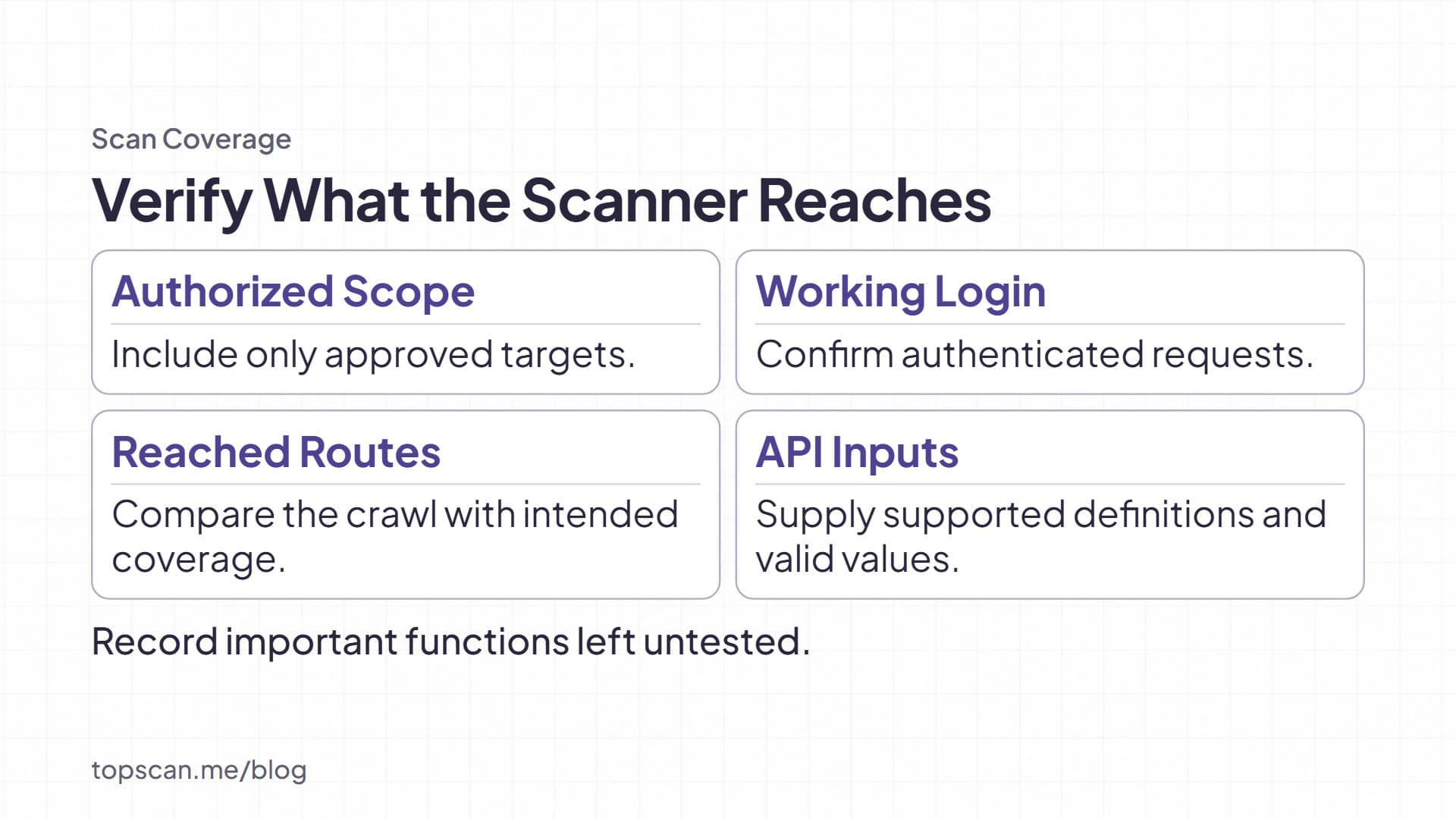
Agree on authorized targets, exclusions, test accounts, and a stop contact before sending test traffic. Include the intended hostnames and API base URLs; exclude third-party services unless testing them is explicitly authorized.
For protected applications, configure the login and a way to verify that the session remains authenticated. ZAP, for example, separates authentication methods from verification strategies. Entering credentials alone does not demonstrate that protected pages were tested. Inspect the requests made during the scan and confirm that they reach the expected authenticated content.
Crawling and API Coverage
A crawler follows links and application navigation to build a map of testable content. Unlinked endpoints, JavaScript-driven routes, and multistep workflows may need additional configuration or recorded interactions.
For an API, provide an up-to-date definition in a format the scanner supports. ZAP's OpenAPI add-on can import API definitions, but credentials and suitable input values still matter. Compare discovered endpoints with the functions you intended to test; do not assume that crawling reached everything.
Passive Checks and Active Tests
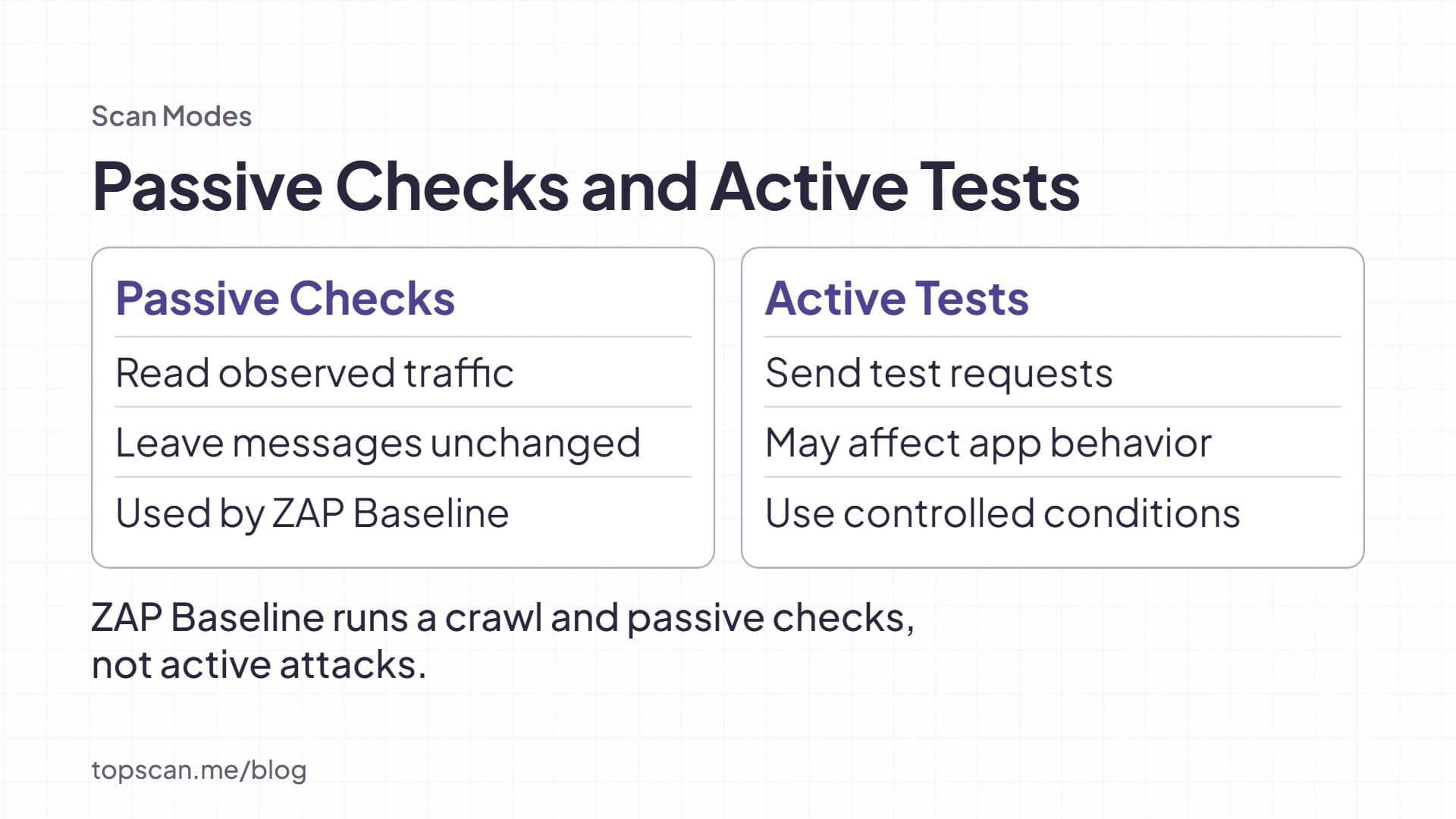
Passive scanning inspects observed traffic without modifying the messages. Active scanning sends test requests to investigate potential weaknesses, including supported injection checks. Findings can concern SQL injection, cross-site scripting (XSS), insecure headers, or other issues covered by the enabled rules.
Active tests can affect application behavior. Use a representative staging environment for the first run, synthetic data, and agreed request limits. Exclude operations that could send messages, charge accounts, or delete records unless those effects are controlled. A lower request rate reduces load but does not make every test harmless.
Findings, Validation, and Retesting
Review the affected URL, request, response evidence, test conditions, and proposed fix. Validate consequential findings before treating them as confirmed vulnerabilities. NIST SP 800-115 identifies false-positive analysis as part of assessment work; agreement between two tools can still repeat the same error.
Assign an owner and retest after remediation. If the finding disappears because login failed or the endpoint was skipped, the result is inconclusive.
The Common Vulnerability Scoring System (CVSS) Base score describes technical severity. FIRST cautions against using it alone to assess risk. Include exposure, affected data, and business impact when setting urgency.
Our guide to vulnerability prioritization explains that decision.
The Benefits and Limits of Automated Scanning
Automation makes selected checks repeatable across releases and gives engineers evidence to investigate. Its value depends on what happens afterward: a verified finding needs a fix, a documented mitigation, or an explicit risk decision. Scanning itself does not repair the application.
Coverage also depends on the scan mode. A documented example is ZAP Baseline: it runs a crawler and passive checks, without active attacks. That makes it a different release check from an active DAST scan. Passing Baseline does not show that active injection testing passed.
Our recommendation: use a small, repeatable check for frequent feedback and schedule deeper active testing separately. This keeps routine feedback manageable, but applications with sensitive workflows may need a deeper assessment before release.
Automated scans also need manual support for business logic and authorization boundaries. A scanner cannot infer every rule about which user should access a record or approve a transaction. Use website vulnerability testing to plan the broader assessment. A scan report alone does not establish compliance with a security standard or regulation.
Choosing a Web Application Vulnerability Scanner
Evaluate candidates on a representative application. Feature lists cannot show whether a tool handles your login flow or produces evidence your engineers can reproduce.
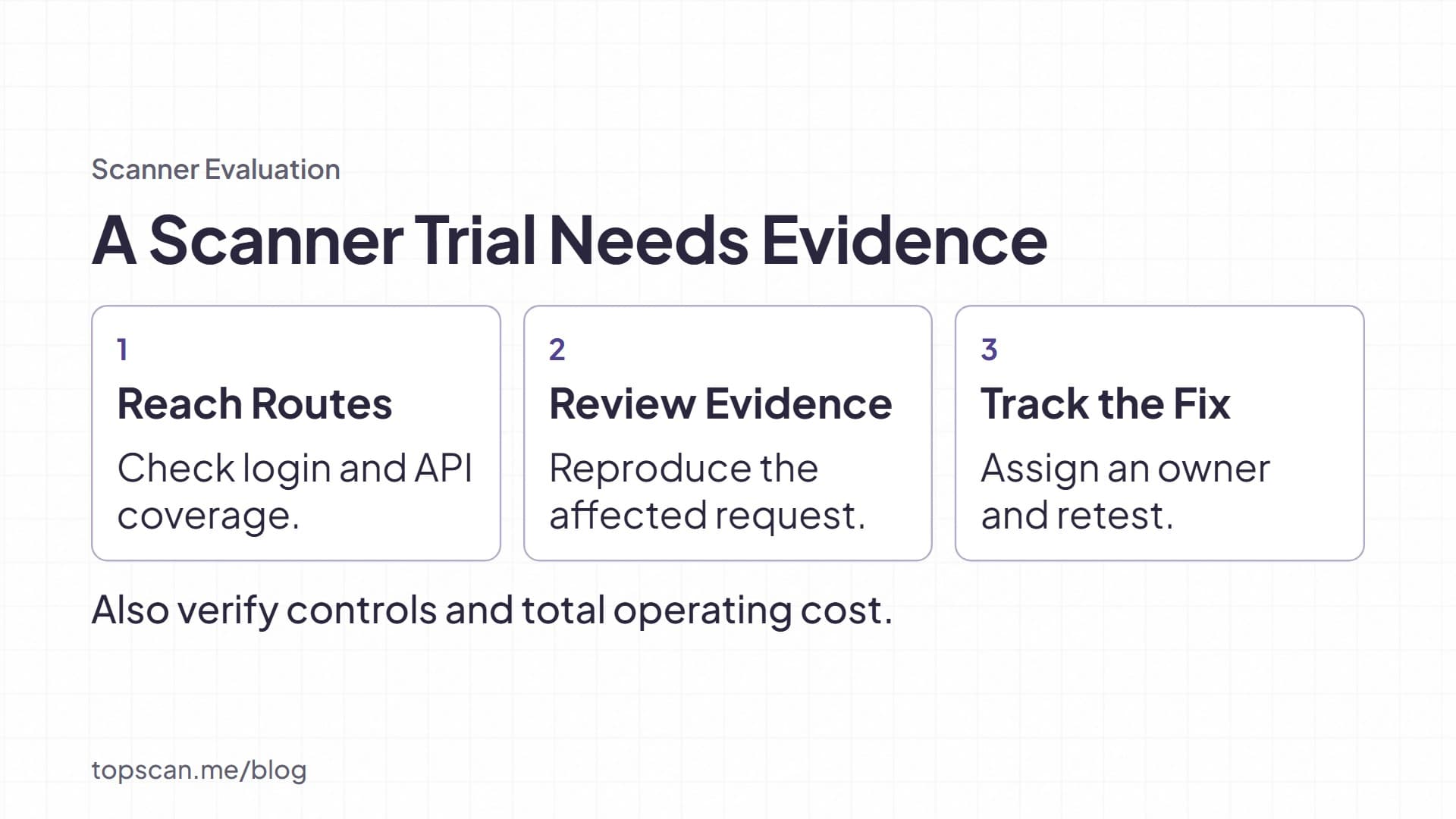
- Test authenticated coverage. Confirm that the scanner stays logged in and reaches the selected protected routes, rather than repeatedly testing the login page.
- Check application and API support. Use the actual navigation, API definition, and input formats your application requires. Record important functions left untested.
- Inspect finding quality. Ask for affected requests, supporting evidence, confidence information, and remediation guidance. An AI label is not evidence that false positives have been eliminated.
- Exercise operational controls. Verify scope restrictions, exclusions, request limits, scheduling, and stopping a scan. Check how those settings change coverage.
- Budget for the workflow. Include setup, scan maintenance, triage, and retesting alongside licensing. Try handing a finding to its owner and following it through to closure.
ZAP is an open-source option for automated web testing. Burp Suite Professional includes Burp Scanner; Community Edition provides manual testing tools and does not include that scanner. Compare the relevant edition, not just the brand name.
Our open-source vulnerability scanner comparison covers tools for different asset types.
Start with Coverage You Can Verify
In TopScan, we offer web application security testing with scheduled checks and optional active deep testing. Our web application workflow supports authenticated deep scans using form login, HTTP Basic, or a session cookie. Findings include affected URLs, severity, and remediation guidance. These capabilities still require you to define the scope and review what was tested.
Start with one representative application. Verify its login and endpoint coverage, investigate a finding, and confirm the result after a fix. Expand the schedule when that process works. A repeatable scan with visible limits gives you a firmer basis for decisions than a larger report with uncertain coverage.