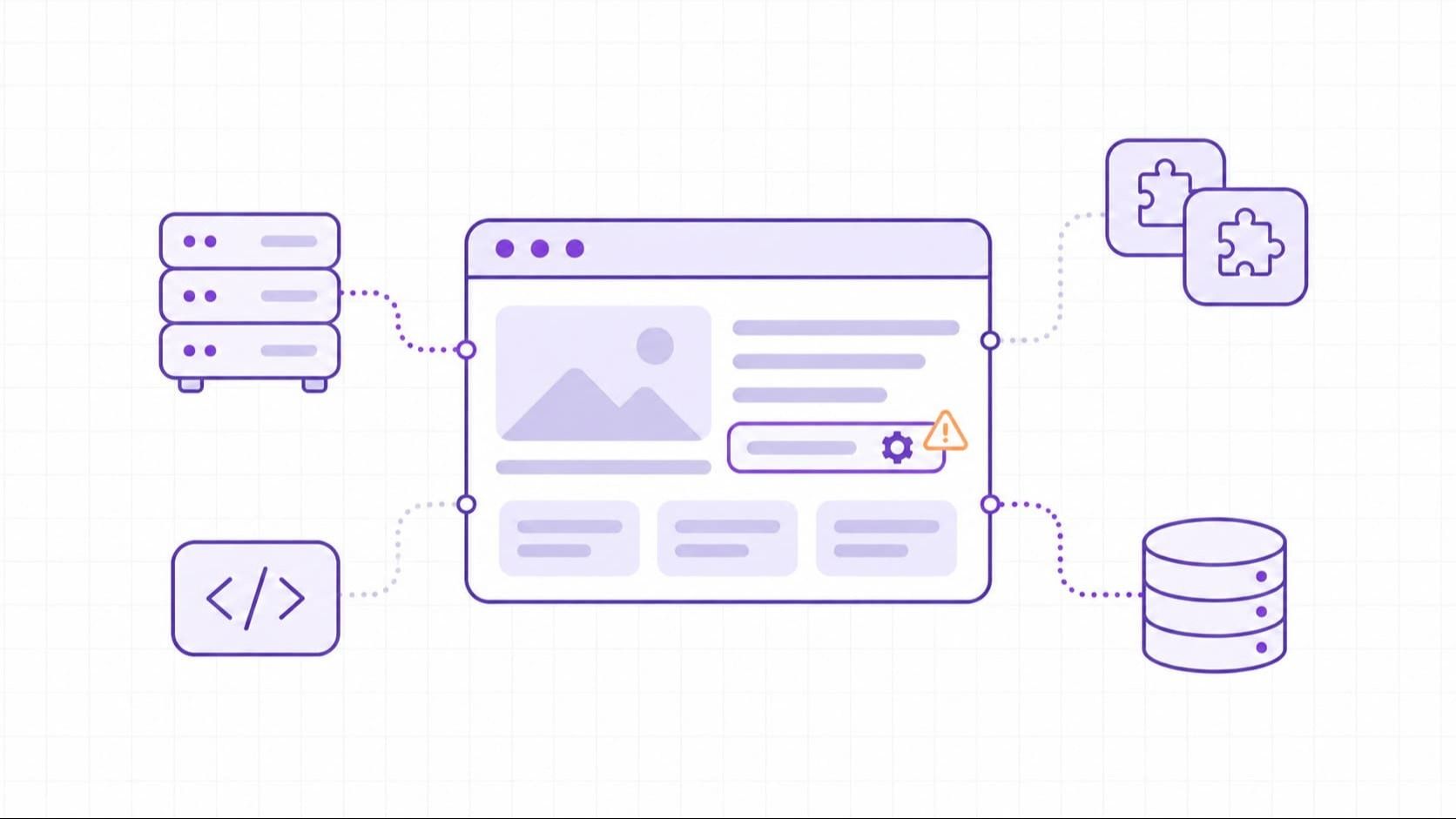
A website vulnerability is a weakness in a site's code, configuration, or supporting systems that an attacker could exploit to access data, change content, or disrupt a service. It can sit in a custom application, a content management system (CMS), a plugin, or the server that runs the site. A page can look and work normally while a weakness remains behind it.
For the person responsible for the site, the next question is what that weakness allows. An exposed backup may reveal customer records. A missing permission check may let one customer read another customer's files. An unpatched component may give an attacker access to the application. Each needs a different response.
Website Vulnerabilities and Related Security Terms
Website vulnerability and web security vulnerability are overlapping terms. Use them to describe the weakness and its scope, rather than assuming a strict boundary between site code and hosting. A vulnerable web server can put the website at risk just as an application bug can. WordPress's own hardening guidance, for example, covers application, web server, and network concerns together.
A vulnerability is the weakness; an exploit is a method of taking advantage of it. An attack is an attempt to cause harm, while a confirmed compromise means an attacker has gained unauthorized access or control. Finding a possible vulnerability does not establish that someone has exploited it.
The distinction affects what you do next. A scanner alert needs validation and a remediation decision. Evidence of unauthorized access also requires incident handling. Treating both as an ordinary patch ticket can leave the consequences of an intrusion unexamined.
Where Website Vulnerabilities Exist
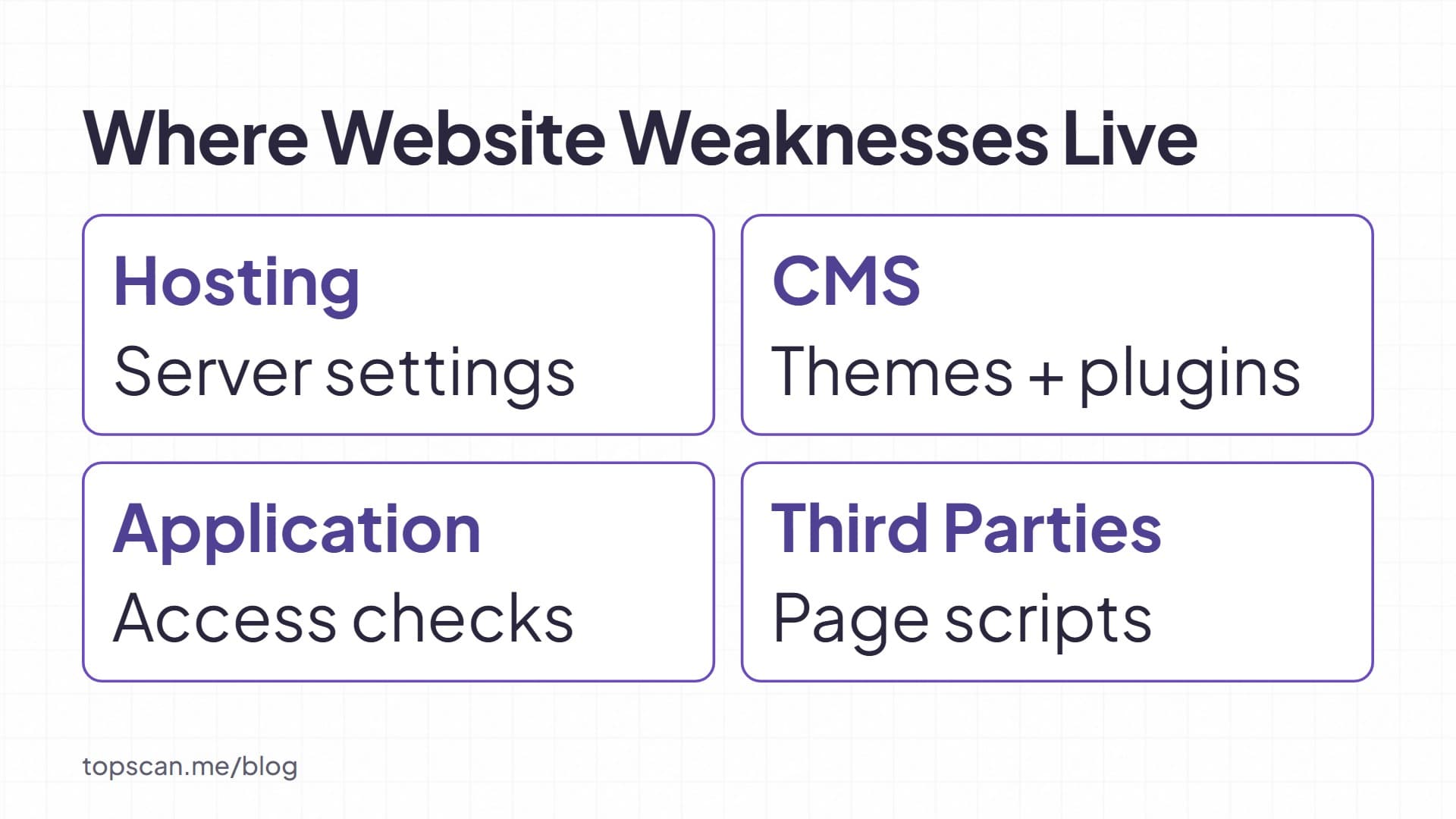
Start with the systems that serve the site and the people who control them. A useful inventory connects each public service to its software, owner, and maintenance responsibility. It should include staging sites and old subdomains that remain reachable, not just the main domain.
Our guide to attack surface management explains how to keep track of that external footprint.
Hosting and Web Servers
Web server vulnerabilities can come from unpatched software or configuration errors. Publicly readable backups, development files, and unnecessary administrative services create different paths to exposure. Review what a visitor can actually reach and what permissions the service has.
An open port alone is not a vulnerability: a website needs a listening service to receive requests. The question is whether the service should be public, is maintained, and enforces the required access controls. Similarly, a directory listing matters more when it exposes private files than when it lists material intended for public download.
CMS Platforms, Themes, and Plugins
A CMS installation includes more than its core software. Themes and plugins add code that may have separate maintainers and update schedules. Keeping the core current does not resolve a vulnerable extension. Record which extensions are installed, remove those no longer needed, and replace components whose security maintenance has ended.
Custom Applications and APIs
Application weaknesses often sit in the rules around data and actions: who can read a record, whether an uploaded file can execute, or how a search value reaches a database. APIs need the same server-side checks as browser pages. Hiding a button or restricting a screen does not protect the underlying endpoint from a direct request.
Third-Party Scripts and Integrations
A third-party script loaded into a page can run with access to that page's context. A change at the script provider can therefore affect your visitors even when your own application code has not changed. Review which scripts load, what they can access, and whether they are needed on sensitive pages.
Server-side integrations create a different question: what can their credentials do? Restrict access to the records and operations the integration needs. A compromised provider does not automatically compromise every connected site; the outcome depends on the connection, privileges, and controls.
Common Types of Website Vulnerabilities
These categories describe mechanisms worth checking. They are not a ranking of the most frequent flaws or a complete security checklist.
Security Misconfigurations
Debug output, default credentials, excessive file permissions, and public backup files can expose information or functions that should be restricted. For example, an accessible configuration file may reveal credentials that open a second path into the system. Disable development features in production and check access to sensitive files from outside the trusted environment.
A visible administration login is not proof of a vulnerability. Missing access controls, weak credentials, or a known flaw in the service behind that login are the conditions to investigate.
Unpatched Software and Dependencies
A known flaw may remain exploitable when the affected software version is still deployed. Check the vendor advisory against the actual component, version, and configuration. A version label is a lead to investigate, not a substitute for confirming applicability.
Patch management includes verifying installation as well as obtaining and deploying an update. Record what changed and confirm that the running service uses the corrected version; replacing files may be insufficient if an old process is still serving requests.
Weak Authentication and Session Handling
Authentication establishes who a user is. Weak credentials, insecure account recovery, and flawed session handling can let someone impersonate that user. Require unique administrative credentials and multifactor authentication (MFA), preferably phishing-resistant methods where supported. MFA reduces reliance on passwords, but recovery weaknesses and stolen sessions still need attention.
Protect session cookies with appropriate Secure, HttpOnly, and SameSite attributes. Secure limits transmission to HTTPS; HttpOnly prevents direct script access to the cookie. Neither attribute repairs an application bug. Logout should invalidate the session on the server, rather than merely clearing the browser's copy.
Broken Access Control
Authorization determines what an identified user may do. A customer can be correctly logged in and still receive another customer's invoice if the server fails to check ownership of the requested record.
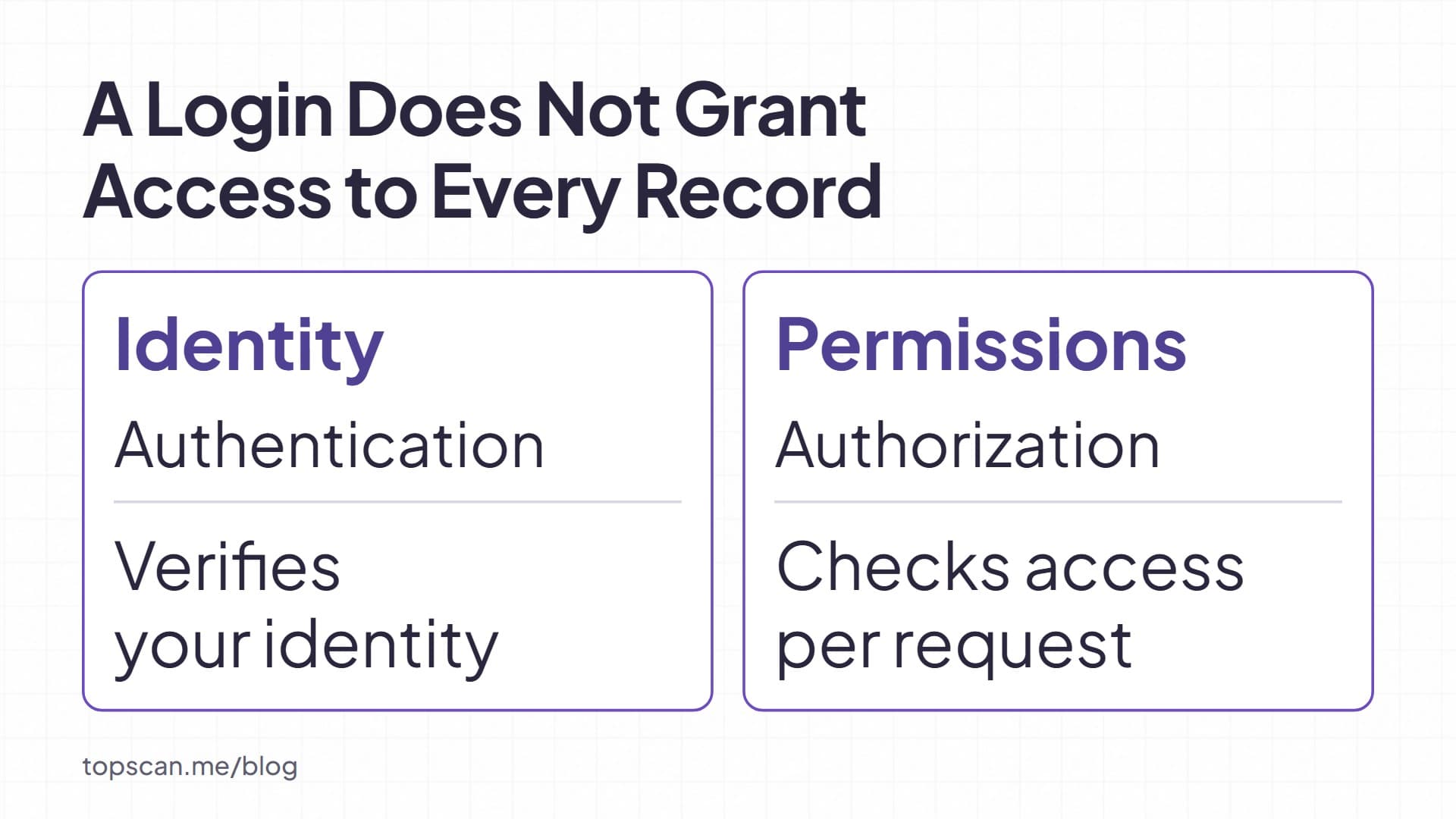
Consider an illustrative document-download endpoint: changing a document identifier returns a file belonging to a different account. The flaw is the missing permission check, not the presence of an identifier in the URL. Enforce authorization on each request and test access with accounts that have different roles and ownership. Random identifiers can make guessing harder, but cannot replace those checks.
SQL and Command Injection
SQL injection occurs when untrusted data becomes part of a database query's instructions. It can allow unauthorized reading or changes, depending on the database's features and the application's privileges. Use parameterized queries to keep data values separate from SQL syntax. Input validation remains useful, but does not replace that separation.
Operating system command injection involves a different interpreter: the application passes attacker-controlled content into a system command. Avoid shell commands when a safe library can perform the task. Where command execution is necessary, constrain arguments and run the process with limited privileges.
Cross-Site Scripting
Cross-site scripting (XSS) allows attacker-controlled content to execute as script in a visitor's browser within the site's context. It can alter what the visitor sees or perform actions through the application. Directly reading a session cookie may be blocked by HttpOnly, but that does not prevent the script from running.
Use output encoding appropriate to where the value appears, safe browser APIs, and maintained HTML sanitization when users are allowed to submit HTML. A content security policy adds a protective layer; it does not replace these controls.
Unsafe File Uploads
An upload feature becomes dangerous when files can execute, overwrite sensitive content, or reach an unsafe parser. Accepting a file does not automatically mean it can run on the server; storage and processing determine the risk.
Allow only necessary file types, check content as well as names, impose size limits, and generate storage names on the server. Store uploads outside the web root or on a separate host where feasible, with execution disabled and access controls appropriate to the files. An extension check alone is insufficient.
Cross-Site Request Forgery
Cross-site request forgery (CSRF) can cause a logged-in browser to send an unwanted request to a site that trusts its automatically supplied credentials, such as session cookies. The resulting action is limited by what the application exposes and what the victim is allowed to do. The attacker does not need to read the cookie directly.
Use the framework's CSRF protection for requests that change state, and validate it on the server. SameSite cookies provide an additional control. Choose protection for the actual authentication design; advice for cookie-authenticated browser sessions does not transfer unchanged to every API.
Insecure Transport
HTTPS uses TLS to protect data in transit. Unencrypted connections can expose sensitive requests to interception or alteration. Use supported TLS configurations, valid certificates, and HTTPS throughout the user session.
Certificate expiry can prevent clients from establishing a trusted connection. It is an operational problem to fix promptly, but expiry alone does not prove that an attacker has decrypted traffic. A valid certificate likewise says nothing about whether the application enforces permissions correctly. Check transport security and application behavior separately.
How Website Vulnerabilities Are Found
Combine automated checks with inspection of the code, configuration, and business rules. Each method sees a different part of the site. OWASP's testing guidance explicitly warns against relying on a single technique.
Inventory and Configuration Review
Compare the inventory with vendor advisories and deployment settings. Include the web server, application framework, CMS extensions, and dependencies. For managed hosting, establish which updates the provider handles and which remain yours. Otherwise, both parties may assume the other owns a vulnerable component.
Automated Scanning
Dynamic application security testing (DAST) examines a running application through requests and responses. Its reach matters: a scan that cannot log in may miss protected functions. Authentication must be configured and checked, not inferred from the fact that a scan finished.
Our guide to web application vulnerability scanning covers those limits.
In our web application security testing, we offer scheduled checks of running applications and optional deeper active testing. Findings support investigation and remediation; a clean result does not certify that every workflow or permission boundary is secure.
Manual Testing and Code Review
Reviewers can check whether application behavior matches its rules: whether a support user can act as an administrator, or whether one account can access another account's records. Code review can reveal missing checks that an external scan does not encounter. Use authorized test accounts and agreed boundaries. Active testing can affect data or availability, so plan its scope and environment before running it.
Keep vulnerability checks separate from operational monitoring. Logs and alerts can reveal suspicious activity; they do not prove that the underlying code is free of weaknesses. Conversely, a scan finding is not evidence that an intrusion occurred.
Real-World Impact and the Equifax Lesson
Successful exploitation can expose private data, alter transactions or site content, and interrupt service. The outcome depends on the affected function and the privileges available through it. A limited flaw should not be described as inevitable control of the entire server.
The 2017 Equifax breach shows why ownership and verification matter. GAO reported that an Apache Struts vulnerability remained on the online dispute portal. According to Equifax officials cited in the report, the patch notice did not reach the responsible staff, and a subsequent scan failed to detect the vulnerable portal. GAO also described weaknesses in detection, database segmentation, and data governance.
The lesson is broader than sending an update reminder. Assign someone to the affected asset, check that the fix reaches the running system, and verify the result. A completed scan is only useful evidence when its scope and detection limits are understood.
Compromise can also affect how visitors reach the site. Google documents that Chrome may display a warning when a site contains deceptive content, including content added by an attacker. That is a consequence of harmful content, not an automatic penalty for having any vulnerability.
First Actions After a Website Vulnerability Finding
Confirm the affected asset, the evidence, and the conditions required for exploitation. A software fingerprint may suggest a known issue without confirming that your deployment is affected. A readable private file provides more direct evidence of exposure.
Then weigh access from the internet, the data or function at risk, and evidence of exploitation. The CVSS Base score describes severity and should not be used alone to assess risk. CISA's Known Exploited Vulnerabilities catalog provides evidence that listed flaws have been exploited; it does not establish exploitation of your site.
|
Finding or Situation |
First Action |
Evidence to Keep |
|
A private backup or secret is publicly accessible |
Restrict access, assess possible exposure, and rotate exposed credentials as appropriate |
Affected location, access logs, and the access-control change |
|
A deployed component is confirmed affected by a vendor advisory |
Assign an owner; patch or apply a validated temporary mitigation |
Advisory, deployed version, change record, and verification result |
|
One account can read another account's private record |
Correct server-side authorization and check related endpoints |
A test with separate accounts that now denies access |
|
A scan reports a missing security header |
Check whether the header applies to the response and configure it deliberately |
Relevant response, intended policy, and compatibility checks |
|
Evidence indicates unauthorized access or malicious changes |
Begin incident handling alongside containment and remediation |
Preserved logs, timeline, affected assets, and actions taken |
Our vulnerability prioritization guide explains how to turn confirmed findings into an ordered queue. Keep a temporary restriction distinct from a permanent correction, and record who owns the remaining work.
Hardening That Reduces Recurring Weaknesses
Build prevention around the failure you are trying to avoid. An update addresses a component flaw; a permission check protects a record; a backup supports recovery. None performs all three jobs.
- Keep a maintenance routine for deployed software. Track vendor advisories, remove unused components, and verify updates on the running service. Include a rollback plan so that a failed release does not leave the site stranded.
- Protect administrative access and recovery. Use individual accounts, limit privileges, enable MFA, and remove access when responsibilities change. Review recovery paths as carefully as the normal login.
- Test sensitive actions during development. Add checks for record ownership, role boundaries, and unsafe handling of input. Preserve a regression test when fixing a flaw so that a later change is less likely to reintroduce it.
- Configure browser protections with their scope in mind. HSTS tells browsers to use HTTPS; CSP restricts permitted content and script behavior. Test policies before broad enforcement, especially where subdomains or external services are involved.
- Keep recoverable backups and review logs. Protect backup access and test restoration. If compromise occurs, a backup must be assessed for unwanted changes; restoring a copy does not correct the weakness that allowed entry.
A web application firewall (WAF) can filter requests and provide an additional barrier while a correction is prepared. It cannot reliably prevent every XSS attack or repair vulnerable application code.
Our recommendation: use a verified WAF rule as temporary protection when immediate patching would cause unacceptable disruption. Keep an owner and a deadline for the underlying fix. If the rule does not cover the vulnerable function, restrict or disable that function instead of treating the rule as sufficient protection.
Verify the Fix on the Running Website
Close a finding when you have evidence that its underlying condition has changed. That may mean confirming the deployed version, repeating a permission test, or checking that a private file is no longer accessible. Record the asset, change, date, and verification method.
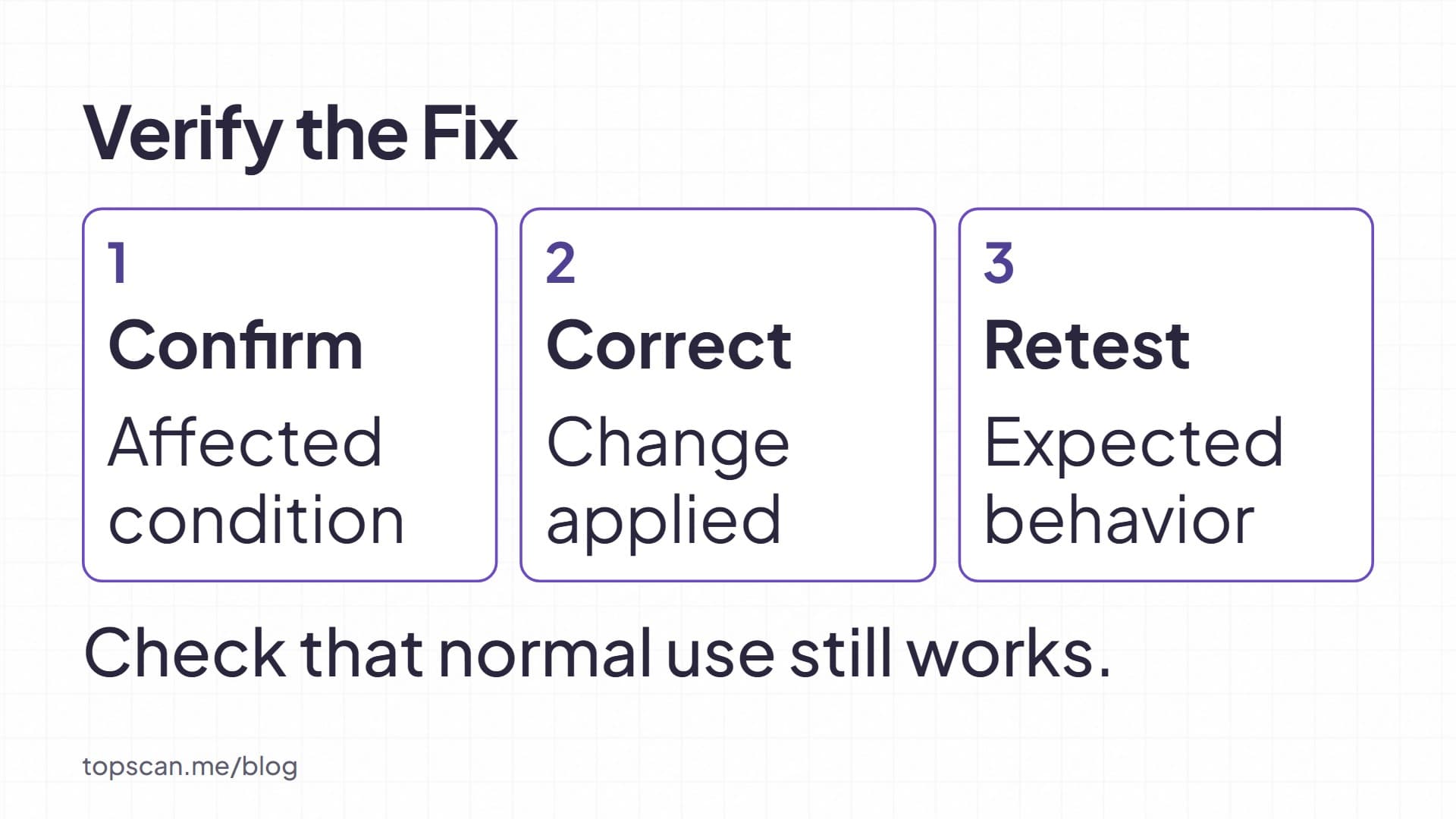
Retest the affected behavior and check that legitimate use still works. Then add the relevant check to the release or maintenance routine. The next deployment, plugin update, or configuration change can alter the site's exposure again.