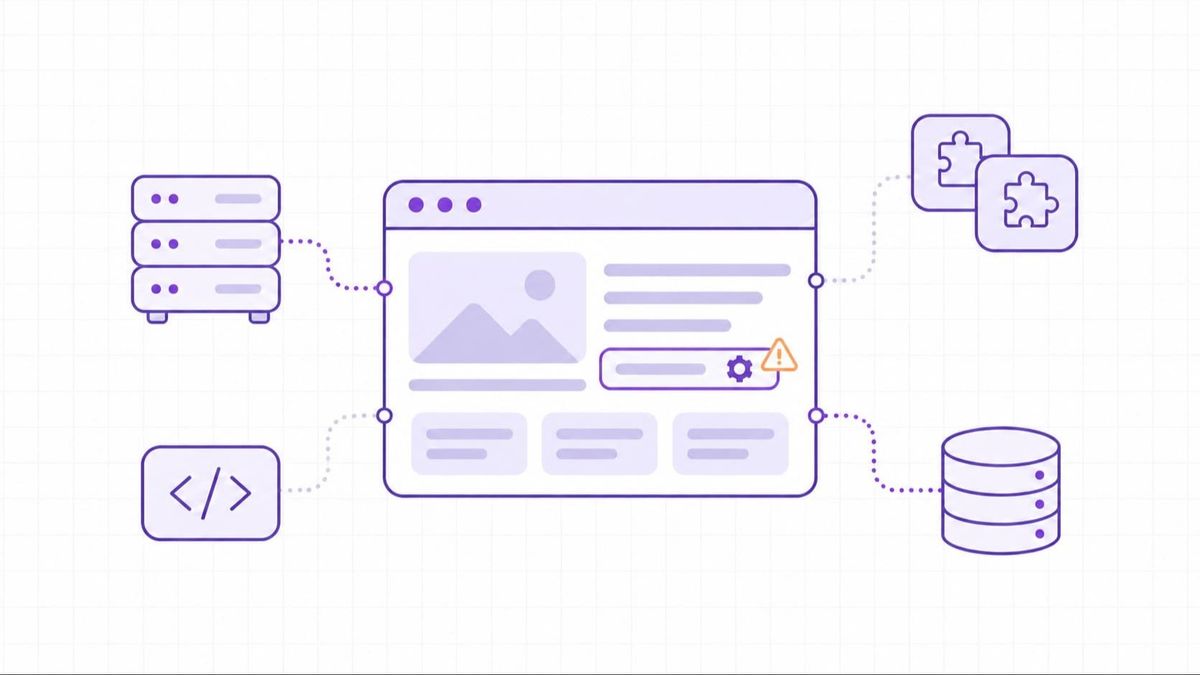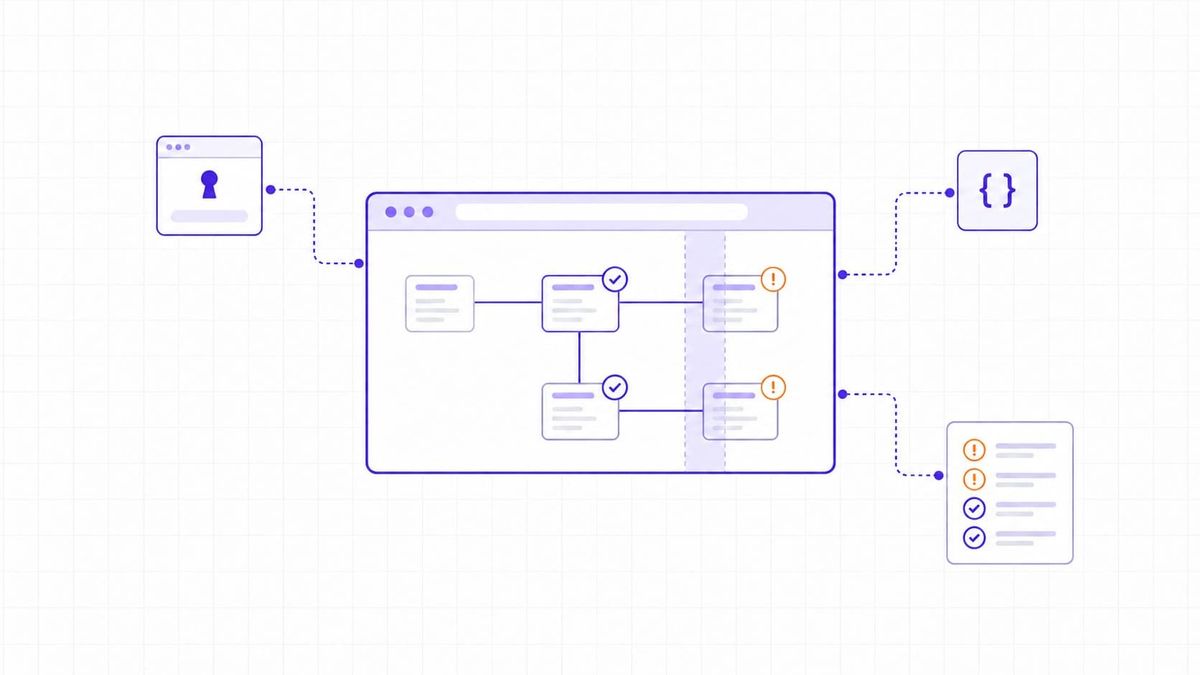
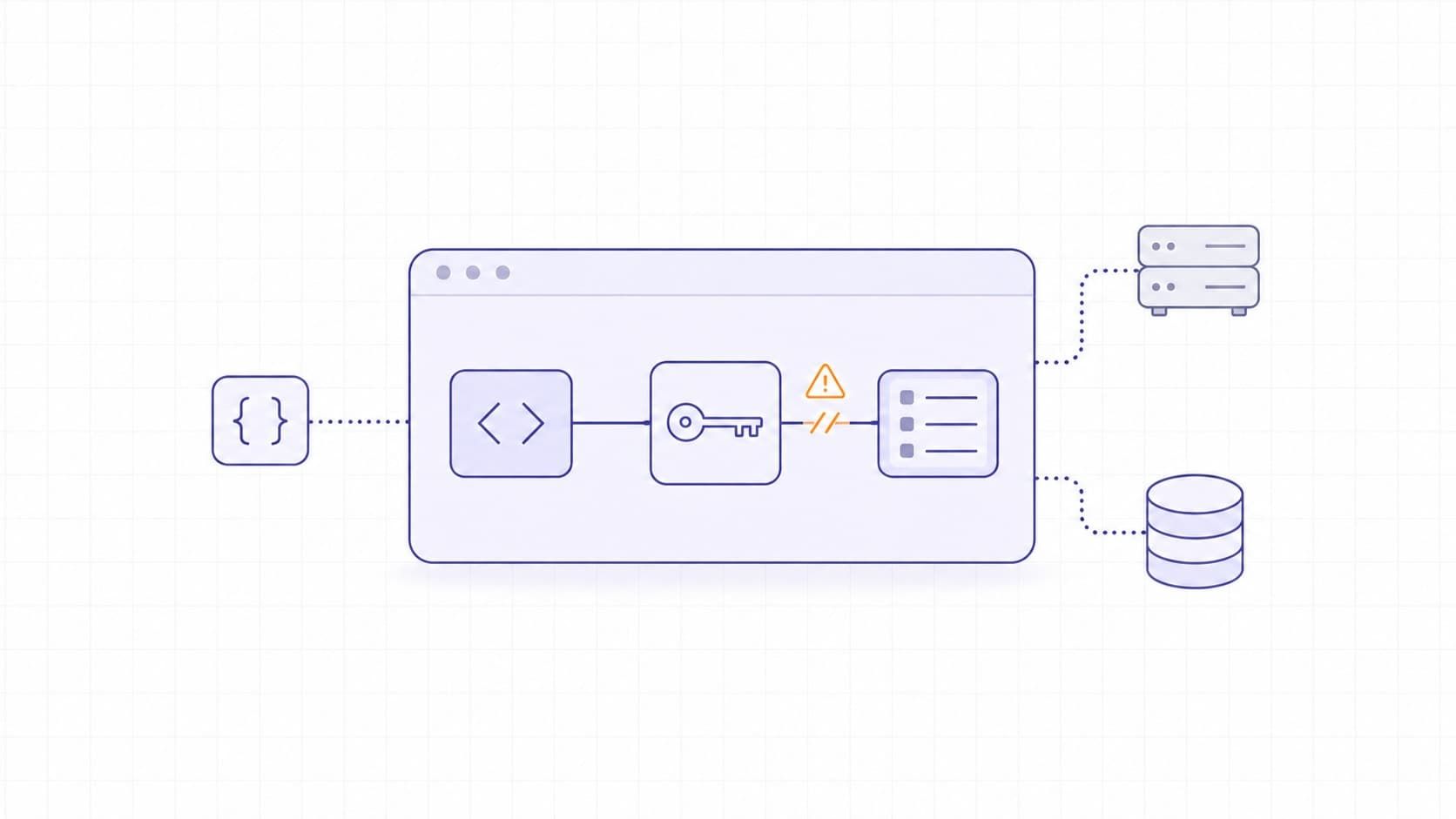
Web application vulnerabilities are weaknesses in an application's design, code, dependencies, or configuration that attackers can exploit to access data, perform unauthorized actions, or disrupt a service. They affect public websites, private portals, and APIs alike.
For an engineering team, recognizing the weakness is only the start. A login problem, an unsafe database query, and a broken refund rule need different fixes. This guide connects common web app vulnerabilities to their mechanisms, consequences, and preventive controls.
How Web Application Vulnerabilities Are Classified
A vulnerability is the weakness; an exploit is a way to take advantage of it. Finding a weakness does not establish that someone has exploited it. Likewise, exposing an API endpoint is not inherently a vulnerability: the question is whether the endpoint enforces the intended security rules.
The OWASP Top 10:2025 groups critical web application security risks for awareness and training. Its categories include broken access control, security misconfiguration, software supply chain failures, and mishandling of exceptional conditions. It is not a complete vulnerability list or a substitute for application-specific verification requirements.
Version matters. In the 2025 edition, server-side request forgery is included under Broken Access Control; older guides may list SSRF as its own Top 10 category. Neither placement makes an individual SSRF finding more or less urgent.
Keep the category separate from the identifier and severity.
Our guide to CVE identifiers explains public vulnerability records. A flaw in your own workflow still needs investigation even when the finding has no CVE number.
Common Types of Web Application Vulnerabilities
The following types explain recurring failure mechanisms, rather than claiming to rank every application's risks. For each finding, identify the boundary that failed: data becoming instructions, one user reaching another user's records, or a server trusting an unapproved destination.
Broken Access Control and IDOR
Authentication establishes identity. Authorization determines which records and actions that identity may access. A valid login does not grant access to every customer's data.
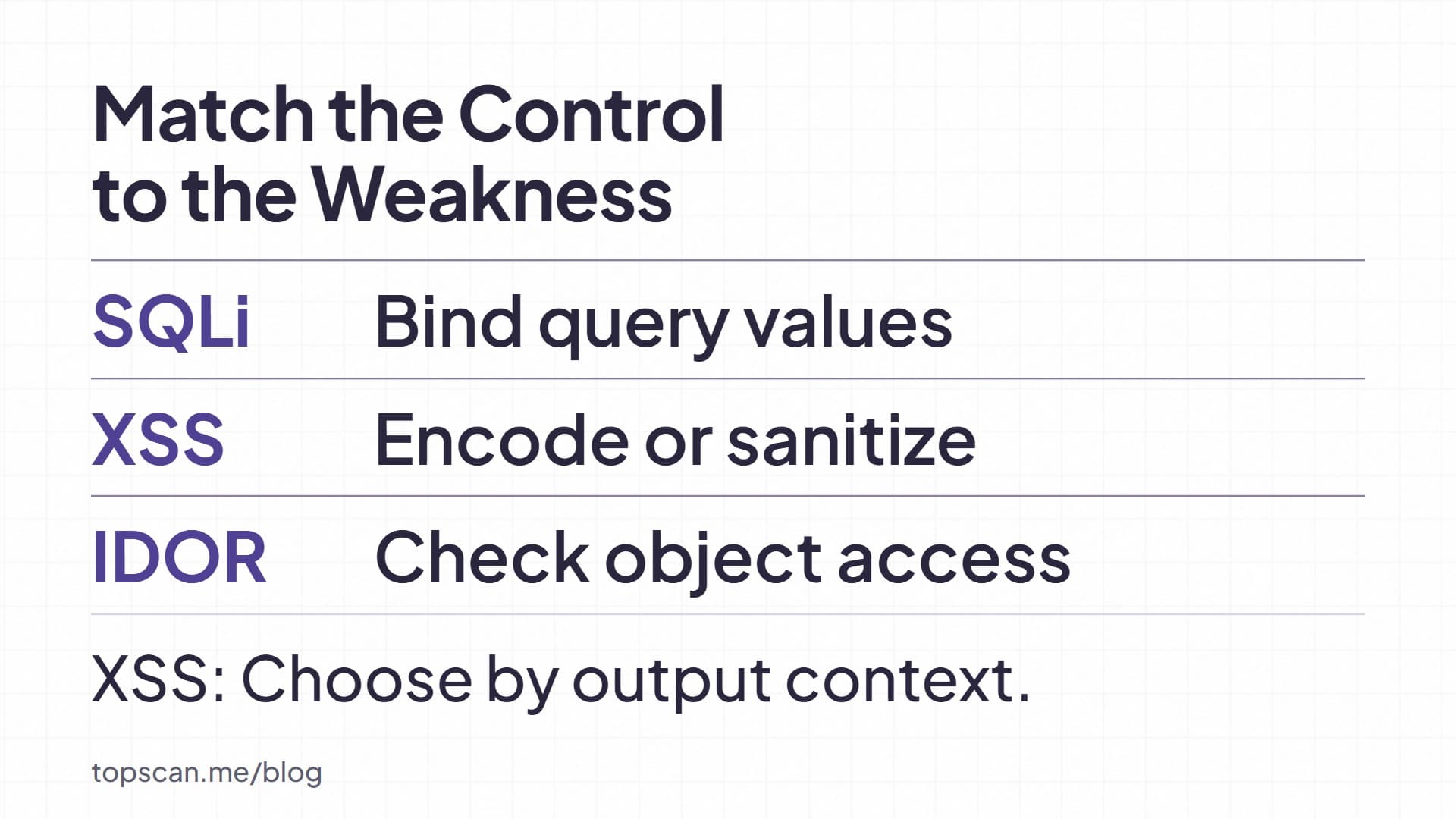
Insecure direct object references (IDOR) occur when an application accepts an object reference without enforcing the required permissions. Changing an invoice identifier might expose another tenant's invoice. Enforce authorization on the server for every request, including exports and background actions. Unpredictable identifiers can reduce guessing, but they do not replace permission checks.
SQL Injection and Other Injection Flaws
SQL injection occurs when untrusted data changes the structure of a database query. The consequences depend on the query, database permissions, and reachable data; unauthorized reading, modification, or deletion may be possible.
Use parameterized queries so that values remain data rather than SQL instructions. Preparing a query after concatenating untrusted input defeats that protection. Query elements that cannot be bound, such as column names, need a fixed mapping of permitted choices. Input validation complements these controls; it does not make string concatenation safe.
Command and NoSQL injection involve different interpreters. Review the relevant API's safe construction rules instead of assuming an SQL control protects every interpreter.
Cross-Site Scripting
Cross-site scripting (XSS) allows untrusted content to execute as code in a user's browser. Stored XSS persists in application content, reflected XSS returns through a response, and DOM-based XSS involves unsafe processing in browser code.
Use safe rendering APIs and output encoding appropriate to the HTML, JavaScript, or other destination context. When users must submit HTML, use a maintained HTML sanitizer. Content Security Policy adds protection but does not repair unsafe rendering.
HttpOnly cookies restrict JavaScript access to the cookie value. XSS can still act through the victim's browser, so that flag alone does not resolve the vulnerability.
Authentication and Session Failures
Weak account recovery, inadequate protection against automated login attempts, and poorly managed sessions can let attackers take over accounts. Check recovery and logout behavior alongside the login form.
Apply multifactor authentication where appropriate, throttle repeated attempts, and require reauthentication for sensitive changes. Renew session identifiers after authentication or privilege changes, and invalidate sessions on the server when users log out. Deleting a browser cookie alone does not invalidate a stolen session.
Cross-Site Request Forgery
Cross-site request forgery (CSRF) tricks a browser into submitting an unintended action with credentials that the browser supplies automatically, commonly session cookies. An authenticated request does not by itself prove that the user intended the action.
Use your framework's CSRF protection and configure it correctly. Where token-based protection is used, validate the token on the server for state-changing requests. Keep state changes out of GET handlers. SameSite cookies add protection, but their limits mean they should not be treated as a universal replacement for CSRF defenses.
Server-Side Request Forgery
SSRF makes the application server send requests to unintended destinations. A URL-import feature may reach an internal service or cloud metadata endpoint that an internet user cannot access directly.
Restrict destinations to an allowlist when the feature permits it, validate resolved addresses, and control outbound network access. Redirects and DNS behavior also need consideration. Features that legitimately fetch arbitrary public URLs require different restrictions from integrations with a small set of trusted services. Blocking one suspicious hostname is insufficient.
Misconfiguration, Data Exposure, and Supply Chain Failures
Production debug output, unchanged default accounts, and unnecessary services can expose information or functionality. Use hardened deployment settings and remove components that the application does not need.
HTTPS protects data in transit; it does not establish that database contents, backups, or encryption keys are protected. Choose storage protection around the data and threat model, and manage keys separately from protected data.Store passwords with a suitable password-hashing function rather than reversible encryption.
Dependencies introduce another source of risk. Inventory client-side and server-side components, monitor relevant advisories, and verify the sources and integrity of packages and build artifacts. Updating a library addresses a different problem from securing a compromised build process.
Business Logic and Error-Handling Flaws
A workflow can accept syntactically valid requests that violate business rules. For example, a checkout that trusts a client-supplied price needs a server-side rule for the authoritative price. This is an illustrative scenario based on OWASP's business-data validation guidance, not a reported customer incident.
Review failure conditions too. If a permission service times out, the application must not silently grant access. OWASP Top 10:2025 explicitly includes mishandling of exceptional conditions, including failing open and inconsistent error handling. Test security behavior when a dependency fails, not only when the normal workflow succeeds.
Where Web Application Vulnerabilities Exist
The same weakness may cross several parts of the stack. A browser interface sends input to an API, backend logic constructs a query, and a database returns records. Review the trust boundaries between those components rather than assigning risk by layer alone.
A hidden button offers no protection if the API accepts the action directly. A database with limited permissions can constrain an injection's impact, while a cloud identity with excessive permissions can widen it. Trace which identity makes each request, which data it can reach, and where the application enforces that decision.
Match Assessment Methods to the Weakness
Use complementary checks with an explicit scope:
- Static application security testing (SAST) examines source or compiled code for potential flaws. Review its findings against the surrounding code and configuration.
- Software composition analysis (SCA) examines third-party components and associated risk. It complements tests of your own application's behavior.
- Dynamic application security testing (DAST) probes a running application. Active checks send attack traffic, so agree on targets, credentials, exclusions, and operating limits before running them. Automated scanning cannot establish that every business rule is enforced.
Our guide to web application vulnerability scanning explains runtime coverage and scanner selection. For a broader assessment, website vulnerability testing covers planning, manual investigation, and retesting.
Validate Access Boundaries with Multiple Test Accounts
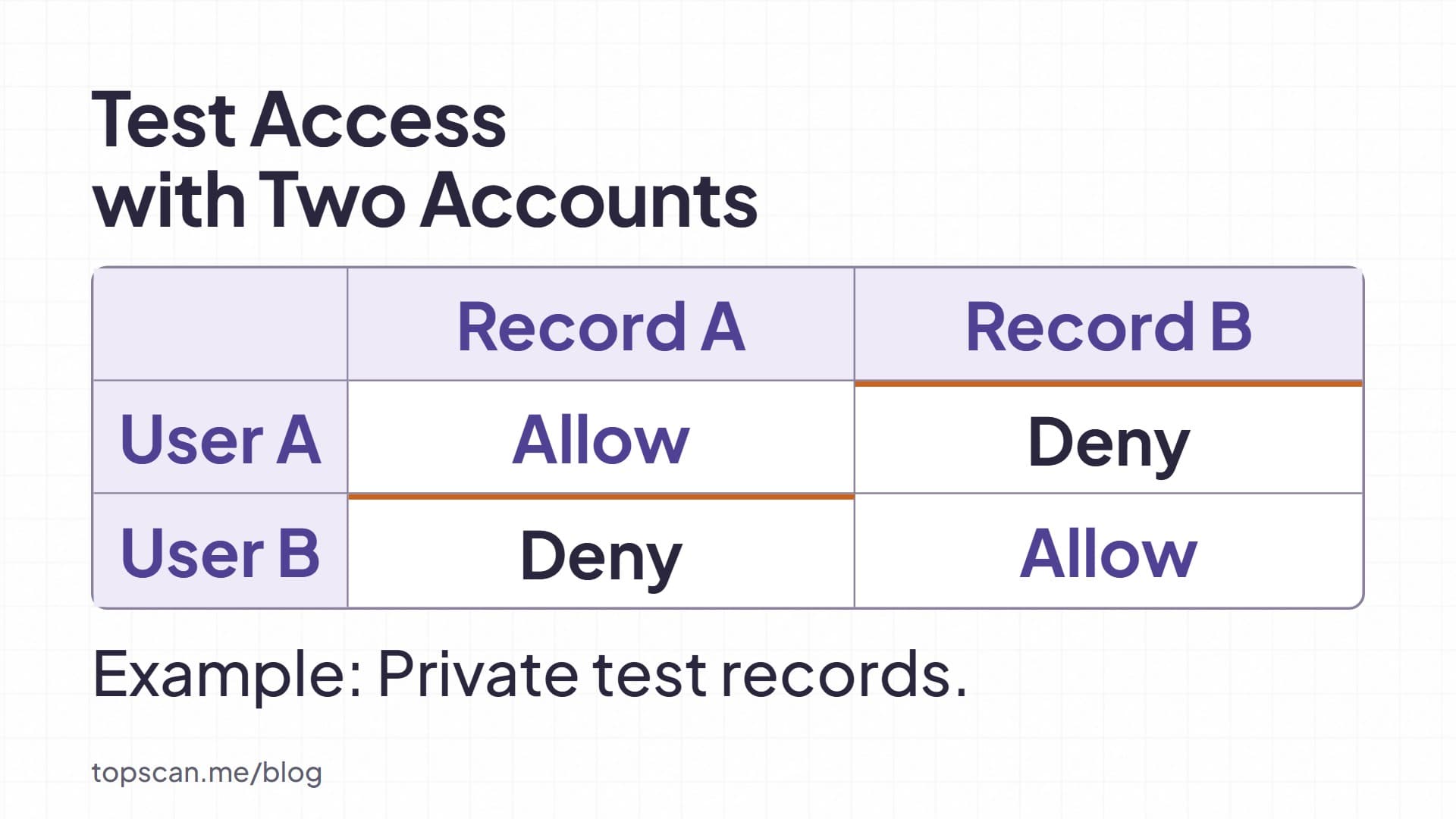
OWASP WSTG v4.2 recommends at least two users with access to different objects when testing direct object references. Apply that practice in an authorized test environment with synthetic records. Establish that each account can access its own records, then verify that it cannot read or modify the other account's records. Include different privilege levels where relevant.
This checks the permission boundary directly. After a fix, repeat both allowed and denied actions. A failed request caused by a broken login or a missing record does not demonstrate that authorization now works. Preserve the requests, account roles, expected results, and observed responses.
Prioritize Findings and Verify the Fix
A severity score is an input to prioritization. CVSS v4.0 distinguishes Base, Threat, and Environmental metrics; a Base score alone does not describe your deployment's full context. Consider exposure, required privileges, affected data, business function, and exploitation evidence.
Use the evidence you have to choose the next action:
|
Situation |
Next Action |
Evidence Needed Before Closure |
|
Unauthorized access to another customer's records is confirmed |
Restrict the affected route and assign a server-side authorization fix |
Allowed and denied requests behave correctly across the affected roles |
|
A dependency advisory may apply |
Verify the deployed version, configuration, and affected use; update or mitigate as appropriate |
Deployment evidence and checks relevant to the advisory |
|
A scanner reports a possible flaw without sufficient evidence |
Validate the result and record any coverage limits |
Reproducible evidence or a documented reason for rejecting the finding |
|
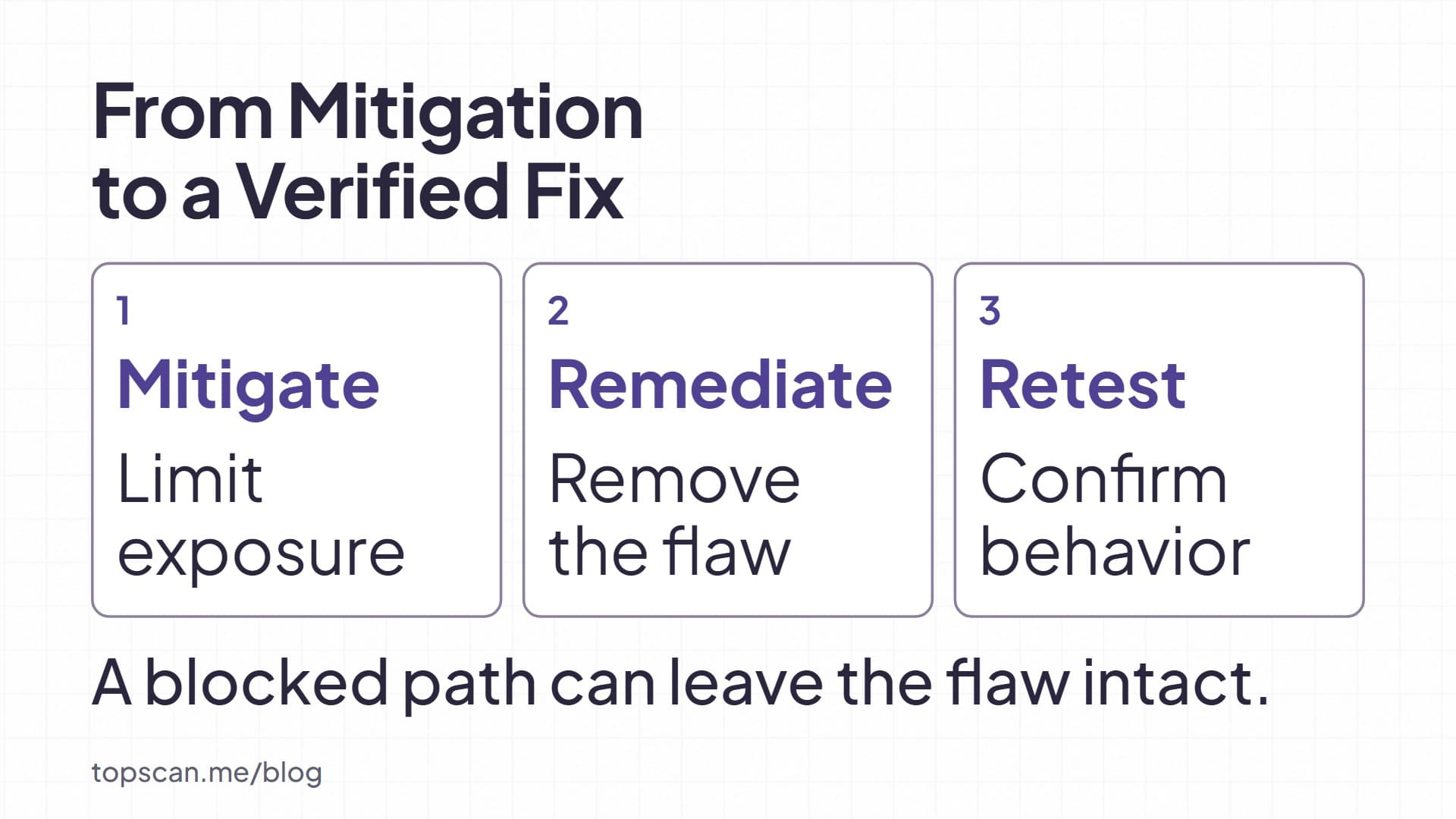
A temporary control blocks the tested path |
Retain the remediation task and assign a review date |
A verified permanent fix, or an explicitly reviewed residual risk |
Our recommendation: use a WAF rule or access restriction as temporary vulnerability mitigation when deployment constraints delay a fix. Record what the control covers and when to review it. A blocked request does not prove that the underlying code is safe, and a rule that disrupts legitimate workflows may need a different containment approach.
Make Prevention and Verification Part of Delivery
Define security requirements before implementation, review permission and data flows during design, and run code, dependency, and runtime checks at appropriate release stages. Assign findings to an owner and keep evidence of deployment and retesting. NIST's Secure Software Development Framework v1.1 describes practices that can be integrated into an existing development lifecycle.
For application-specific requirements, use the OWASP Application Security Verification Standard alongside the Top 10. It provides a basis for specifying and testing technical security controls.
In our web application security testing, we distinguish standard checks from optional active deep testing and support configured authentication. Choose the scope around your application's data and workflows, then use findings to drive verified fixes. Review logs and alerts separately for signs of compromise; a vulnerability scan does not establish whether an incident occurred.