
Creating a tag
Tags are created on the fly whenever you type a new name in the Tags field while adding or editing a target. There is no separate "create tag" flow for single targets.
To create a tag without attaching it to a target immediately:
- Go to Targets → Tags.
- Click Add tag.
- Enter a name and save.
Viewing all tags
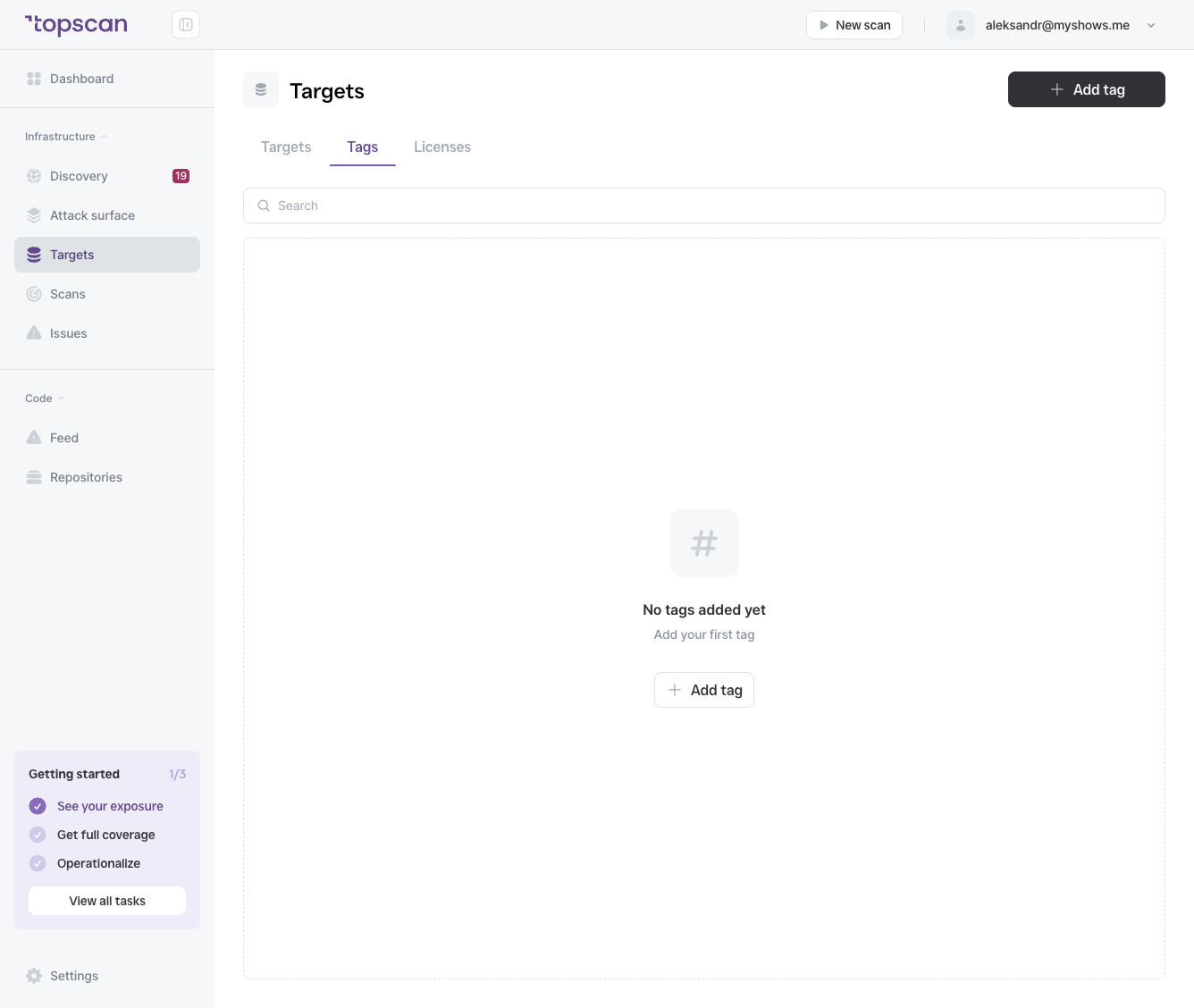
The Tags tab in the Targets section shows a full list of your workspace tags with:
| Column | What it shows |
|---|---|
| Tag name | The tag label |
| Targets | How many targets currently carry this tag |
| Created by | The team member who created it |
| Created on | Creation date |
Using tags in scans
When starting a scan, you can select a tag instead of individual targets. Topscan will scan all targets that carry that tag at the time the scan runs. This is particularly useful for scheduled scans — if you add a new target to a tag, it will be included in the next scheduled run automatically.
Deleting a tag
Deleting a tag removes it from all targets that carry it. The targets themselves are not deleted. To delete a tag, click the ⋯ menu next to it in the Tags table.