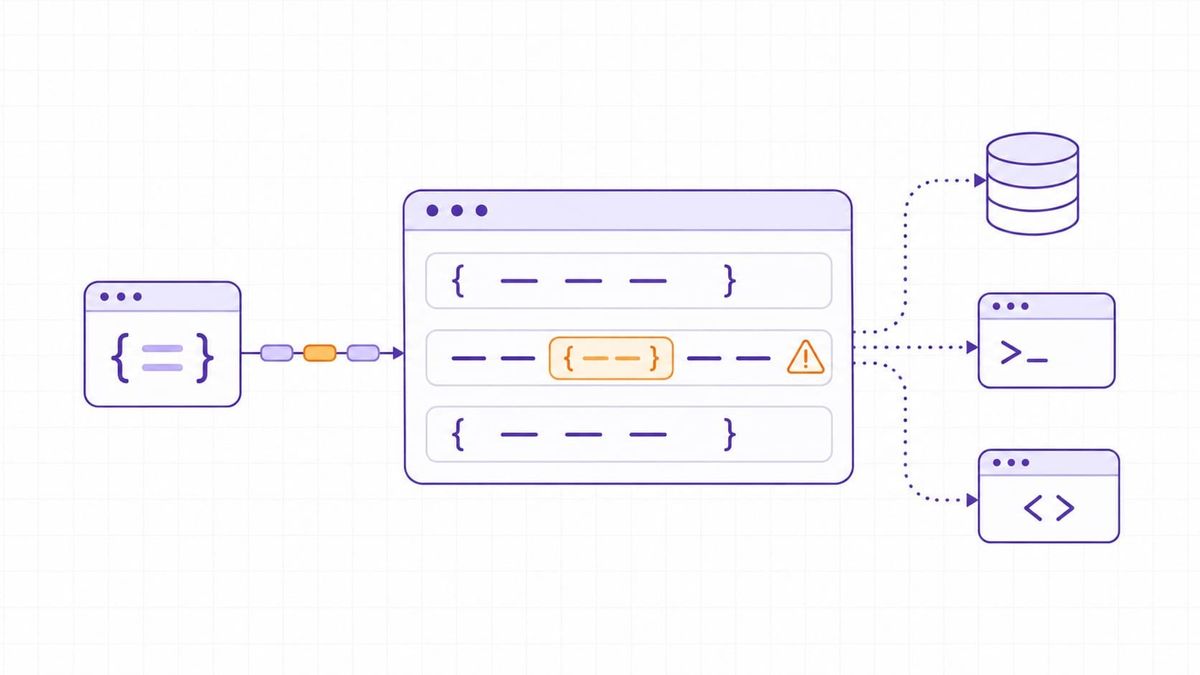

SQL injection (SQLi) is a vulnerability that lets untrusted input change the meaning of a Structured Query Language (SQL) statement. It occurs when application code puts a value into the instructions the database will interpret. A successful SQL injection attack can expose data, bypass a poorly implemented login check, or modify records, depending on the affected query and the privileges of the application's database account. The CISA and FBI Secure by Design alert recommends parameterized queries as the primary way to prevent this defect.
Start your review at the database call. Follow the value backward to where it entered the application and forward to the operation it can influence. That trace often tells you more about the risk than the name of the form or the severity label attached to a scanner finding.
How SQL Injection Works
Consider a product catalog that filters results by category. The application knows which table to read and which column to filter. If it assembles the SQL statement by joining the request value directly to that statement, the value can alter the condition the database evaluates. The same mistake can occur in a query that writes data or in a stored procedure that builds a statement from its arguments. The OWASP SQL injection prevention guide traces the problem to how the query is assembled.
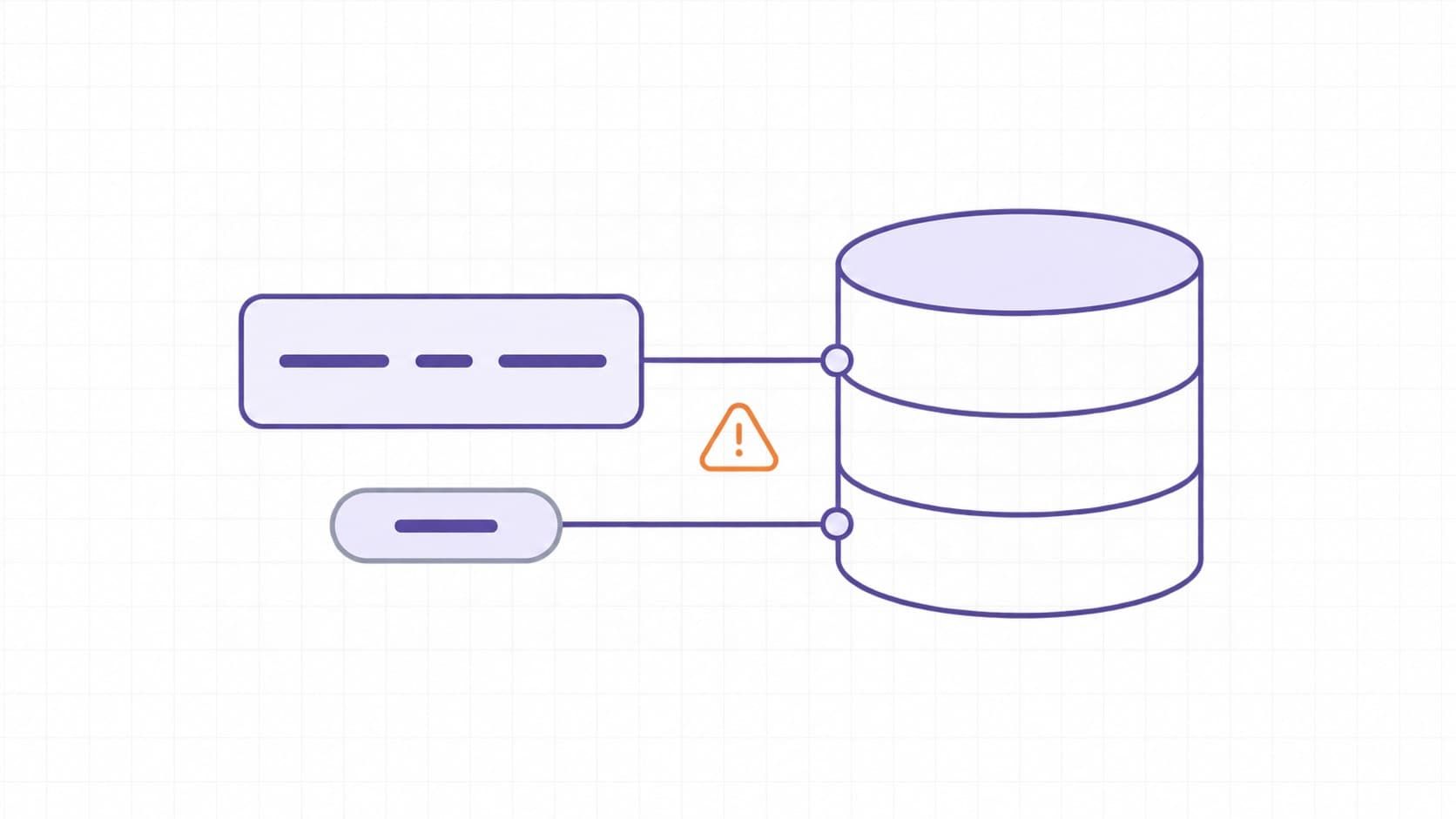
A parameterized query gives the database driver the statement and its values separately. The statement defines the operation. Each bound parameter fills a value position inside it. This distinction applies to applications backed by databases such as PostgreSQL, MySQL, SQL Server, and SQLite. The placeholder syntax and binding API depend on the driver.
A Safe SQL Injection Example
An ordinary category name such as Children's books makes the boundary easy to see. In this Python example, the connection points to a test catalog. The question mark marks the value position, and the category is passed as a separate argument. The apostrophe stays part of the category name. This is how the Python sqlite3 documentation explains value binding.
category = "Children's books"
rows = connection.execute(
"SELECT id, name FROM products WHERE category = ?",
(category,),
).fetchall()
With two fixture categories, the expected result is simple to check. The query returns the books in Children's books and excludes books assigned to the other category. The same principle carries over to numeric IDs and updates. Keep each value in the driver's parameter argument and use application-owned SQL for the operation itself.
Binding also leaves a separate question for the application to answer. If a customer supplies an account ID, the application still has to check whether that customer may read the account. A bound value preserves the SQL statement's structure. Authorization decides which records the user should be able to reach.
Where Untrusted Data Reaches SQL
Any value can become an injection risk if code later uses it to assemble SQL. When you review an application, include the paths that run behind the scenes. The vulnerable query may live in a shared data-access helper, an internal reporting tool, or a scheduled worker that never handles an HTTP request itself.
Our overview of injection attack types maps this boundary to other parts of an application.
- Sign-in and account lookups. Follow the submitted identifier to the code that looks up an account. Include support tools that search by email or customer ID and may use a separate query helper.
- Search, filters, and sorting. A URL parameter, form field, or API request body can supply a search term or filter value. A sort option changes the shape of a query, so review how the application turns that selection into an approved column and direction.
- Headers, cookies, and imported records. A cookie, webhook field, or a cell in a CSV can be processed downstream. Review where the value is interpreted as part of a query, even if another service accepted or stored it first.
Second-Order SQL Injection
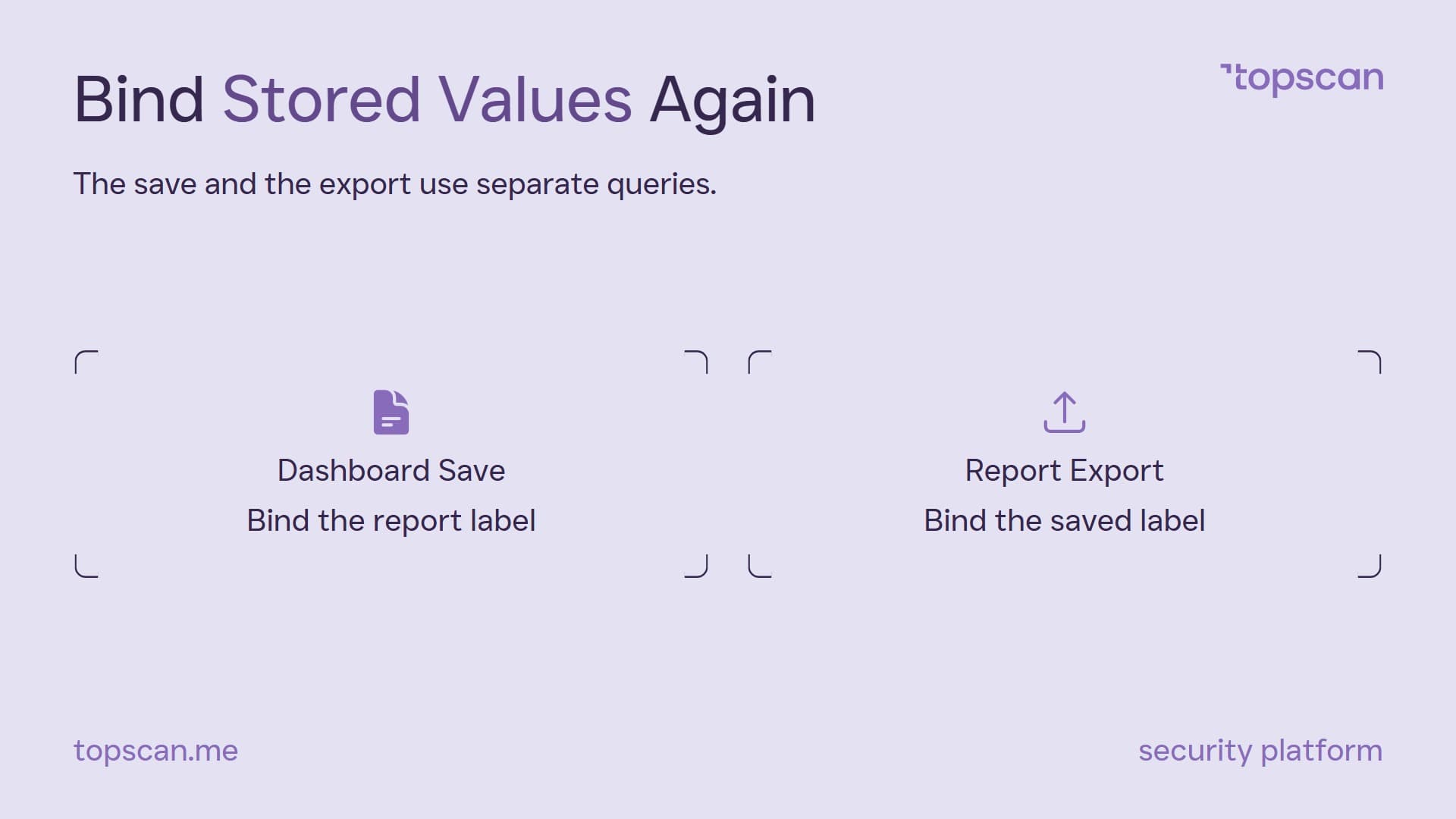
Second-order SQL injection occurs when an application stores a value and later uses it unsafely to construct a different query. For example, a dashboard can save a report label through a parameterized write while an export worker later uses that label in a raw SQL filter. The write and the export use separate database calls. Review and test the export itself. A successful test of the save operation only covers the first call.
Types of SQL Injection and the Signals They Leave
SQL injection types describe how an application or database can reveal the effect of a changed query. In-band SQL injection uses the application's own response. Blind, or inferential, SQL injection can be inferred from behavior without seeing query results. Out-of-band SQL injection uses a separate channel. These differences matter during triage because each observation supports a different conclusion. The consequences still depend on the operation and the data accessible to the application.
|
Type |
What May Be Observable |
What to Check During Triage |
|
UNION-based |
Extra database results appear in an application response that displays query output. |
Compare the returned fields with the intended result and trace the data-access code that produced them. |
|
Error-based |
A database error exposes details in the response or logs. |
Identify the failing operation. A database error alone can also come from an application bug. |
|
Boolean-based blind |
The application behaves differently depending on a condition evaluated by the database. |
Look for supporting application or database evidence. Different content or status codes can be normal. |
|
Time-based blind |
Query behavior affects the response time even when the page body stays the same. |
Check whether the slowdown came from the query. Load, locks, and network delays can produce similar symptoms. |
|
Out-of-band |
An observation appears on a separate channel where the database environment supports the necessary capability and outbound access. |
Correlate unexpected outbound activity with the application and database timeline before attributing it to SQLi. |
Blind SQL injection can exist even when a site shows generic error pages. Hiding database details reduces what a response reveals and leaves query construction as a separate control. Second-order SQL injection describes when the unsafe query is built. An issue can therefore be both second-order and blind.
Impact Depends on the Query and the Database Role
At triage, ask what the affected code does and what its connection is allowed to do. An unsafe read query can disclose records beyond the intended result, including data from other customers if the connection can read it. A vulnerable account lookup can undermine login logic when that logic trusts the query result. A connection with write privileges can allow data to be changed or deleted. The CISA and FBI advisory describes these risks to confidentiality, integrity, and availability.
A read-only role can narrow the damage, but it may still have access to sensitive records. A write-capable role increases the scope you need to investigate. Assess the granted permissions in the affected environment and the sensitivity of the data that role can reach. Treat claims about access beyond the database as conditional on additional features or permissions.
The TalkTalk Breach and Legacy Software
In October 2015, an SQL injection attack against TalkTalk exposed personal data belonging to 156,959 customers. The UK's Information Commissioner's Office identified outdated database software and a fix that had been available since 2012. The regulator issued a £400,000 penalty in October 2016. Its written evidence to the UK Parliament documents the attack, the unpatched software, and the penalty.
For teams that inherit old websites, the case raises a practical question. Which pages still have database access, and who owns the software behind them? Remove unused routes and retire the credentials they no longer need. Keep routes that still serve customers in the patch and testing inventory, even if they sit outside the current release pipeline.
SQL Injection Prevention and Mitigation
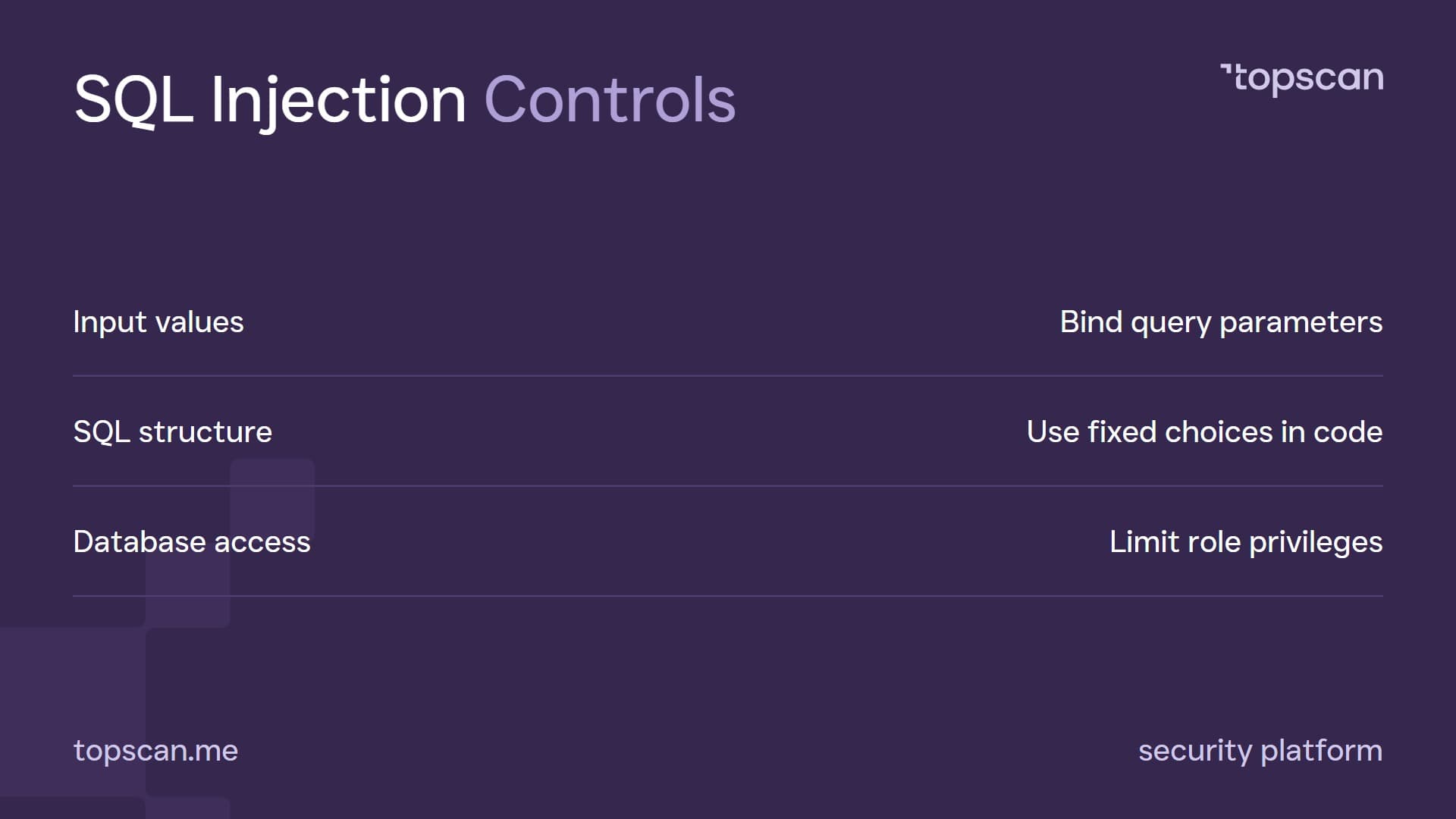
Fix SQL injection where the application builds the query. Use the driver's parameter API for values, keep SQL structure under application control, and give the connection only the privileges the feature requires. Apply those rules to each entry point that reaches the same database operation.
Bind Values and Control Query Structure
Bind search terms, IDs, dates, and other data through the database driver or a query builder that handles binding. Dynamic identifiers such as column names and sort directions generally need a different pattern. If a user selects Newest first, map that selection to an ordering defined in code and reject choices the feature does not support. The OWASP guidance on allow-listed SQL structure explains why a value placeholder cannot do this job.
Input validation can still enforce business rules. Check that a page size is an integer within your service's supported range or that a sort selection belongs to the supported set. Bind the resulting values where the query accepts data parameters. Handwritten escaping and keyword filters are fragile substitutes for the driver's binding API.
Review the whole statement before approving a change to a shared query helper. A call may bind the search term correctly while accepting a filter fragment built in another layer. Binding the search term protects that value position. The filter fragment still needs its own review. Keep a short list of code-owned query variants if the feature supports several optional filters, and bind the values for the variant it selects.
Review Raw SQL and Stored Procedures
An object-relational mapper (ORM) can bind values through its query API. Code that assembles its own raw SQL still has to bind any untrusted values it passes to the database. For example, SQLAlchemy's guide to bound parameters shows how to pass values separately even when executing a text statement. Check reporting modules and bulk jobs where developers may write raw SQL for reasons such as grouping or performance.
Stored procedures need the same review. A safe call from the application can hand data to a procedure that builds a dynamic statement internally. Inspect the procedure body and bind values in the statement it executes. When a vendor owns that code, track its security updates and verify which package version actually runs in your environment.
Limit the Database Role and Use Temporary Controls
Review the role used at runtime, including inherited grants. A catalog service that only reads product data can use an identity scoped to the tables or views it needs. Schema migrations can run under a separate identity with elevated privileges. The team can then restrict the running application without blocking deployment work. See OWASP's guidance on database permissions.
Verify permissions with the role the service actually uses. A staging check can establish that the catalog can read its product view and that database grants deny reads from an unrelated test table. Record the deployed role and its scope in the remediation ticket. A passing test with a developer's credentials says little about the service account.
A web application firewall (WAF), including one provided by a web application and API protection (WAAP) service, can reduce exposure while a code fix or vendor update is prepared. Our recommendation is to use a narrowly scoped temporary rule when disabling a vulnerable route would disrupt an essential service and the rule can be validated. Review its effect on legitimate requests and give it an owner and an expiration review. OWASP's virtual patching guidance describes that interim approach.
Detection and Verification Across the Release Cycle
Use code review to establish how input reaches SQL. Use runtime observations to understand which paths are exercised and what the application actually does. A static analysis finding can point to a query worth reviewing. A dynamic scan can flag behavior on a reachable route. Both leave coverage questions for the team that knows the code, configuration, and data. NIST's Secure Software Development Framework treats code analysis and testing running software as separate practices.
- Review changed code and analyze it before deployment. Static application security testing (SAST) can flag unsafe query construction. A reviewer can then follow the data through wrappers, confirm that the call binds values, and check any SQL built in a stored procedure or a separate service.
- Check the running application within an agreed scope. Dynamic application security testing (DAST) examines the running service. Record the routes, roles, and environment covered. Background jobs and routes a scanner could not reach need separate verification. Our web application vulnerability scanning guide explains how to assess coverage.
- Keep a regression test with the fix. In a test environment with synthetic records, check that the affected feature accepts valid data containing ordinary punctuation, returns only the expected fixture records, and preserves the intended operation for invalid values. If a later export uses stored data, exercise that path too. Run the test in continuous integration when the query or its helper changes. Our guide to website vulnerability testing describes how to tie retesting to releases and risk.
On our web application security testing page, we distinguish standard observation from separately enabled active checks that include SQL injection. For any scanner you evaluate, record which checks were enabled and which authenticated areas were in scope. A scan with no SQLi findings tells you about that run's coverage and results.
For a release that introduces a privileged reporting feature, an independent review can focus on paths the regular suite rarely exercises, such as administrative views and long-running exports. Give the reviewer a test environment, a list of roles, and the expected database permissions so the results can be tied to specific operations.
Response to Suspected SQL Injection Activity
Keep three levels of evidence separate during triage. A WAF alert, a burst of database errors, or unusual response times may justify investigation. Code review or an authorized assessment can establish that a query is vulnerable. Evidence that someone accessed or changed data through that route belongs in the incident investigation. Record the limits of the available telemetry as you assess each level.
When you suspect an incident, preserve relevant application, proxy, and database audit logs. Correlate timestamps and request IDs where available. Look for evidence of changes to affected data or access by the application role during the relevant period. Keep evidence access restricted, and avoid collecting credentials, tokens, or customer records in routine logs. OWASP's logging guidance describes sensitive fields to exclude or mask.
Contain the exposure by restricting the affected feature or limiting its database access, as the incident and service requirements allow. Assess whether credentials were exposed and rotate affected credentials as needed. Work with the incident owner to determine the scope, restore affected services from verified backups if necessary, and involve the privacy or legal team when the evidence points to sensitive data exposure. NIST's incident response guidance covers incident analysis, containment, and recovery.
Close the Finding After the Fix Passes a Retest
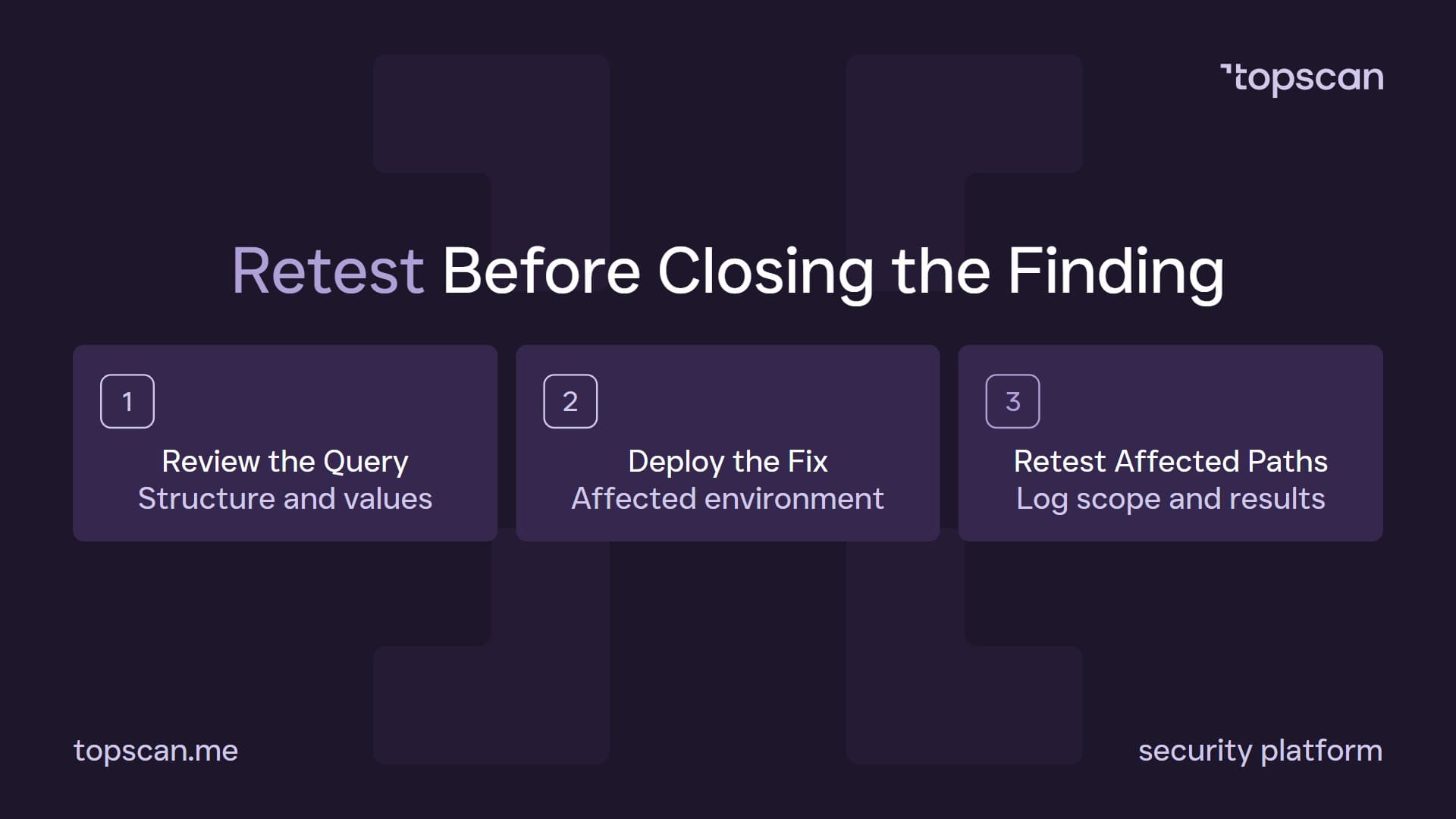
Give the finding an owner and record the affected route or job, the database operation, and the expected behavior after remediation. Close it when a reviewer has confirmed how values and structure are handled, the fix is deployed to the affected environment, and the relevant paths have passed a retest. Record any routes, roles, or jobs still awaiting coverage so the closure decision has a clear scope.
Our vulnerability assessment report guide shows how to record a closure test.
If a temporary firewall rule is still in place, keep it tracked as a separate control and decide whether to retire it after the code fix is verified. The incident can still require follow-up on historical access and data impact. Closing the engineering finding answers whether the affected query has been fixed.